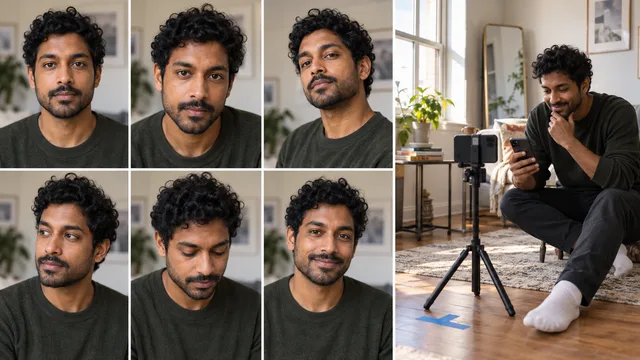
Yes, you can smile in a US passport photo, but keep it natural. The safest version is a relaxed, closed-mouth smile with both eyes fully open and your face pointed straight at the camera.
The current rule is less strict than the old advice to look completely expressionless. The US Department of State says a smile is allowed when your eyes are open and your mouth is closed.1 A neutral expression is also acceptable.
The practical difference is not smile versus no smile. It is whether your expression changes the features used to identify you.\n
The short answer
Use one of these expressions:
- A neutral face with relaxed lips
- A slight closed-mouth smile
- A natural smile that does not make you squint
Avoid these expressions:
- An open-mouth grin
- A broad laugh
- Pursed lips or a joke face
- Raised eyebrows or exaggerated surprise
- Any expression that partly closes your eyes
The State Department's internal photo guidance says normal, unexaggerated smiles are acceptable.2 That wording is useful because it focuses on the result. Your face should still look like you on an ordinary day.
What an acceptable smile looks like
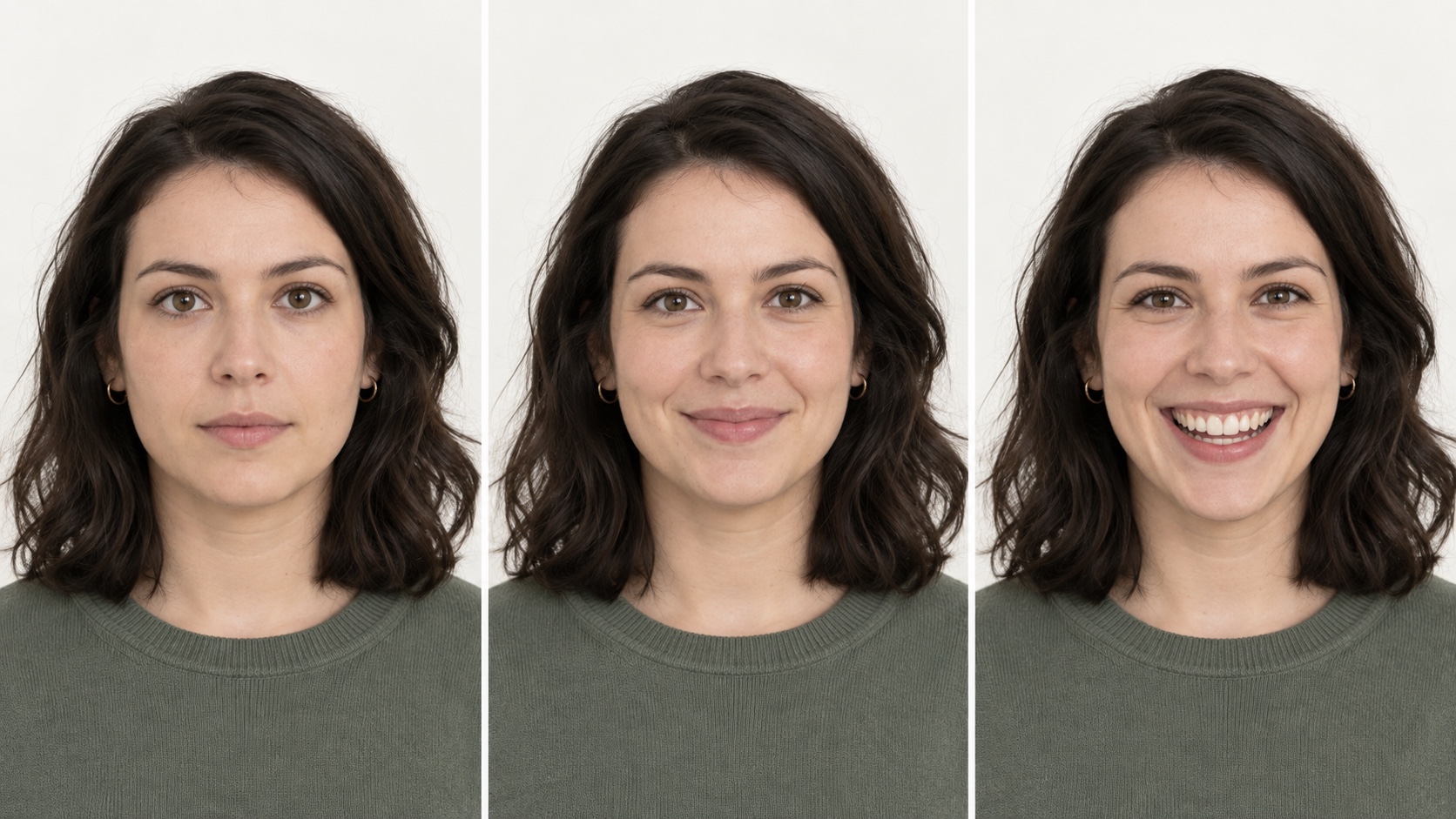
Picture three versions of the same portrait.
The first has a neutral expression. The eyes are open, the jaw is relaxed, and the lips rest together. This is the lowest-risk option.
The second has a gentle closed-mouth smile. The corners of the mouth lift slightly, but the eyes remain open and the head position does not change. This is normally acceptable.
The third has a wide, open-mouth grin. The cheeks rise, the eyes narrow, and more of the face changes. This is the risky version.
The expression comparison above is an editorial illustration, not an official government sample. Do not submit it or any generated portrait as your passport photo.
Why people still hear “do not smile”
Photo counters often give the simplest instruction that produces a compliant result every time. “Do not smile” is easier to follow than “use a natural, unexaggerated, closed-mouth smile while keeping your eyes open.”
There is also a difference between what the rule permits and what minimizes retakes. A neutral expression gives the photographer fewer variables to manage. If you tend to squint when you smile, neutral is the safer choice.
That does not make every smile invalid. It means the burden is on the final image, not the label you give your expression.
A five-second expression check
Before the photo is taken, look at the camera and check five things:
- Both eyes are fully visible.
- Your mouth is closed.
- Your head is upright and facing forward.
- Your eyebrows and cheeks look relaxed.
- The expression feels natural enough to hold for two seconds.
If one of those changes when you smile, reduce the smile until it does not.
The rest of the photo still matters
A good expression cannot rescue a noncompliant image. The government also checks the background, lighting, framing, recent appearance, and whether the picture has been altered.
The State Department provides current examples of acceptable and unacceptable passport photos, including problems caused by shadows, poor framing, and digital changes.3 Review those examples before you take the final picture.
If you are preparing the photo yourself, use the US passport photo guide to check the overall process. The passport photo maker can help you understand cropping and layout, while the broader AI passport photo overview explains why a polished portrait and a compliant identity photo are different products.
Most important, do not retouch your face, replace the background digitally, or use a generated portrait for an application. A passport photo is an identity record, not a profile image.
What to do at a pharmacy or photo counter
Tell the photographer you want a small closed-mouth smile. Then ask to see the image before it is printed.
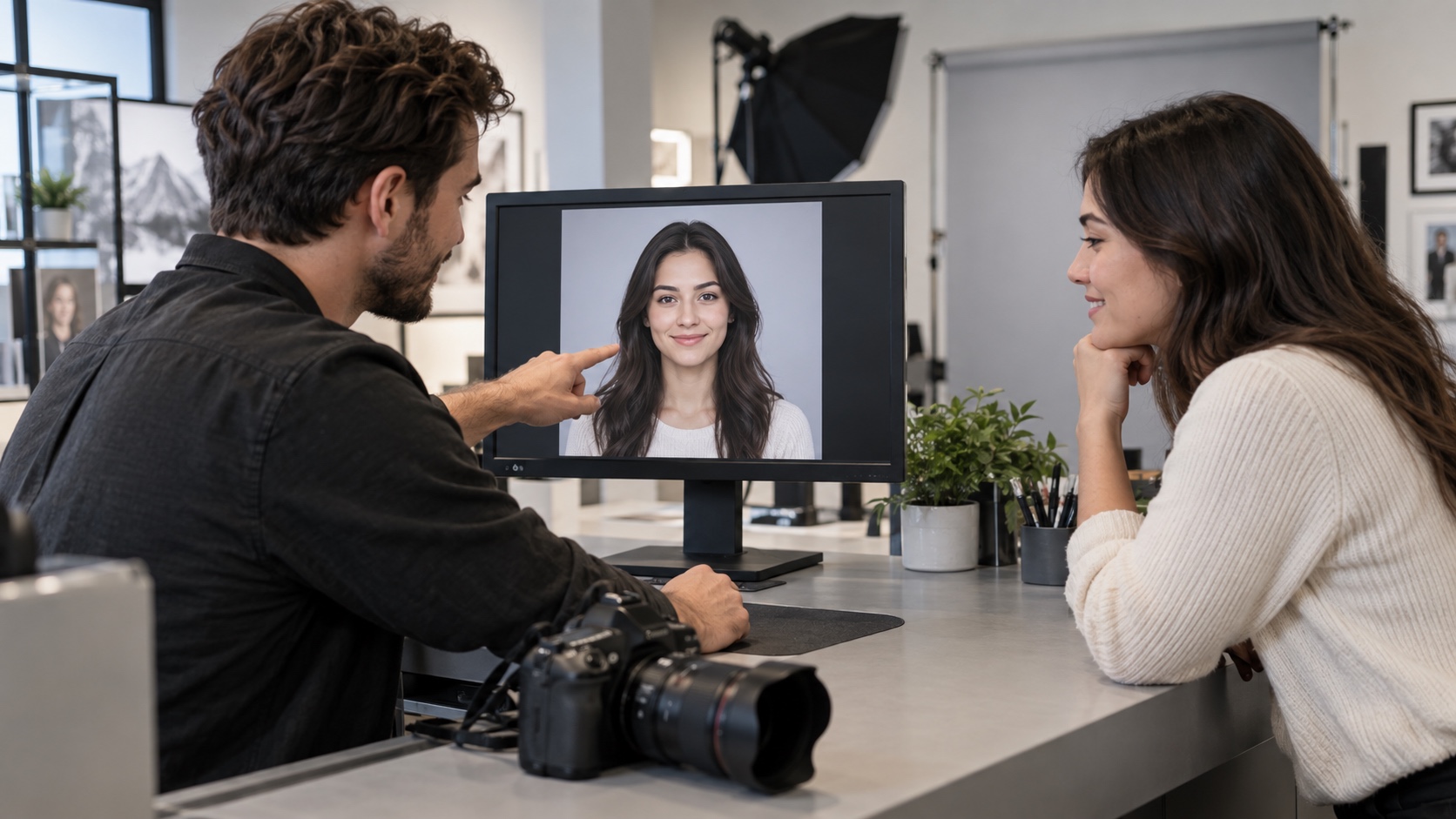
Check the eyes first. If they look narrower than they do in a neutral expression, retake the photo with less smile. Check that the mouth is closed and that no hair, shadow, or glare obscures the face.
Do not worry about looking glamorous. Aim to look current, recognizable, and easy to compare with the person standing at a border checkpoint.
What to do when taking the photo at home
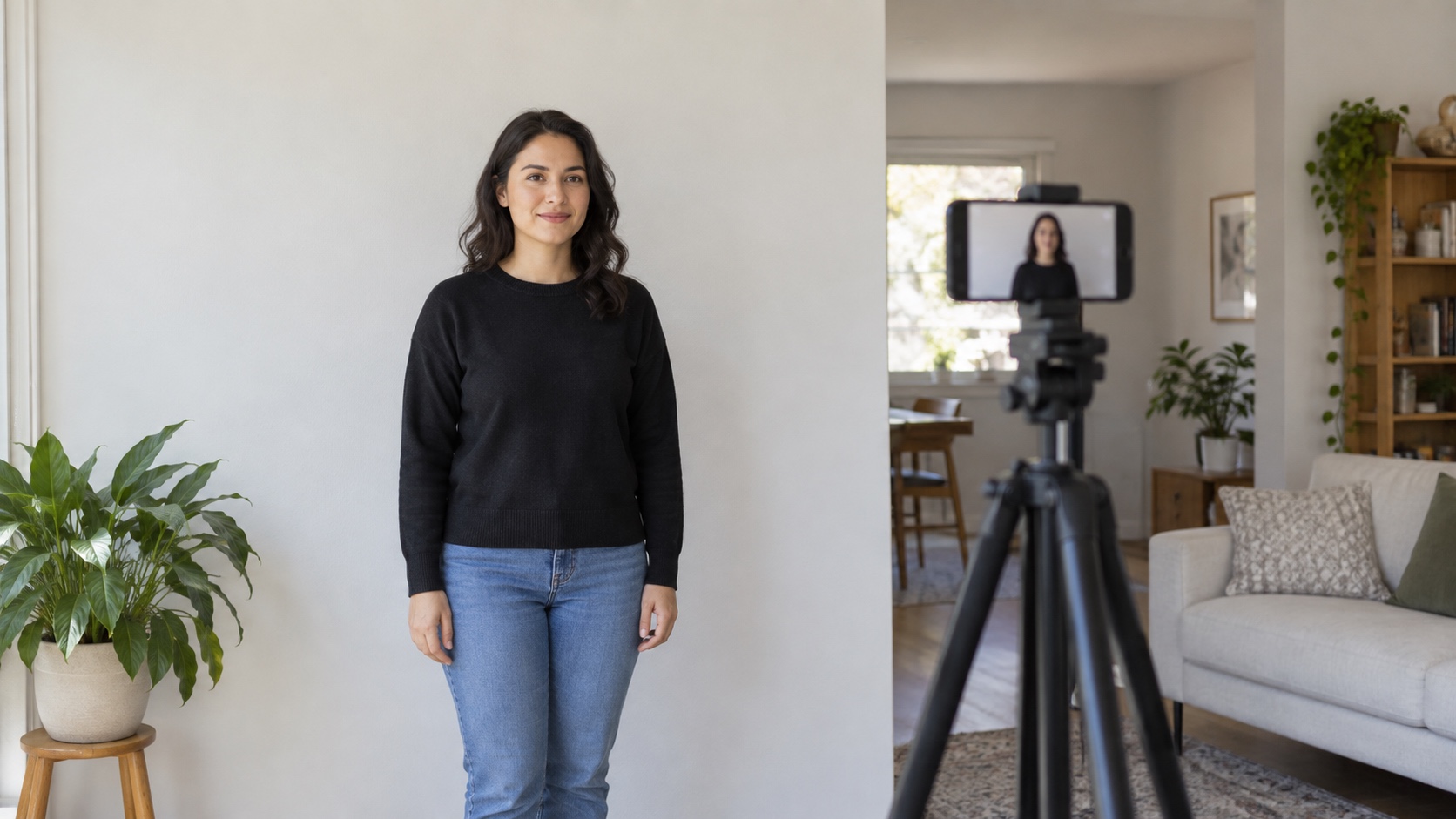
Use a plain light background and even light. Place the camera at eye level rather than below your chin.
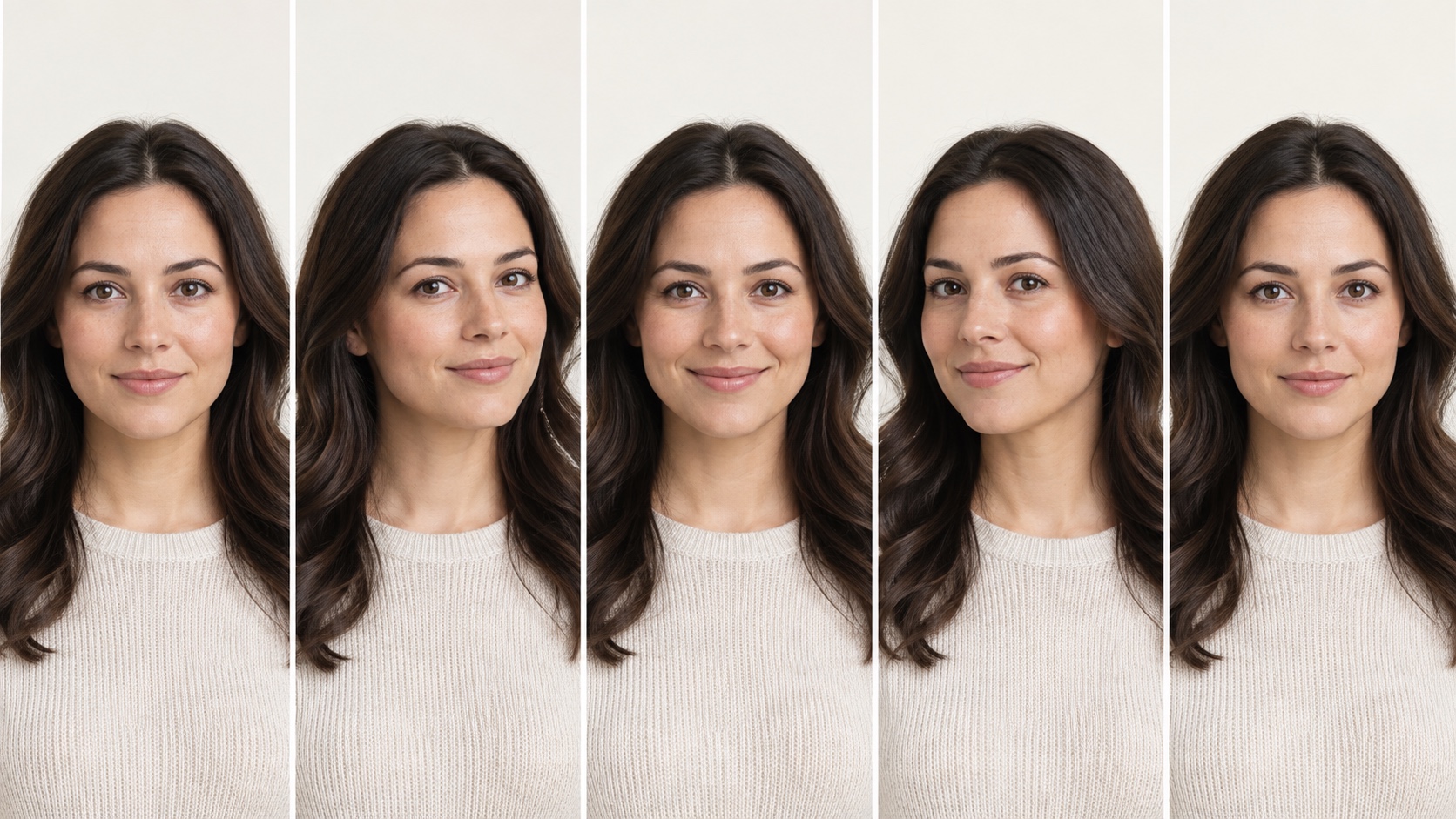
Take three frames in quick succession:
- Neutral expression
- Gentle closed-mouth smile
- Slightly softer version of that smile
Compare the eyes and head position, not just the mouth. Choose the frame where your features are clearest.
Should children smile in passport photos?
Children still need a clear, recognizable face, but getting a perfectly neutral expression can be difficult. The official examples include separate guidance for babies and children. The practical goal remains the same: face visible, eyes open when age allows, no other person in the frame, and no exaggerated expression.
Do not hold a toy near the lens if it makes the child turn away from the camera. A calm, mild expression is more useful than a big reaction.
The safest decision
If you want the lowest-risk choice, use a neutral expression. If you look tense without a smile, use a gentle closed-mouth smile that leaves your eyes fully open.
Choose the neutral or gentle expression that keeps your face easiest to recognize.
For profile photos, professional portraits, or practice images where passport restrictions do not apply, you can create a polished portrait from your own photos. Keep that result separate from any government identity application.