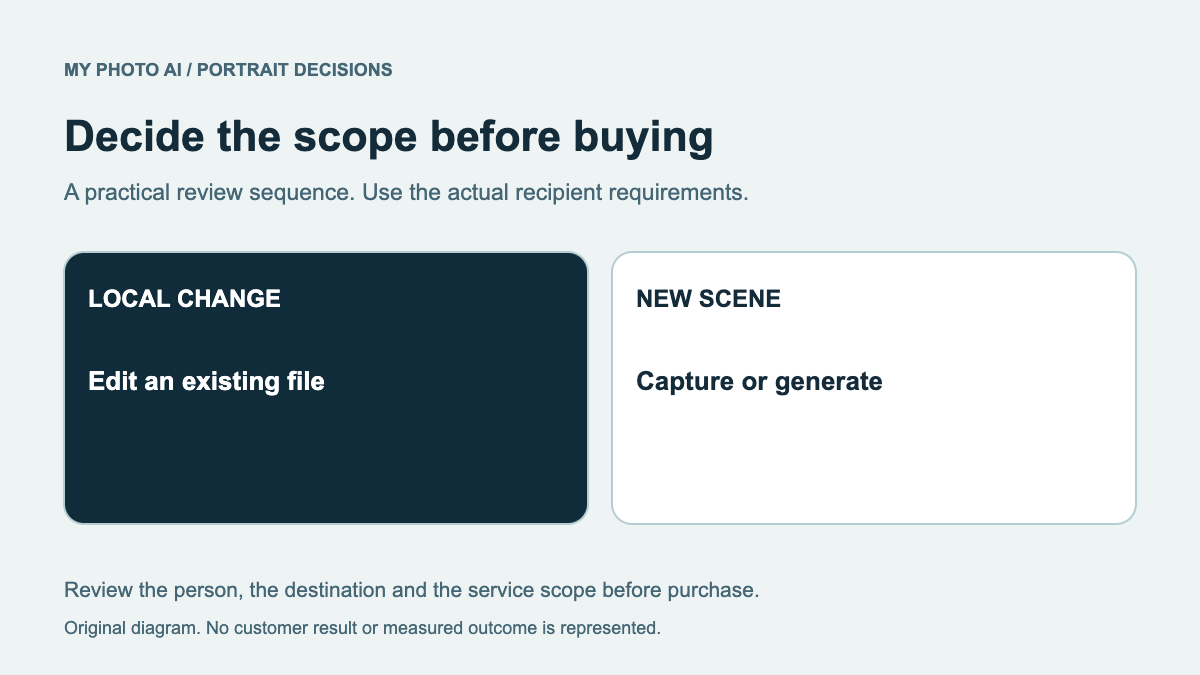
AirBrush Studio describes a desktop workflow for importing photographs, applying presets, refining details, syncing edits and exporting a batch.1 MyPhotoAI supplies a paid portrait-generation shoot. Before comparing the offers, decide whether your task is to edit suitable photographs you already have or create new portrait candidates.
This guide covers AirBrush Studio's published desktop product, not every mobile or web feature under the AirBrush name. It is published by MyPhotoAI from official information checked October 19, 2026. We have not installed Studio, uploaded personal photos or benchmarked batch-editing results.
Start with the source images
| Your task | Why an editor may fit | Why a new shoot may be considered |
|---|---|---|
| Several usable portraits need consistent surroundings | Apply and review a shared background treatment | The actual source portraits also need replacing |
| A selected image needs a local correction | Inspect a bounded edit without creating a new composition | The problem cannot be resolved acceptably in the source |
| Staff files need a common export layout | Produce destination copies from approved originals | Some people have no suitable current original |
| You need new clothing or composition | Check whether the edit changes only what you intend | Generate or photograph new candidates, then review them |
Those are task distinctions, not a claim that an editing product preserves every face unchanged. Inspect the edited person and nearby details after applying any preset or generative operation.
Match Studio access to your actual computer
AirBrush Studio lists support for Windows 10 and above and macOS 11 and above.1 Check the current download requirements for the computer you will actually use. Do not buy around a desktop feature if your intended workflow is on a different product or device.
Its described sequence includes batch import, preset application, fine-tuning, syncing edits and batch export.1 That is an advertised workflow, not proof that every portrait or lighting condition responds identically. Try an appropriate sample you have permission to use before relying on a large batch.
For a mixed folder, separate source problems first. A sharp, well-framed image and a distant blurred photograph may need different treatment. Applying the same setting across both does not create the missing original detail.
Separate processing credits from export wording
Studio's FAQ describes a free Basic plan with credits and additional paid plans for more credits or advanced features. Elsewhere the page advertises unlimited high-resolution exports.1 An export allowance does not by itself establish unlimited credited processing actions. Confirm which operation uses credits and what the selected plan includes.
We have not verified a current numerical Studio checkout price or a per-action credit charge. Do not substitute a mobile subscription price or an older AirBrush product's credit pack. Record the actual product and offer shown before proceeding.
The retouching guide helps define a bounded change. The retake guide separates that correction from a new shoot purchase.
Compare the MyPhotoAI shoot honestly
MyPhotoAI's current US Starter offer is US$5 for 3 HD photos. Plus includes 10 for US$10, while Everything includes all photos from one shoot for US$10.2 Personalized generation begins after payment. There is no subscription in this offer, and another shoot requires another purchase.
That does not establish a batch-import editor, team review dashboard or continuing credit balance. Consider it for new individual portrait candidates rather than treating its download allowance as an alternative name for Studio's processing workflow.
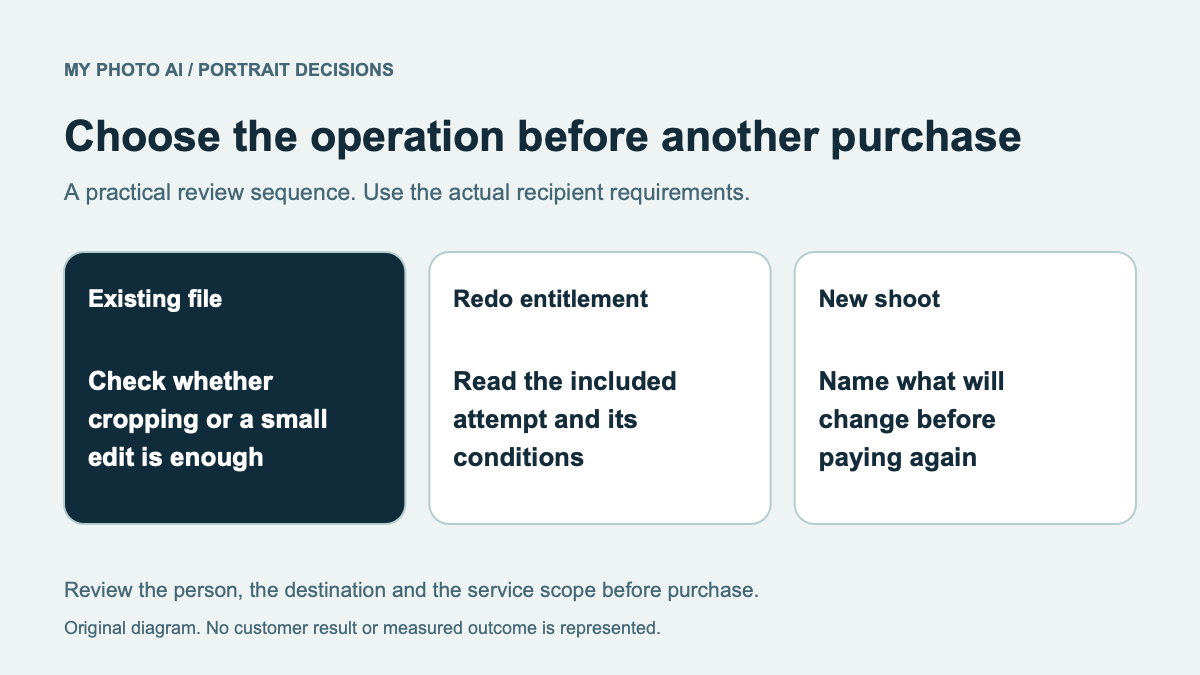
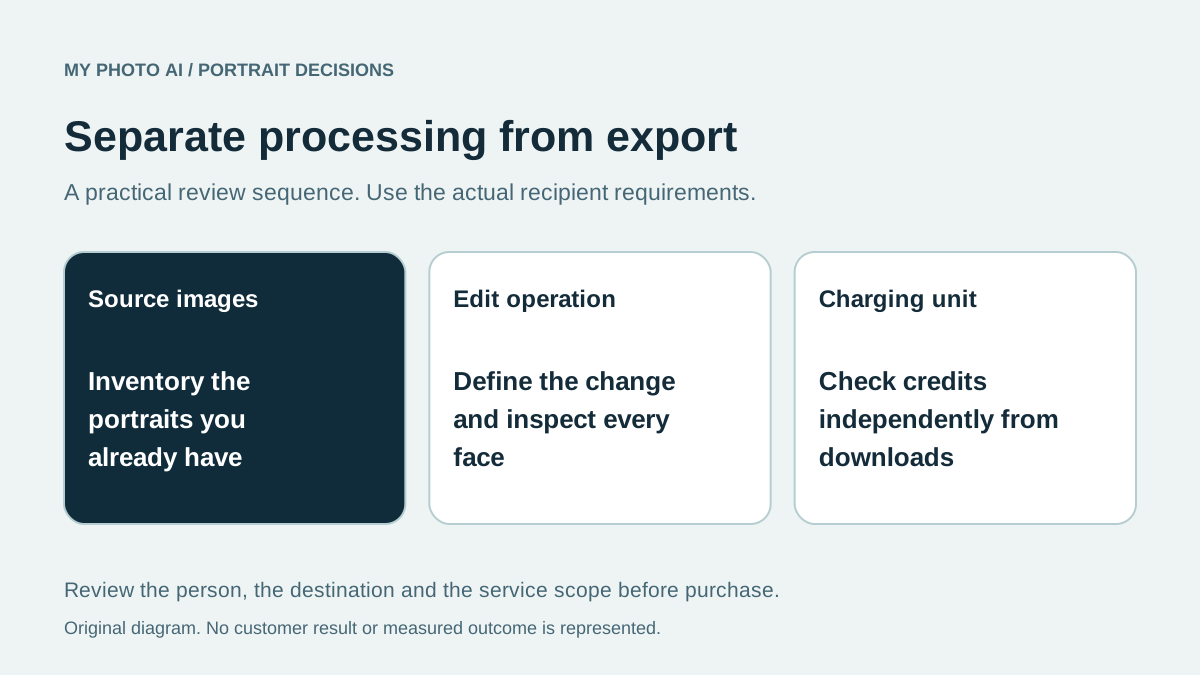
Download the edit-or-generate brief. Inventory the originals, name the required operation and check its actual charging unit. Keep an existing approved image when no new generation or paid processing is needed.
Sources
- 1Desktop workflow, system requirements and pricing FAQAirBrush Studio
- 2MyPhotoAI pricingMyPhotoAI