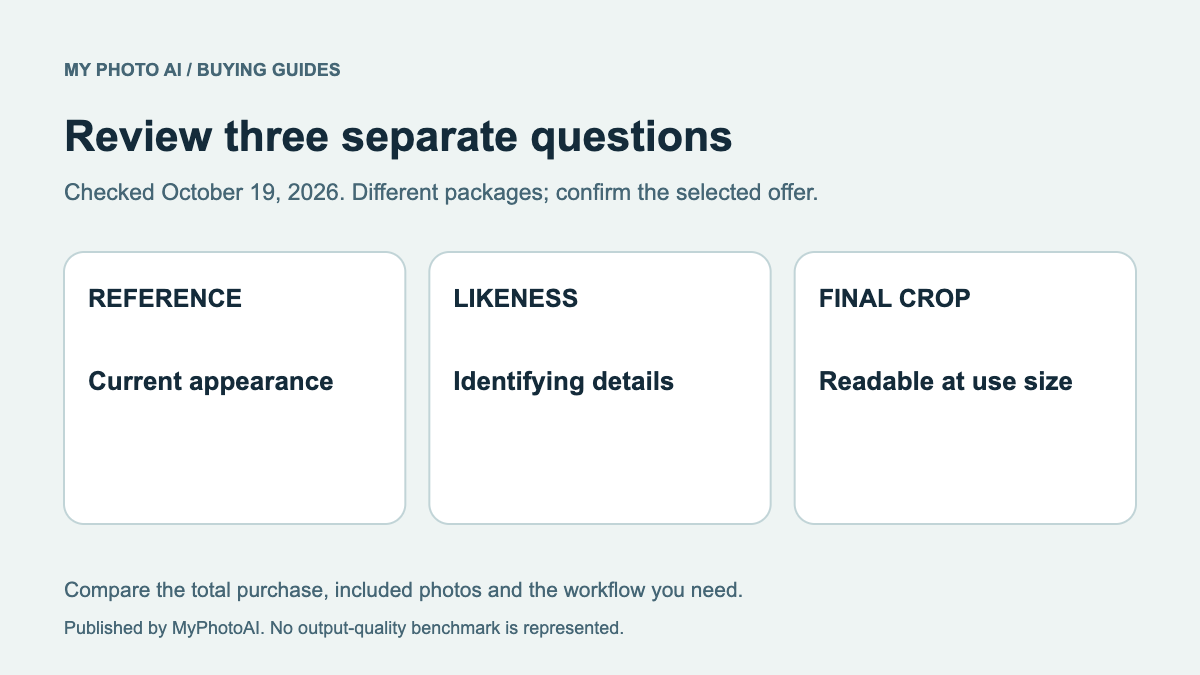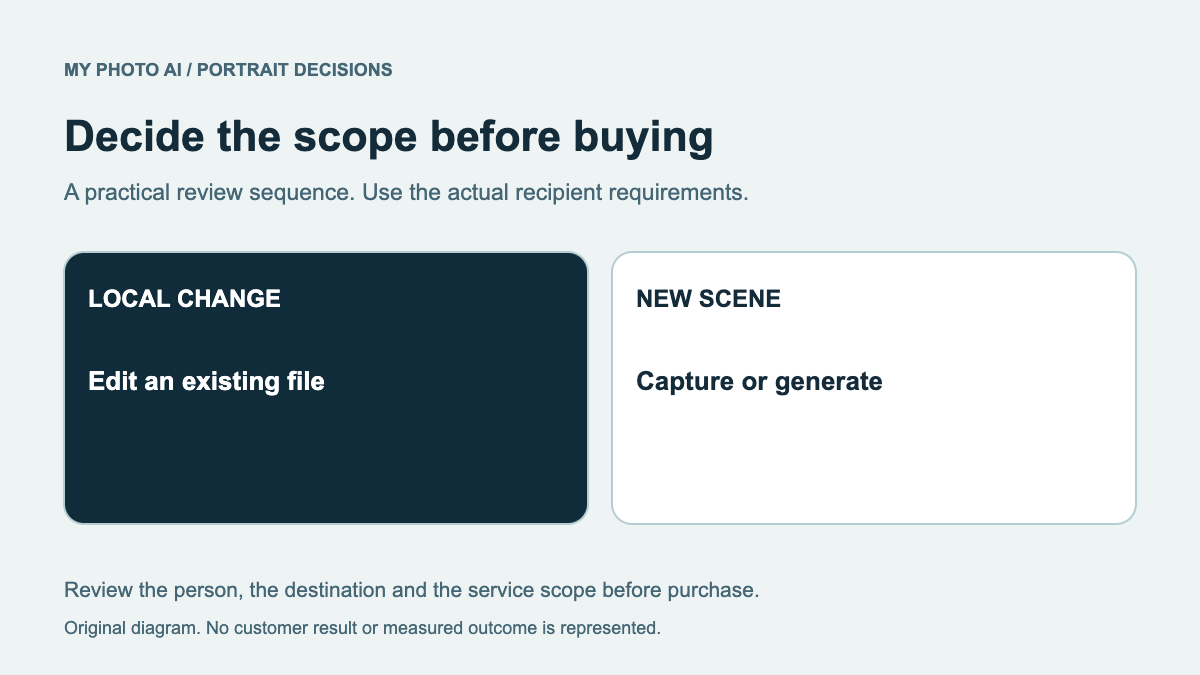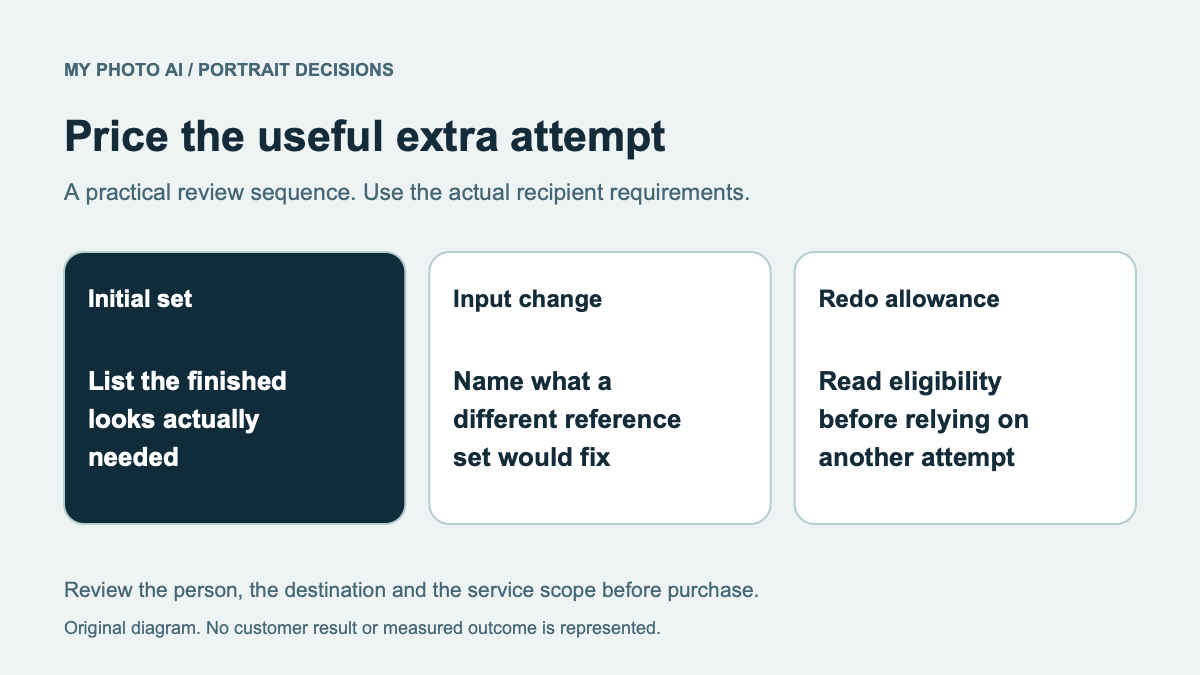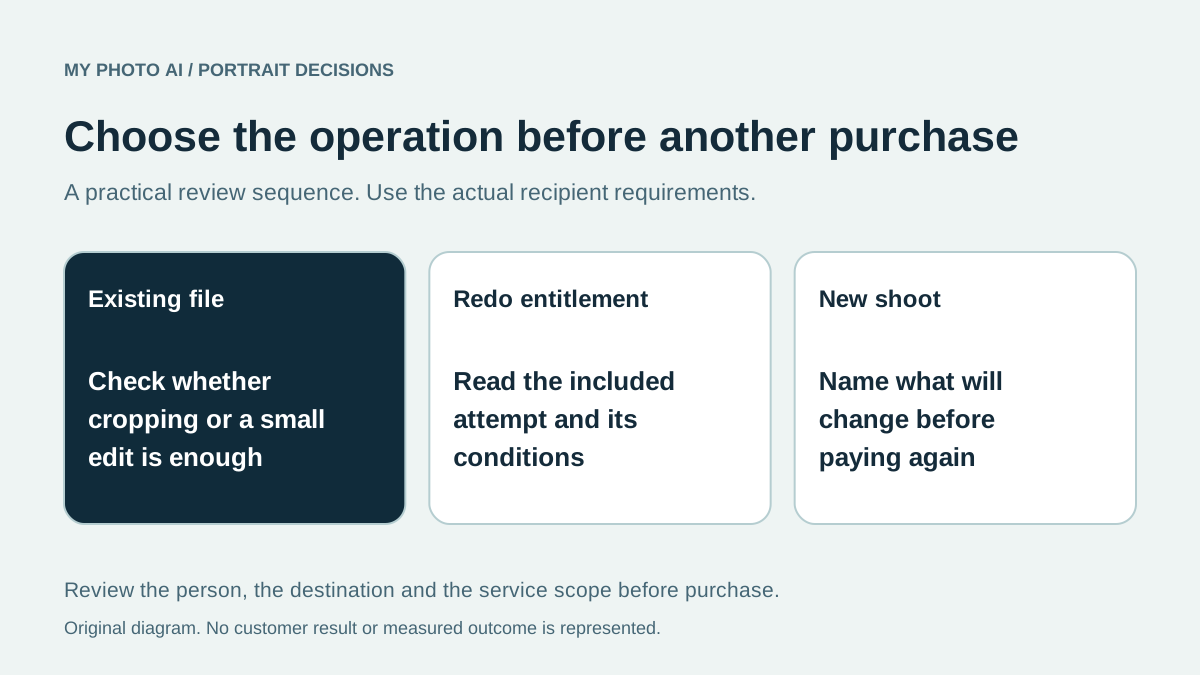
Before buying another AI headshot attempt, decide whether the problem is a crop, one local detail or the generated likeness. Those are different tasks. A redo allowance can matter before purchase, but it is only useful if you know what it covers and what the next attempt would change.
This guide is published by MyPhotoAI from official offers and help guidance checked October 19, 2026. We have not requested competitor redos, tested refund handling or measured whether a second attempt improves a portrait.
Choose the smallest appropriate operation
| Problem | First decision | What to clarify |
|---|---|---|
| Good portrait, wrong crop | Re-export the existing file | Whether enough original image remains |
| One distracting background detail | Consider a local edit | Actual action cost and unintended changes |
| Face does not represent you | Reject the candidate and inspect references | Whether a different input set addresses the problem |
| A new look or later appearance | Define a new portrait brief | Whether this is another paid shoot |
Use the likeness rubric to record what changed. “I dislike it” is less useful for the next attempt than a specific observation such as changed glasses, unfamiliar proportions or an outdated hairstyle.
Read the actual redo entitlement before buying
Alter AI lists no reprocessing on Starter, one attempt on Basic and two on Premium. Its explanation describes supplying a different reference set.1 HeadshotPro's comparison table lists a redo for its Professional and Executive individual plans with a 14-day condition.2
Those examples show why you should not assume all packages from the same provider include the same remedy. Confirm the selected offer, when its request window starts, what must be supplied and how the request is made.
An included redo is not the same as a local edit, a refund or an unlimited new shoot. A feature label also does not prove the next result will be usable. Keep the provider's actual conditions with the order.
Change the cause before repeating the operation
If the reference set is old, filtered or nearly identical, select a more useful set before another generation. If the brief asks for an unsuitable outfit or background, correct that choice. If the existing file only needs framing, review the retouching guide rather than restarting the whole task.
The next attempt should have a stated purpose. Write what you will change and how you will judge it. Do not pay repeatedly simply because the last candidate was attractive except for a face you do not recognize.
Keep MyPhotoAI's remedy and purchase separate
MyPhotoAI's help guidance says another shoot requires another one-time purchase. For a failed shoot or payment issue, contact support with the shoot details so it can be investigated.3 A technical failure is different from disliking a completed image; do not infer a complimentary rerun from another provider's offer.
The current US MyPhotoAI options are 3 HD photos for US$5, 10 for US$10 or all photos from one shoot for US$10, with payment before personalized generation and no subscription.4 Everything does not include unlimited retries.
Download the retake decision record. Keep the rejected file private, describe the issue and settle the operation and entitlement before another purchase.
Sources
- 1Plan-specific reprocessing and new-reference explanationAlter AI
- 2Individual plan redo conditionHeadshotPro
- 3New shoot scope and support for technical/payment issuesMyPhotoAI
- 4MyPhotoAI pricingMyPhotoAI