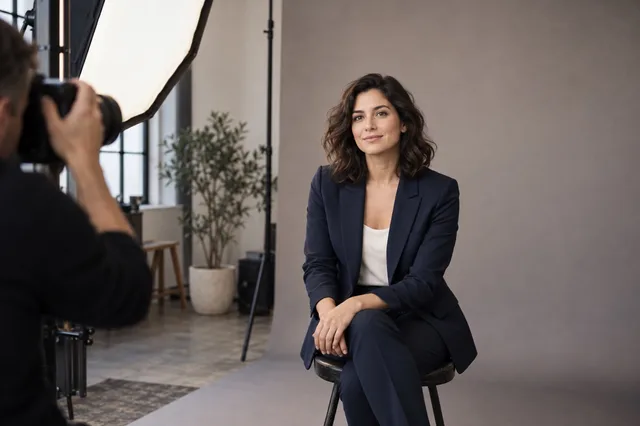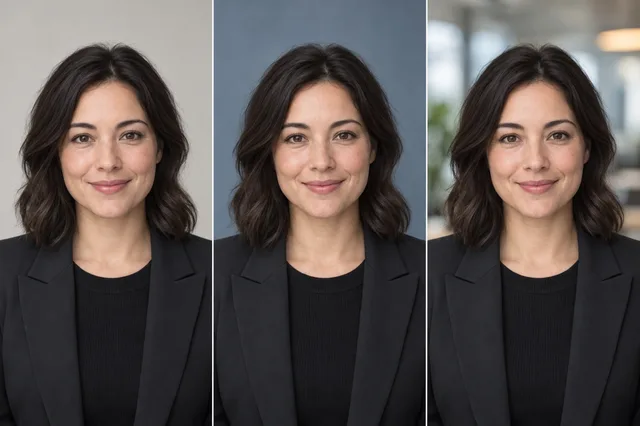
An attractive portrait can still be a poor profile photo if a colleague would hesitate before recognizing you. Review likeness and image quality separately. In NIST face-matching research, technically good images did not always match well with another image of the same person.1 That study used recognition software, so it does not score human judgments of AI headshots. A sharp file does not make a changed face accurate.
This rubric is for choosing among images you already have. It is not a claim that a particular generator preserves identity. No reference-photo comparison study has been run for this guide.
Start with a real reference
Choose a recent photo taken in clear light where your face is visible without a filter. If you have changed your hair, facial hair, or glasses, use a reference that reflects how people see you now. Keep the reference private unless the person pictured has agreed to publication.
Put the reference beside each candidate headshot at roughly the same face size. Do not judge only from the full, styled image. Backgrounds and clothing can make a weak likeness feel persuasive at first glance.

Check five things in order
- Face shape and proportions. Compare the outline of the jaw, cheekbones, forehead, and distance between features. Minor changes in lighting are normal. A different jaw or eye spacing deserves closer inspection.
- Distinctive features. Look at freckles, moles, smile lines, facial hair, and the shape of glasses. Missing or invented details can matter more than a polished background.
- Age and expression. A portrait that removes every line or changes your usual expression may feel unfamiliar to people who know you. Choose a result you would be comfortable using in a meeting invitation today.
- Hands, ears, hair, and clothing edges. These are common places to find rendering or retouching errors. Zoom in once, then return to normal viewing size.
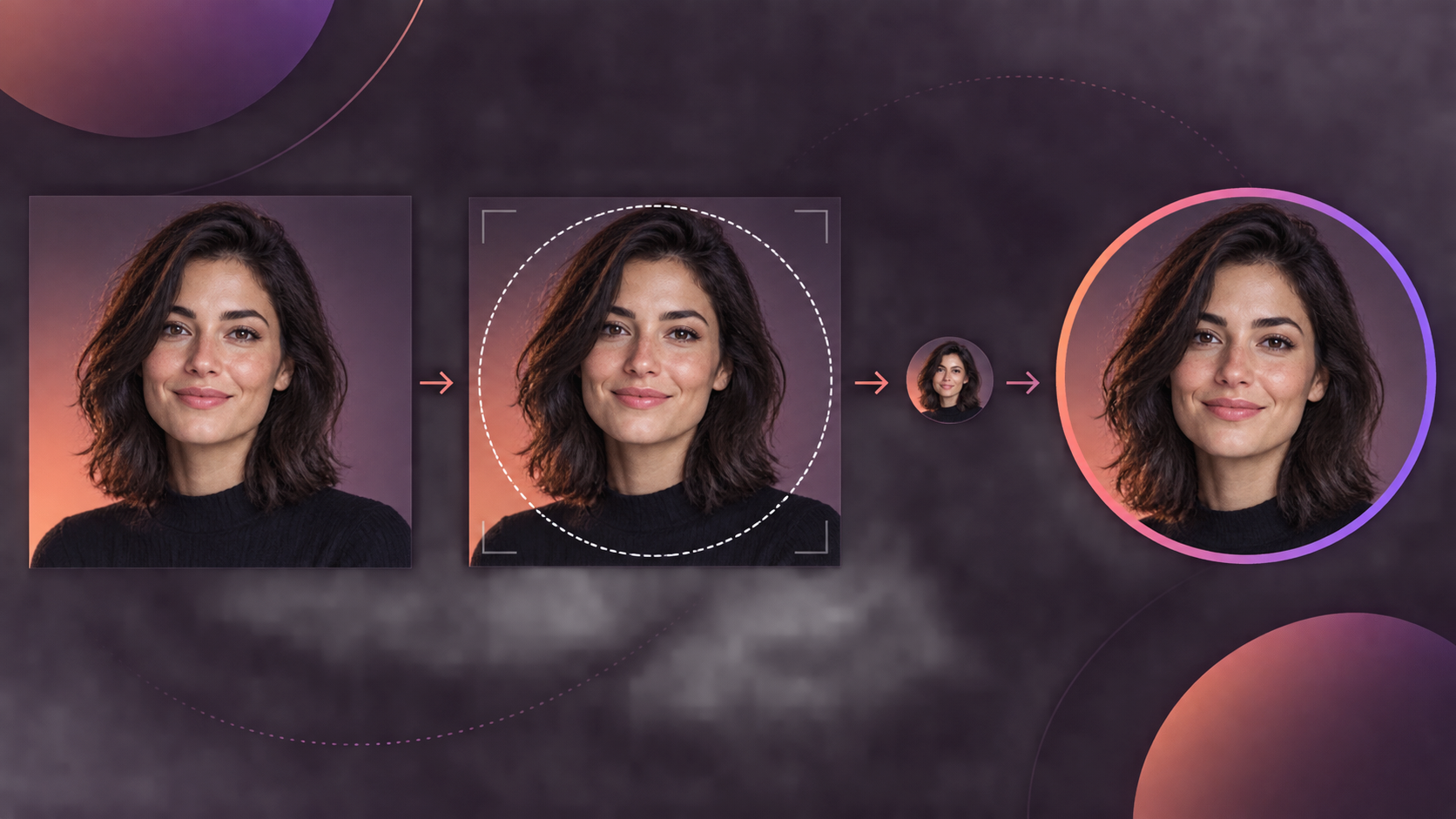
- Small-avatar crop. Make a square copy and view it at 96 × 96 pixels. For other placements, use the headshot size guide to check the export before uploading. If the face disappears, eyes become indistinct, or the crop cuts off important features, try another frame.

The last step tests legibility at a small size. LinkedIn's photo editor lets members crop and reposition a profile image, but check the result in the profile itself.2 This does not test whether strangers or recognition software can identify the person.
A simple decision sheet
Record one of three outcomes for each candidate: keep, revise, or reject. Add a short reason, such as “recognizable face, weak hair edge” or “excellent lighting, changed jaw.” Keep the original file and the crop you tested so another reviewer can see the same evidence.
| Check | Keep | Revise | Reject |
|---|---|---|---|
| Likeness | Familiar features and current appearance | One uncertain detail | Several material changes |
| Technical quality | Clear eyes and clean edges | A fixable crop or export issue | Visible facial or anatomy errors |
| Small crop | Face remains readable | Needs a looser source frame | Cannot survive the required crop |
| Context | Fits the role and destination | Different background or attire would help | Misrepresents the person or role |
These labels are editorial decisions, not measured accuracy scores. When the choice is close, ask someone who knows the subject well to compare the candidate with the reference. Tell them the image was generated and ask what looks different before offering your own opinion.
When to stop using the image
Reject a portrait if it changes a feature the subject considers defining, suggests credentials or a workplace that are not theirs, or cannot be cropped for the intended profile. A conventional photo may be the better option for a setting that requires a faithful documentary image. Ask the receiving organization about its own photo rules.
MyPhotoAI's terms warn that generated images can contain errors and ask users to check whether an output suits its intended use.3 The person pictured should make the final likeness decision. Keep the reference and result private unless you have permission to share both.