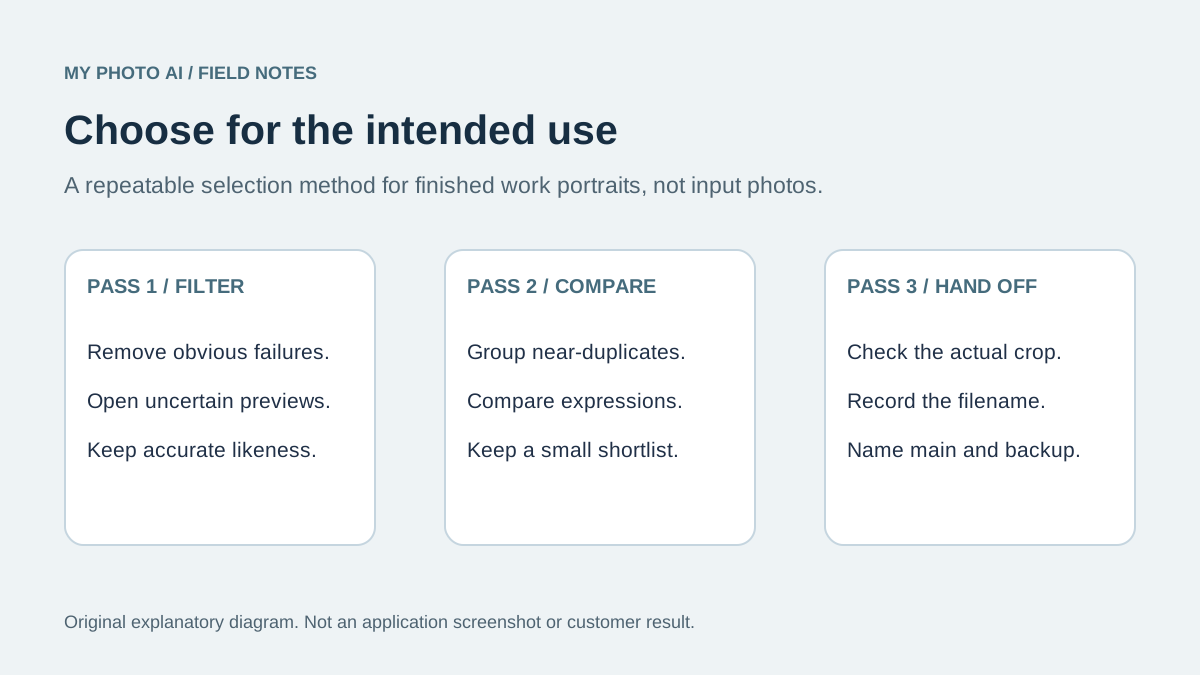
Choose a headshot for the place it will be used. Start by removing obvious failures, compare a small shortlist, then inspect the finalists both at full size and in the intended crop. Use filenames to record the selection so the right image reaches the final page.
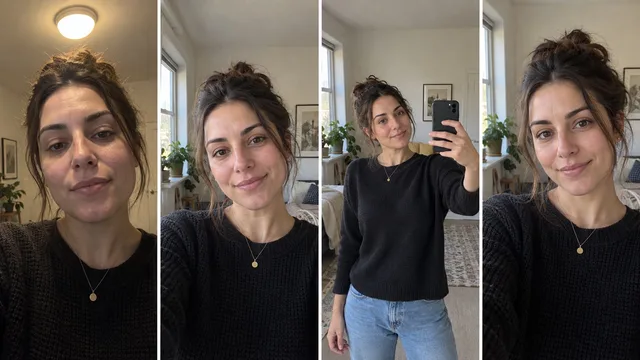
A contact sheet is an overview of several images. It is useful for comparing expression and consistency, but a small preview cannot prove that an eye is in focus or that an AI portrait preserves your features. Open the individual files before making the final choice.
Write the job before judging the face
A useful selection brief is specific: a current headshot for a company bio, friendly enough for a customer introduction and clear in a small square. A vague brief such as the best photo invites endless comparison without a decision.
Write down the destination, the audience, any organization requirements and the crop. If this is an acting submission, use the casting-profile selection guide instead. This workflow is for finished work portraits, not for choosing input photos for AI generation.
Pass one: remove failures without ranking everything
Review the overview and mark obvious rejects or images that need a closer look. Do not assign a detailed score to every frame yet. That encourages false precision when the small preview cannot show enough detail.
Open a questionable image before rejecting it for apparent softness. A contact sheet may use compressed previews. Conversely, an attractive thumbnail may hide an inaccurate eye, strange glasses edge or distracting retouching in the original.
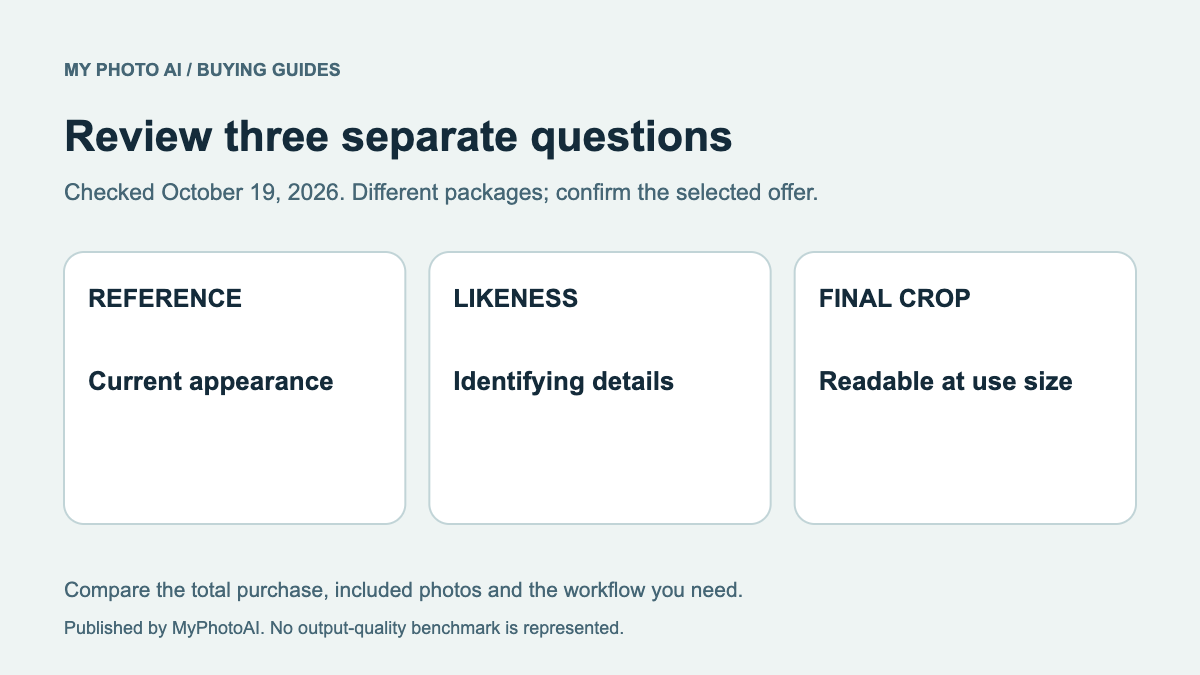
If these are AI-generated portraits, compare each finalist against a recent real reference. Use the likeness rubric rather than choosing a flattering face that no longer resembles you. A good selection method does not make inaccurate outputs acceptable.
Pass two: group close alternatives
Put near-duplicates together. Compare the small difference that actually matters: direct versus slightly turned gaze, a relaxed versus more formal expression, or a tighter versus wider usable frame. Avoid choosing three almost identical shots merely because they all look good.
A photo program can make the record easier. Adobe documents pick and reject flags and star ratings in Lightroom Classic.1 You do not need that software: a folder and the linked worksheet can record the same decision without changing the originals.
Use a small shortlist you can compare comfortably. Three finalists is a convenient starting point for this method, not a finding about the ideal number of choices.
| Check | Ask | Decision if it fails |
|---|---|---|
| Likeness | Does this look like me now? | Reject or review against a reference |
| Expression | Does it fit the intended introduction? | Choose a more suitable alternative |
| Detail | Are the eyes and important edges clean? | Inspect full size before keeping |
| Crop | Can the destination keep hair and chin? | Use another crop or a wider source |
| Background | Does it distract at the final size? | Compare a simpler alternative |
Pass three: view the finalists in context
Open the leading image at its original size, then view a copy in the crop and approximate display size you expect. A wide environmental portrait can be excellent for a bio introduction but weak in a tiny staff-directory circle.
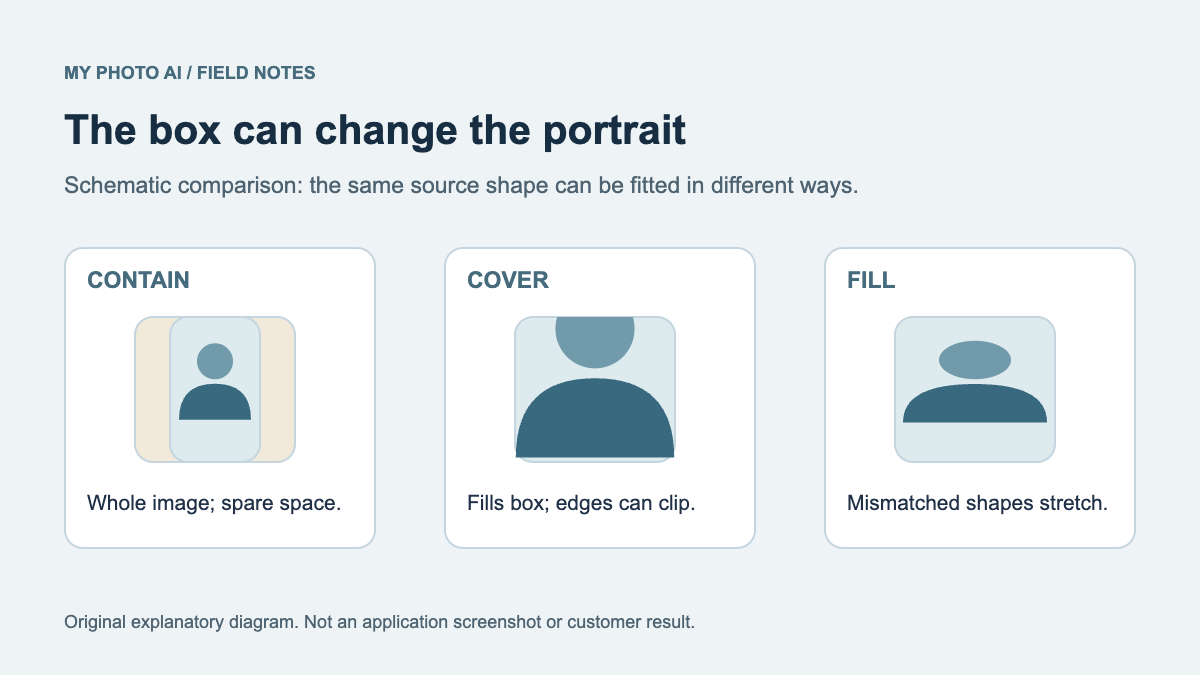
Keep framing changes separate from image-quality problems. If the only issue is too much empty space, test a crop before rejecting the portrait. If the face is distorted or unrecognizable, a tighter crop is not the solution. The website bio crop guide explains how the site layout can alter an otherwise suitable source.
Ask for useful feedback
Send a short question with the finalists: Which image best fits this company bio, and is anything inaccurate or distracting? That directs attention to the job rather than inviting an open-ended vote on attractiveness.
Record the chosen filename and the reason. Feedback such as the second photo is fragile: grid order changes, and different people may see different thumbnails. A filename plus a crop note travels more reliably.
Here is a fictional decision example: image 014 is the main bio portrait because the expression fits the brief and the square crop preserves the hair. Image 021 is a wider backup. Image 009 is excluded because the glasses edge needs review. This illustrates the record; it is not a customer result or a measured ranking.
Finish with one clear handoff
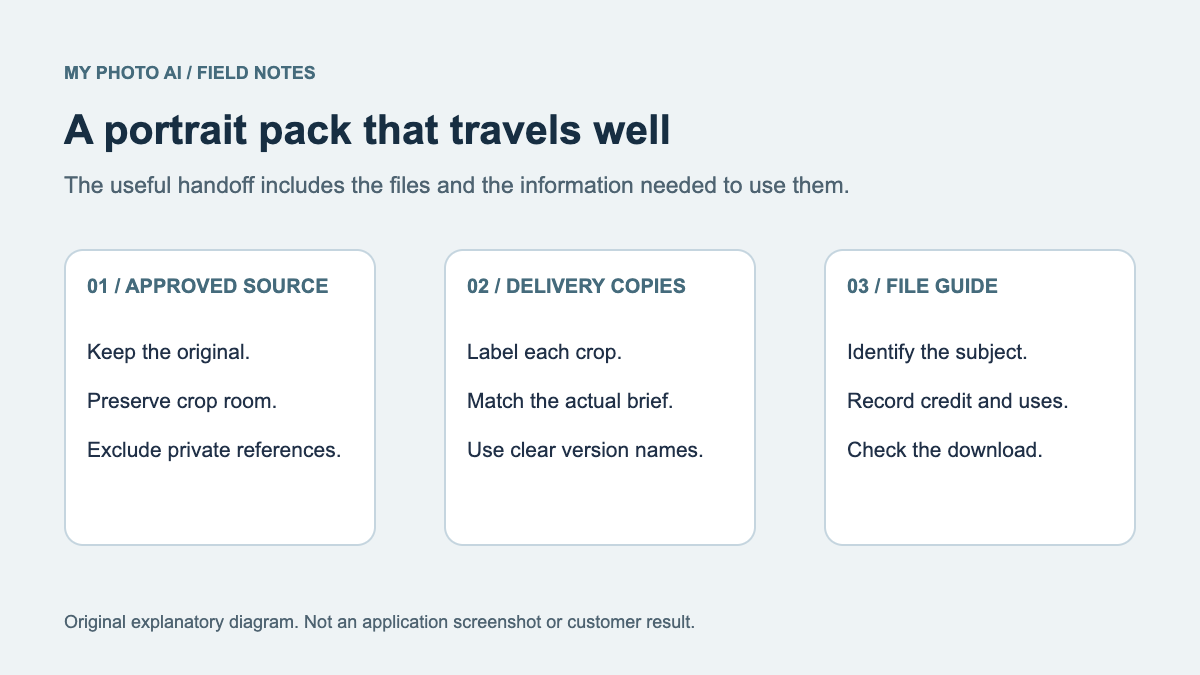
Save a selection note with the main file, an optional backup, the intended crop, required credit and any unresolved edits. Keep the original available. Do not overwrite the source just to make the delivery crop.
Download the headshot selection worksheet. It separates a keep, compare or reject decision from the reason and final use. For a reusable media folder after selection, use the press-kit file guide.
If no candidate passes the likeness, expression and detail checks, record that outcome. Selecting the least unsuitable image is not always the right answer. A retake, a wider source or another generation may be the next step, depending on what failed.