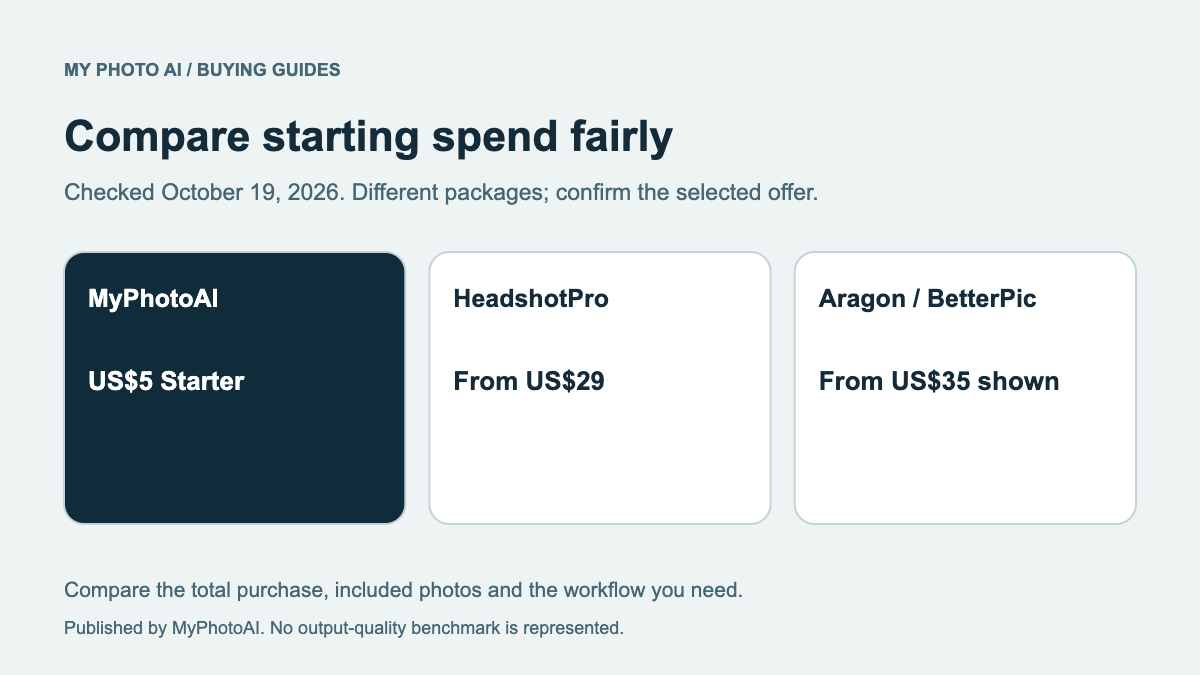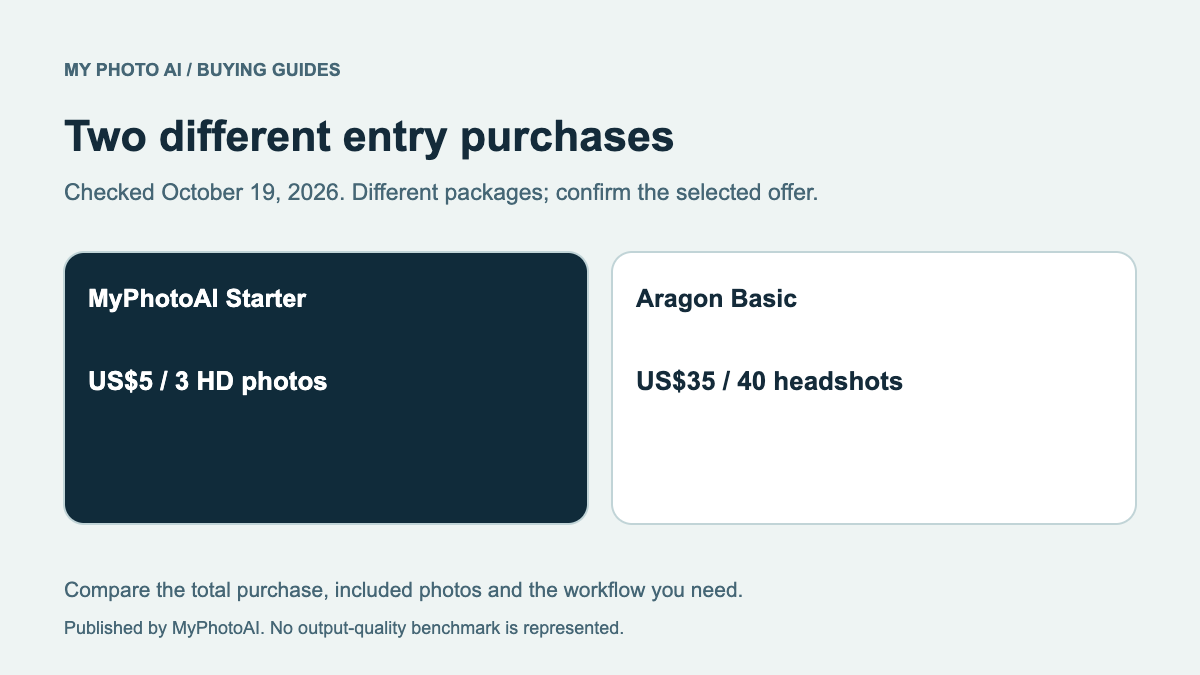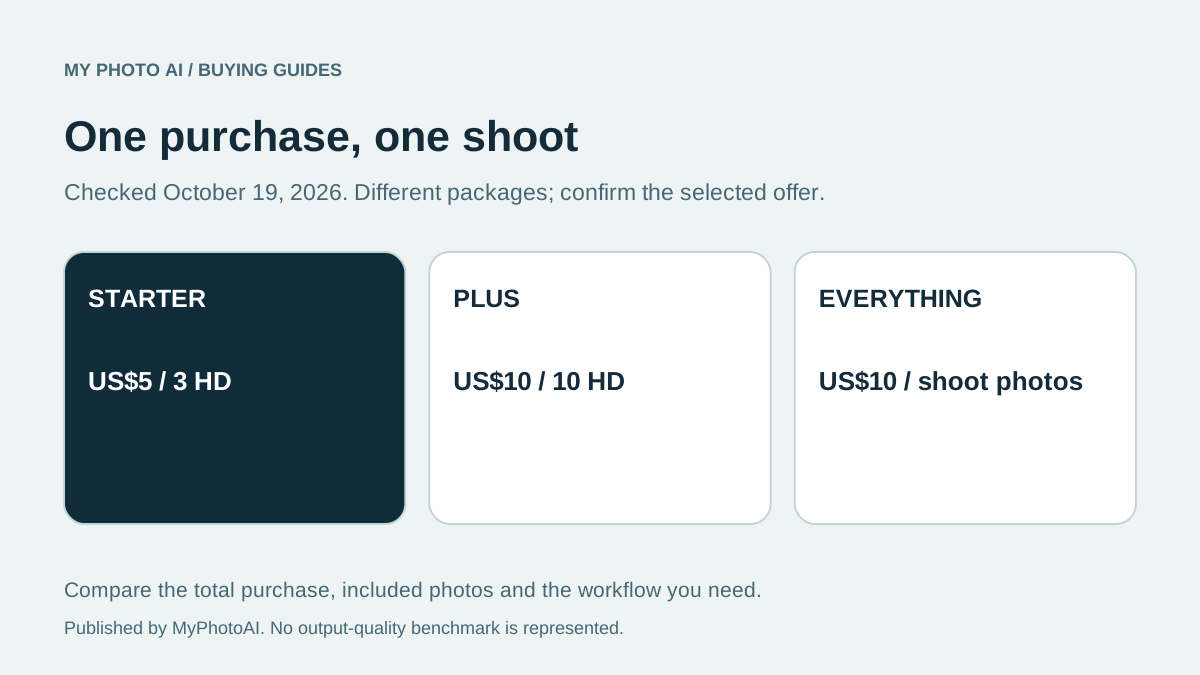
Choose Starter when you want the smaller initial US purchase and three HD photos are enough. Choose Everything when you want the photos from that shoot included rather than limiting yourself to a fixed selection. At the current published US prices, Plus and Everything both cost US$10, so compare the actual allowances before paying.1
This is MyPhotoAI's explanation of its own offer, checked against the pricing page and the released pricing code on October 19, 2026. Your checkout shows the applicable price and currency for your purchase.
Read the allowance beside the price
| Current US option | Price | Included HD photos | Scope |
|---|---|---|---|
| Starter | US$5 | 3 photos | One shoot |
| Plus | US$10 | 10 photos | One shoot |
| Everything | US$10 | Every photo from that shoot | One shoot |
These are the options shown on the pricing page.1 The amount you pay and the photos you can keep are related but separate parts of the decision. Do not read Everything as every photo you will ever generate in the account.
Why the two US$10 options matter
In the current published US offer, Plus specifies 10 photos while Everything includes the photos from the same shoot. If the offer shown to you matches that table and you want all of that shoot's photos, Everything gives the broader allowance at the same listed price.
Check the actual checkout before confirming. Do not buy Plus assuming its name means it includes more photos than Everything. Also do not infer a guaranteed total gallery count from the word Everything: the scope is the photos from one shoot, not a promise of a fixed competitor-sized package.
If you only want a smaller initial purchase, Starter remains the lower US entry option. It does not provide the same download allowance as Everything, so choose based on the photos you want included rather than price alone.
What happens before generation
You can browse sample looks and set up the shoot before buying. Personalized generation begins after payment. The sample gallery is not a free personalized run of your face. The Help page describes the current reference-photo and shoot workflow.2
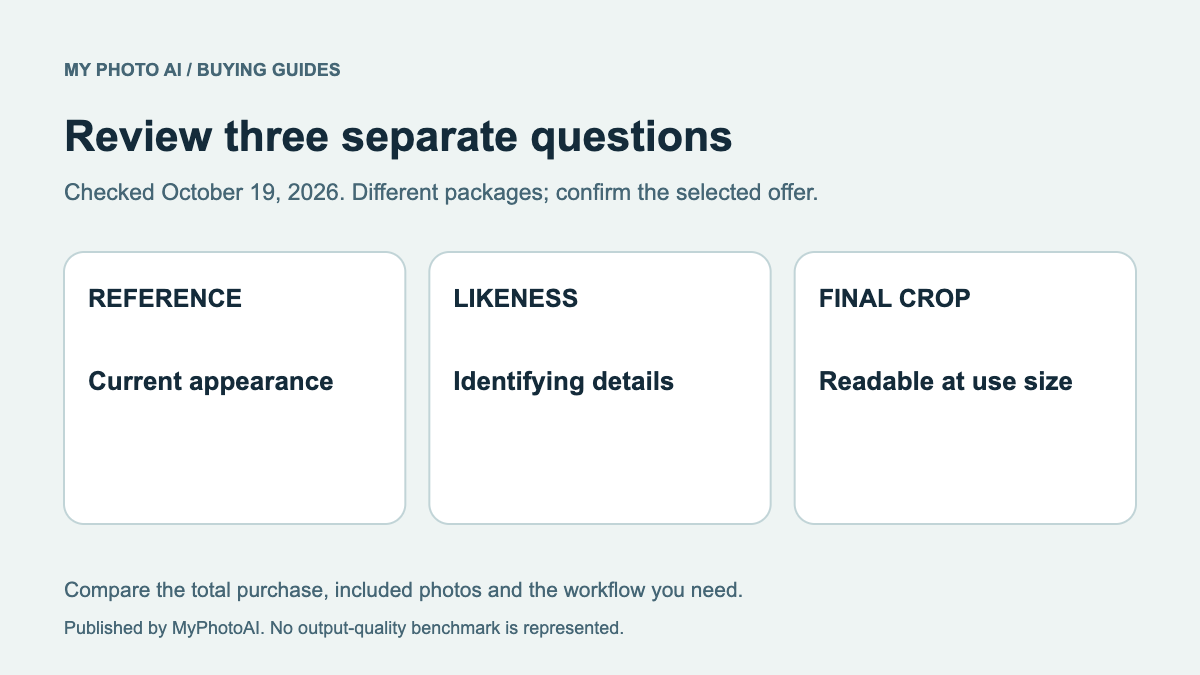
Prepare clear, recent reference photos that represent you. Choose looks appropriate to the intended use, especially when clothing or a badge might imply a profession. Review likeness and visible details before publishing the result.
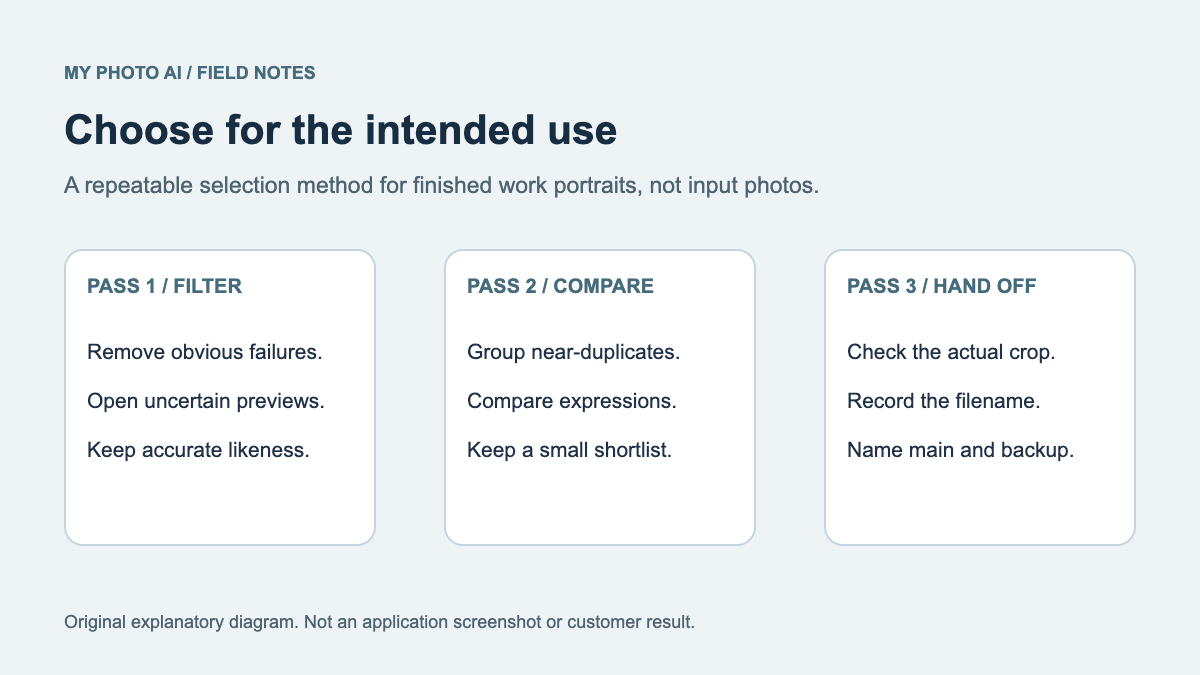
A shoot purchase is not a guarantee that every generated photo will suit every purpose. The contact-sheet selection guide helps you review the actual set. The likeness rubric covers a different question: whether the face still accurately represents you.
Another shoot is another purchase
The offer is a one-time purchase for a shoot, with no subscription. A later shoot requires another purchase.1 Budget for the shoot you intend to start rather than assuming one payment creates an ongoing unlimited plan.
The plan table does not by itself promise a refund, a redo allowance, a particular completion deadline or human retouching. Review the current Terms and ask support about a requirement that could change your purchase. This guide does not replace those terms or invent additional guarantees.
Make a simple choice
Write down the intended use and the maximum amount you want to spend now. If three included HD photos fit and you want to minimize the initial purchase, consider Starter. If you want the shoot's photos included and your checkout shows the current US$10 offer, compare Everything directly with Plus before paying.
Download the MyPhotoAI plan decision sheet, then browse looks and plan your shoot. Keep the final price, included photos and one-shoot scope clear when you make the purchase.
If seeing personalized results before deciding on downloads is part of your buying requirement, the MyPhotoAI versus InstaHeadshots comparison explains the different payment sequences.
For another payment-sequence comparison, MyPhotoAI versus Headshots.com separates a new paid shoot from a single-photo, per-download AI route.