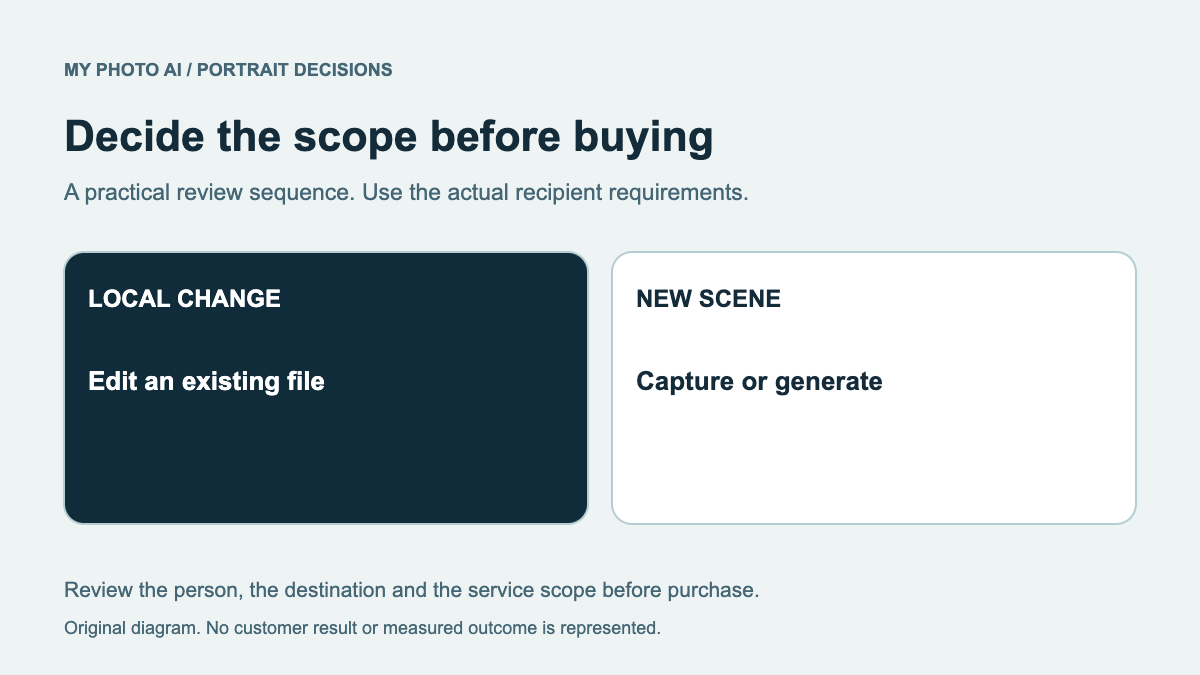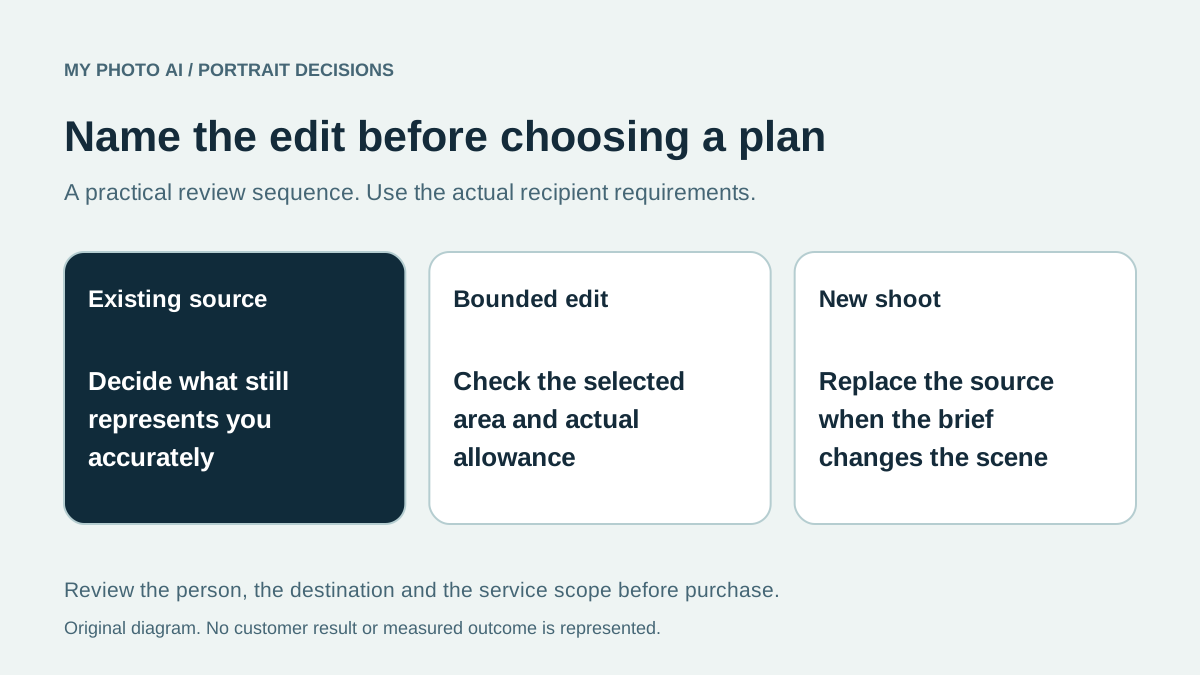
An existing portrait may need one area changed rather than an entirely new scene. Artisse's public toolkit distinguishes several editing areas, alongside prompts and theme packs. MyPhotoAI's compared offer provides portrait photos from a shoot. Name the missing task before treating those two workflows as equivalent purchases.
This is a MyPhotoAI comparison based on Artisse's official public site checked October 19, 2026. We did not upload a face, buy a plan or compare edited outputs. The decision below concerns published controls and purchase scope, not a claim that either service edits more accurately.
Choose the area you actually need to change
Artisse lists whole-picture, face-only, manual-select and except-face editing, along with AI Uncrop.1 Those are different starting briefs. A control's name tells you where to investigate; it does not prove that every other part of the image will remain unchanged.
| Your source problem | Route to inspect first | What to review afterward |
|---|---|---|
| A small local distraction | The relevant selection-based edit | Edges and identifying details around the changed area |
| Suitable face, unsuitable surroundings | A bounded surroundings or background edit | Face, hair, glasses and lighting together |
| Composition lacks space | The uncrop or wider-composition workflow | Added content and the actual final crop |
| Pose or entire scene is wrong | A new capture or generated portrait | Likeness and the complete scene |
The table is an editorial way to brief work, not a tested ranking of Artisse modes. The retouching guide explains why a local correction and a new portrait are different jobs.
Keep original information separate from generated content
Save the original before making changes. A wider canvas does not establish that the newly added room, clothing or background was present when a photograph was taken. If the final image needs to document a real setting or event, arrange an appropriate capture instead.
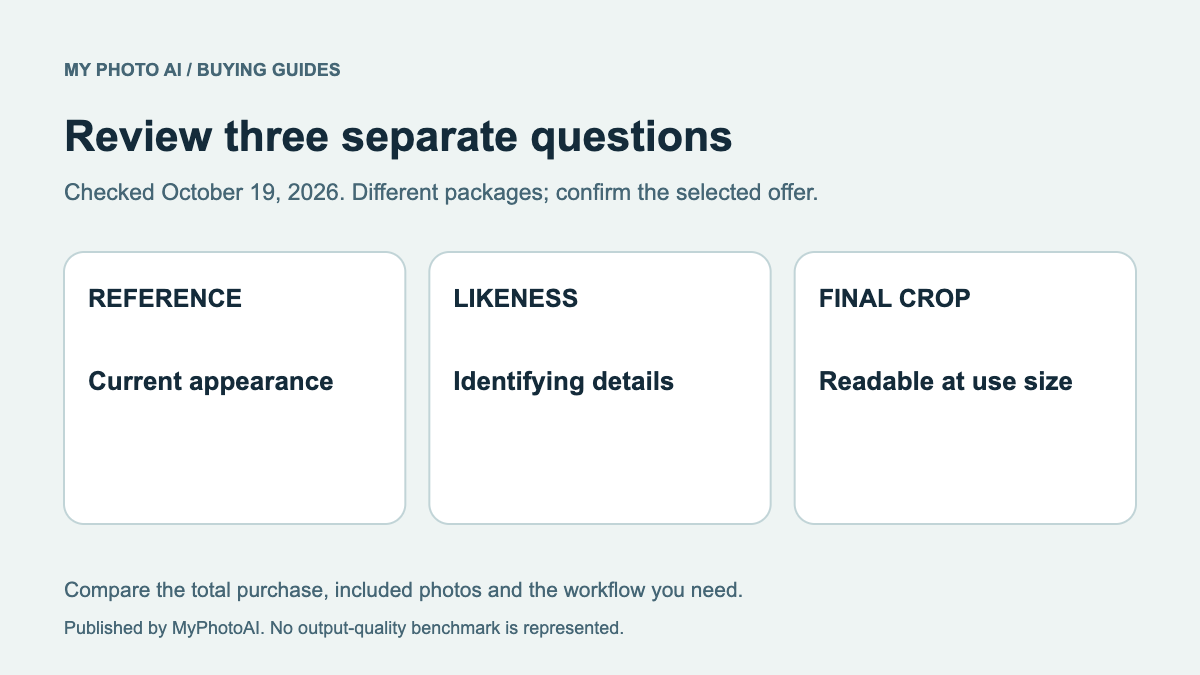
When the face already represents you well, compare it with the edited copy at the same size. Review facial proportions before judging the surrounding polish. A convincing new background should not distract you from a changed jaw, eye shape or glasses frame.
If you need a company-page portrait, ask the person approving the image whether the proposed editing scope fits the brief. Do not assume that an available editing tool establishes permission for every destination.
Read the plan allowance beyond the price
The public Monthly view showed Artisse Lite at US$6.99, Plus at US$14.99 and Pro at US$39.99 when checked. The cards did not establish a numeric portrait allowance for this comparison.1 Confirm the actual generation and editing limits, billing period and selected currency in the app before paying.
Do not divide one of those prices by a guessed number of usable photos. Also check whether a desired edit, export or quality option uses a separate allowance. This guide does not certify Artisse's current annual checkout total or an account-specific offer.
MyPhotoAI's current US Starter offer includes 3 HD photos for US$5. Plus includes 10 for US$10; Everything includes all photos from one shoot for US$10.2 Personalized generation starts after payment. There is no subscription in that offer, and another shoot requires another purchase.
Purchase for the unresolved task
A local edit can be the more relevant route when you already have a suitable photograph. A new shoot can be relevant when the source needs replacing and generated portraits fit the intended use. Neither choice follows automatically from the lower displayed starting fee.
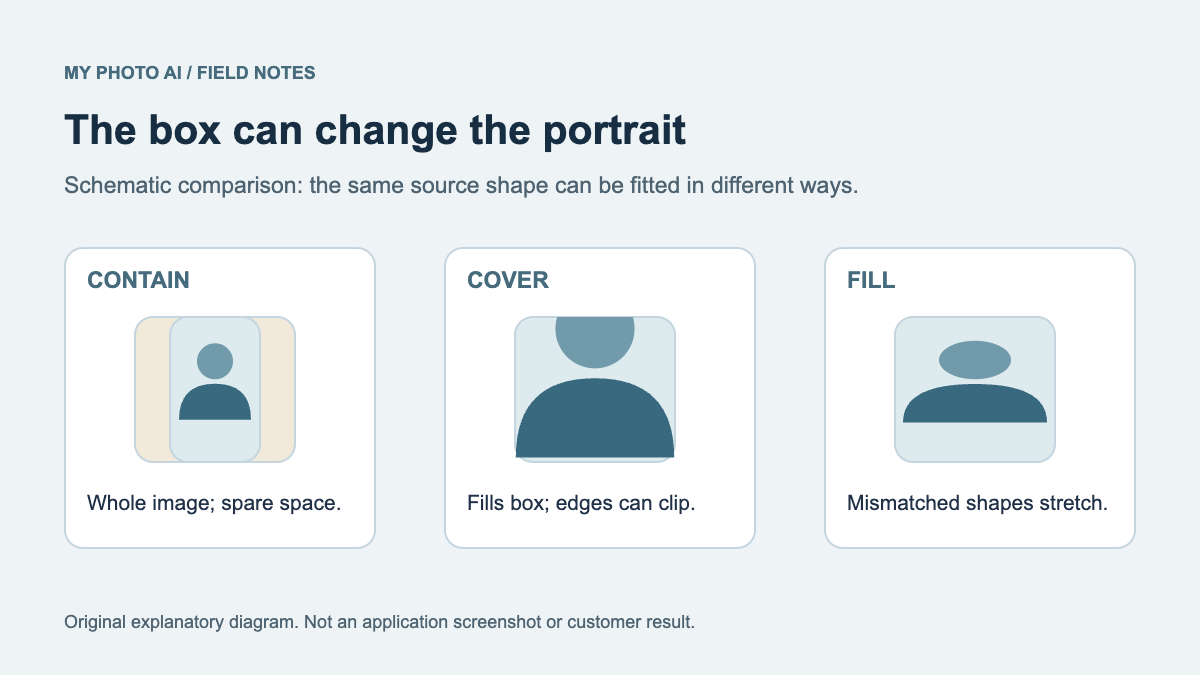
Use the crop guide when layout, rather than the person image, is the real problem. Inspect final likeness with the review rubric.
Download the edit-scope worksheet. Record the area that needs changing, the exact plan entitlement and the final reviewer before choosing an editing subscription or a portrait shoot.
Sources
- 1Artisse public toolkit and monthly price cardsArtisse
- 2MyPhotoAI pricingMyPhotoAI