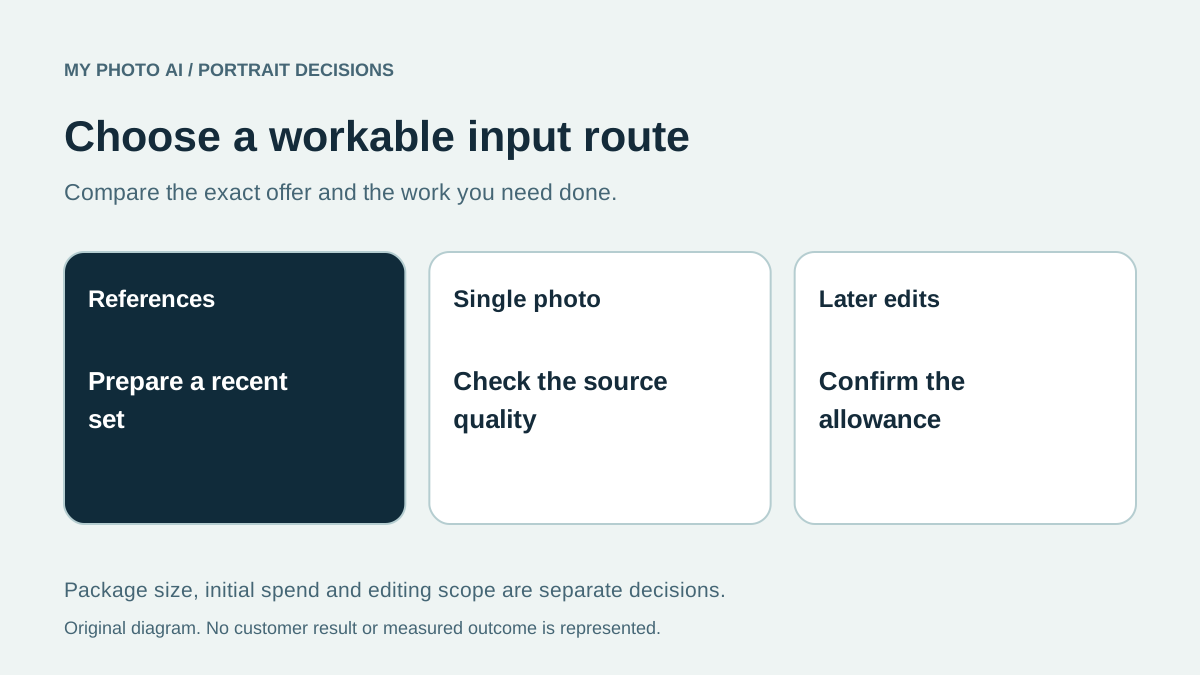
Start with the photos you can supply and the changes you need afterward. MyPhotoAI's current workflow uses multiple reference photos for a new paid shoot. Dreamwave's public individual page describes starting with one clear photo and offers post-shoot editing features.1 2 If you are choosing between them, compare those workflows before treating two AI headshot products as interchangeable.
MyPhotoAI publishes this guide. We reviewed the public pages on October 19, 2026. We have not generated a matched set through both products, tested their editors or measured which better preserves a person's identity.
Compare inputs and next steps
| Buying question | MyPhotoAI | Dreamwave's individual page |
|---|---|---|
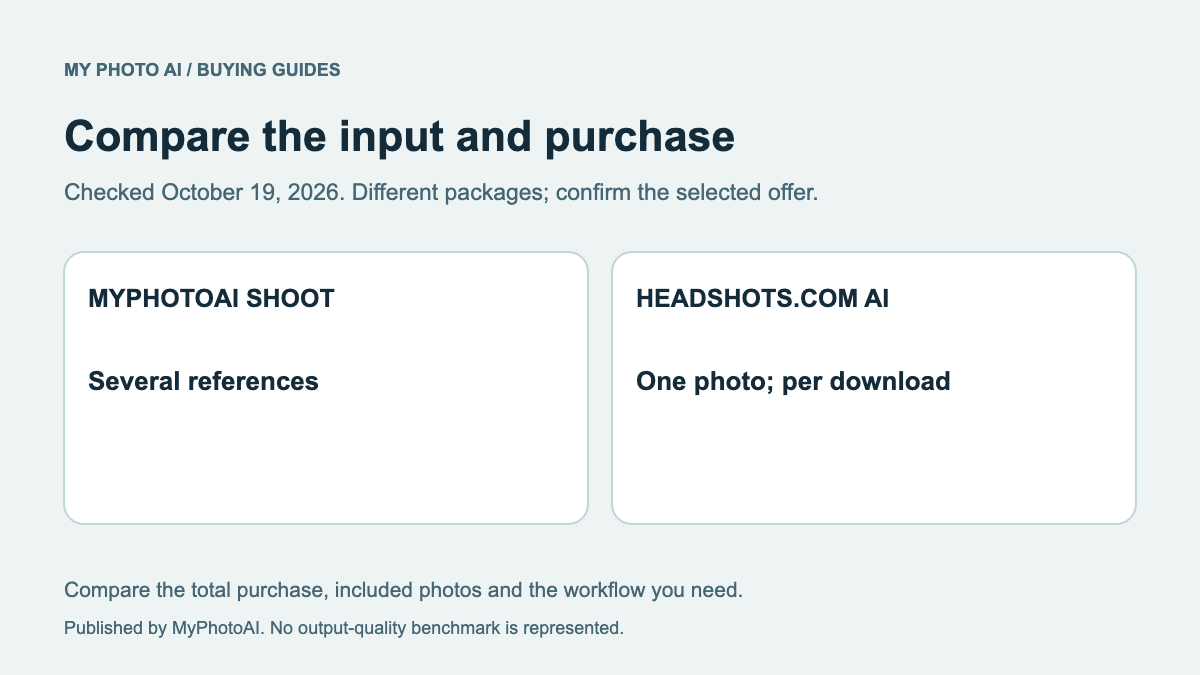
| What do I prepare? | Several reference photos; current Help guidance is 10 to 15 | One clear, well-lit, unfiltered photo |
| Published starting purchase | US$5 Starter for 3 HD photos from one shoot | No package total was shown in the public page we reviewed |
| When does MyPhotoAI generate? | After payment | Confirm Dreamwave's actual purchase sequence in its selected route |
| What if I need later changes? | The shoot allowance does not establish a separate editing service | Describes outfit changes, backgrounds and a magic eraser |
The Dreamwave page supports its input and editor descriptions.2 We did not upload a personal photo or complete checkout. This guide therefore does not recycle an older price or promise a particular editing allowance at an unverified package amount.
When your source-photo situation matters
If you have only one suitable image, an explicitly single-photo workflow is worth investigating. Dreamwave asks for an unfiltered source showing the face clearly and says its input should not be heavily cropped.2 That is a provider's preparation instruction, not independent proof that any photo will produce faithful results.
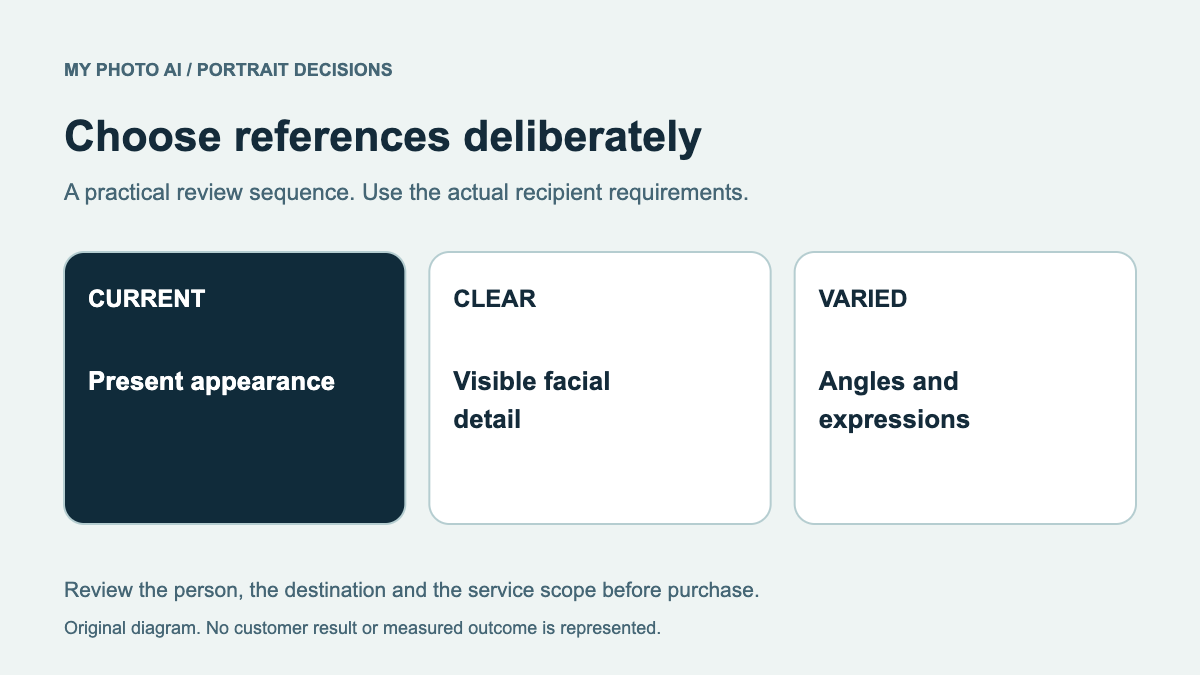
If you have several recent references, assess whether they consistently represent your current appearance. MyPhotoAI's reference-photo selection guide helps remove confusing or low-quality inputs. Do not pad a set with old hairstyles, strong filters or images of other people just to reach a count.
The relevant decision is which process you can follow with appropriate source material. A one-photo route is not automatically less accurate, and multiple references do not automatically guarantee a better portrait. We have not performed the test needed to make either claim.
Ask what the editor purchase includes
Dreamwave describes changing outfits with prompts, replacing backgrounds and using a magic eraser after a shoot.2 Before committing, ask which of those functions your selected purchase includes, what extra use costs and whether an edited result can be corrected again. A feature demonstration does not disclose every plan limit.
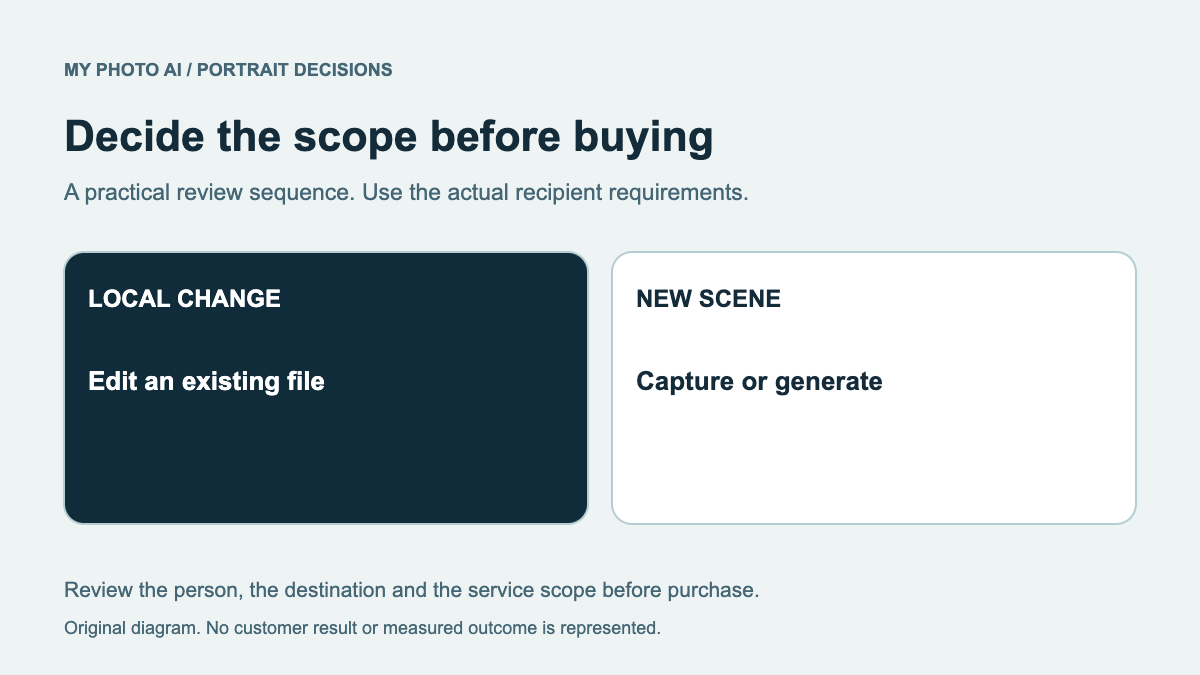
For a small existing-image correction, compare editing with generating a whole new portrait. The retouching guide separates those tasks. Write the exact change, such as removing a background distraction, so you can ask a concrete entitlement question rather than only asking whether a product has AI editing.
What MyPhotoAI's published price covers
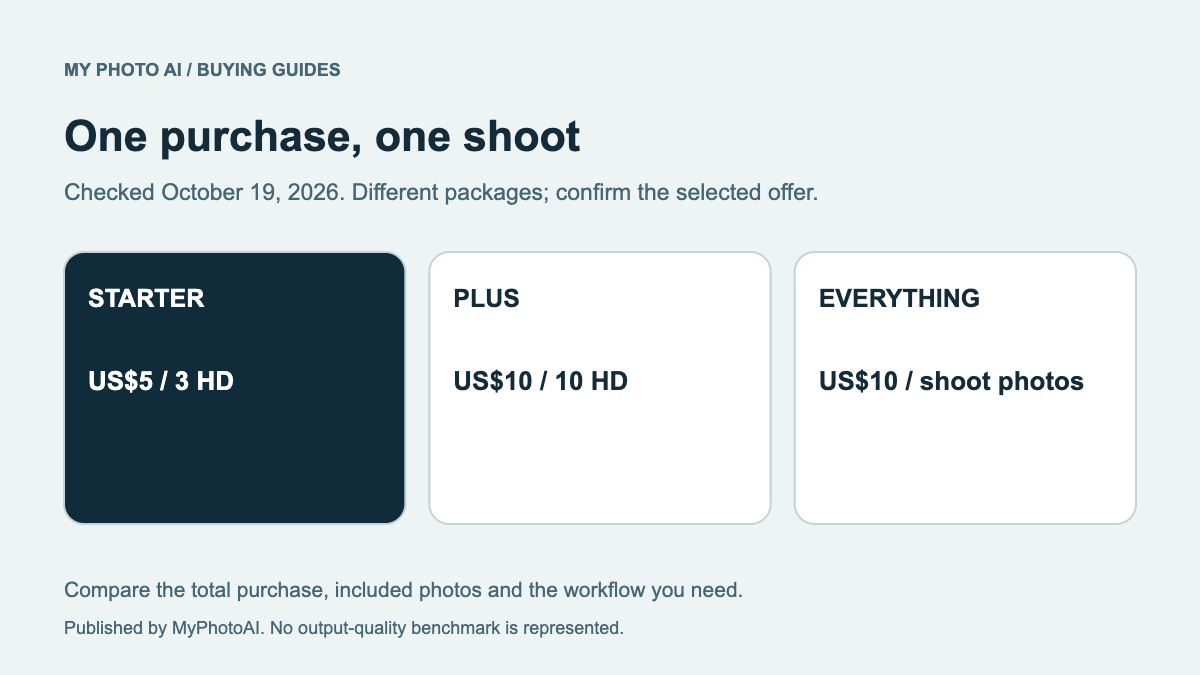
The current US shoot options are Starter at US$5 for 3 HD photos, Plus at US$10 for 10, and Everything at US$10 for all photos from one shoot.3 Everything does not include unlimited later shoots. There is no subscription in that offer, and personalized generation starts after payment.
You can view sample looks first. They illustrate styles. You do not receive personalized results from that sample gallery. Read the plan guide and check the applicable checkout price before buying. Do not assume the shoot includes an editor or a guaranteed deadline because another product advertises those features.
Resolve the unknown that changes your choice
If you are mainly comparing initial spend, obtain Dreamwave's current package total before deciding. If the input workflow is the deciding factor, inspect whether your source photos meet the chosen service's instructions. If editing matters most, get the allowance and extra-cost answer first.
Download the Dreamwave decision worksheet. If a paid multi-reference shoot fits, browse MyPhotoAI's sample looks. Evaluate the actual result for likeness before using it publicly, regardless of the provider you select.
Sources
- 1MyPhotoAI HelpMyPhotoAI
- 3MyPhotoAI pricingMyPhotoAI