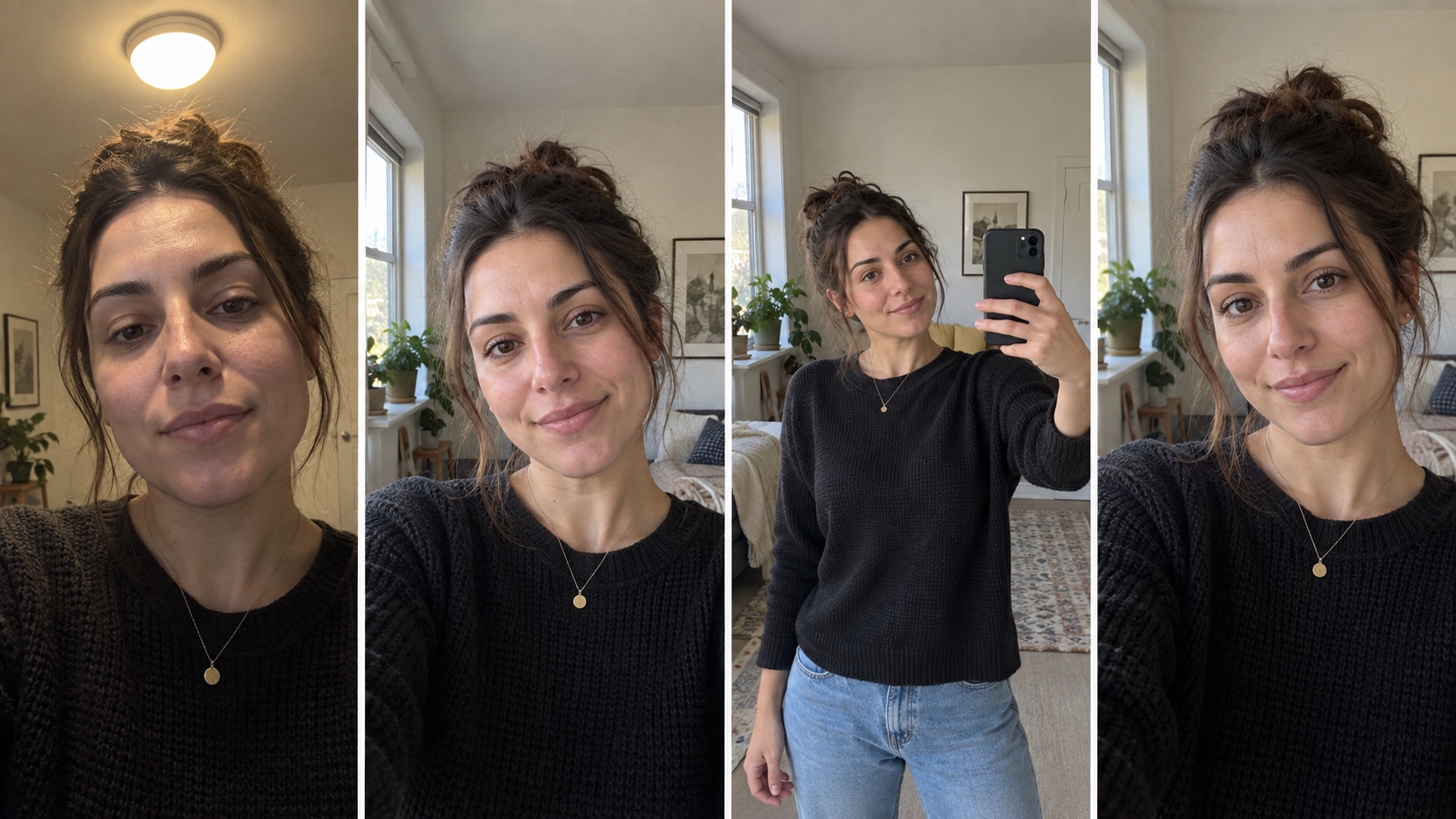
If you have twenty selfies, choosing the first ten is easy. It also makes it hard to learn why a result failed. MyPhotoAI's current Help page asks for 5 to 15 reference photos.1 Select images that clearly show your current face, then change one input condition at a time if you want to compare outcomes.
This is a repeatable selection method. We have not run a controlled MyPhotoAI input-photo experiment for this article, so the checklist below is guidance, not a measured ranking of photo types.
Build a usable starting set
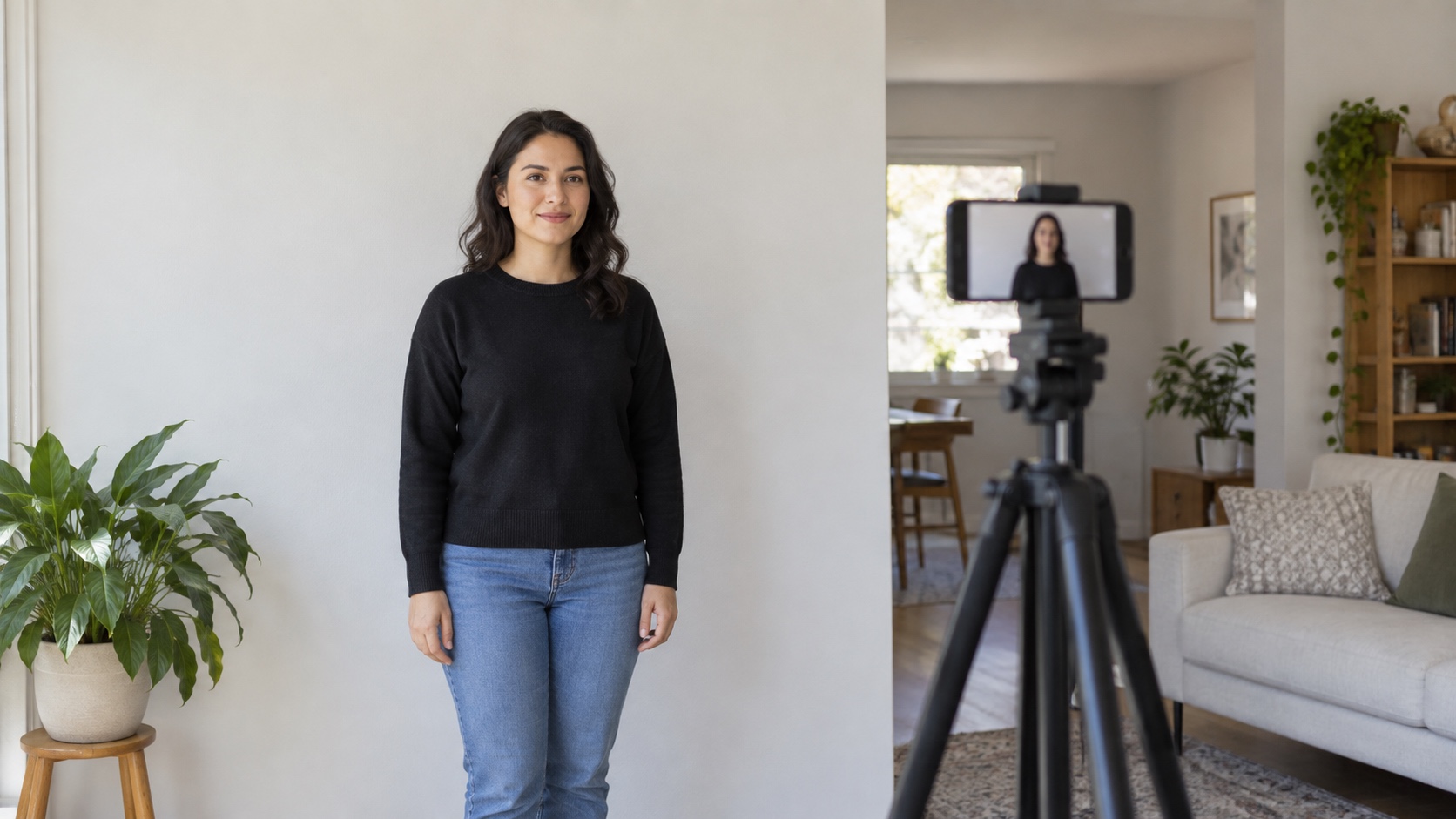
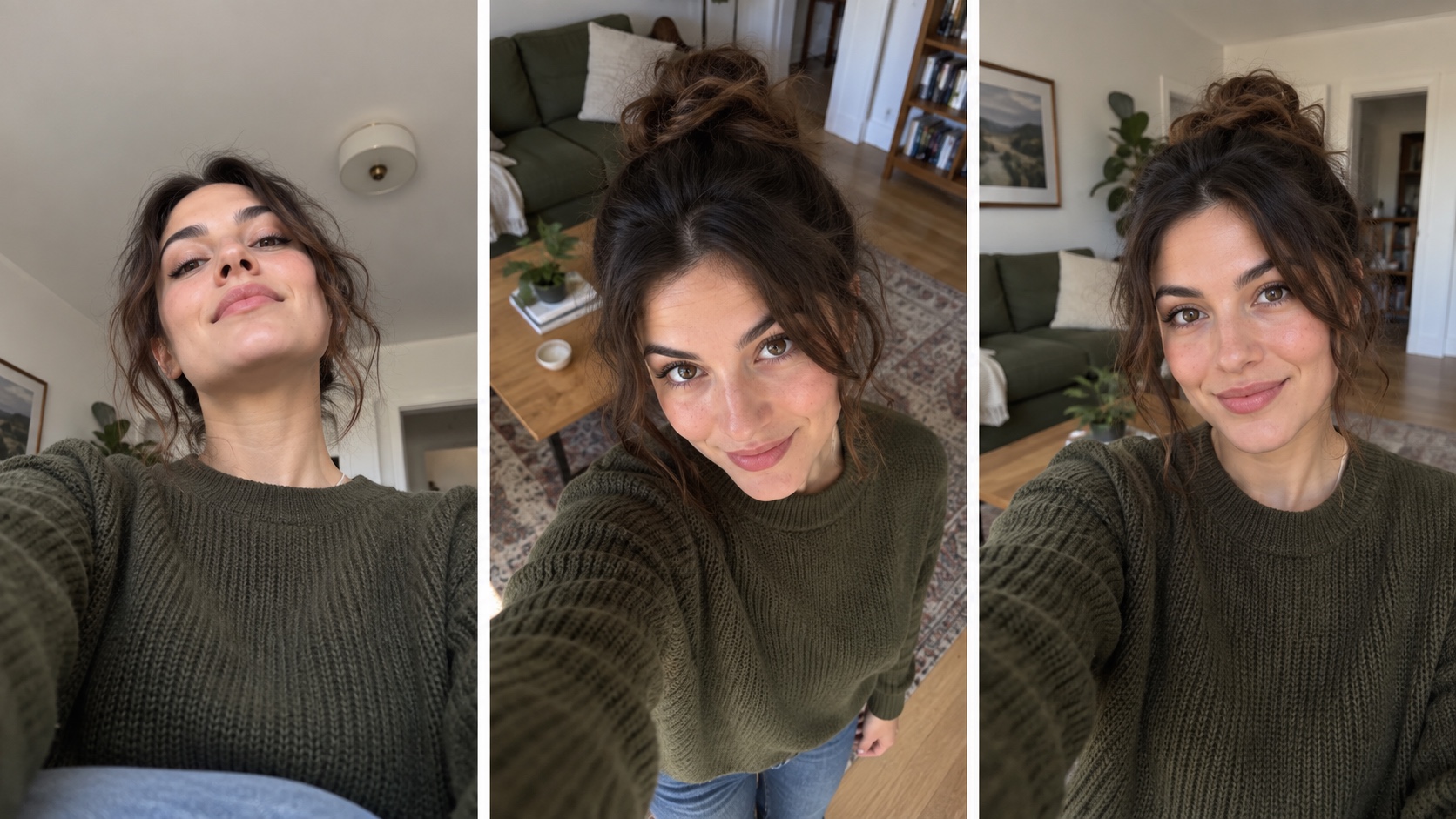
Open the candidate photos at full size. If you need to take new ones, the selfie setup guide covers light, camera distance, and framing. Remove duplicates, heavily filtered shots, and images where your face is tiny or hidden. Keep ordinary variation: a front view, slight turns, different expressions, and a few lighting conditions. A collection of near-identical selfies gives you no way to compare how different angles affect the result.
Use recent photos when your appearance has changed. Check that glasses, facial hair, and hairstyle in the set reflect the portrait you want now. MyPhotoAI's Help page suggests a mix of expressions and angles and cautions against sunglasses, group shots, and heavy filters. That is product guidance, not the result of the controlled experiment proposed here. If a photo includes another person, crop them out only if you have the right to use the image and the crop still gives your face enough space.
Do not upload someone else's photos to test whether you can reproduce their identity. MyPhotoAI's terms prohibit using private photos of others without permission.2
Judge each candidate before uploading
| Question | Keep the photo when... | Set it aside when... |
|---|---|---|
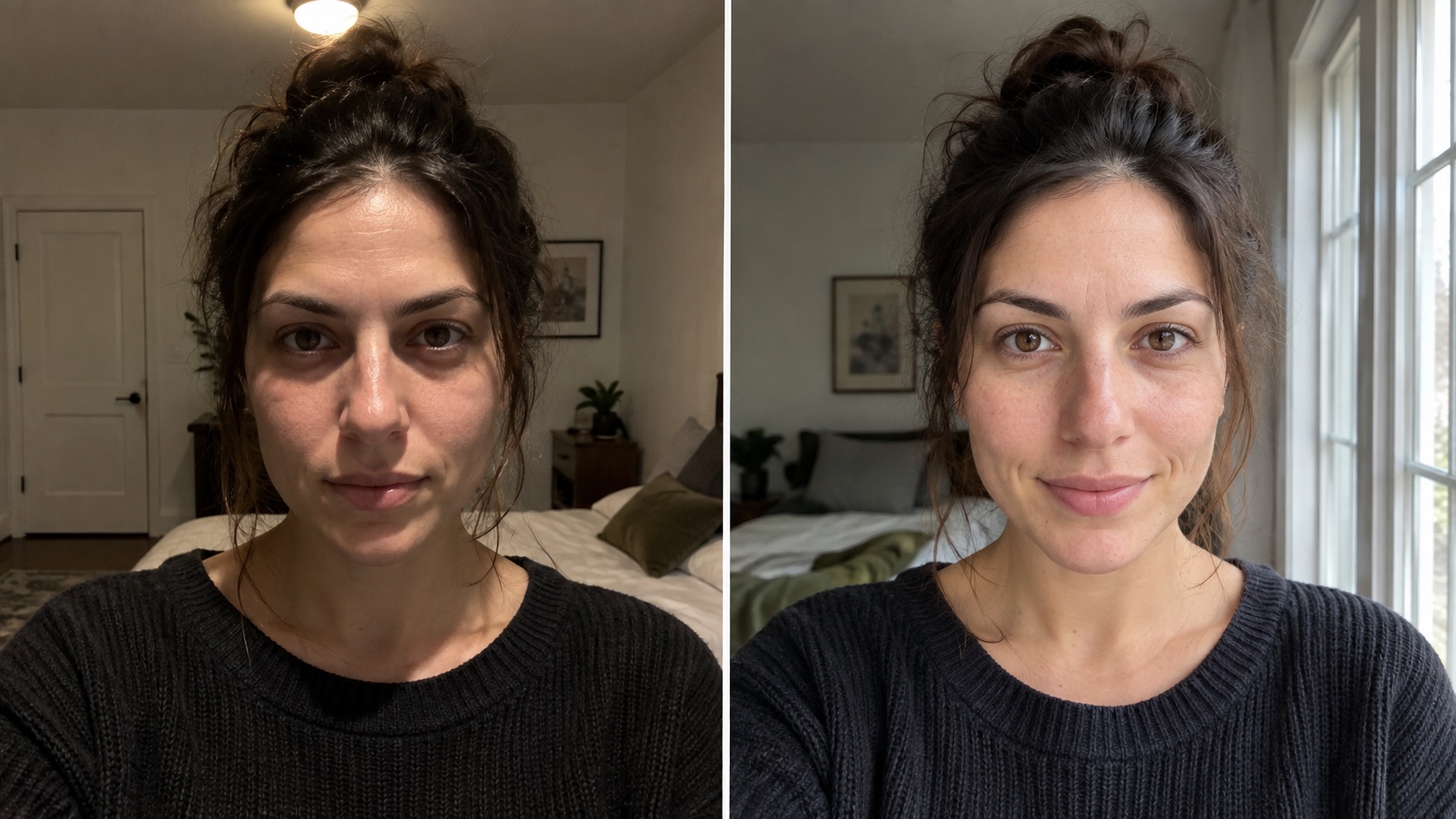
| Can you see the face? | Eyes, nose, mouth, and jaw are clear | A hand, hair, mask, or strong shadow hides them |
| Is the file usable? | Facial detail is visible at normal zoom | Motion blur or compression has erased detail |
| Is the appearance current? | It matches how the person looks now | It shows a hairstyle or age that would mislead |
| Does it add information? | It offers a useful angle or expression | It repeats another frame almost exactly |
| Is it yours to use? | The subject and rights are clear | Consent or ownership is uncertain |
This table avoids a numeric “quality score” because we have not validated one. The aim is to make a deliberate first selection that another person could review.
If you want to test one variable
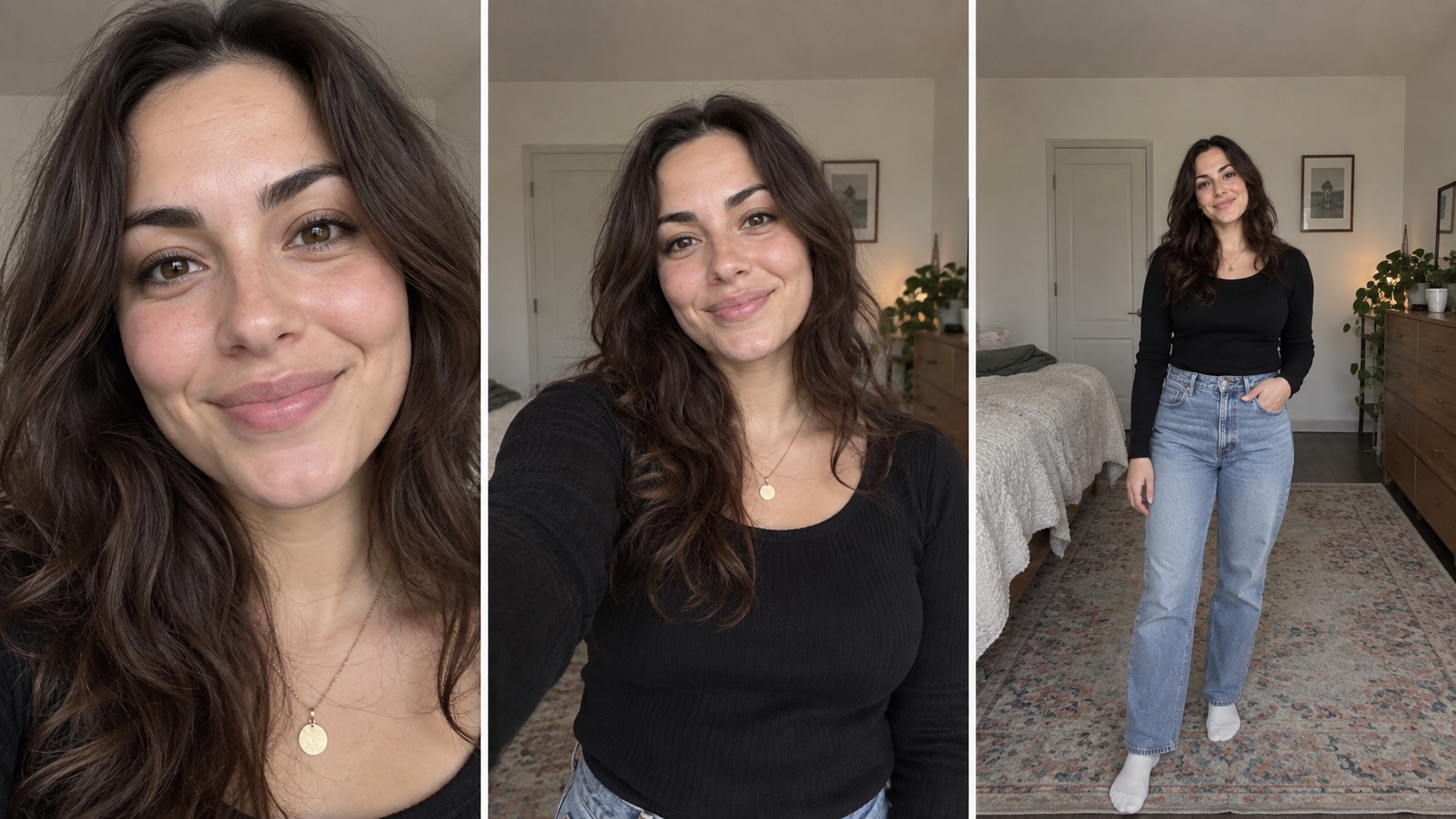
Make two sets with the same subject, the same number of photos, and the same generation style. Change only one condition. For example, compare a set with varied angles against a set of mostly front-facing photos. Keep the rest of the workflow the same, including any settings and the way you choose the final result.
Before you generate, decide what you will record: likeness to a private reference, number of visibly flawed results, and whether the best image works at a 96-pixel avatar size. Check the headshot size guide for other destinations. Save every result, including the weak ones. If you change the selection rule after seeing the outputs, start a new comparison rather than quietly folding it into the first.
One run with one person cannot establish a universal rule. Repeat the comparison with consenting subjects and report the variation if you plan to claim that one input type performs better.
Common selection mistakes
All photos have the same strong filter. Compare with an unfiltered recent reference. Filters can change the details you are asking the generator to preserve.
Every image is a distant group shot. Crop only when the resulting face still has visible detail. If it does not, choose another source.
The lighting changes the face. Deep shadow can hide a feature that a reviewer needs to compare. Include at least one clear, evenly lit view.
The set mixes different appearances. If the subject has changed hairstyle or facial hair, decide which appearance the output should represent and make the input set consistent with that choice.
After generation, compare the result with a current reference photo and inspect the final small crop. The final decision belongs to the person pictured, especially when the portrait will appear beside their name.