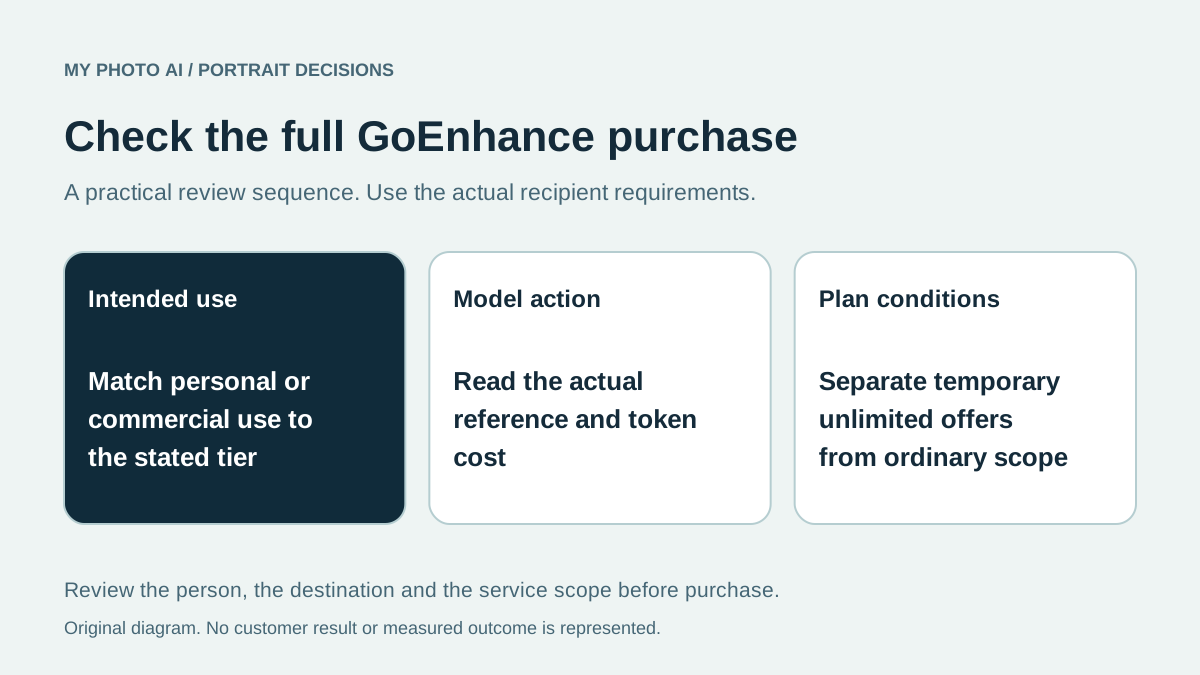
Before choosing GoEnhance for a work portrait, check the intended use as well as the token allowance. Its current FAQ limits commercial usage to Standard, Pro and Mega subscribers, while free users and Basic subscribers are limited to personal use.1 A lower starting subscription price does not by itself establish the right plan for the task.
MyPhotoAI publishes this comparison. We checked GoEnhance's official documentation and actual monthly pricing controls on October 19, 2026. We did not purchase a subscription or test a portrait. This guide compares the stated workflow and allowances, not image quality or legal suitability for your particular project.
Match the plan to the actual use
The live Monthly selection showed these plans.2
| Plan | Monthly charge | Monthly tokens | Published commercial-use scope |
|---|---|---|---|
| Basic | US$9.99 | 600 | Personal use only in the FAQ |
| Standard | US$24.99 | 1,600 | Commercial use included |
| Pro | US$49.99 | 3,500 | Commercial use included |
| Mega | US$99.99 | 8,000 | Commercial use included |
The pricing cards and FAQ agree on that licensing distinction.21 Describe where the image will appear before choosing a tier. Permission to use a service's output does not establish that you have permission to upload another person's photograph or a protected logo.
Do not treat these amounts as annual totals. Select the payment period deliberately and check the final charge. The annual effective monthly price and the separately controlled comparison table can otherwise make the page easy to misread.
Choose the image workflow before counting tokens
GoEnhance's image-generator instructions describe a prompt or reference image, model selection and adjustable parameters.3 Record the actual model, reference handling and output settings for the portrait you want. A text description of a person is not the same brief as preserving your own recognizable face.
Token allowances are not fixed headshot counts across every model and resolution. Check the action's current cost before using it, and budget any editing or extra candidates separately. A sample result or public model maximum does not measure how many images you will approve.
If the original portrait is already suitable, first identify whether a crop or bounded edit solves the problem. The retouching guide separates that decision from replacing the entire source.
Keep temporary unlimited offers separate
The checked pricing page labelled its listed unlimited-model promotion as ending October 31. The FAQ describes Relax Mode as applying only to supported features, with potentially slower queues.21 Do not assume an unlimited label includes every image action permanently or at the same speed.
Write down the promotion's exact model, resolution, plan and end date if it affects your purchase. For work after that date, budget the ordinary allowance unless the provider publishes another applicable offer.
Compare the defined shoot option
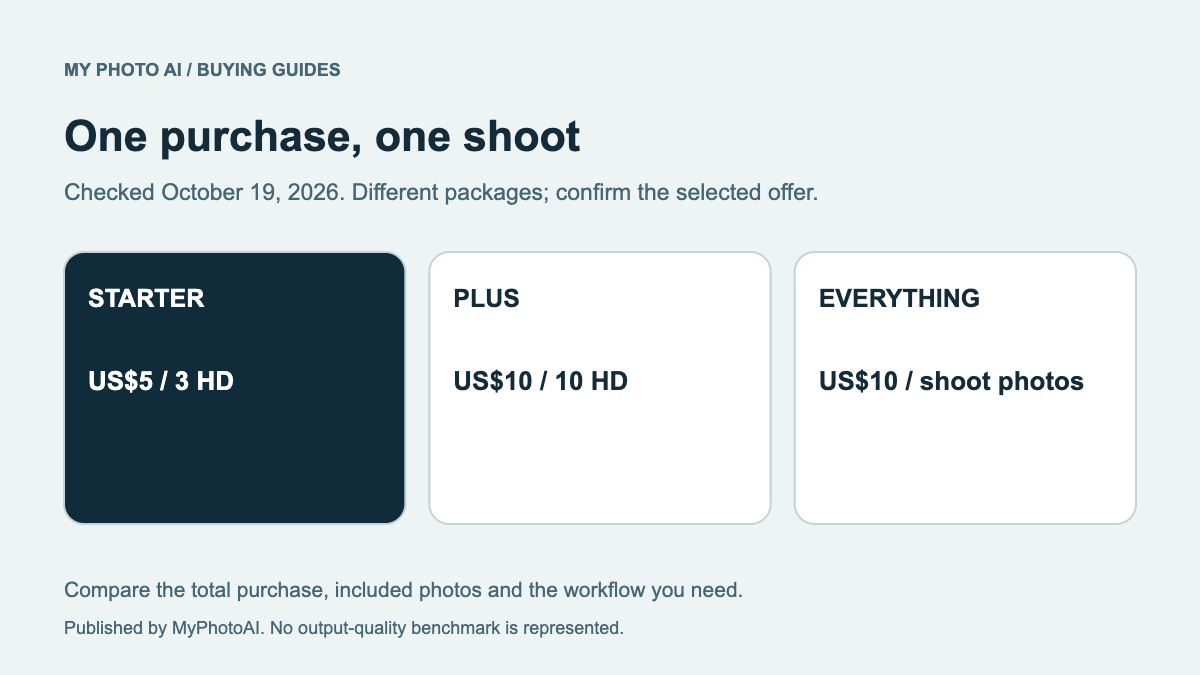
MyPhotoAI's current US Starter offer includes 3 HD photos for US$5. Plus includes 10 for US$10; Everything includes all photos from one shoot for US$10.4 Personalized generation starts after payment. There is no subscription in that offer, and another shoot requires another purchase.
Those are portrait-photo allowances. Compare them with the specific GoEnhance workflow you would actually use, rather than comparing a shoot with the broadest possible token estimate. Check likeness with the review rubric and save the final file needed by the recipient.
Download the use-and-token budget sheet. Set the destination, relevant use permission, model cost and deadline first. Then choose the purchase that covers those requirements.