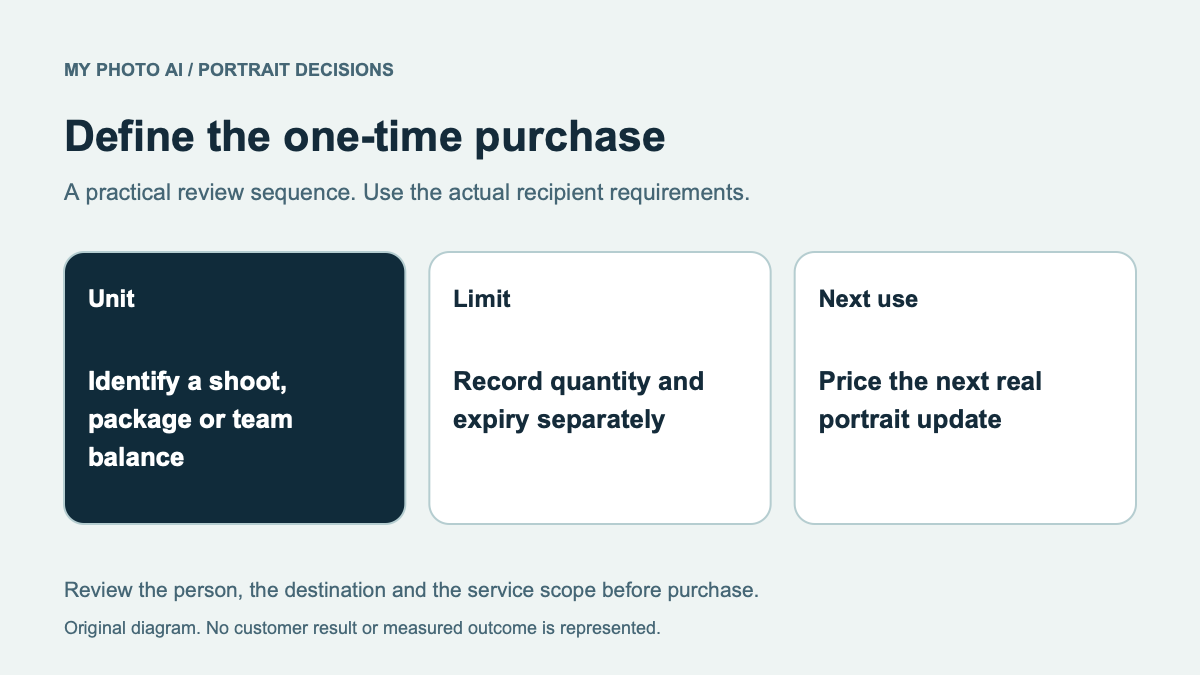
ImagineMe and MyPhotoAI both offer a way to create portraits without taking out a subscription, but their entry purchases count different things. ImagineMe sells a credit balance that can fund model training and generation. MyPhotoAI's compared offer specifies the HD photos included from one shoot. Start with the complete task rather than dividing the headline price by an optimistic image count.
This comparison is published by MyPhotoAI. We checked ImagineMe's official pricing on October 19, 2026. We did not purchase credits, train a model or run a matched portrait test. The example below is allowance arithmetic, not a measured likeness or usable-photo result.
Account for the personal model first
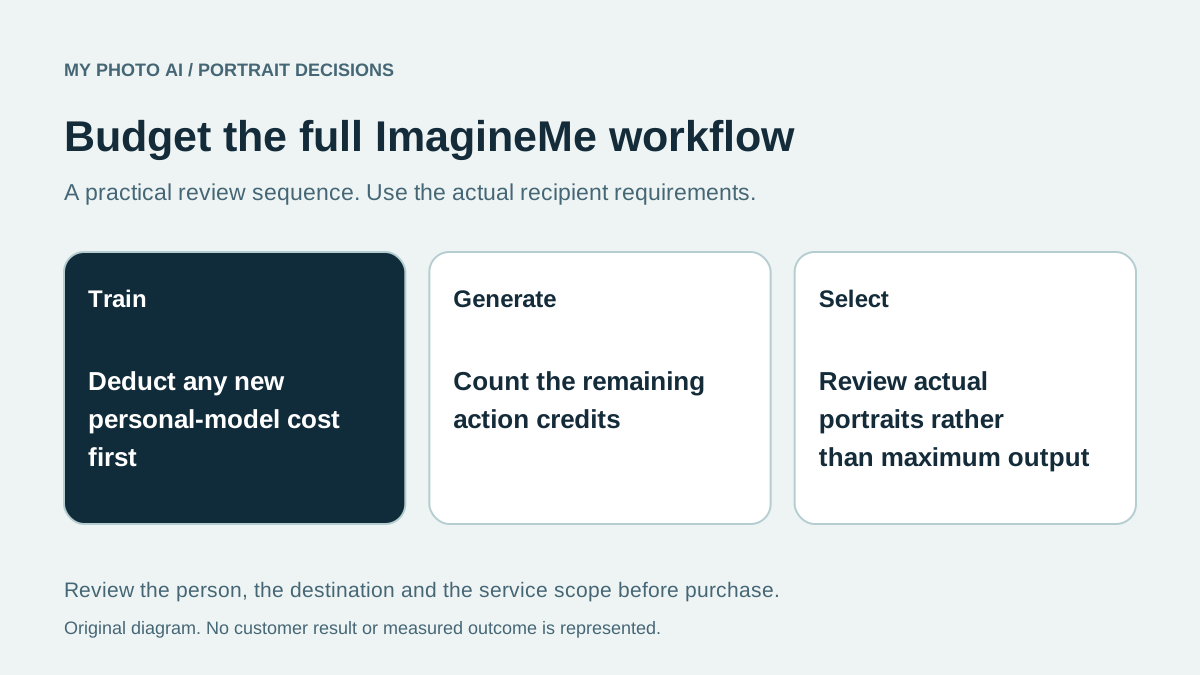
ImagineMe lists 25 credits for US$5, 15 credits to train a personal model, and one credit for an image generation producing up to four images. Retraining has the same listed training cost.1 Those units belong on separate lines in your budget.
| US$5 credit example | Credits | What the number establishes |
|---|---|---|
| Starting balance | 25 | Purchased credit balance |
| One new personal model | 15 spent | The listed training action |
| Balance after that model | 10 left | Credits available for later actions |
| If all ten fund image generations | 10 generations, up to 40 images | A theoretical maximum, not forty approved headshots |
The example assumes one newly trained model and no spending on other actions. It does not establish that every route requires a new model, that every generation returns four suitable pictures, or that a particular retry will preserve your face.
Decide whether you want a balance or a defined shoot
If you want to direct repeated creations yourself, write down how many generation attempts you expect to manage and whether another personal model will be needed. Keep training and later image work separate when comparing the remaining balance with a finished-photo allowance.
ImagineMe's pricing page also includes image-to-image and inpainting within its image-generation description, and offers other creation types on the same balance.1 Spending on another kind of output reduces what remains for portraits. Do not count the entire original balance twice in a mixed project.
For a short profile-photo task, identify the actual deliverables first. You might need one recognizable square crop and one wider biography image, rather than a large number of different faces. The contact-sheet guide helps distinguish output quantity from useful selection.
Compare the MyPhotoAI allowance fairly
MyPhotoAI's current US Starter offer includes 3 HD photos for US$5. Plus includes 10 for US$10, while Everything includes all photos from one shoot for US$10.2 Personalized generation begins after payment. There is no subscription in this offer, and another shoot requires another purchase.
ImagineMe describes its credits as one-time purchases too.1 It would be misleading to frame this choice as the only way to avoid recurring billing. The useful difference is whether you want to budget a sequence of credit-funded actions or choose the stated allowance for a shoot.
Check the currency and final checkout amount on either service. ImagineMe says it selects EUR, GBP or USD by location.1 A US example is not a promise of the same local-currency charge everywhere.
Write a stopping rule before buying
Choose the destination, reference appearance and maximum spend before starting. Review facial proportions against a recent photograph, then inspect the crop and saved file. Record unsuccessful attempts as well as keepers if you compare routes.
Use the input-photo guide before paying for another model or shoot. More generation is not automatically the answer to a weak or outdated reference set.
Download the training-and-generation budget sheet. Choose a credit workflow when you want to manage those separate actions. Choose a shoot allowance when that purchase structure better fits the missing portraits.
Sources
- 1ImagineMe credits, personal-model training and generation costsImagineMe
- 2MyPhotoAI pricingMyPhotoAI