OpenArt is a broader creation subscription that can be used for portraits, while MyPhotoAI's compared purchase covers photos from one shoot. If you only need a few headshots, decide whether you also want the wider workflow before budgeting an ongoing credit plan.
We publish MyPhotoAI. We checked OpenArt's official pricing, headshot feature and expanded credit FAQs on October 19, 2026. We did not subscribe, upload references or run a portrait-quality test. This is a purchase comparison, not a recommendation based on measured output accuracy.
Start with the selected billing period
OpenArt's explicit Monthly selection displayed these individual plans.1
| Plan | Listed monthly price per seat | Monthly credits |
|---|---|---|
| Starter | US$14 | 4,000 |
| Plus | US$34 | 12,000 |
| Pro | US$56 | 24,000 |
| Wonder | US$240 | 106,000 |
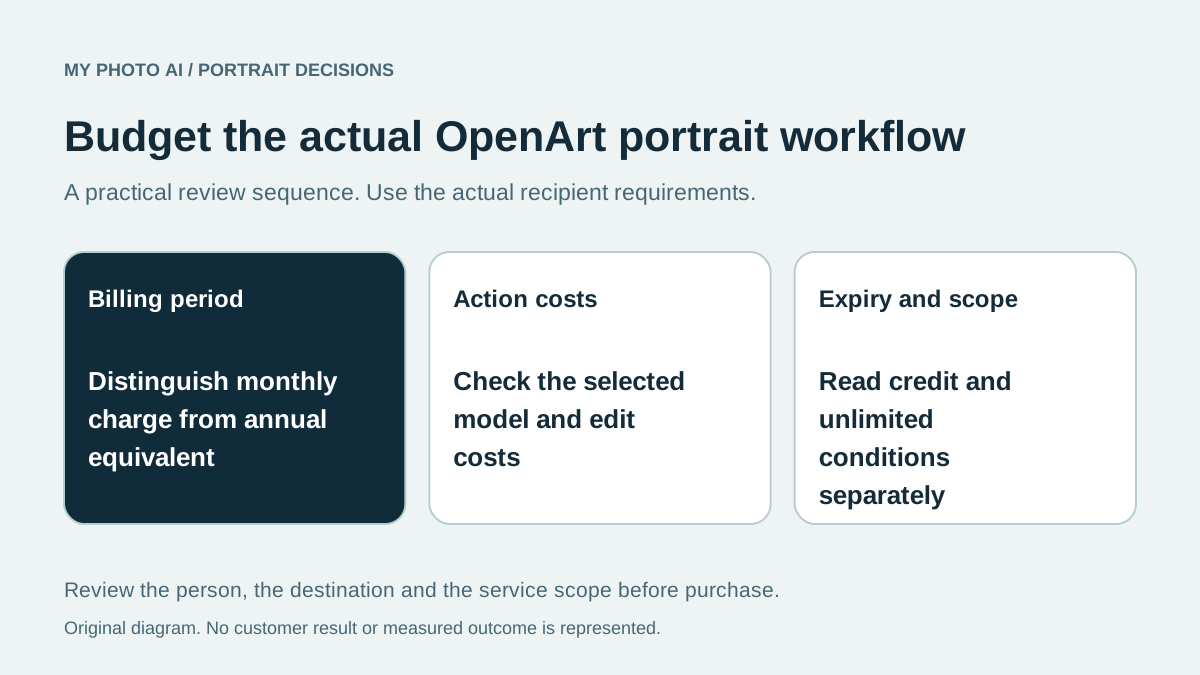
These are subscription allowances. Do not treat a discounted per-month figure under annual billing as the total amount needed for a one-month project. Confirm the actual payment period and seat count before comparing the charge with a single shoot.
The number of credits also differs from the number of acceptable portraits. Select the actual model and settings, then check the action cost shown before generation. Public approximate maximum-image counts do not establish a headshot yield at every model or resolution.
Budget the workflow you intend to use
OpenArt's headshot feature describes uploading a reference, choosing a model and directing the image with a prompt and settings.2 That makes the intended workflow part of the decision. Record which changes you want and who will inspect the candidates rather than buying a large balance around sample pictures alone.
Make a short list of the required actions: initial portrait generation, any later scene changes, an editing step and the final export. Check their actual costs separately. Leave room in your budget for rejected candidates without assuming that more attempts guarantee a suitable result.
If the current photograph only needs a bounded correction, the retouching guide may help you avoid commissioning an unnecessary new scene. If you need a new likeness, prepare recent references with the input-photo checklist.
Read credit expiry and unlimited conditions
OpenArt's pricing FAQ says base subscription credits do not roll over and access to paid credits ends after the plan expires.1 That matters when your portrait work will be occasional rather than monthly. Do not treat an unused monthly allowance as a permanent balance.
The same FAQ limits unlimited generation to selected models and stated promotion periods, with queue and fair-use conditions.1 An unlimited badge is not evidence that every headshot model, resolution or workflow is included indefinitely. Check the exact model you would use and what applies after a promotion ends.
Compare with a shoot allowance
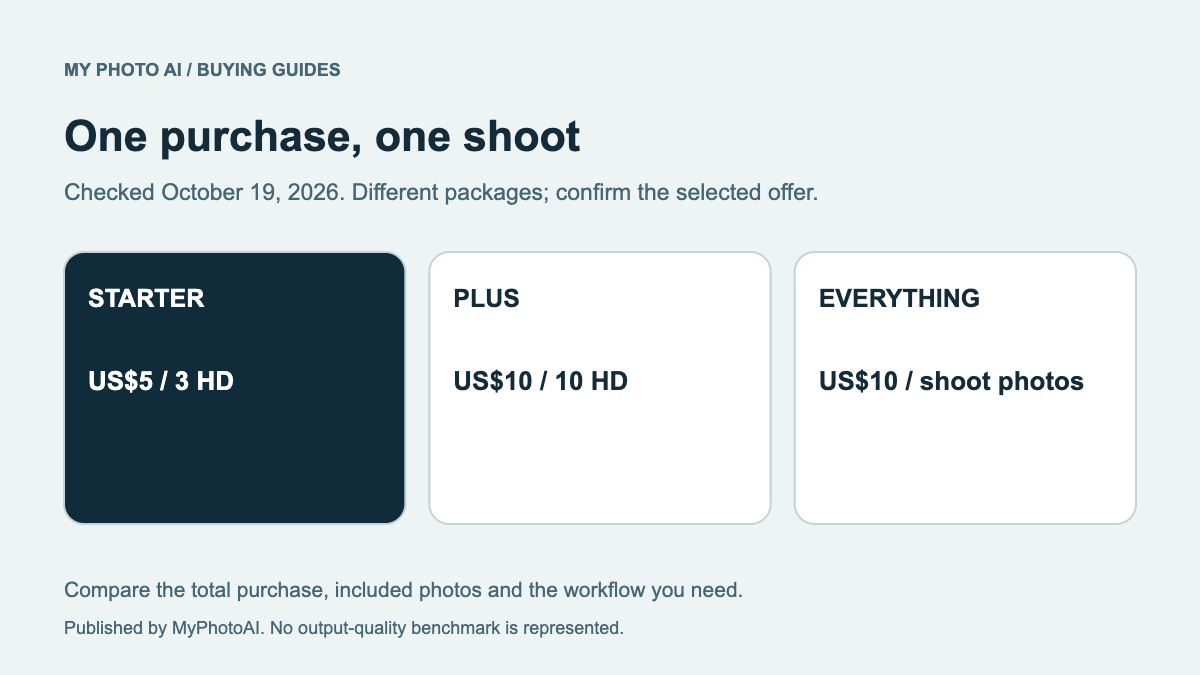
MyPhotoAI's current US Starter offer includes 3 HD photos for US$5. Plus includes 10 for US$10; Everything includes all photos from one shoot for US$10.3 Personalized generation starts after payment. There is no subscription in that offer, and another shoot requires another purchase.
A broader subscription may fit continuing creative work. A shoot purchase may fit a smaller defined portrait task. Compare both against the actual saved files and recognizable likeness you need, rather than treating different billing units as quality scores.
Download the subscription portrait budget. Record billing period, action costs, expiry and selection time before paying. The plan guide explains the MyPhotoAI allowances on the other side of that comparison.