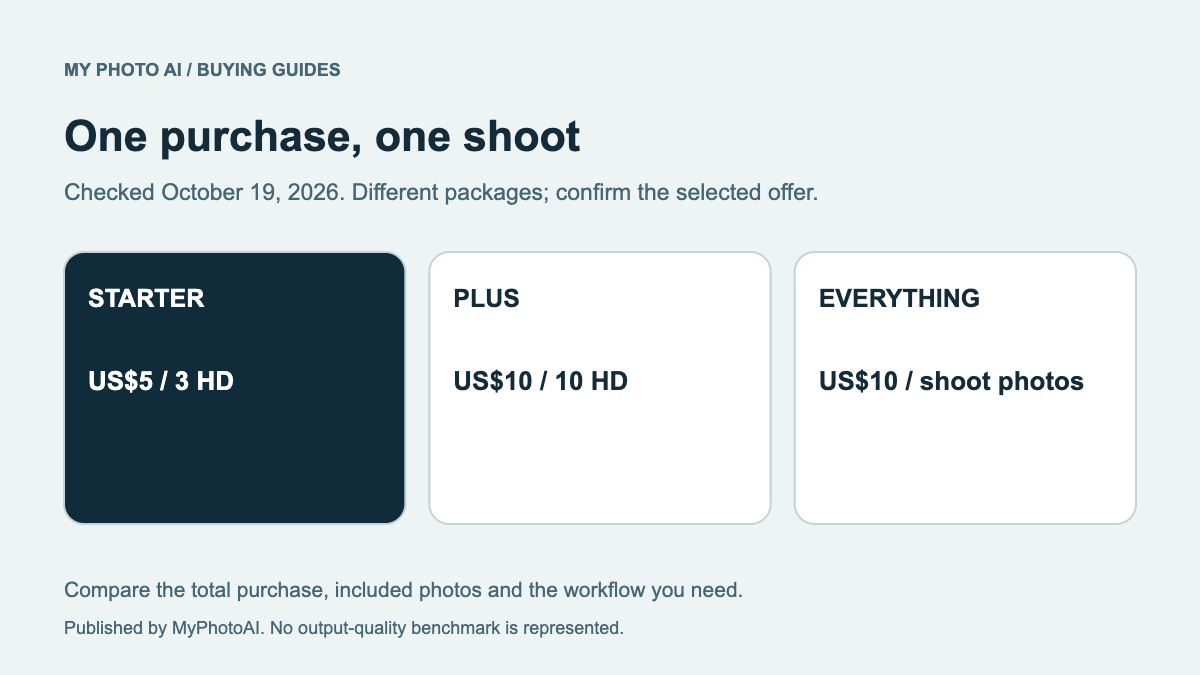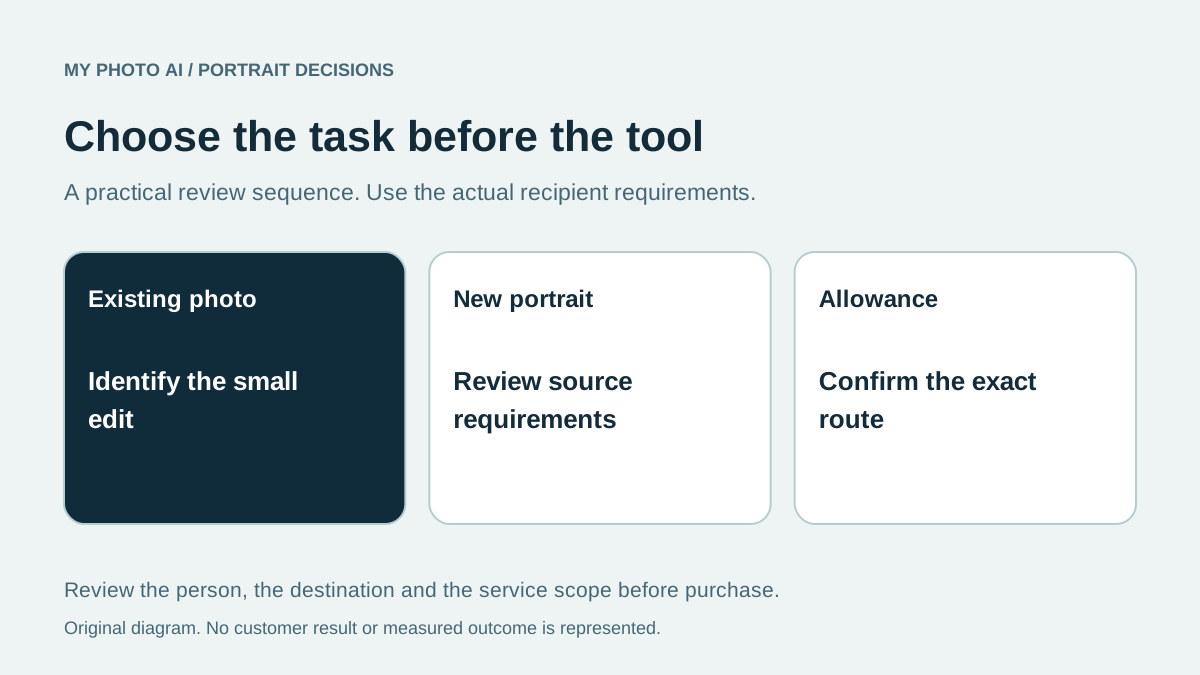
If you already have a suitable portrait, you may need an edited background or border rather than a new generated face. PFPMaker's public site separates its free Classic editor from AI headshots and photoshoots.1 MyPhotoAI offers a new paid shoot, with the current US Starter option at US$5 for 3 HD photos from that shoot.2
Choose the task first. This comparison is published by MyPhotoAI from public pages checked October 19, 2026. We have not uploaded a personal photo to PFPMaker, tested a paid generation or compared matched outputs for likeness.
Keep the PFPMaker routes separate
| Required task | Route to inspect | Allowance to verify |
|---|---|---|
| Keep the existing portrait and change presentation | PFPMaker Classic | Background, borders and other editor conditions |
| Create a new styled portrait from a source photo | PFPMaker AI headshots or photoshoot | Generated-image and download allowance |
| Generate a MyPhotoAI portrait set from references | Paid MyPhotoAI shoot | Included HD photos and one-shoot scope |
PFPMaker labels Classic as free, with background removal, replacement, borders and text without credits. The same site describes a separate single-selfie generative route.1 The free Classic label does not establish that every generative style or download has an unlimited free allowance.
Check whether the existing portrait is enough
If the face, expression and crop already represent you well, start by identifying the distraction. A plain replacement background can solve a different problem from changing clothing, lighting or expression. Keep the original file so you can compare the edited edge around hair and glasses.
Do not assume a background edit preserves every detail merely because the intended action is small. Review the actual result at its destination size. If an unchanged original already fits the profile, you may not need either an editing tool or a new paid shoot.
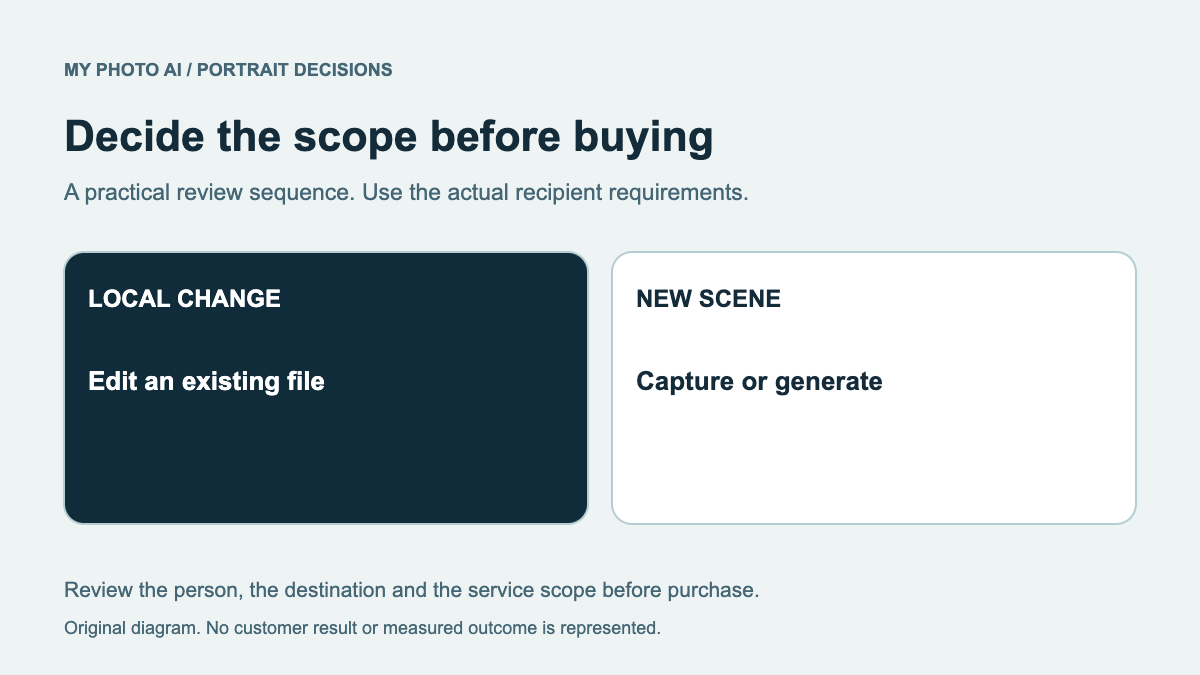
The retouching guide separates local edits from new image generation. It is a useful first step when the task is only to correct a small part of an existing photo.
Inspect the generative offer on its own terms
PFPMaker's headshot page describes creating styles from a selfie.3 That is a separate proposition from keeping the same portrait while changing its background. Check source-photo requirements, available output resolution and the current download conditions in the selected route.
We did not establish a numeric paid-generation total in the public app reviewed, so this article does not quote one. A try-for-free headline is not a verified allowance for a specific paid package. If a free option is available and fits the intended use, inspect it before deciding that another purchase is necessary.
What a MyPhotoAI purchase includes
MyPhotoAI's current US offer has Starter at US$5 for 3 HD photos, Plus at US$10 for 10 and Everything at US$10 for the photos from one shoot.2 Payment precedes personalized generation. There is no subscription in that offer, and a later shoot is another purchase.
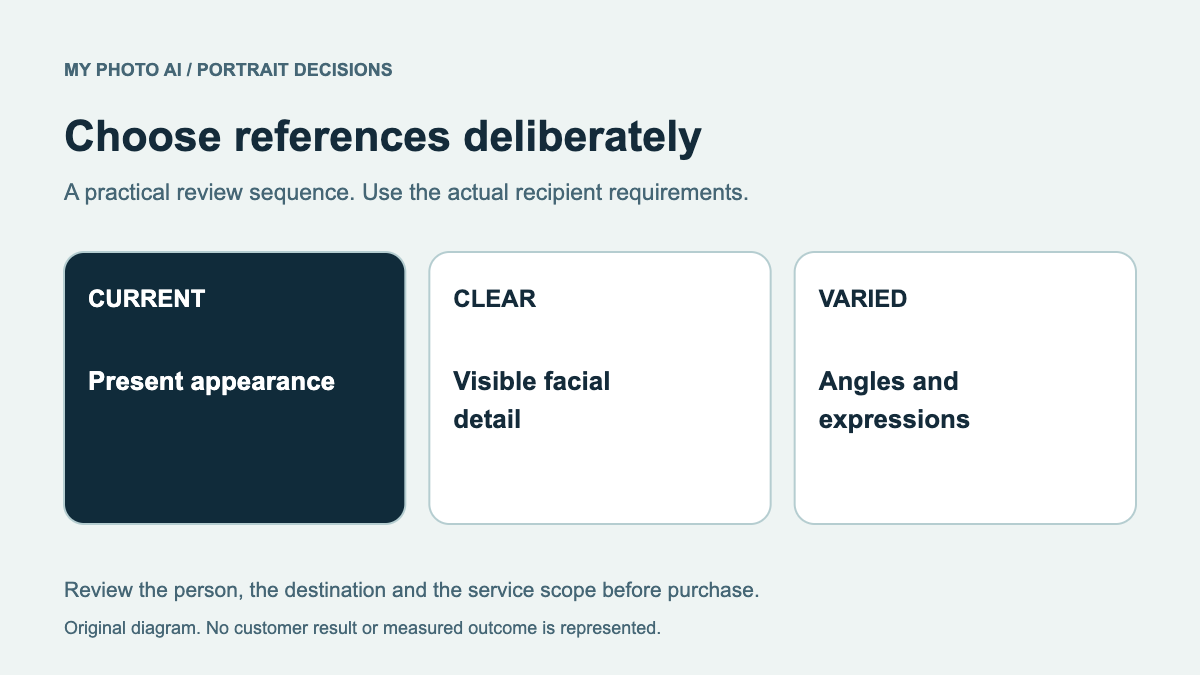
The plan guide explains the allowance. It does not establish a separate local editor or an entitlement to unlimited future images. Browse the sample looks to understand styles, then prepare the reference photos for a shoot if that is the task you choose.
Compare the result and its destination
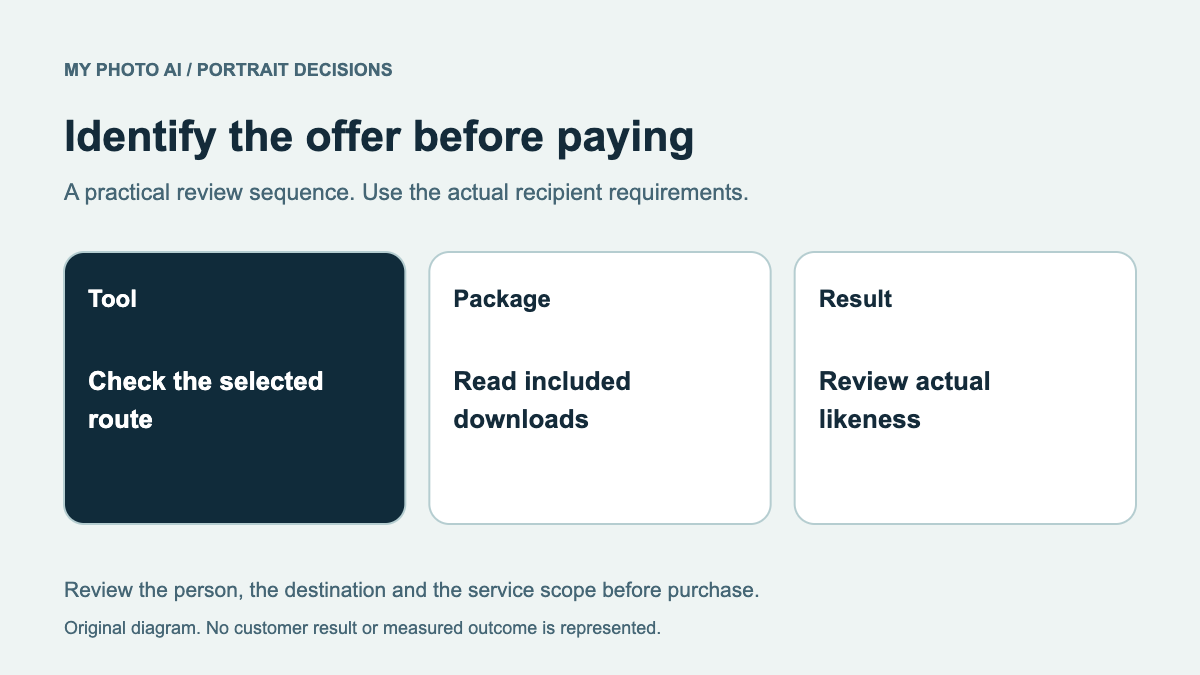
Check likeness, facial details, clothing and the intended use before publishing any generated portrait. A tool's suggested use on a resume or business profile is not proof that a particular recipient accepts that image. Read the actual instructions first.
We do not use engagement percentages, a recognition benchmark or a quality winner to settle this choice. The practical distinction is whether you need to present an existing portrait differently or create a new one, followed by the exact allowance and commitment of the chosen route.
Download the Classic-versus-photoshoot worksheet. If a paid MyPhotoAI shoot fits, browse sample looks and confirm the checkout. If the existing image works with a simple edit, keep the purchase limited to that requirement.
For a second limited-free route, the Canva headshot guide explains why the exact app, credits and export conditions need checking.
Sources
- 2MyPhotoAI pricingMyPhotoAI