YouCam Online Editor has a browser headshot workflow: choose a style, upload a photo and generate a portrait. Its page also links to the separate YouCam Makeup app.1 Those names do not establish that a subscription or purchase in one product pays for a headshot action in the other.
This guide is published by MyPhotoAI from official pages checked October 19, 2026. We reviewed the public browser workflow, not a signed-in purchase. The pricing view did not load usable allowance values during our check, so we do not quote a universal YouCam headshot price.
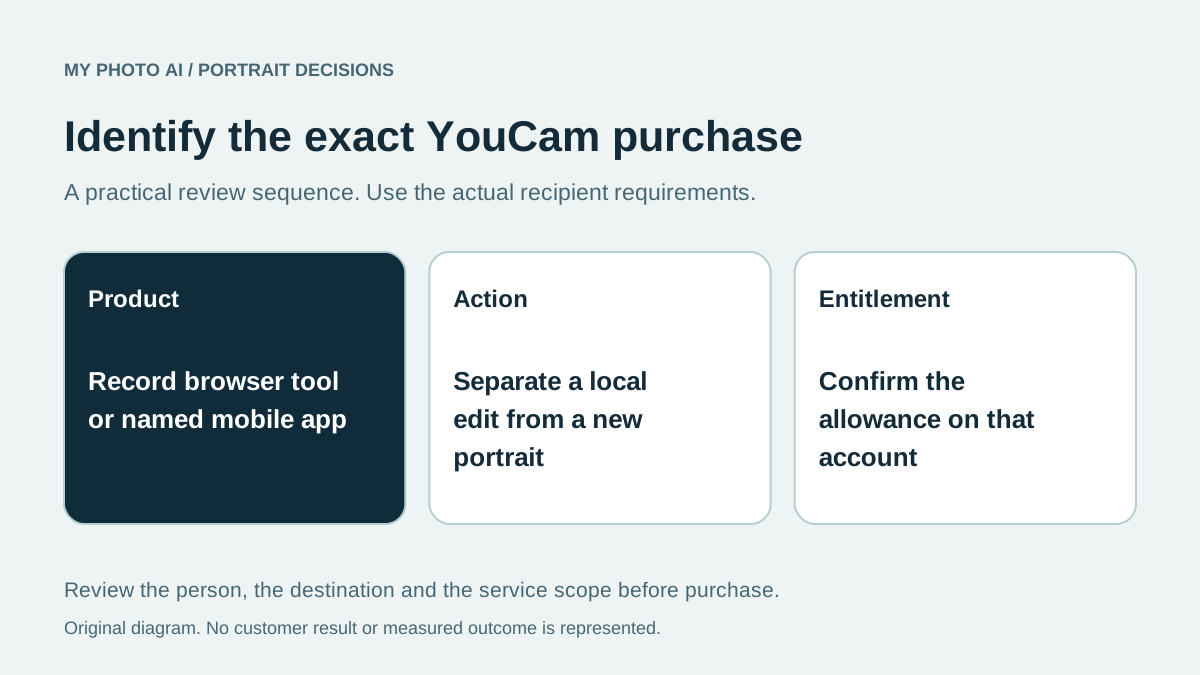
Identify the product before the plan
| Offer name | What to record before paying |
|---|---|
| YouCam Online Editor | Browser address, selected headshot action and allowance |
| YouCam Makeup app | Exact app, store account and headshot purchase terms |
| Another YouCam product | Its own offer and whether the feature is included |
Do not move an app-store price, trial label or premium badge between rows. Record the product from the actual purchase screen. If you already subscribe, check that account's entitlement before buying again.
The online page advertises more than 50 styles and accepts JPEG, PNG and BMP inputs.1 Catalogue size is not an included-generation count, and an accepted upload format does not promise a particular exported file.
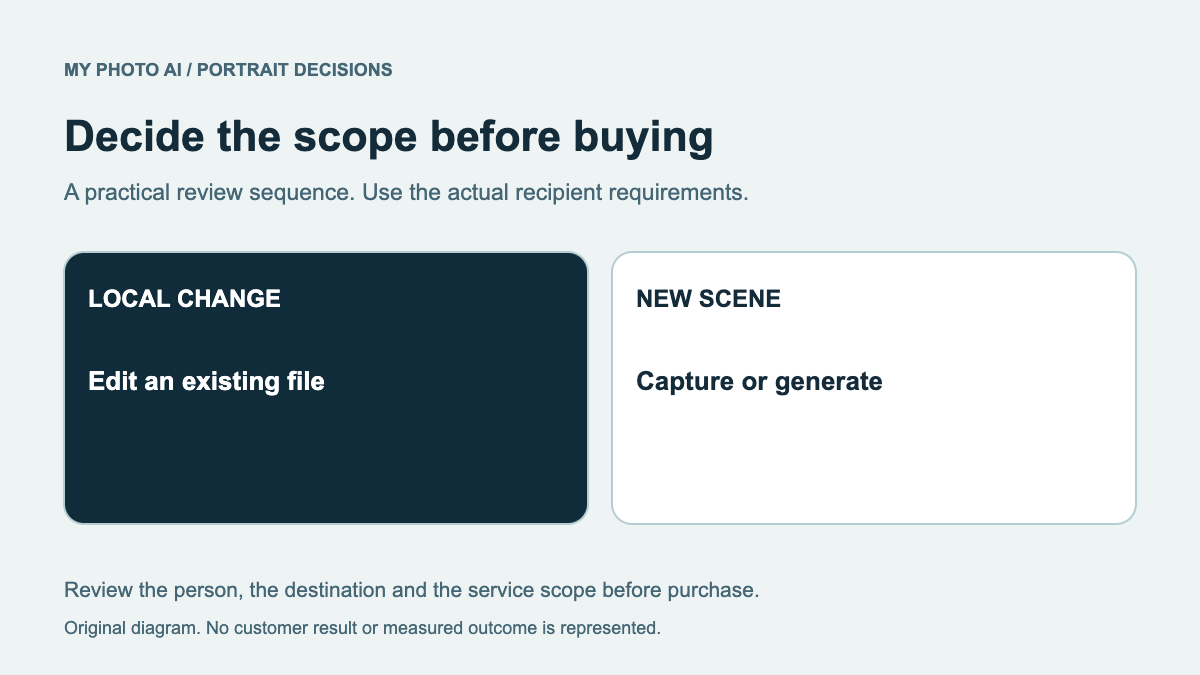
Decide whether the task is editing or generation
Write the unfinished task in one sentence. Removing a background distraction is smaller than creating a new outfit and setting. The online page links separate object-removal, color-correction and background tools.1 Their presence does not prove that every operation shares one allowance or is included in a headshot purchase.
If the current portrait is recognizable and only needs a local correction, read the retouching guide first. For a new styled portrait, inspect the chosen feature's actual charge before starting.
Check the result at its destination
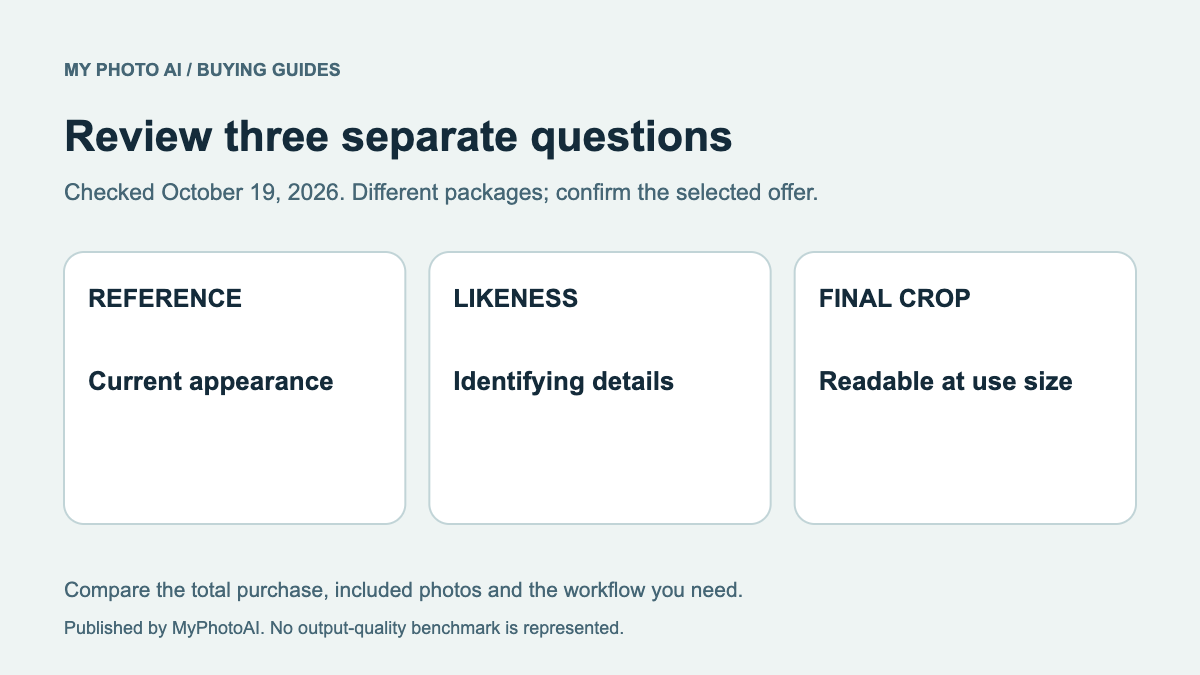
Beauty adjustments and professional-profile accuracy can pull in different directions. Compare the result with a recent unedited photo. Reject unintended changes to facial proportions, skin details or glasses before judging the background. This is a review method, not a claim that YouCam always makes those changes.
Then test the intended crop. A flattering full portrait may lose useful framing in a small avatar. The likeness checklist separates recognizable identity from a preferred treatment.
Compare the one-shoot offer
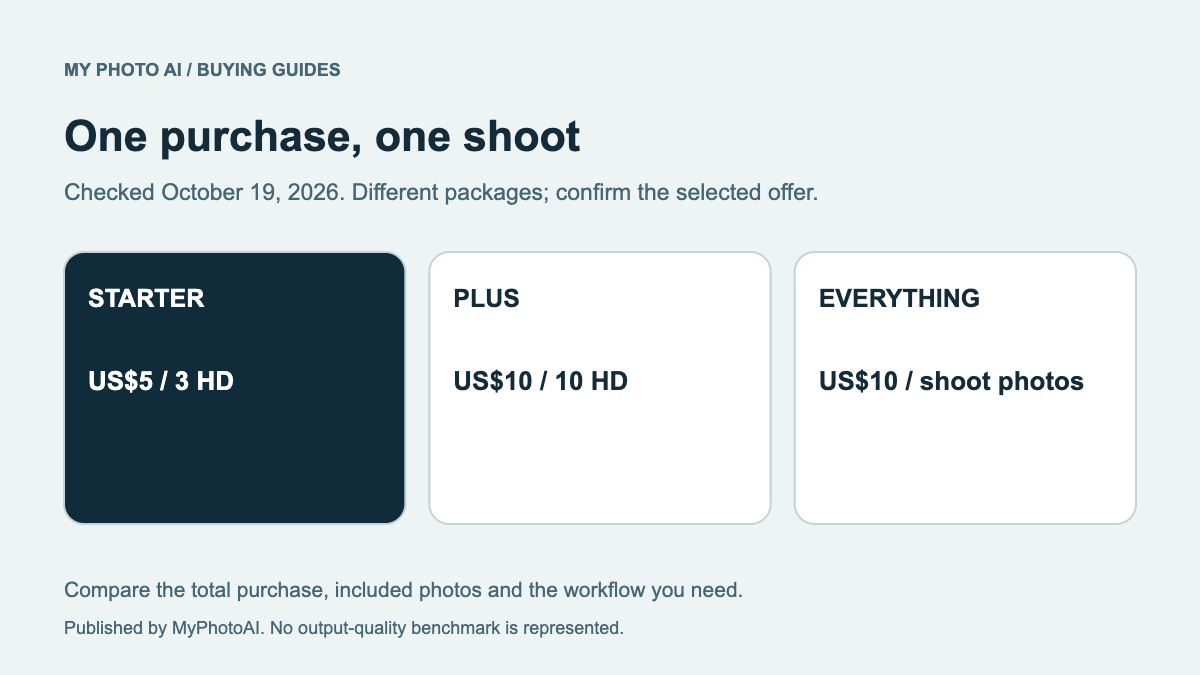
MyPhotoAI's current US options are 3 HD photos for US$5, 10 for US$10 or all photos from one shoot for US$10.2 Personalized generation starts after payment. There is no subscription in that offer; another shoot requires another purchase. It is a shoot allowance, not access to a broader YouCam editing suite.
Download the product-and-entitlement checklist. Choose YouCam when its specific app or browser tool and verified allowance solve the task. Compare MyPhotoAI when its available looks and included files fit instead.
Sources
- 1Online workflow and separate app linkPerfect Corp.
- 2MyPhotoAI pricingMyPhotoAI