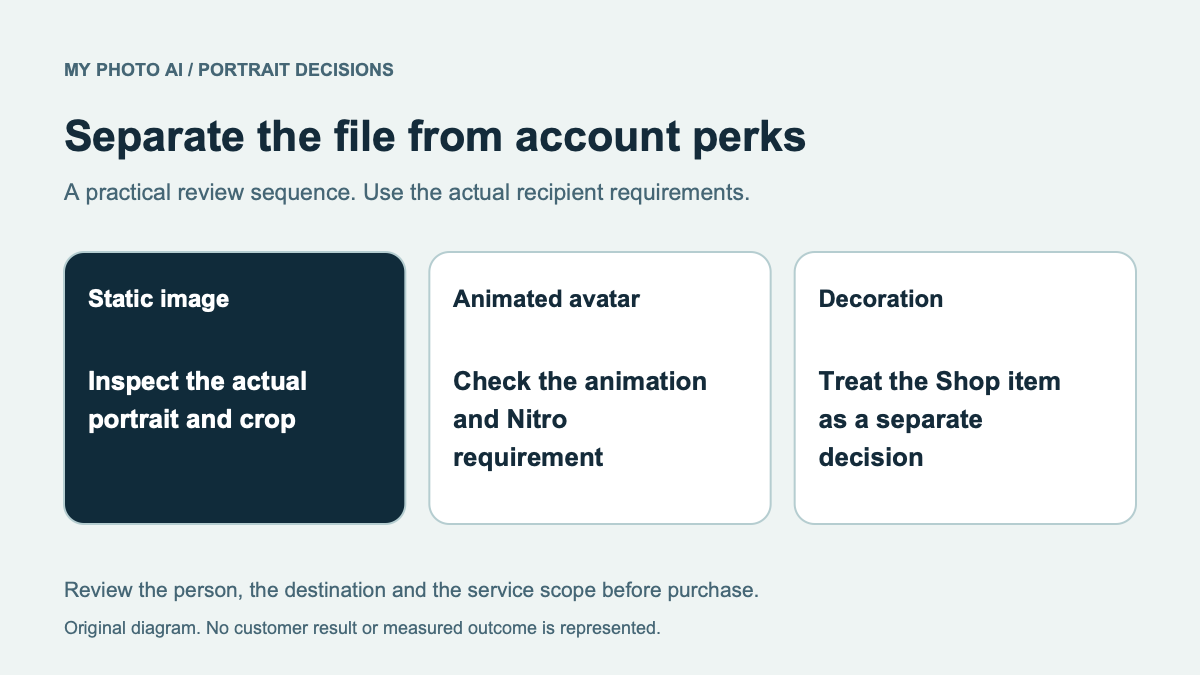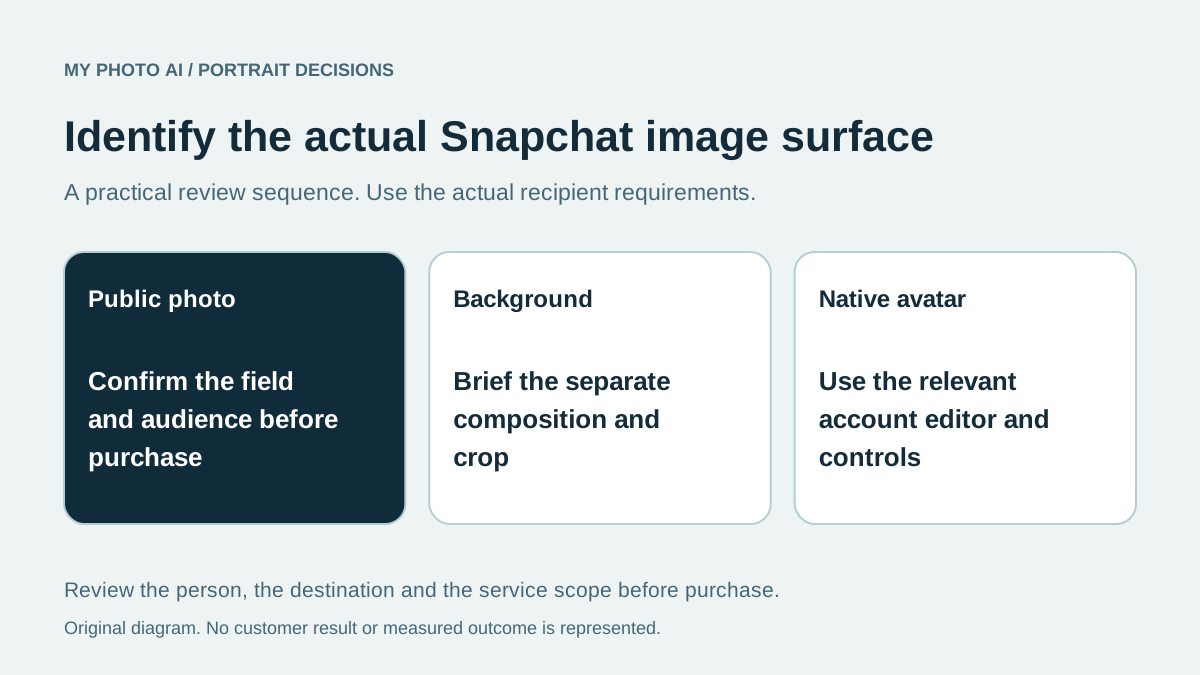
A Snapchat profile-picture purchase should start with the actual field you want to change. A Public Profile photograph, a background image and Bitmoji customization are different tasks. A downloaded portrait is an image file, not an entitlement to replace every Snapchat identity surface.
Snapchat's current support instructions describe choosing a Public Profile photograph from Memories or the Camera Roll, then moving and scaling it before confirmation.1 Its Public Profile guide separately describes profile and background photos.2
We publish MyPhotoAI. Official instructions were checked October 19, 2026. We did not change an account, test an upload or establish acceptance for a particular generated image.
Identify the actual profile surface
| Task | What to confirm before buying |
|---|---|
| Public Profile photo | The photo field exists in your account and the source supports the crop |
| Public background or cover | The actual composition and current uploader requirements |
| Bitmoji or another native identity feature | The relevant Snapchat editor and available controls |
| A Story or other content image | Its own content brief and destination |
Do not infer that all of those fields accept the same file or show the same audience. If the desired change belongs to a native avatar editor, buying more still portraits does not provide that editor's functionality.
Resolve availability before ordering a new file
Snapchat describes Public Profiles as optional to use and notes that availability can depend on the account, age or prior guideline issues. It also distinguishes Public Profiles from business and professional-account features.2 Check the actual account rather than relying on an old claim that every eligible user has identical controls.
A portrait purchase cannot create a missing account feature or establish eligibility. If you cannot find the field you need, resolve the account question first. Do not keep buying replacement images for a setting that is not available.
Once the destination is confirmed, try an existing suitable original in the intended crop. A move-and-scale adjustment can be enough if the person already looks current and recognizable.
Plan for the actual audience
Snapchat says a Public Profile is visible to people beyond friends. Its photo instructions also describe visibility in Add Friends, Search and suggested-profile surfaces.12
Choose an image you are comfortable using for that public purpose. Inspect visible people, location details and marks, and obtain any needed permission for source material. Do not assume that a photograph uploaded for a public profile is limited to a private conversation.
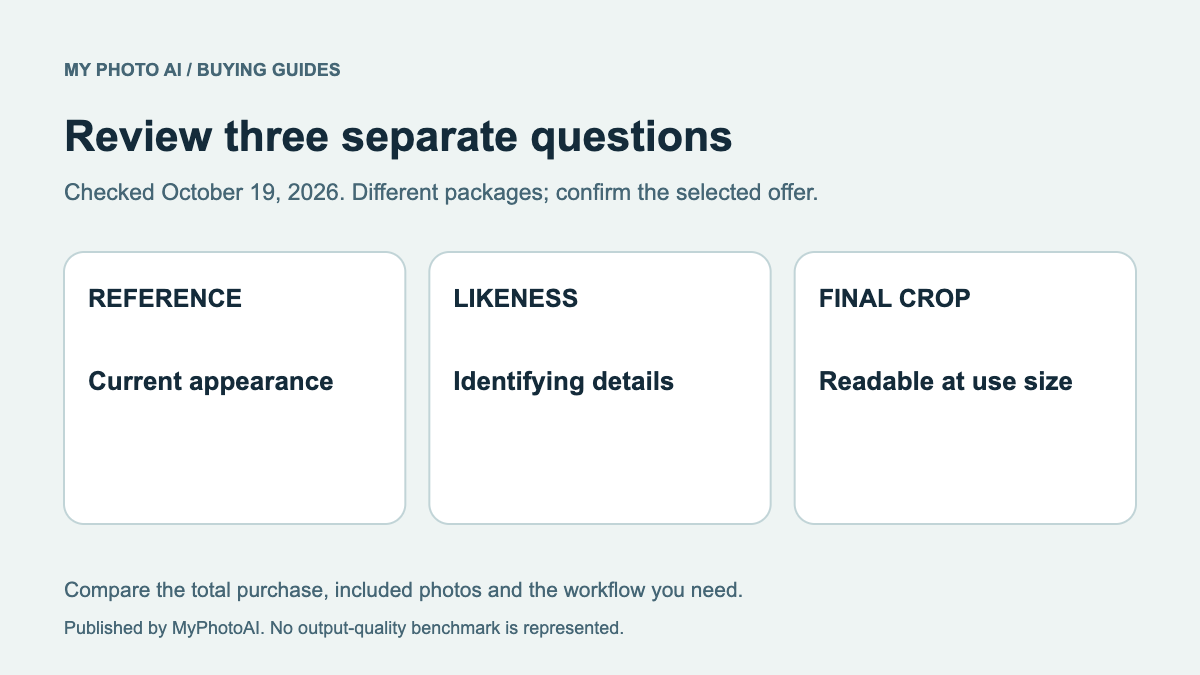
For a personal portrait, review the face against a recent real photograph before styling. A playful background should not obscure changed eyes, glasses or facial proportions. The likeness guide provides a practical inspection sequence.
Compare the portrait and wider-image work
A background may need more room around the subject than a face crop. Test both compositions before deciding that a single source can supply them. If the brief needs an original character or precise branding artwork, commission that work explicitly rather than treating it as an included portrait export.
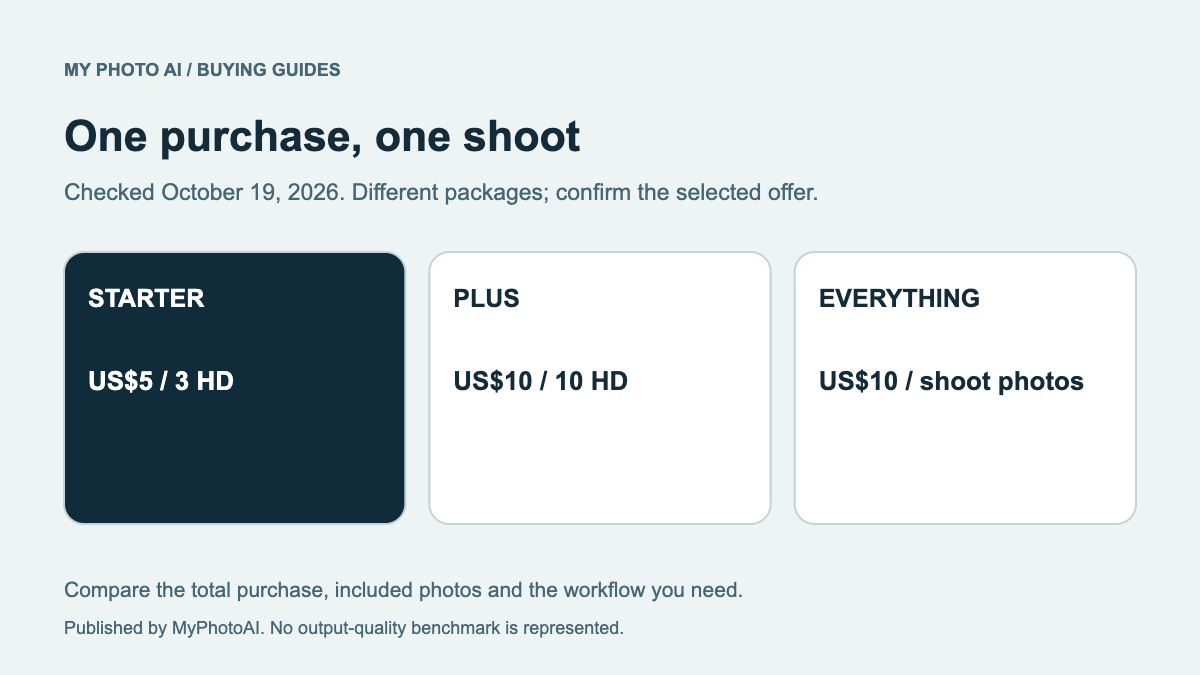
MyPhotoAI's current US Starter offer includes 3 HD photos for US$5. Plus includes 10 for US$10; Everything includes all photos from one shoot for US$10.3 Personalized generation begins after payment. There is no subscription in that offer, and another shoot requires another purchase.
Those allowances are portrait photos, not Snapchat account access, native avatar customization or automatic publication. Generation can take over an hour. Inspect the shoot options and the actual saved files before relying on them for a deadline.
Download the Snapchat surface-and-image brief. Confirm the field and audience first, then decide whether a crop, new portrait or separate design is actually missing.
Sources
- 1Public Profile photo selection, cropping and visibilitySnapchat Support
- 2Public Profile availability, audiences and account distinctionsSnapchat Support
- 3MyPhotoAI pricingMyPhotoAI