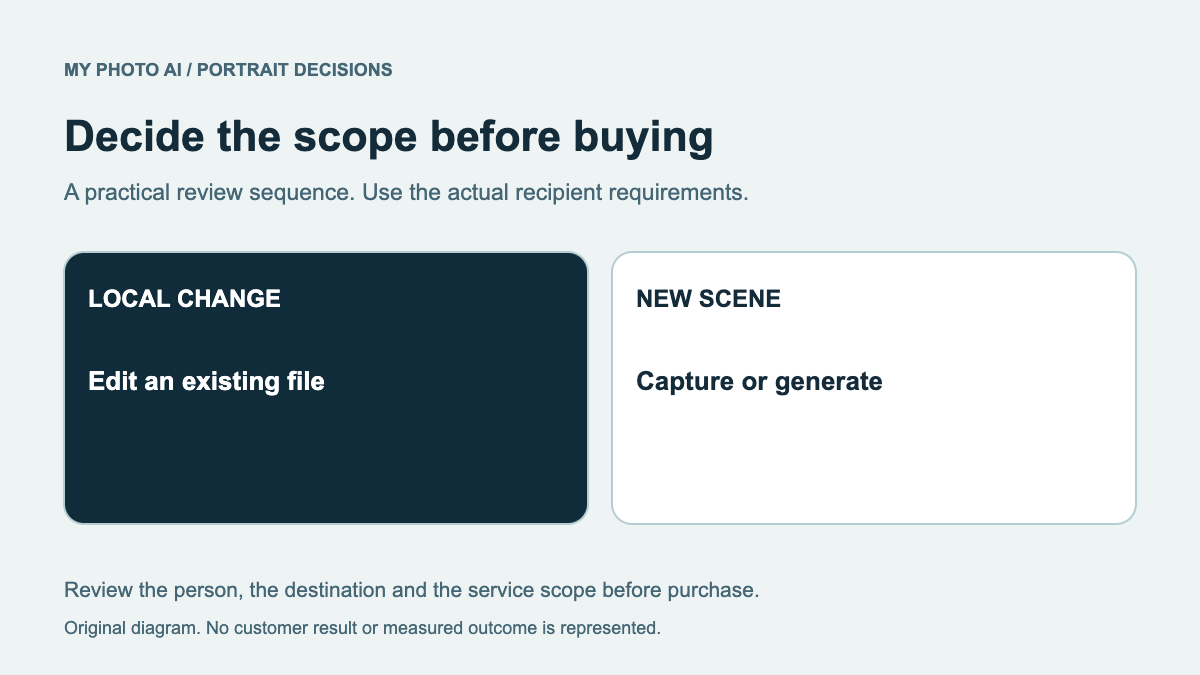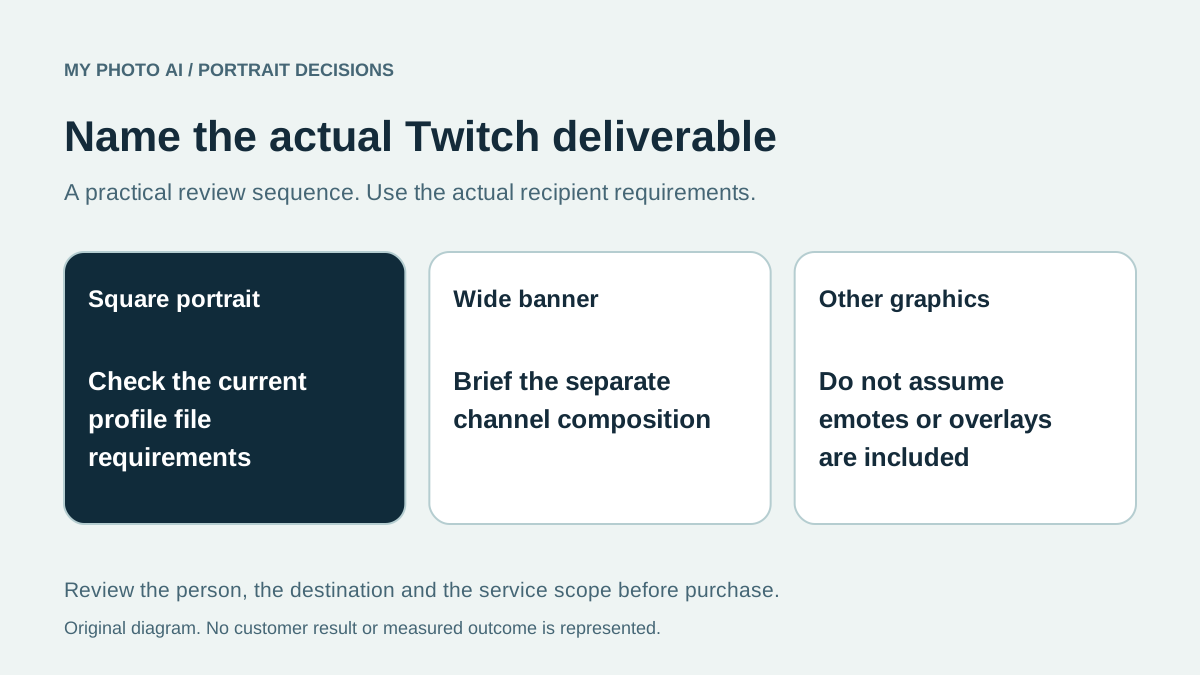
Before buying a Twitch profile picture, decide whether the problem is your face image or the wider channel design. A portrait, profile banner, emote and stream overlay are different assets. Paying for new portrait candidates does not automatically provide the rest of that artwork.
Twitch's official account-settings article lists separate profile-picture and profile-banner fields.1 This guide turns that distinction into a buying brief rather than claiming that one image purchase completes a channel setup.
We publish MyPhotoAI. The requirements were checked October 19, 2026, including the actual Twitch help article in Chrome. We have not changed a Twitch account, tested an upload or measured viewer engagement.
List the files before selecting a service
| Requested asset | Published account-settings guidance | What the purchase needs to cover |
|---|---|---|
| Profile picture | 256 by 256 pixels, maximum 10 MB, GIF/JPG/PNG | A suitable square portrait or channel mark |
| Profile banner | 1200 by 480 pixels, maximum 10 MB, GIF/JPG/PNG | A wider channel design or composition |
| Other stream graphics | Separate from these two account fields | An explicitly specified graphics commission or workflow |
The first two rows reflect Twitch's published account guidance.1 Check the current uploader before export. Listing a GIF file type does not establish that a portrait purchase includes animation or that every animated design is supported in every placement.
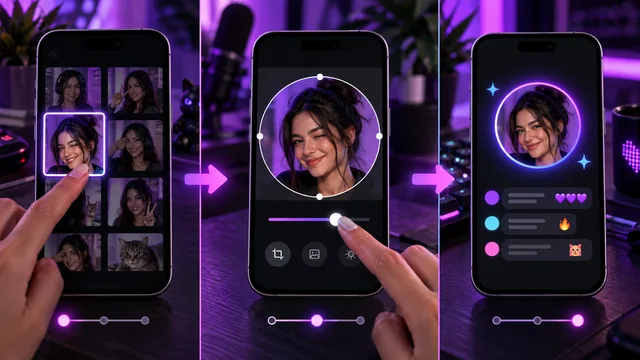
Do not confuse a banner's overall dimensions with the detail needed inside a small cropped face. Keep the original and inspect destination copies rather than repeatedly resizing an already small export.
Choose the identity you want the image to represent
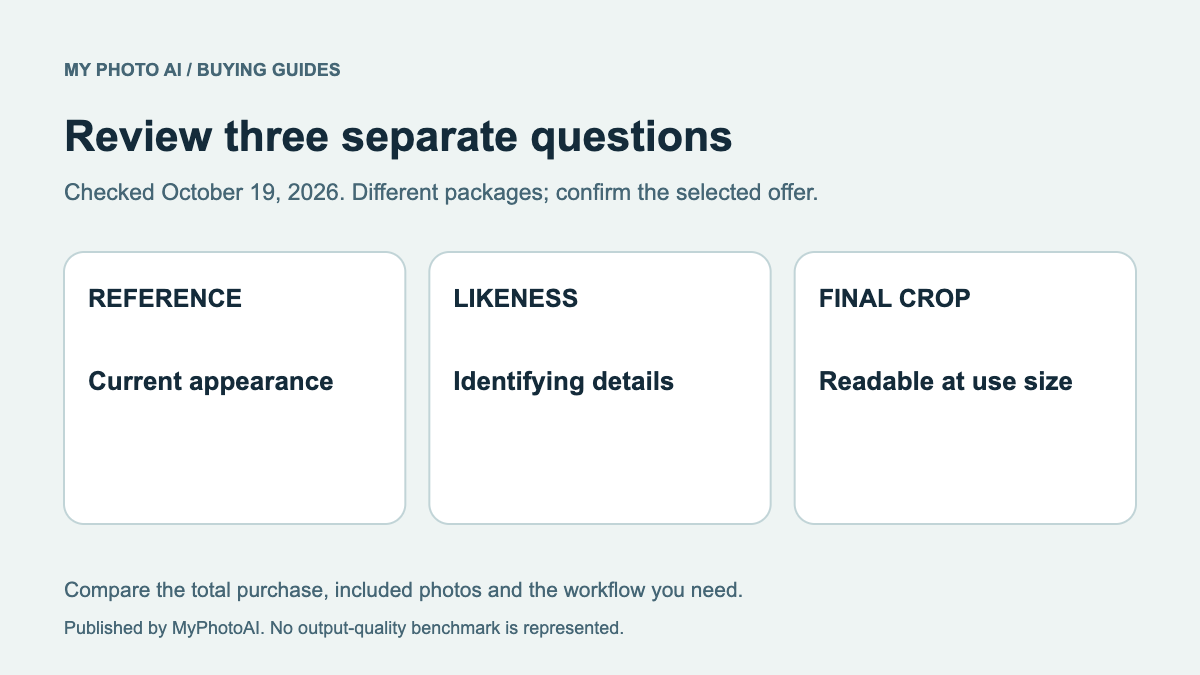
If your channel is associated with your on-camera face, compare the candidate with your current appearance. If it uses an existing original mark or commissioned character, you may need a designer to adapt that artwork rather than a new portrait of you.
Check that you have rights to use any source image or character. A generator's ability to create a design does not establish permission to copy somebody else's branding. Specify which elements are already approved and which must be newly created.
Do not choose a service on an untested claim that a particular look will attract followers. Instead, test readability in the actual channel layout and compare the image with the other visual elements you plan to keep.
Keep face review separate from graphic production
For a portrait candidate, inspect facial details, glasses and hair first. Then check expression, clothing and the intended square crop. For a banner, decide where any text or other branding will sit before committing to a composition.
A different crop of an existing good portrait may be sufficient. A new generated image is more relevant when the actual source needs replacing. The retouching guide distinguishes a bounded correction from a new shoot, while the likeness review provides an inspection order.
If the image is suitable but the mobile upload is the problem, use the Twitch iPhone update guide rather than buying another portrait to resolve an account workflow issue.
Budget the portrait option accurately
MyPhotoAI's current US offer includes 3 HD photos for US$5, 10 for US$10, or all photos from one shoot for US$10.2 Personalized generation starts after payment. There is no subscription in this offer, and a later shoot requires another purchase.
This comparison concerns portrait photos. It does not establish an included emote set, animated asset, streaming overlay or automatic Twitch publication. Generation can take over an hour, and final selection and layout checks require additional time.
Download the Twitch asset brief. Keep the needed portrait, banner and graphics work separate, then choose the smallest purchase or commission that solves the actual remaining task.
Sources
- 1Account settings: profile picture and profile bannerTwitch Help
- 2MyPhotoAI pricingMyPhotoAI