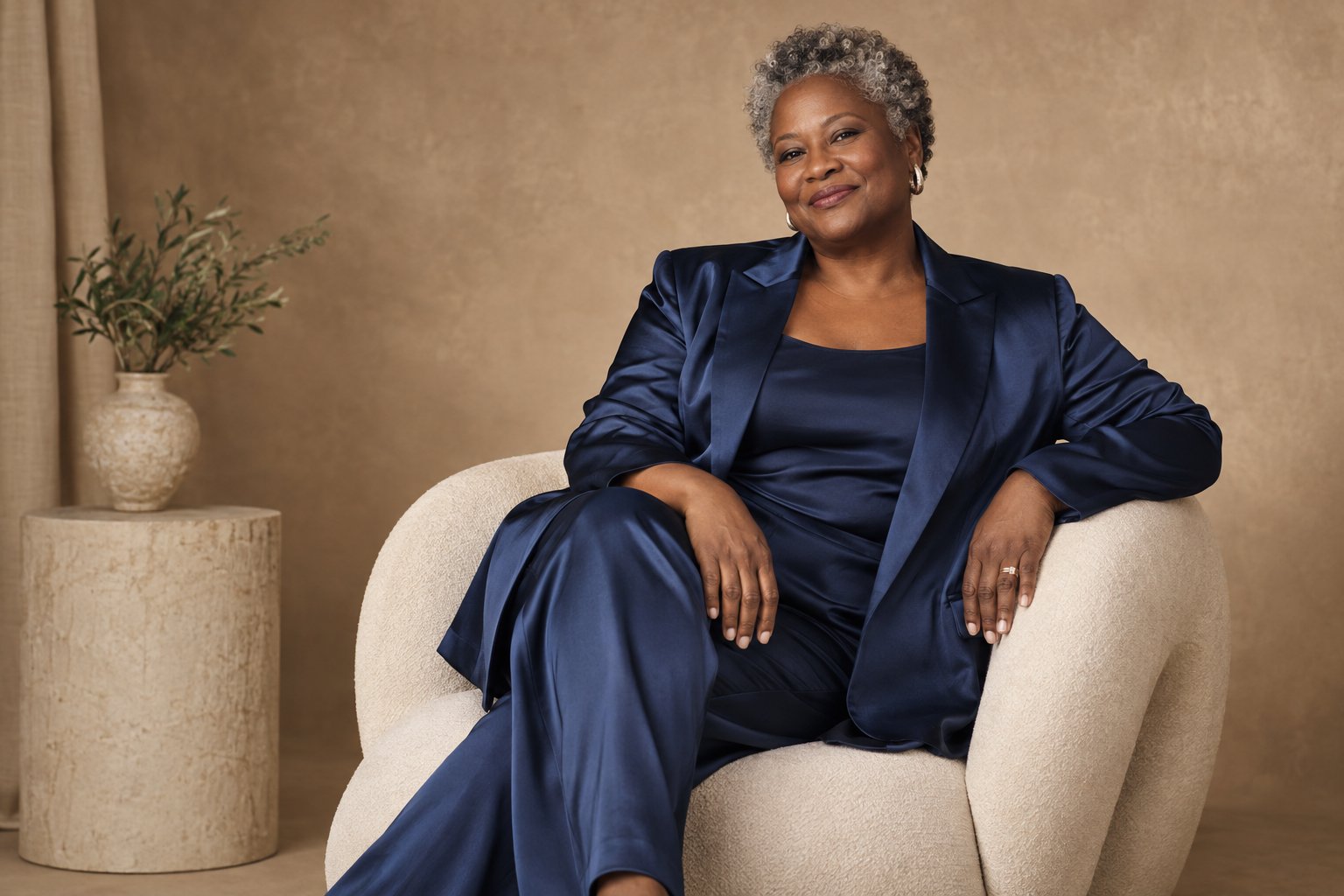
What an AI selfie generator actually does
Under the hood, the tool studies your input set and learns the stable geometry of your face: eye spacing, nose bridge, jawline, the way your smile sits. It then re-renders that face into a target style, which usually means a studio backdrop, a wardrobe change, and controlled light. Previews take about three minutes from upload to first images.
One consequence matters more than any feature: the output is bounded by the input. A sharp, well-lit set produces AI selfies your friends will swear were shot in a studio. A blurry, filtered set produces a stranger with your approximate hairline. Everything else on this page follows from that fact.


What it can fix
- Light on your face. Overhead fluorescents, harsh window shadows, orange bar lighting: all replaceable with soft studio light from a fixed, flattering angle.
- Backgrounds. Laundry, a messy desk, a parked car, gone. In their place: seamless studio grey, a clean office, or a controlled outdoor scene.
- Wardrobe. A hoodie becomes a blazer or a knit turtleneck. The tool swaps clothing classes it knows well; it will not invent a bespoke gown that holds up close.
- Framing. Head-and-shoulders crops centered the way a portrait photographer frames them, with sane headroom and level horizons.
- Skin of the day. A breakout, a sunburn line, pillow creases: evened out while keeping skin texture. The result should still look like skin, not vinyl.
- Volume. One 15-minute upload session can yield dozens of usable frames, which is the real reason people use these tools.

Generation can take over an hour, especially for a first shoot or a busy queue. Photos appear as they finish, and we email you when your gallery is ready.
Plan a shootWhat it cannot do without losing your likeness
This is the list the ads skip. Push past it and the output stops being you.
- Make you dramatically younger or older. Shift a decade in either direction and the face drifts toward a generic person who resembles your ID photo, not your face.
- Reshape bone structure. Narrow the nose, widen the jaw, add cheekbones, and the likeness collapses. Styling changes survive; anatomy changes do not.
- Borrow someone else's face. Only upload photos of yourself. Every reputable tool requires it, and inserting a friend's or a celebrity's face is a consent problem no filter washes off.
- Rescue a bad input set. Fifteen sunglasses selfies from a moving car produce fifteen bad outputs. Garbage in stays garbage out.
- Nail hands and full-body frames as reliably as head-and-shoulders. Hands remain the classic tell. If your intended use is a face crop, you are safe; if it is a full-body fashion shot, review every output before paying for downloads.

How to shoot the input set
- Face a window in indirect daylight; your face should be softly lit from the front.
- Hold the phone at eye level. Shooting from above distorts face geometry, and the model inherits the distortion.
- Mix expressions: mostly neutral, two or three soft smiles. No exaggerated faces.
- No sunglasses, no hats, no heavy filters. Filters corrupt the geometry the model needs most.
- Vary the angle slightly across the set (straight-on, a touch left, a touch right) and keep everything from one haircut era. A two-week window of photos beats a two-year span.


AI selfie vs photographer vs portrait mode
A photographer is the ceiling for anything that documents a real event: weddings, brand shoots, prints for a wall. You are paying for direction, not just light.
Portrait mode wins on price: free, immediate, and the background behind you is real. Its weakness is hair against busy backgrounds, where the blur quietly lies.
An AI selfie generator wins on cost per usable frame and on wardrobe you do not own. From $15 for 5 finished HD portraits, it is the cheapest route to a clean set. Its hard limits: no group photos with real friends, because multi-person generation is not reliable yet, and no documentation of real moments. It makes portraits, not records.
Five mistakes that ruin generated selfies
- Filters on the input photos. The model copies the filtered face and doubles the damage.
- Mixed eras. Photos from five different hairstyles dilute the model; use one recent window.
- Chasing a face that is not yours. Asking for slimmer, younger, or sharper-jaw versions produces either failure or a stranger.
- Publishing the watermarked preview. The free preview is for deciding; the HD file is the deliverable.
- Uploading photos that include other people. Crop them out yourself; other people's faces are not yours to submit.
Generation can take over an hour, especially for a first shoot or a busy queue. Photos appear as they finish, and we email you when your gallery is ready.
Try the generatorThe AI route, priced plainly
Browse sample looks before buying. Personalized generation begins after payment. There is no subscription; another shoot requires another purchase.
Where to point the output: a clean headshot belongs next to the rules in the LinkedIn profile photo guide, a retro set follows the recipe in 90s yearbook photos, and if the goal is simply a better avatar, the cool photos for profile picture guide handles per-platform crops. For the formal end of the range, professional headshots explains what a real studio session buys you.