The 7-point checklist
This is the whole guide compressed. Each item gets its own section after.
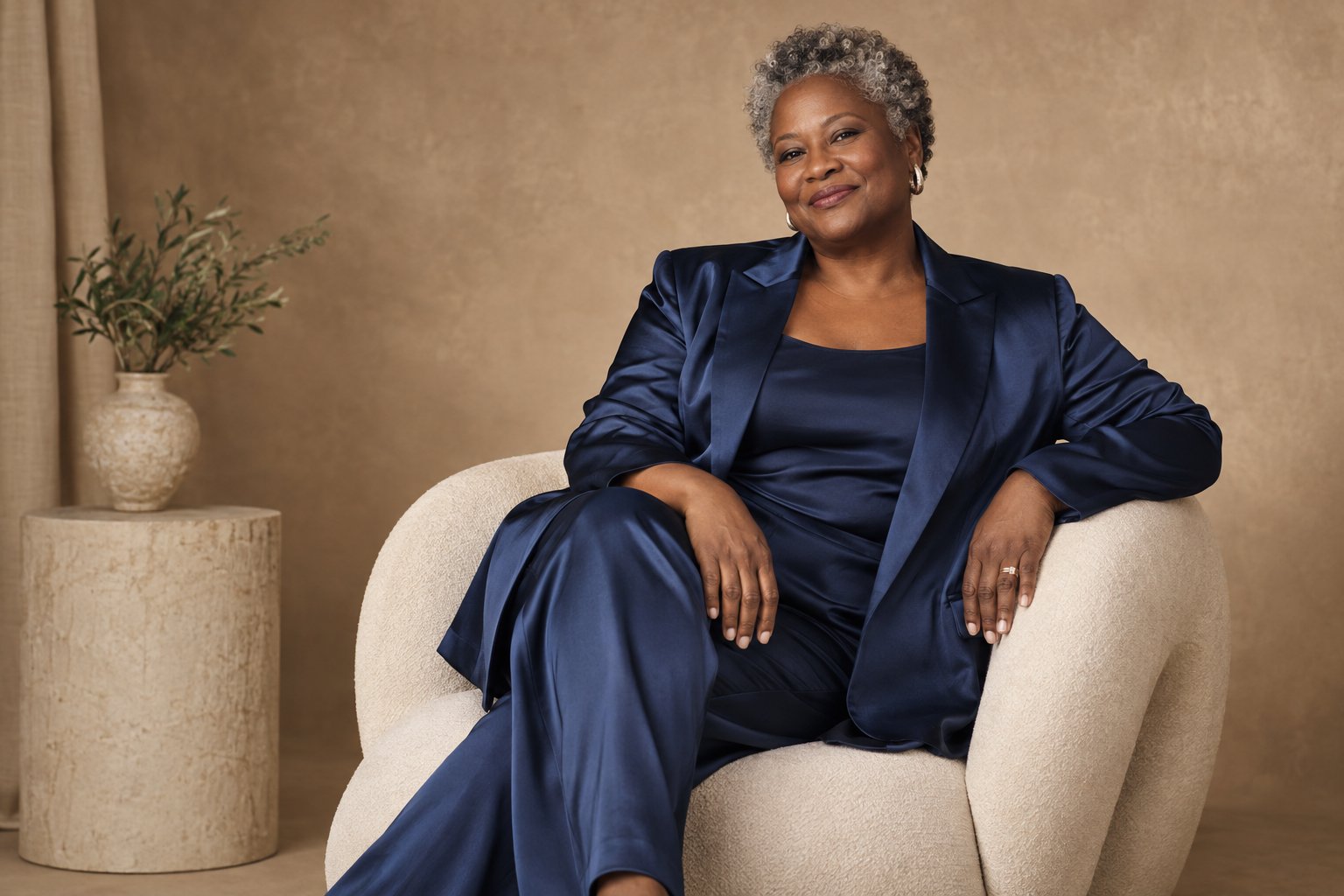
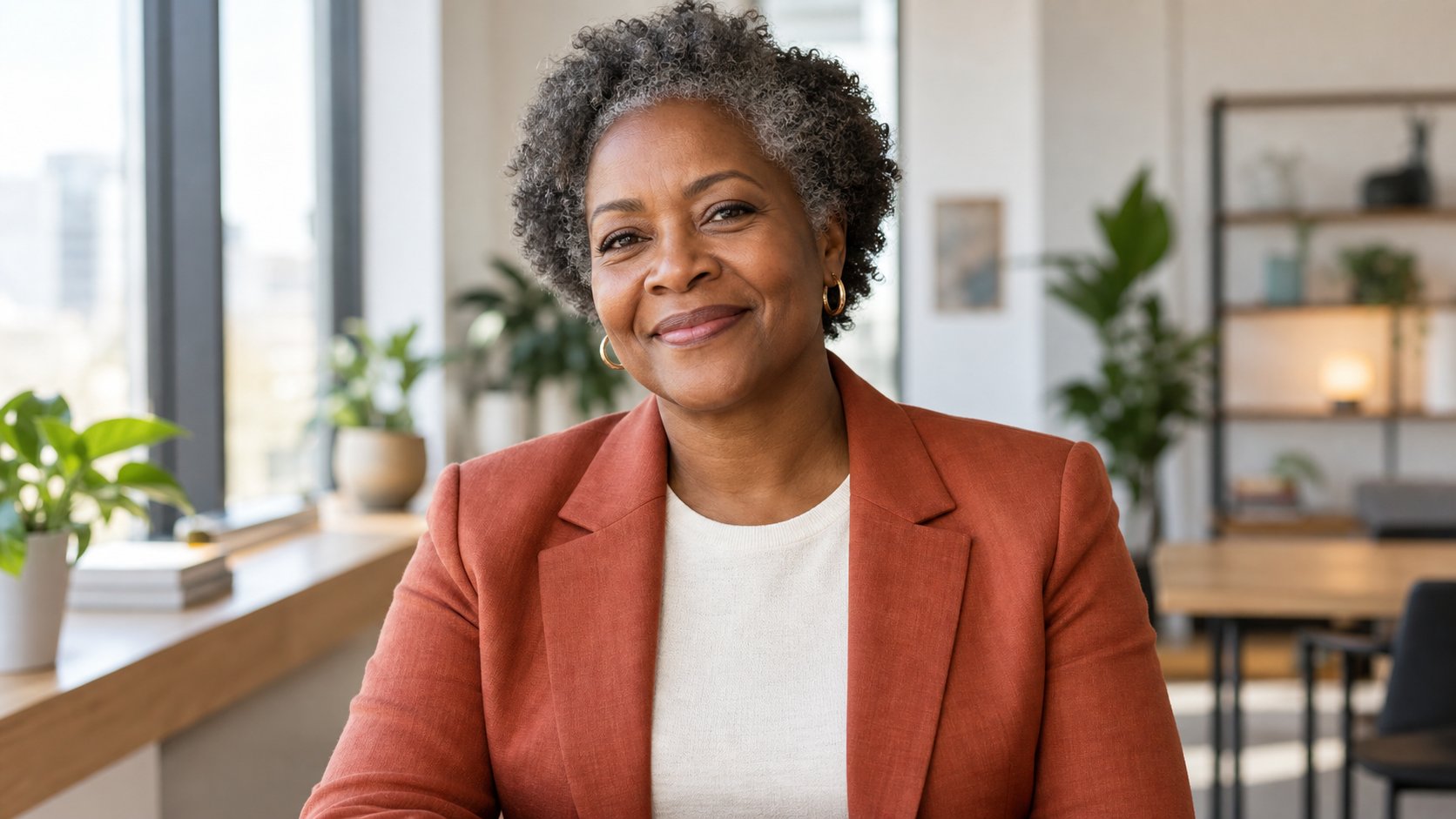
- Crop: face fills roughly 60 percent of the frame. Head and shoulders only. No full-body, no car seat, no desk in view.
- Light: soft and frontal. Window or a big source at 30 to 45 degrees; no single overhead bulb, no backlight.
- Background: plain and calm. Neutral wall or a softly blurred room, nothing that competes with your outline.
- Wardrobe: one notch above your daily norm. A collar helps everyone; a jacket helps most people; a novelty shirt helps no one.
- Expression: the working smile. Raised cheeks, engaged eyes, teeth optional. The dead-stare look fails at thumbnail size.
- Resolution: sharp at thumbnail size. Minimum 400 by 400 pixels with no visible compression mush.
- Recency: within about three years. The likeness gap between photo and interview gets noticed.

Crop and framing details
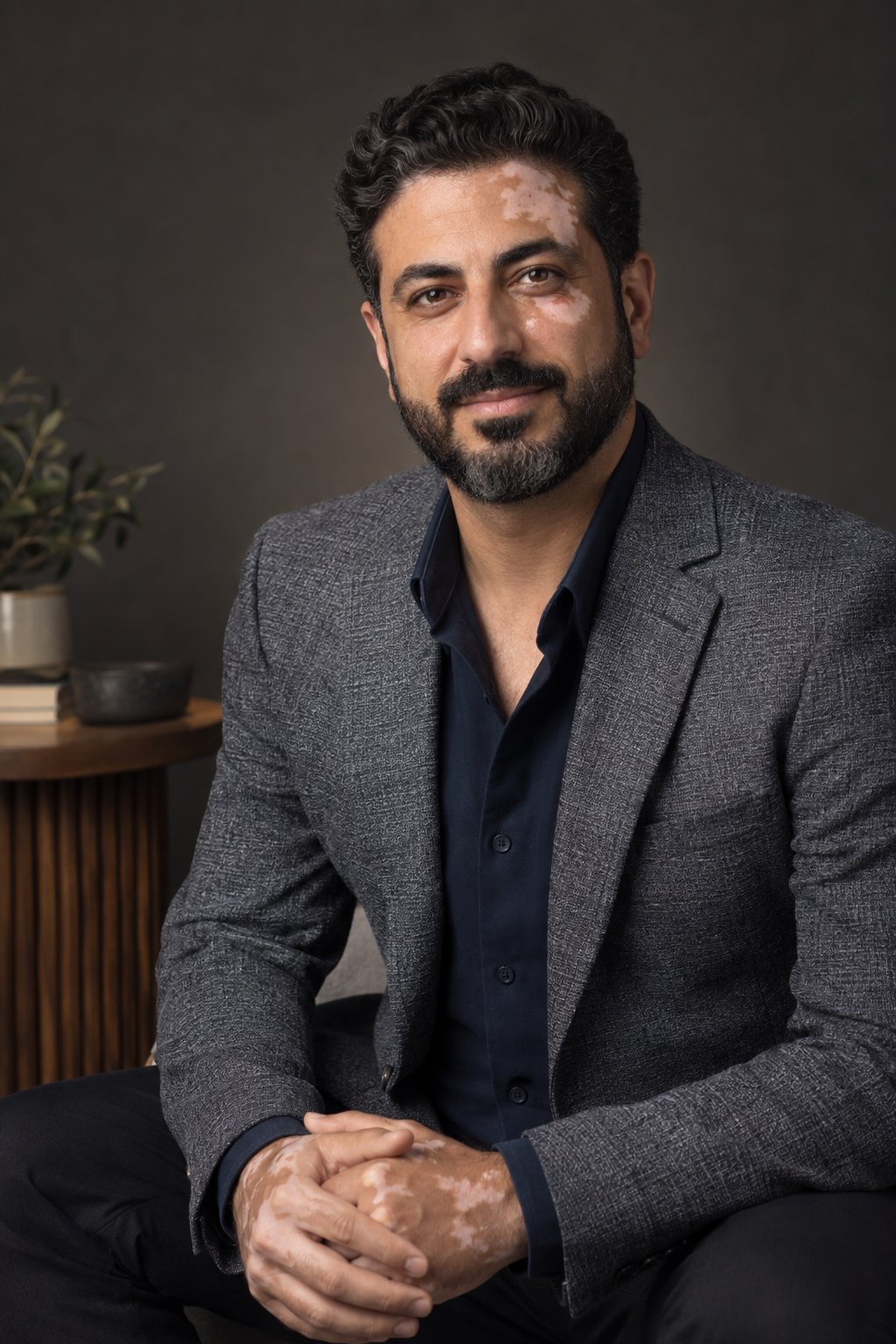
LinkedIn renders the avatar as a circle, so keep the top of your hair inside the safe area and your eyes on the upper third of the frame. Leave slight headroom, angle the shoulders a few degrees rather than sitting passport-straight, and cut the frame at mid-chest.
The practical test: shrink the photo to thumbnail size and squint. If the expression survives and the face still reads as clearly yours from arm's length, the crop works. If it reads as "person in a shirt," tighten it.
Generation can take over an hour, especially for a first shoot or a busy queue. Photos appear as they finish, and we email you when your gallery is ready.
Plan a shootLight and background: the phone recipe
- Stand about a meter from a plain wall, with a window at 30 to 45 degrees in front of you, never behind you.
- Put the wall 1.5 to 2 meters behind you so it falls soft and shadow-free.
- Hold the phone at eye level, rear camera if someone can help, 3-second timer if alone.
- Shoot 20 frames and keep 3. Expression shifts frame to frame; burst coverage is how you catch the good one.
Avoid: a single overhead ceiling light, which carves shadows under the eyes; a bright window behind you, which makes the camera expose for the window and drops your face into silhouette; and any lamp angled up from below.

Wardrobe: contrast beats formality
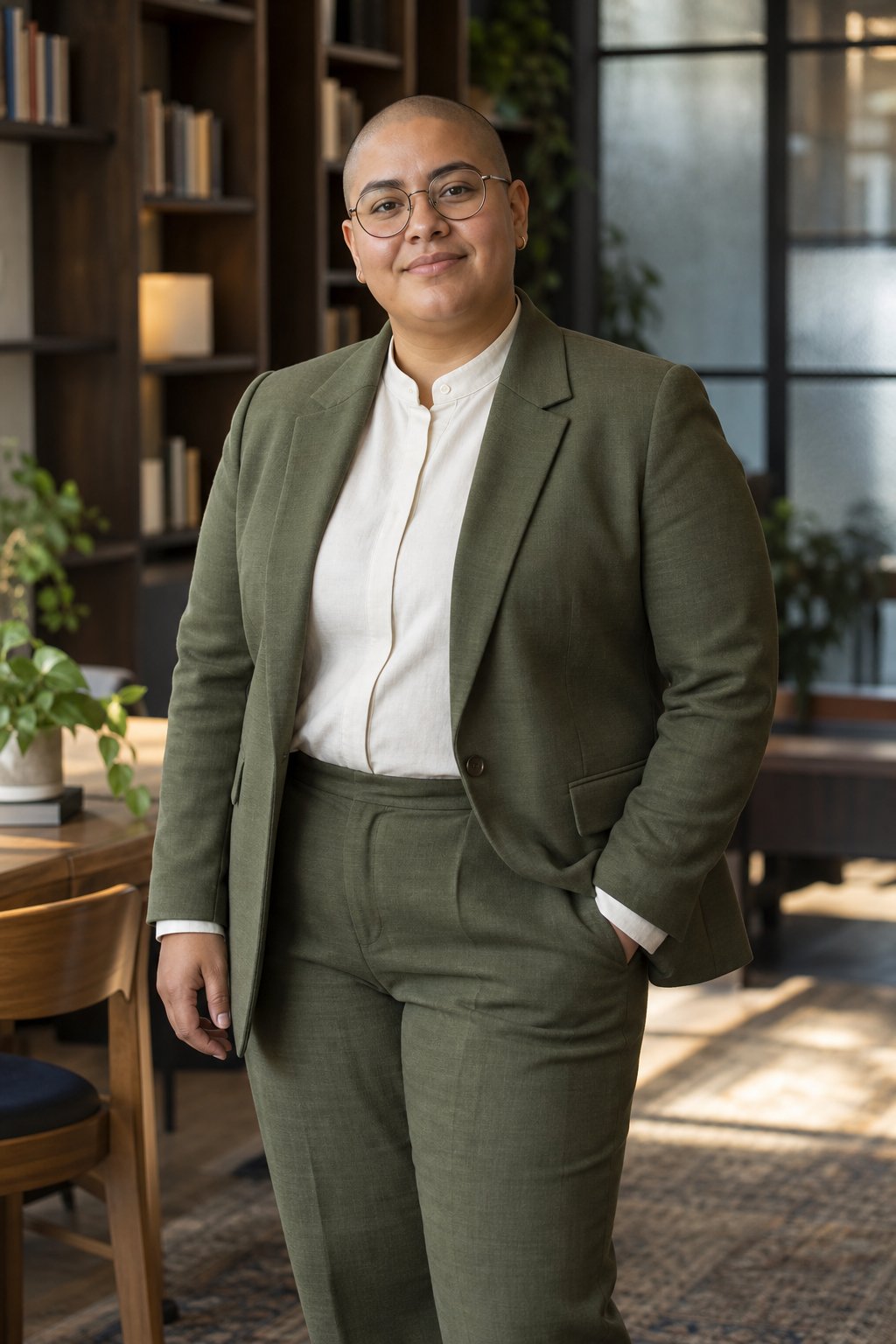
The rule that actually matters is separation from the background. Navy or black works against a light wall; light blue or white works against a dark one. Fine patterns risk moire at thumbnail size, so solid colors win.
Beyond that: a collared shirt photographs more decisively than a crew neck, a tie is optional and industry-dependent, and a blazer only helps if it actually fits. What you wear matters less than whether the outline of your head and shoulders is unmistakable against what is behind you.


Expression: what confident looks like
Think of answering a question you know the answer to, mid-answer. The stare-into-the-middle-distance look reads as aloof at small sizes, and the forced wide grin reads as stock photo. A closed or barely parted smile with visibly engaged eyes wins.
One practical trick: have whoever is shooting (or the timer) say something absurd one frame before the exposure. The half-laugh that follows is the most natural expression most people produce on camera.
Self-shot vs photographer vs AI headshots
A studio photographer is the ceiling: direction, retouching, consistency, typically $150 to 500 depending on market. A self-shot session with the recipe above gets you 80 percent of the way for free; expression alone is the hard part.
Browse sample looks before buying. Personalized generation begins after payment. There is no subscription; another shoot requires another purchase. AI selfie generator Related professional headshots reading:
Generation can take over an hour, especially for a first shoot or a busy queue. Photos appear as they finish, and we email you when your gallery is ready.
Try the generatorFive mistakes that quietly fail good profiles
- The car selfie or gym mirror. The context reads junior regardless of the outfit.
- The cropped group photo. A stranger's shoulder still in frame says this was not planned.
- Sunglasses, hat, or a heavy filter. The face has to survive thumbnail scale.
- A photo from eight years ago. Recruiters notice the gap at the interview.
- A busy background. An open-plan office with heads behind yours pulls every eye off you.
One boundary note: the mottled-backdrop, closed-lip stiffness of the 90s yearbook photos aesthetic is a great party trick and the wrong register here. Keep the two looks on separate profiles.
Recency and variants
Refresh the photo yearly, and immediately after any major hair or role change. Keep three approved shots rather than one: the default profile photo, a wider variant for banners and posts, and a slightly softer one for comments. If the same face needs to live on other platforms, the per-platform crop notes in cool photos for profile picture apply directly.