Separate resemblance from art direction
If you want to compare yourself with a fictional character, note the features and styling you think resemble each other. Treat that as a personal interpretation. A paid portrait shoot is a different choice: you select the mood, clothing and lighting you want to explore. Browse the K-pop portrait examples for another styling direction, or the cartoon portrait guide for illustrated portrait ideas. Neither destination is a free face-matching test.


Six creative directions
| Direction | Creative choice | Styling cues |
|---|---|---|
| Action protagonist | A bold, energetic portrait | Colour accents and an upright pose |
| Dramatic rival | A darker, quieter mood | A restrained palette and sharper light |
| Romantic lead | A softer, dreamy direction | Pastel colours and gentle lighting |
| Composed senior | An understated portrait | Neat layers and even light |
| Magical heroine | A playful fantasy mood | Colourful accents and decorative styling |
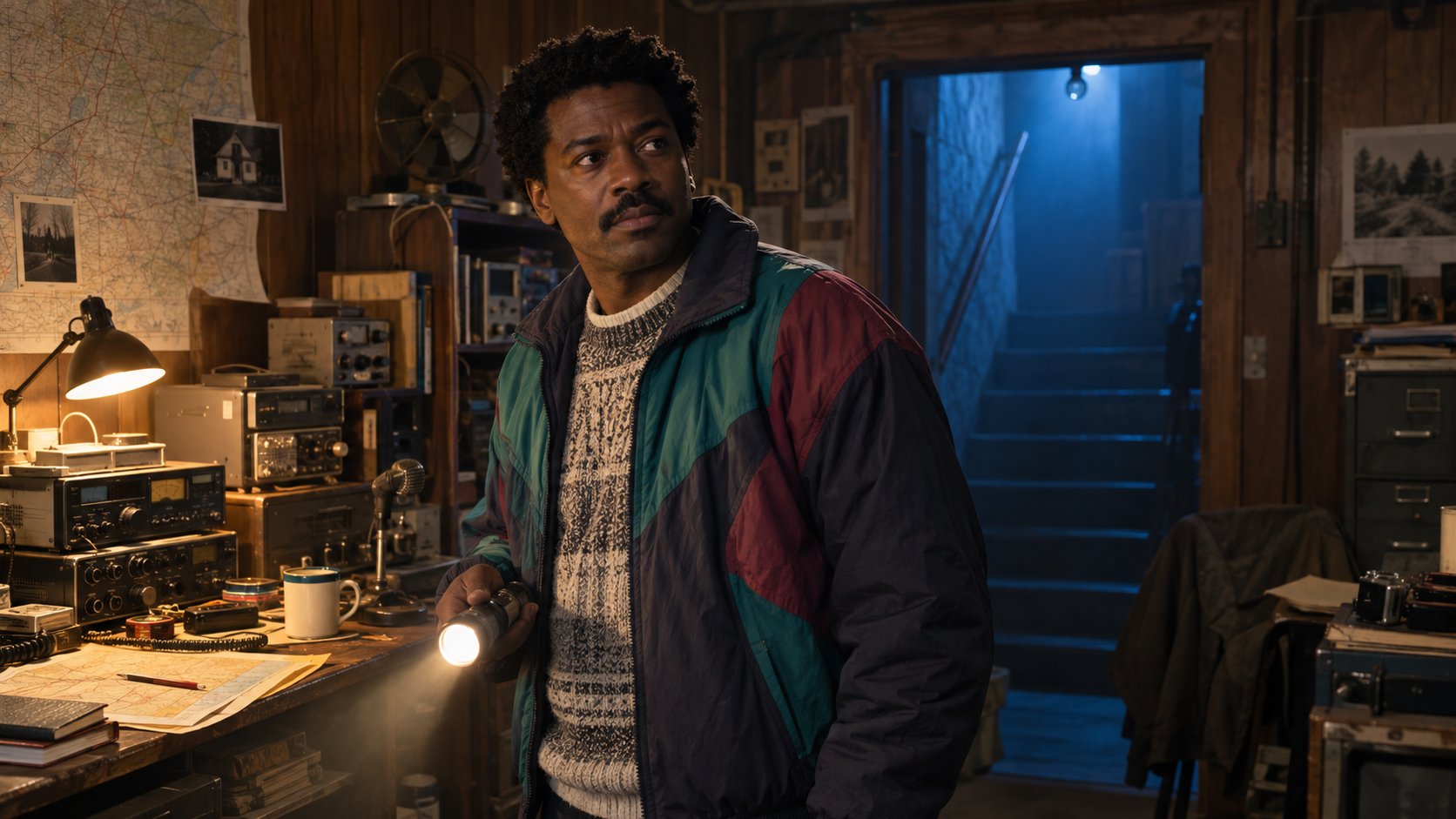
| Retro detective | A vintage illustration mood | Neutral clothing and stronger shadows |
These are styling ideas, not measured facial types or promised catalogue options. Choose a mood by preference, then check the actual sample looks available in the app. Your face does not determine a fictional personality, age or role.

Explore creative portrait style examples before starting your own shoot.
Plan a portrait shootCompare the style choices
Decide what matters for the portrait you want to use:
- Line and contrast. A stronger action direction can feel more graphic.
- Colour and softness. A romantic palette can feel quieter and dreamier.
- Wardrobe and setting. A cyberpunk direction changes the scene as well as the clothes.
- Framing and mood. Use the illustrated portrait guide as another styling reference, then choose the mood you prefer.
Choose by preference. These are creative decisions, not predictions based on your face. Start with the examples for Modern Protagonist, Shoujo Dreamy, Shonen Action or Neo Cyberpunk on the anime portrait page, and review the current catalogue before purchasing.

Photos for your portrait shoot
- Use clear light. Facial details should be easy to see.
- Mix angles. Include front-facing and angled photos rather than duplicates.
- Vary expressions. Show a relaxed face and a natural smile.
- Show current hair. Include texture and length if they matter to your portrait.
- Skip heavy filters. Give the model references that represent your everyday appearance.
- Use your own photos. Upload 10 to 15 recent photos of yourself, without other people in the frame.


From portrait styling to cosplay
Choose costume, colour and mood by preference. A strong colour accent, a restrained outfit or a soft pastel palette can each support a different creative direction. If you plan a physical costume shoot, the cosplay costume guide supplies separate preparation ideas. Selecting a costume or art direction does not require a face-matching result.
What to review before sharing
- Likeness. Check whether the face feels recognisable to you.
- Hair. Check its texture, colour and silhouette against what you wanted.
- Details. Look for unwanted accessories or clothing changes.
- Use. Keep images you are comfortable sharing and give their AI context when it matters.
Gather 10 to 15 recent photos, choose your looks and review the price before starting a paid shoot.
Start a portrait shootWhat a MyPhotoAI shoot includes
Choose your looks and purchase option, then pay before personalized generation. Upload 10 to 15 recent photos of yourself. Each purchase covers one new shoot, with no subscription. The US offer is Starter: 3 HD photos for US$5, Plus: 10 HD photos for US$10, or Everything: all photos from that shoot for US$10. Your checkout shows the price available to you. Generation can take over an hour; photos appear as they finish, and we email you when your gallery is ready.
The anime portrait page shows art directions before you start a paid shoot. You select the style yourself. MyPhotoAI does not provide a character-identification result, face-based role assignment or match percentage. AI stylisation can change facial proportions, hair and accessories, so resemblance and exact details are not guaranteed.