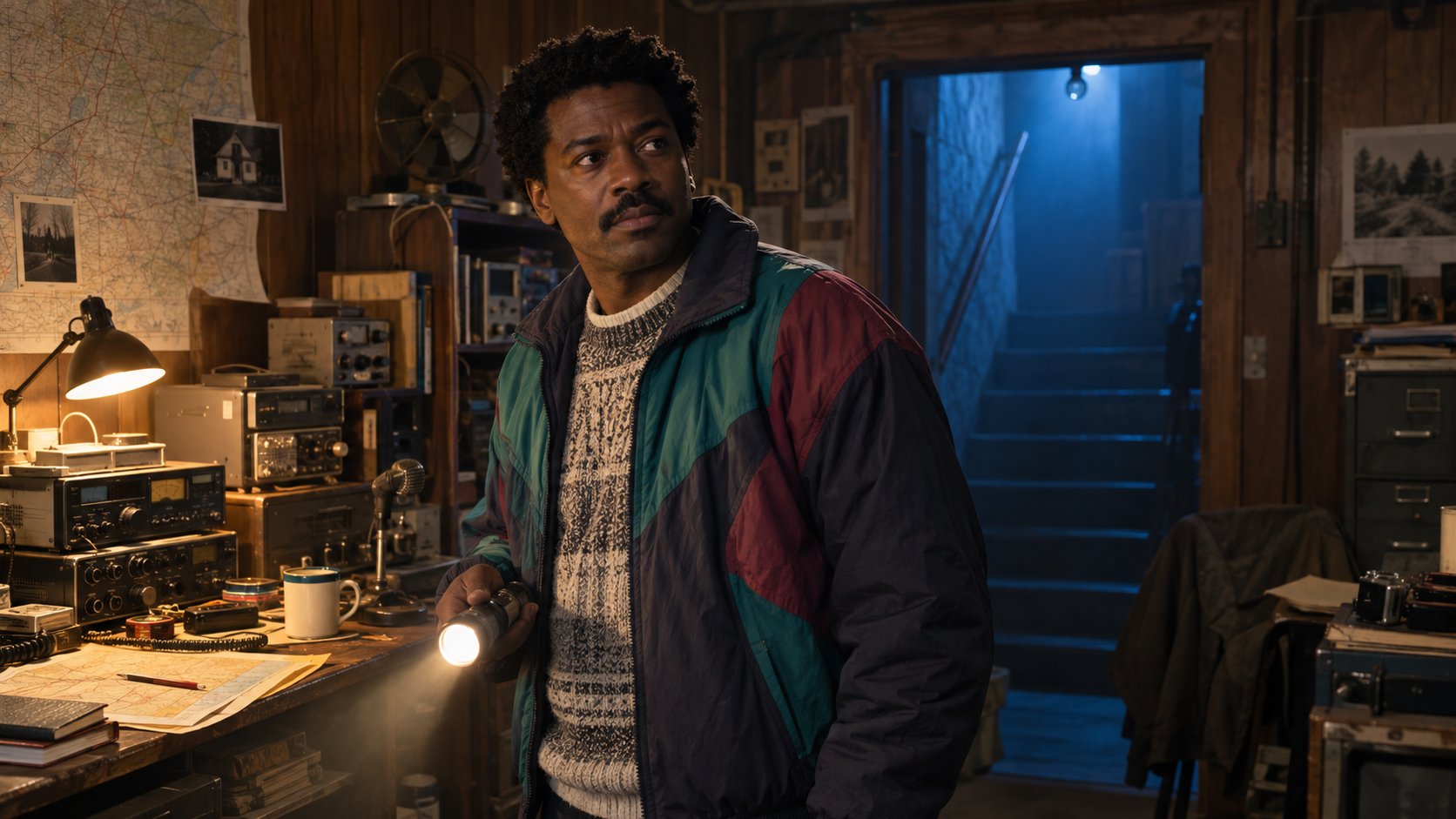
Compare resemblance and styling
Compare an ordinary photo with a reference taken from a similar angle and note the details you think resemble each other. Keep facial resemblance separate from costume, hair and lighting. A second opinion can be fun, but there is no objective character score here. MyPhotoAI does not provide the automatic matcher previously described on this page. Related reading: portrait style examples, which cartoon character do I look like.


Creative directions
| Archetype | Creative choice | Styling cues |
|---|---|---|
| The Wind-Runner | Bright and playful | Plain tunic dress, practical shoes, hair caught mid-motion |
| The Kitchen Alchemist | Calm and composed | Rolled sleeves, apron, flour-dusted tones |
| The Sky-Strider | Warm and relaxed | Aviator cap, scarf, goggles pushed up |
| The Quiet Beast Guardian | Bold and dramatic | Layered wool, fur or knit trim, grounded posture |
| The Sea-Kissed Wanderer | Soft and nostalgic | Sun hat, bare-shoulder linen, salt-tousled hair |
| The Old-Forest Witch | Dark and theatrical | Shawl, muted moss palette, misty morning light |
These are creative mood and wardrobe ideas, not facial types. Choose a direction you enjoy, then check the actual catalogue examples before purchasing. A costume idea does not guarantee the same outfit, setting or named character in an AI portrait.

Explore creative portrait style examples before starting your own shoot.
Plan a portrait shootChoose the details you enjoy
Decide which details matter most to you: light, framing, clothing or hairstyle. Make that choice before taking references. A shared haircut or camera angle can influence a resemblance comparison; it does not determine your personality or role.
- Choose a mood. Pick a direction you enjoy, rather than assigning a role from your face.
- Compare lighting. Use the examples to compare softer light with stronger shadows.
- Plan clothing. Choose wardrobe and accessories you would be comfortable wearing.

Prepare your reference photos
- Choose a mood. Pick a direction you enjoy, rather than assigning a role from your face.
- Compare lighting. Use the examples to compare softer light with stronger shadows.
- Plan clothing. Choose wardrobe and accessories you would be comfortable wearing.
- Show current hair. Include clear views of hair texture and length when preparing photos.
- Keep references clear. Use recent photos without heavy filters or other people in the frame.
- Review before sharing. Check facial likeness, hair and unwanted details in each generated portrait.


From styling to a costume shoot
Each result converts to a wearable kit: linen and aprons for the Kitchen Alchemist, a scarf and structured jacket for the Sky-Strider, layered wool for the Quiet Beast Guardian, a shawl and moss tones for the Old-Forest Witch. If you want the real-photo version, golden-hour field light does half the work; the fall photo ideas guide covers the exact low-sun setups those painted backgrounds are imitating.
Review the result
- Choose a mood. Pick a direction you enjoy, rather than assigning a role from your face.
- Compare lighting. Use the examples to compare softer light with stronger shadows.
- Plan clothing. Choose wardrobe and accessories you would be comfortable wearing.
- Show current hair. Include clear views of hair texture and length when preparing photos.
Gather 10 to 15 recent photos, choose your looks and review the price before starting a paid shoot.
Start a portrait shootWhat a MyPhotoAI shoot includes
Browse sample looks before buying. Personalized generation begins after payment. There is no subscription; another shoot requires another purchase. US offer: Starter includes 3 HD photos for US$5; Plus includes 10 for US$10; Everything includes all photos from one shoot for US$10. Your checkout shows the applicable price. Each purchase covers one shoot. Generation can take over an hour, especially for a first shoot or a busy queue. Photos appear as they finish, and we email you when your gallery is ready.
Upload 10 to 15 clear, recent photos of yourself with different angles and expressions. Include your current hair and avoid heavy filters or group photos. Samples illustrate styles, not guaranteed outcomes. AI can change facial features, hair, clothing and accessories. Review your portraits before using or sharing them. Browse the current portrait styles before purchasing; these creative references do not promise a specific licensed character or film scene. Related reading: portrait style examples, which Pixar character do I look like, anime look alike.