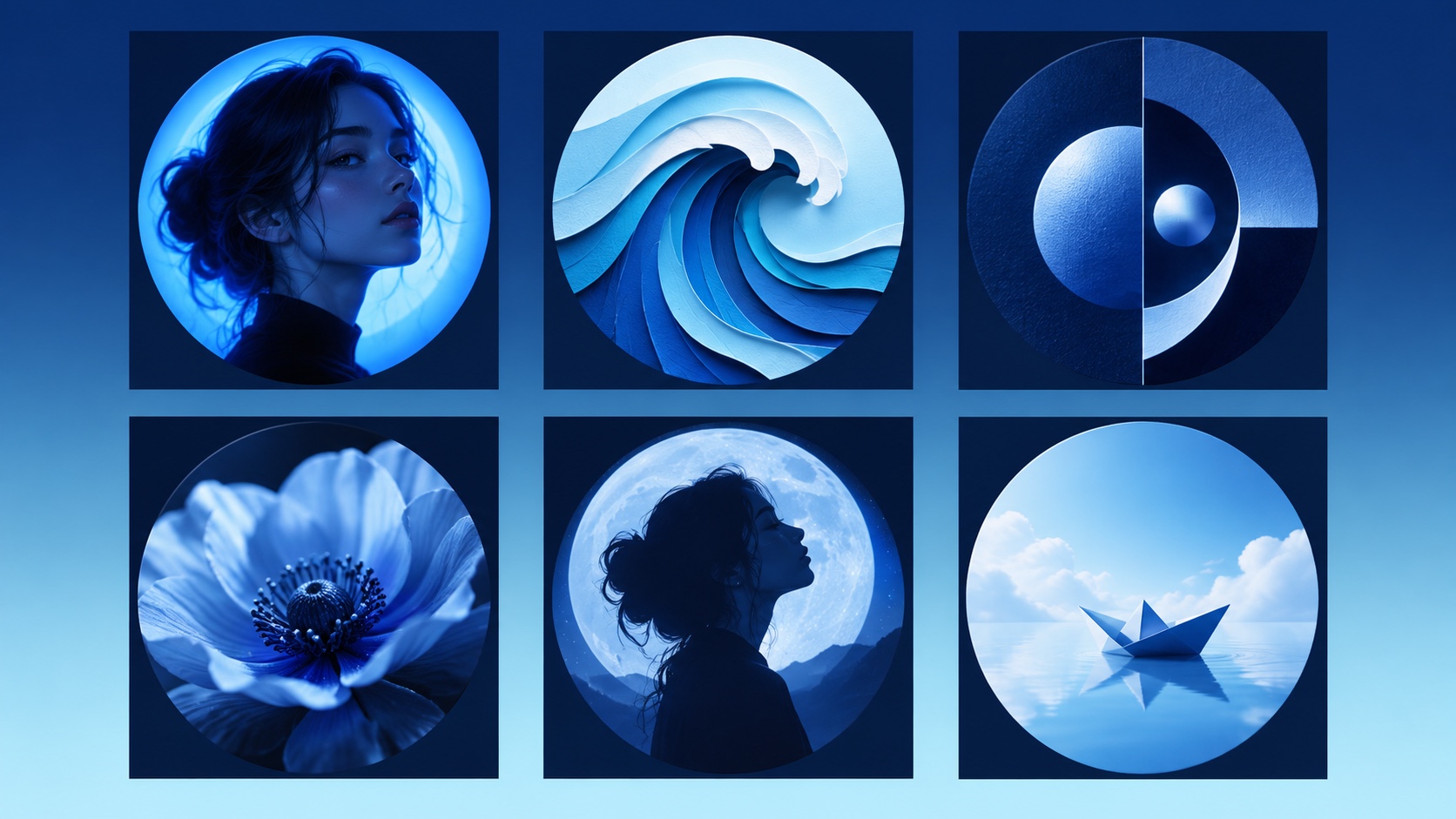
A blue profile picture can look calm, sharp, mysterious, playful, or futuristic. The color does not have one universal meaning. Its effect comes from the shade, subject, contrast, and the conversation happening around it.
If you saw a wave of blue avatars connected to a current event, check the specific posts and date before assuming what the color means. Trend meanings change. A blue image you choose for style is also different from a platform verification label.\n
Six blue avatar directions
1. Cobalt portrait light
Use a normal portrait with one strong blue light behind or beside the subject. Keep skin texture natural and the eyes visible. Cobalt feels energetic and modern, while navy feels quieter and more formal.
2. Paper-cut wave
Build a wave from layered blue shapes. The curl gives the image movement, and the broad layers remain visible at small size. This works well when you want an avatar without a face.
3. Navy geometric abstract
Use two or three large circles, arcs, or blocks. Avoid tiny patterns. A strong abstract can function like a personal mark without copying a company logo.
4. Blue flower macro
Crop close to one flower so the center and petals fill the circle. Deep shadows make pale blue petals easier to see against a white interface.
5. Moonlit silhouette
Place a clean side profile or simple object against a bright moon or halo. The silhouette should be unmistakable. This direction feels more private and cinematic than a direct portrait.
6. Minimal blue object
Use one paper boat, glass shape, or familiar object on a pale blue background. The object gives the color a story without adding clutter.
Blue has no permanent social meaning
Colors can become temporary signals during campaigns, fandom moments, protests, or platform trends. Those meanings depend on context. They can also differ across countries and communities.
Before joining a trend, answer three questions:
- Who started it?
- What date and event is it connected to?
- Does the meaning match what you want your account to communicate?
If you cannot answer those questions, use blue as an aesthetic choice and avoid claiming a movement or cause.
A blue avatar is not a blue check
On X, the blue check is a separate account label. X explains that a blue check indicates an account meets the platform's current Premium eligibility requirements.1 Coloring your profile image blue does not create, imitate, or replace that label.
Avoid placing a checkmark in your avatar. It can confuse viewers, weakens the design, and makes the picture look like an attempt to mimic interface chrome.
Choose a shade by mood
| Shade | Feels like | Works well for |
|---|---|---|
| Powder blue | Open, gentle, light | Cozy portraits, sky scenes, simple objects |
| Cyan | Fast, digital, bright | Gaming, creator accounts, graphic art |
| Cobalt | Confident, energetic | Portrait lighting, bold abstracts |
| Navy | Calm, serious, polished | Professional communities, minimal marks |
| Midnight blue | Private, cinematic | Silhouettes, moonlight, moody portraits |
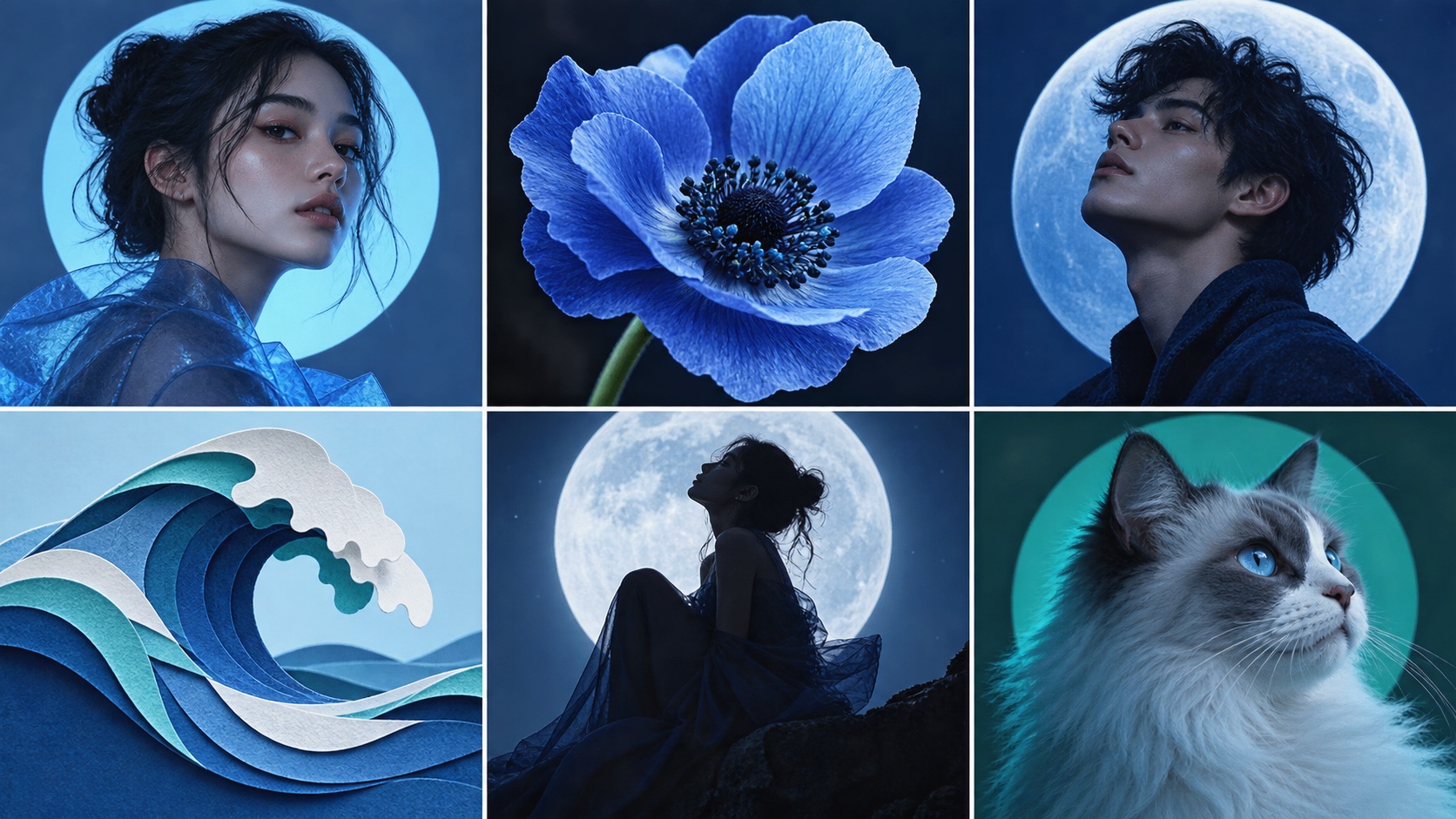
Use one dominant shade and one supporting shade. Too many similar blues can make the thumbnail look muddy.
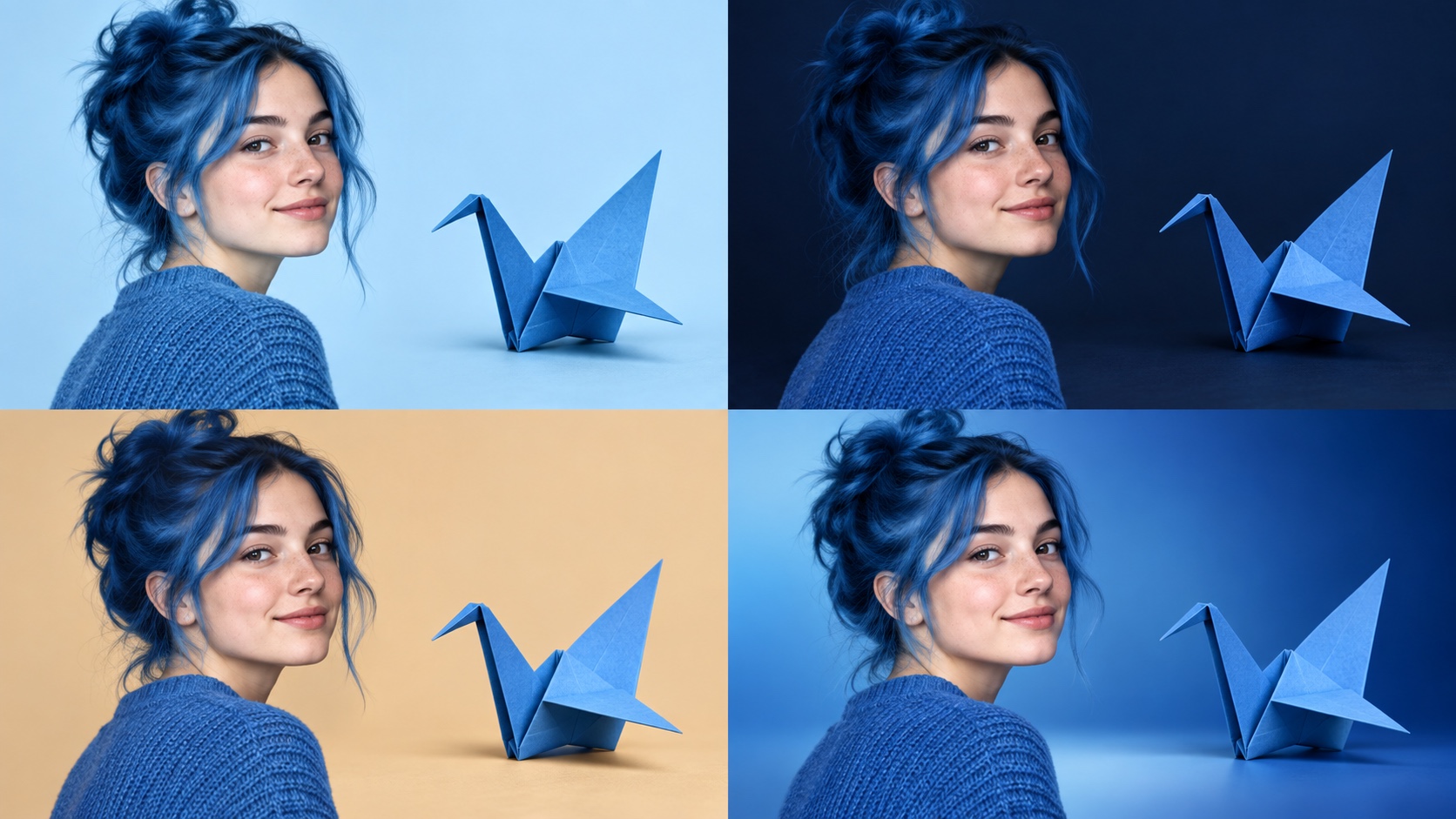
Avoid the plain blue-square problem
A flat blue square is quick to make, but it gives people nothing to recognize. Add one distinctive element that belongs to you: a face, flower, wave, paper object, pet silhouette, or original geometric form.
Keep that element large. A thin line drawing or tiny symbol may look elegant in your editor and vanish beside a post. If you prefer minimalism, use one broad shape with a clear edge rather than several small marks.
Also check contrast in grayscale. If the subject and background become the same shade of gray, increase the difference between the light and dark areas. The avatar will stay clearer across screens with different brightness settings.
Make it readable on X
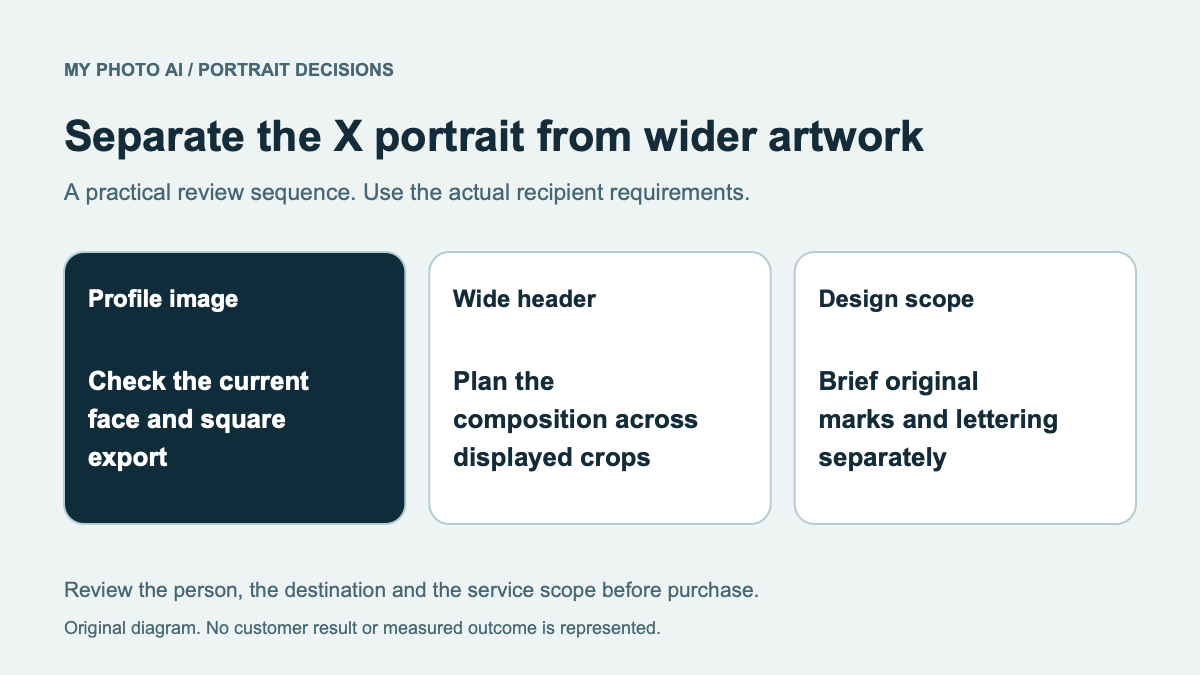
X recommends uploading a 400 by 400 pixel profile photo.2 Design in a square, but keep the important subject inside a central circle.
Test the image in three places:
- At full profile size
- Beside a single post
- In a crowded reply thread
The reply-thread view is the hardest. If the subject disappears there, crop closer or increase contrast.
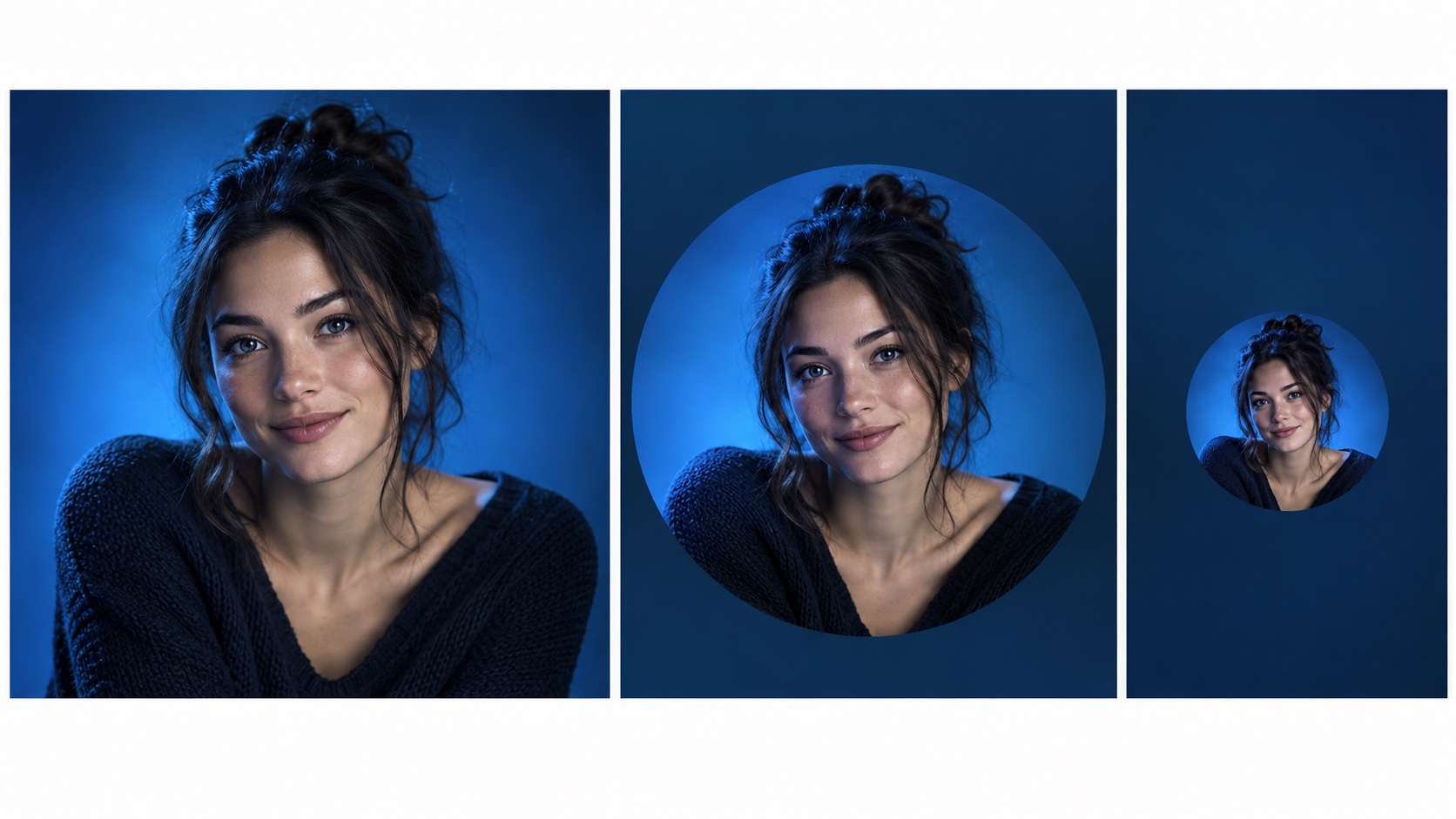
The profile picture maker can help you create a square base. If your image is a portrait, the Instagram profile picture maker is useful for checking a circular crop even when the final destination is X.
Adapt the same idea for Discord and Twitch
Discord lets people customize an avatar, banner, and profile theme, and its profile settings support common static and animated image formats.3 A blue avatar can therefore become part of a broader color system.
For Discord, you can use a more playful object or abstract. For Twitch, increase contrast and keep the silhouette especially simple because the avatar competes with live thumbnails and chat activity. The Twitch profile picture maker can help you prepare that version.
Do not force one crop everywhere. Export separate versions if one platform cuts off the moon, flower, hair, or geometric edge.
Build one in five minutes
Choose a direction: portrait, nature, abstract, silhouette, or object. Pick one blue and one neutral. Create three variations that change only the crop or contrast.
Then run the tiny-circle test:
- Shrink each version to about 40 pixels.
- View it on both light and dark backgrounds.
- Remove any version that needs explanation.
- Choose the one you recognize fastest.
If you want a blue portrait or avatar that still looks personal, create variations from your own photos, then keep the design that reads clearly without imitating a platform badge or temporary campaign.