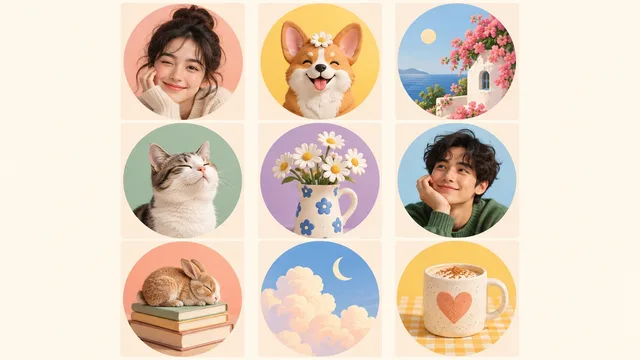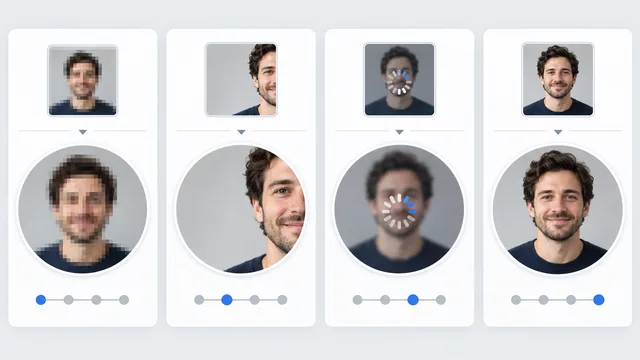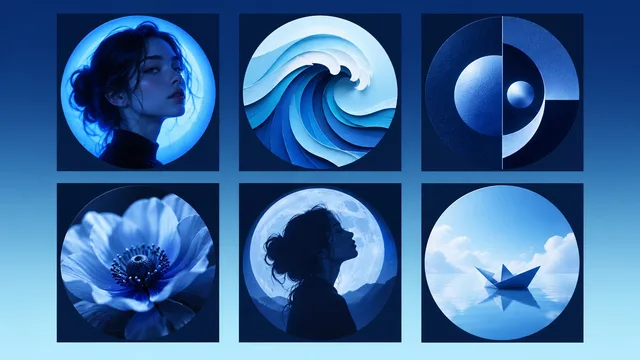
The best funny profile picture has one joke, one focal point, and a silhouette you can understand at a glance. If the joke needs a caption or a full-screen view, it is too complicated for an avatar.
Think like a short-form video editor. The setup must be visible immediately. The punch line should arrive before someone scrolls past your name.\n
The tiny-avatar joke test
Shrink the image to about 40 pixels wide or view it beside a normal social post. Then ask:
- Can I tell what the subject is?
- Is the unusual part obvious?
- Does the expression or prop survive a circular crop?
- Is it still funny without text?
If you need to zoom in, simplify the idea.
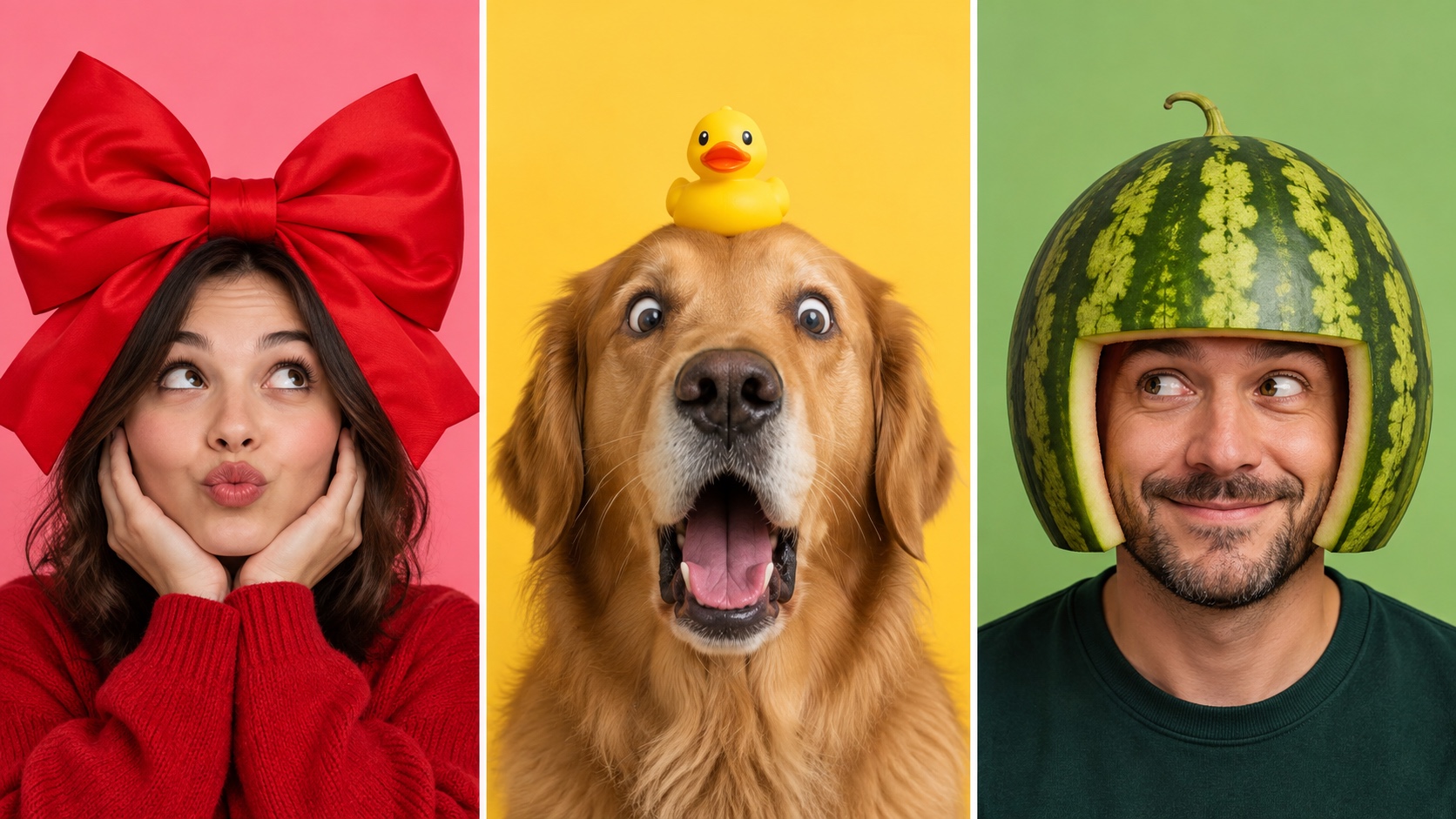
Nine original ideas
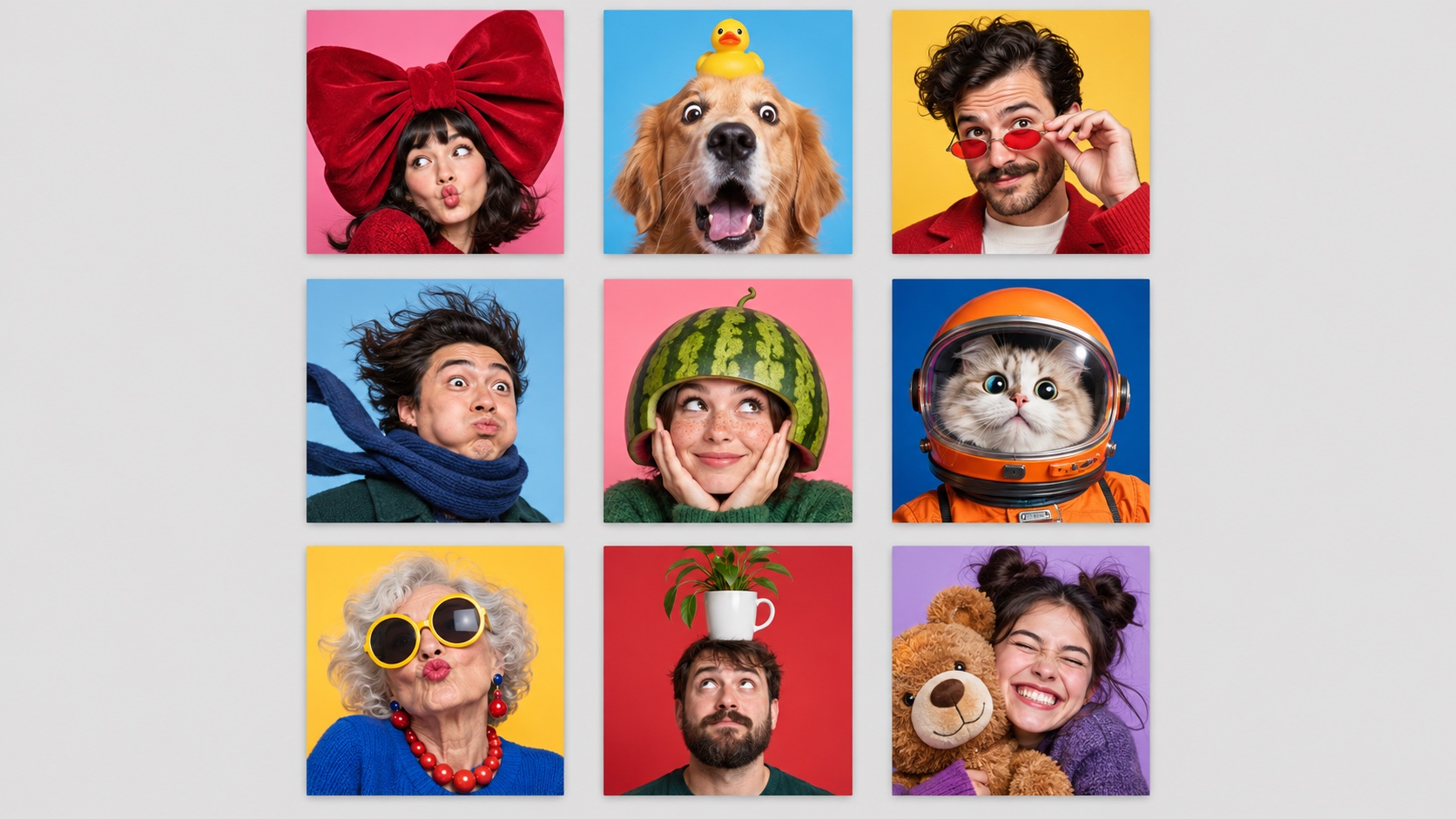
1. One oversized accessory
Use a huge bow, giant hat, tiny sunglasses, or an absurd scarf. The object should change the outline of the portrait. That makes the joke readable even when facial details disappear.
2. A surprised pet close-up
Photograph a dog or cat from close range with a wide-eyed expression. Keep the background plain. The animal's face should fill most of the circle.
3. Serious clothes, silly detail
Wear a neat jacket with one unexpected accessory, such as toy glasses or a tiny party hat. The contrast creates the joke. Do not add five props.
4. Wind machine drama
Use a fan to blow hair or a scarf sideways while you hold an overly serious expression. The movement creates a strong diagonal shape that remains visible at small size.
5. Fruit helmet
Balance a hollow melon shell or a safe lightweight fruit prop above the head. Keep the pose simple and the crop close. Safety comes first, so do not use anything heavy or sharp.
6. Pet in an impossible job
A cat in a simple astronaut-style helmet or a dog with one office prop can work if the image is original and the costume is safe. Avoid copying a known character or meme template.
7. Glamorous on purpose
Use oversized glasses, a bright sweater, and a dramatically confident pose. This works especially well when the styling is joyful rather than mocking a person or group.
8. Object balance
Balance a light plant pot, empty cup, or soft toy on your head while looking up at it. The vertical relationship is easy to understand in a square crop.
9. The joyful squeeze
Hug a plush toy or pet with a deliberately overexcited expression. Keep both faces near the center so a circular crop does not cut one away.
Why simple jokes win
Profile images are usually seen beside text, not as standalone photos. X recommends a 400 by 400 pixel profile image.1 YouTube profile pictures appear on channels, videos, and public actions, and the platform says they render at 98 by 98 pixels.2
That small display removes subtle context. A funny newspaper headline, crowded group shot, or detailed background may be hilarious at full size and unreadable as an avatar.
Strong shape, close crop, and one visual surprise are more reliable.
Use humor without borrowing a meme
Copying a famous reaction image can make your profile feel instantly familiar, but it also makes the identity less yours. Known characters and screenshots can create rights problems, and a trend can become stale quickly.
Build the joke from ordinary ingredients instead:
- Your own expression
- A harmless prop
- Your pet
- A color clash
- An exaggerated crop
- A familiar situation with an unusual detail
An original joke ages better because it is connected to you rather than to one week of internet culture.
If you want an illustrated direction, use a cartoon profile picture maker to create a personal base, then add only one comic idea.
Pick the right level of chaos
Low chaos
A raised eyebrow, tiny glasses, or a strange crop. Good for work communities and accounts where you still want to be recognizable.
Medium chaos
One oversized prop, dramatic wind, or a pet reaction. Good for group chats, gaming, and casual social accounts.
High chaos
Bright color, extreme styling, and a bold expression. Good for temporary themes or creator accounts, but still keep one focal point.

Discord officially supports common avatar formats including PNG and GIF, with animated avatars available in eligible contexts. Its custom-profile guidance explains the available avatar and profile controls.3 Motion can add a joke, but the first frame still needs to work as a static image.
Crop for a circle
Keep the eyes, mouth, and main prop comfortably inside the center of the square. Leave room around hats, ears, and hair. Test the crop before adding filters.
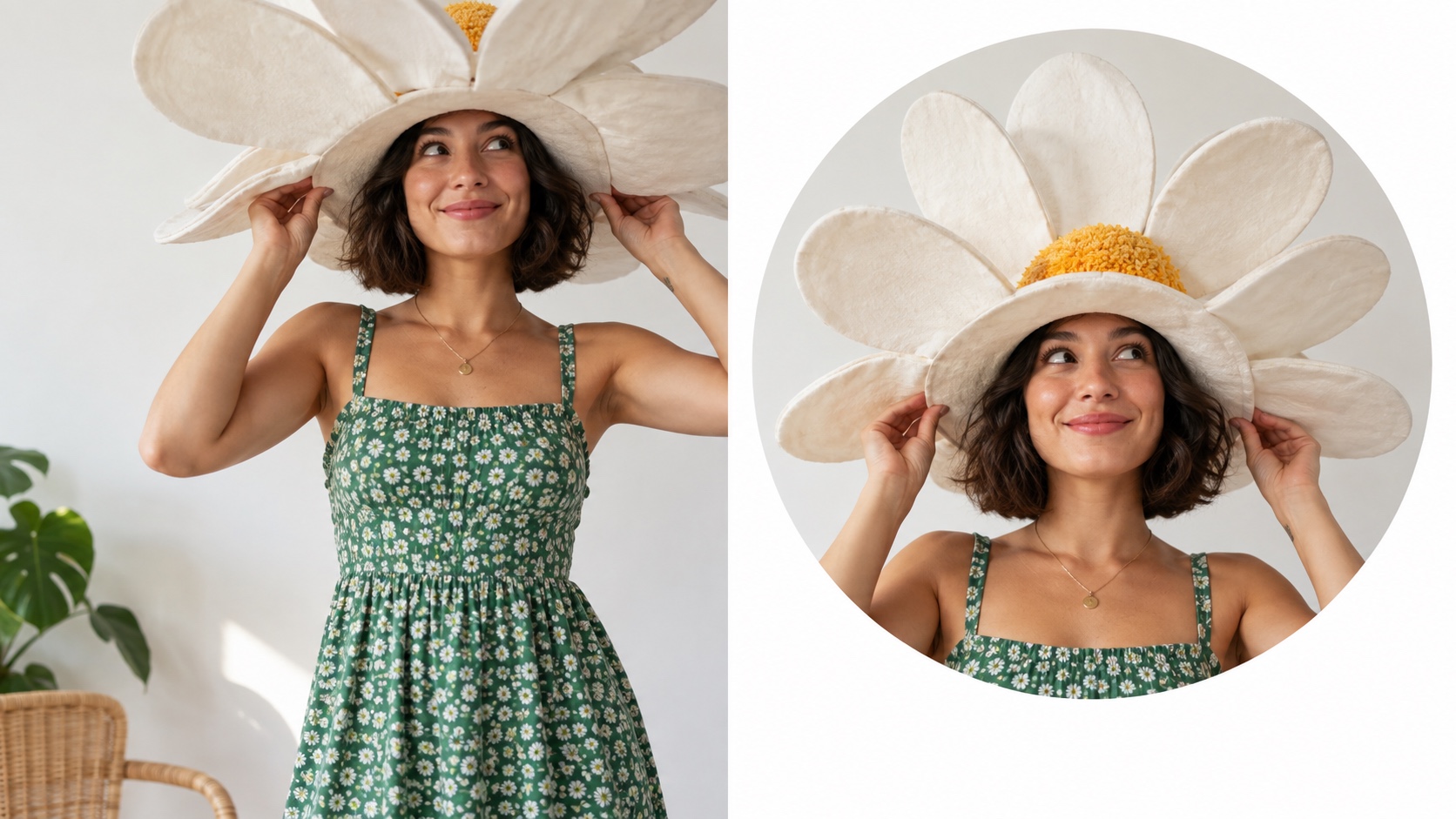
The Snapchat profile picture maker and Twitch profile picture maker can help you prepare platform-specific versions without rebuilding the idea from scratch.
A fast creation recipe
Write the joke in five words or fewer, such as “tiny glasses, serious face.” Take or create three versions:
- Close crop
- Slightly wider crop
- Different background color
View all three at thumbnail size. Keep the one that reads first, not the one with the most detail.
For an original result built around your own face and style, create several profile-picture concepts from your photos. Choose one visual joke, test the circular crop, and let the image do the explaining.