A cute profile picture works when it communicates one warm idea in less than a second. Pick one subject, use a simple background, and make the face or object large enough to survive a tiny circular crop.
That rule matters more than whether your picture uses pastel colors, a pet, a flower, or a smiling portrait. Cute is a mood. Clarity is what makes the mood readable.\n
Start with a mood, not a trend
Choose one of these directions before you choose colors or props:
- Cozy: warm light, knit textures, coffee, books, soft expressions
- Playful: a wink, bright color, an unexpected accessory, a happy pet
- Dreamy: clouds, moonlight, pale gradients, gentle contrast
- Fresh: flowers, blue sky, simple clothing, clean daylight
- Shy: side glance, hand near the face, quieter colors
- Cheerful: direct smile, open color palette, uncluttered background
One mood gives the image a point of view. Five moods in one square look like noise.
Nine cute profile picture ideas
1. The close portrait
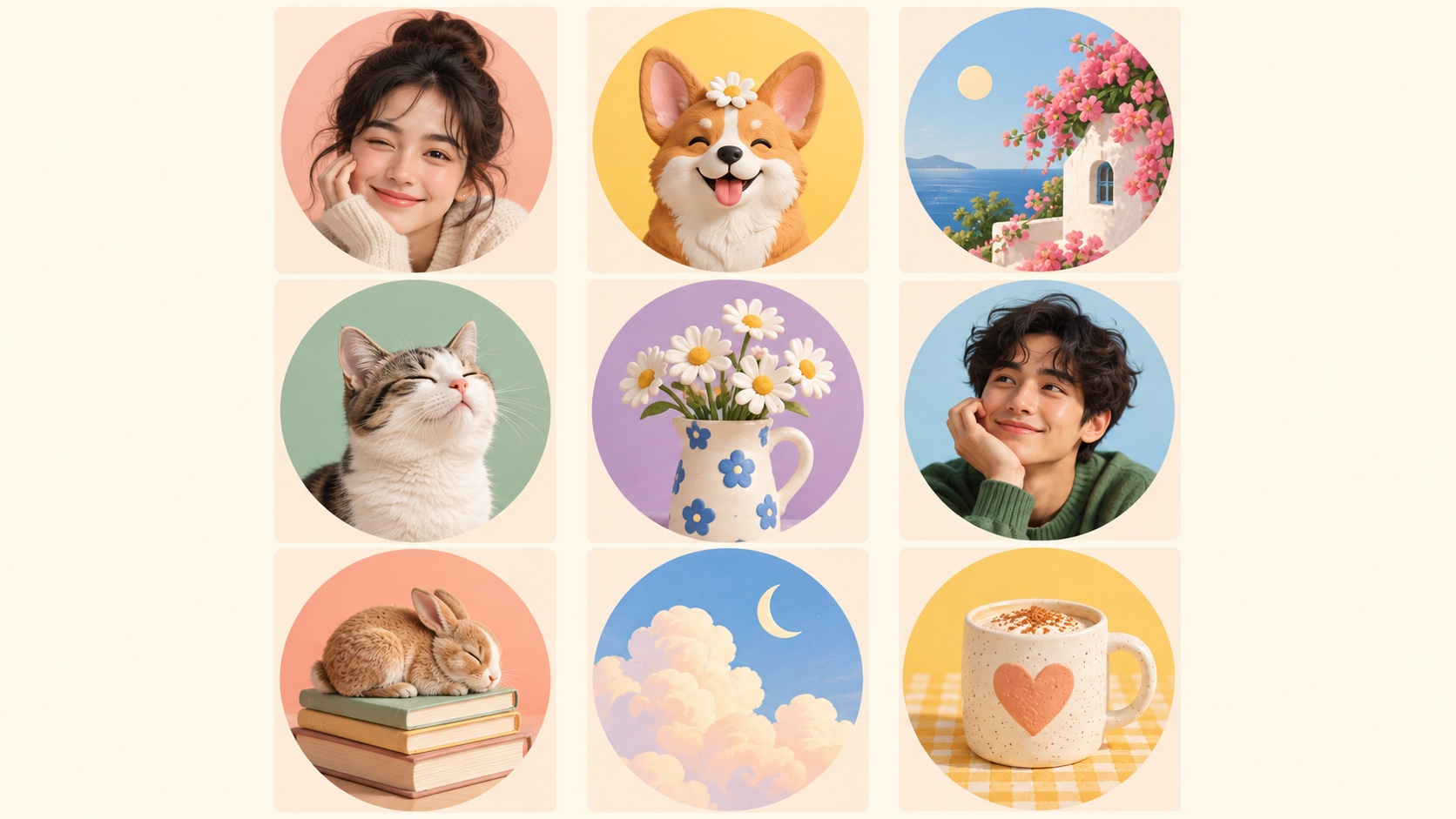
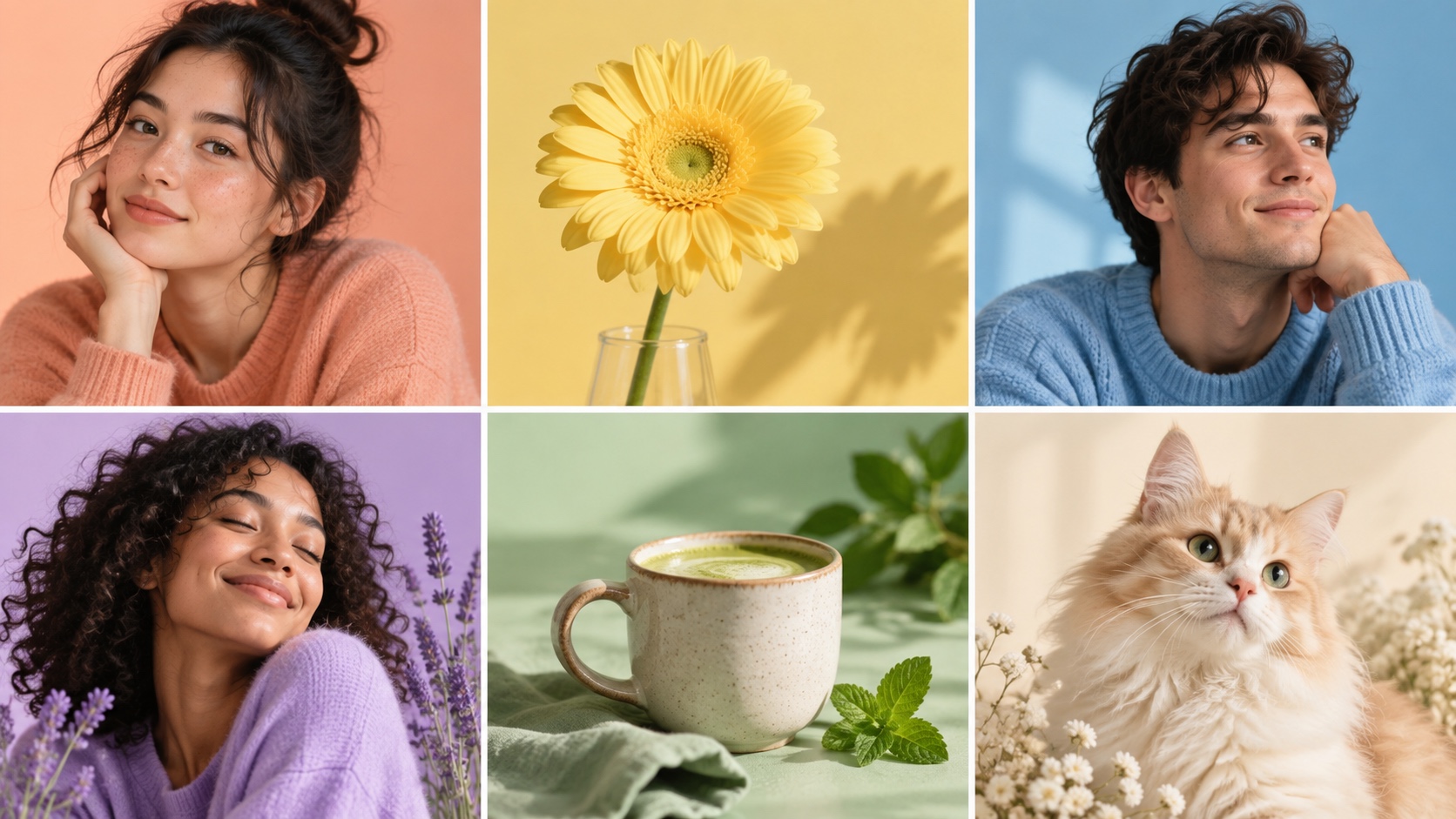
Use a head-and-shoulders crop with a relaxed expression. Keep the eyes in the upper half of the square and leave a little room around the hair. A soft peach or sky-blue background can add warmth without competing with the face.
2. The happy pet
A dog or cat can be instantly recognizable, especially when the face fills most of the frame. Crop close enough to see the eyes and ears. Avoid a busy room behind the animal.
3. The flower detail
A single flower or small bouquet works well for a private account, community profile, or calm visual identity. Choose one dominant color and strong separation between the petals and background.
4. The cozy object
A mug, book stack, small lamp, or handmade object can feel personal without showing your face. Pick something that says a little about you. Photograph it from close range so it does not become a tiny dot.
5. The soft illustration
Turn a simple portrait, pet, or object into a clean illustration. Use broad shapes and limited detail. If you like this direction, an anime profile picture maker can help you explore a stylized portrait while keeping the result personal.
6. The sky scene
Clouds, a moon, or a clean sunset can create a dreamy avatar. Use one obvious focal point. A wide landscape with ten details will disappear when cropped.
7. The tiny getaway
A bright doorway, balcony, cottage, or beach detail can suggest travel without using a generic landmark photo. Keep the architecture simple and frame one memorable shape.
8. The sleeping animal
A curled-up rabbit, cat, or dog creates an immediate cozy feeling. Photograph the full silhouette against a plain surface so the shape stays readable.
9. The signature color portrait
Choose one color that appears in your clothing, background, or light. Repeating that color across your social accounts can make your profile easier to recognize.
The tiny-circle test
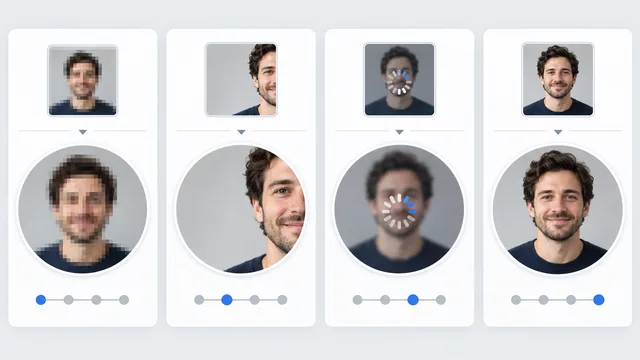
Before uploading, shrink the image until it is about the size of your fingertip on screen. Then place an imaginary circle over it.
Ask three questions:
- Can I identify the subject immediately?
- Does the circular crop cut off the eyes, ears, or main object?
- Is the mood still obvious without opening the full image?
If the answer to any question is no, crop closer or remove background detail.
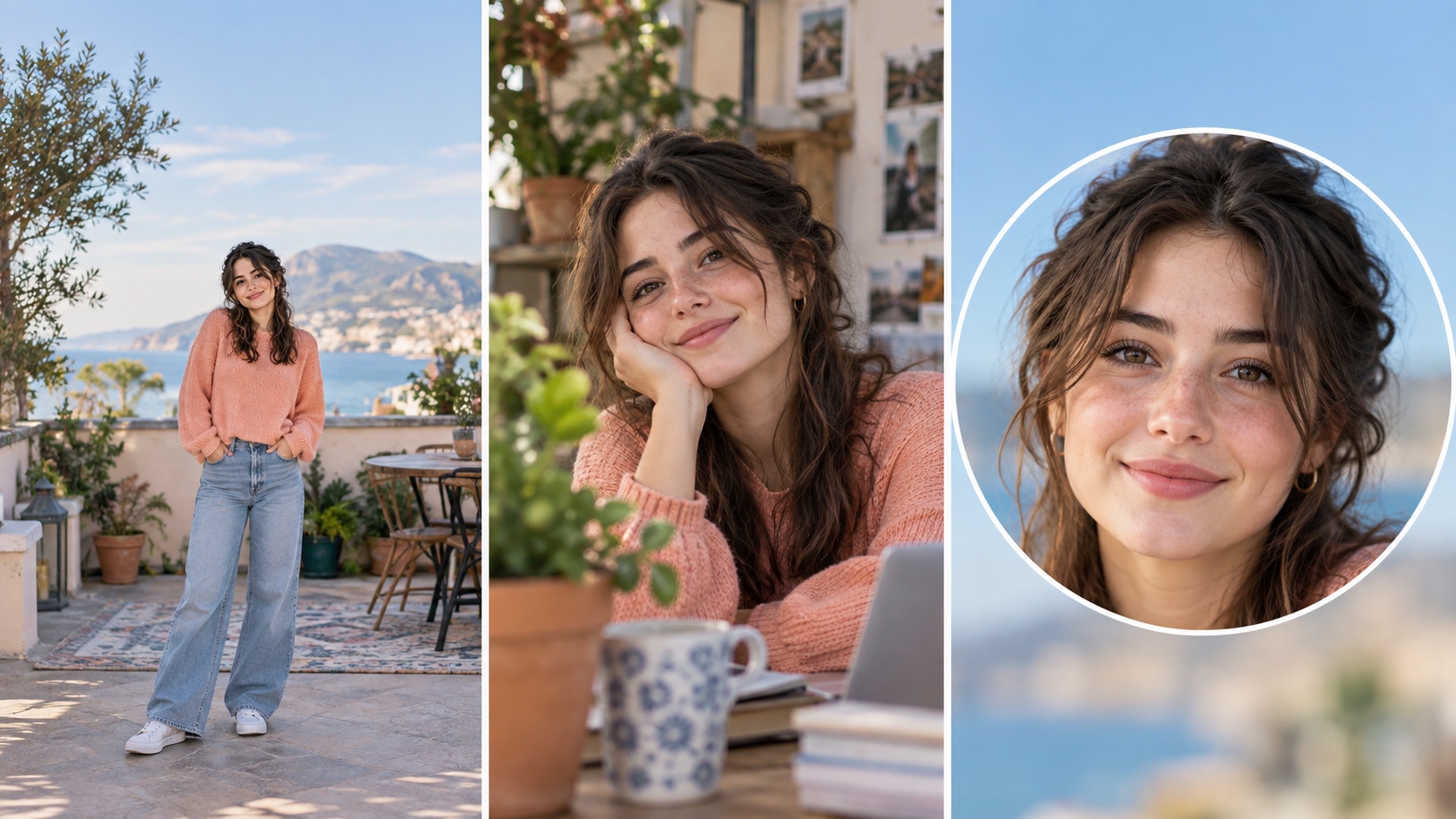
This is not just aesthetic advice. X recommends a 400 by 400 pixel profile image.1 YouTube says its channel profile picture renders at 98 by 98 pixels.2 Your upload may be large, but people often experience it as a tiny mark beside a post or comment.
Match the idea to the platform
Use a close portrait, pet, or bold object. Instagram's circular presentation rewards clean edges and a centered subject. The Instagram profile picture maker can help you prepare the crop before uploading.
YouTube
Choose something consistent with your videos. Official YouTube guidance describes the profile picture as a signature image that appears across the channel and viewer interactions. A simple face, logo-like original object, or repeated color system works better than a detailed scene. The YouTube profile picture maker is useful for checking how the image reads at channel size.
Discord
You can be more playful. Discord explains that an avatar can represent a person, object, animal, or character.3 That makes pets, illustrated objects, and mood-based portraits natural choices.
Professional communities
Keep the warmth, but use a real portrait with clear eyes and simple styling. Cute does not need to mean childish. A friendly expression and soft color can feel approachable without weakening credibility.
Colors that stay cute without becoming washed out
Pastels are common because they feel gentle, but very pale colors can disappear against white interfaces. Pair one soft color with one darker anchor.
Try:
- Peach with deep brown
- Mint with forest green
- Lilac with plum
- Powder blue with navy
- Butter yellow with warm gray
The dark anchor can be hair, clothing, an outline, or the main object. It gives the thumbnail structure.
Make it feel like you
Generic cute pictures are easy to scroll past. Add one personal constraint:
- Your real pet
- Your favorite color
- A familiar sweater
- A flower you grow
- An object from your desk
- A place with meaning to you
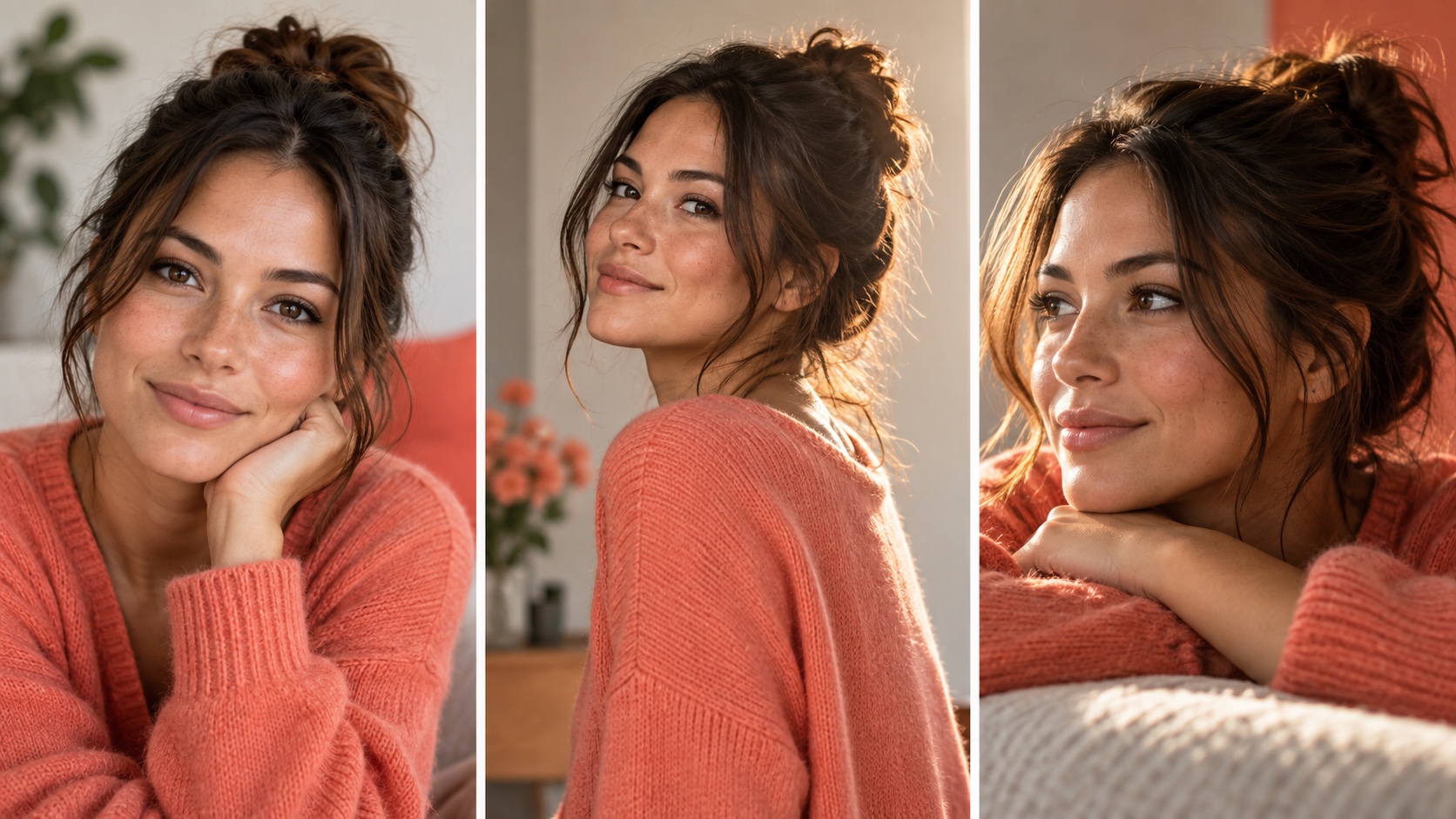
You can use the profile picture maker to explore several directions from your own photos, then choose the one that still feels recognizable at small size.
A simple creation recipe
Pick one mood, one subject, and one main color. Generate or photograph three variations. Crop each into a circle and view them beside a few real posts. Choose the version you notice first without needing to decode it.
If you want a tailored set instead of a generic gallery, create profile-picture variations from your own photos, then run the tiny-circle test before you publish.