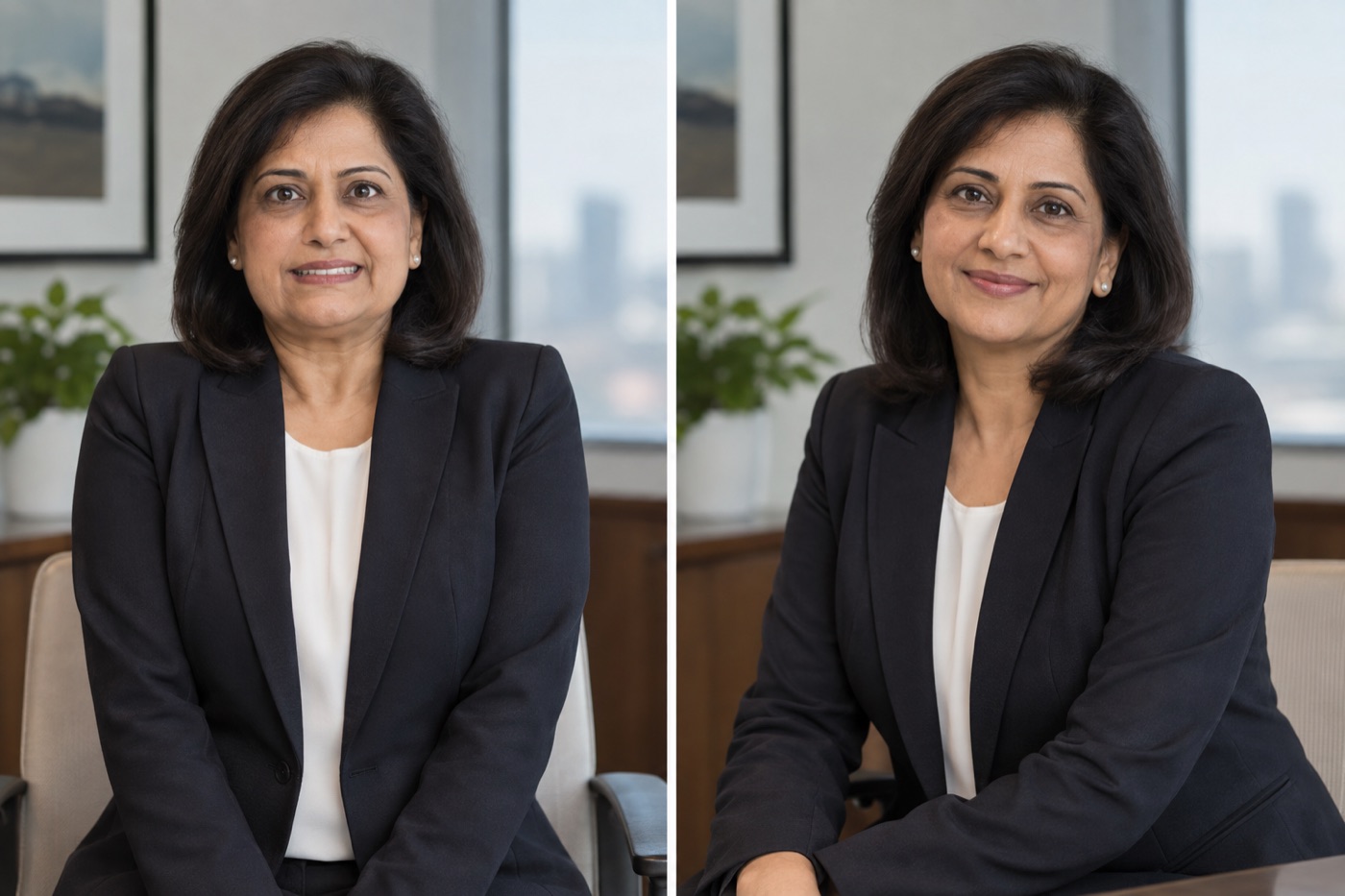
A leadership photo can go wrong while every technical box is checked. The jacket fits. The background is quiet. Then you look at the result and recognize the expression you use while waiting for a meeting to start, not the one you use when speaking to people.
The fix is small: lower the shoulders, turn the body a little, keep the face toward the camera and give the mouth a break between frames. The paired portraits above illustrate a rigid and a more relaxed version of the same setup. They are not a reader-perception experiment.
What makes a headshot look stiff?
Look at three places before blaming the smile. Raised shoulders make the neck disappear. A locked jaw makes a slight smile look held in place. Hands pressed flat on a desk can make the entire upper body tense, even if the hands are cropped out. Ask the photographer for one frame before and one after you exhale. If you are taking the photo yourself, use a timer so you can settle before the shutter.
Adobe's headshot guide describes how people can tense up or paste on a smile when a camera appears, and why easing the subject matters to the result. 1 That is the problem this small reset is meant to solve.
| If you see this | Try this on the next frame |
|---|---|
| Both shoulders lifted | Exhale and let your elbows rest naturally |
| Smile fixed across many frames | Pause, look away, then look back into the lens |
| Chin pushed forward | Return head above shoulders, then move only slightly |
| Body squared like an ID photo | Turn torso a little while keeping both eyes clear |
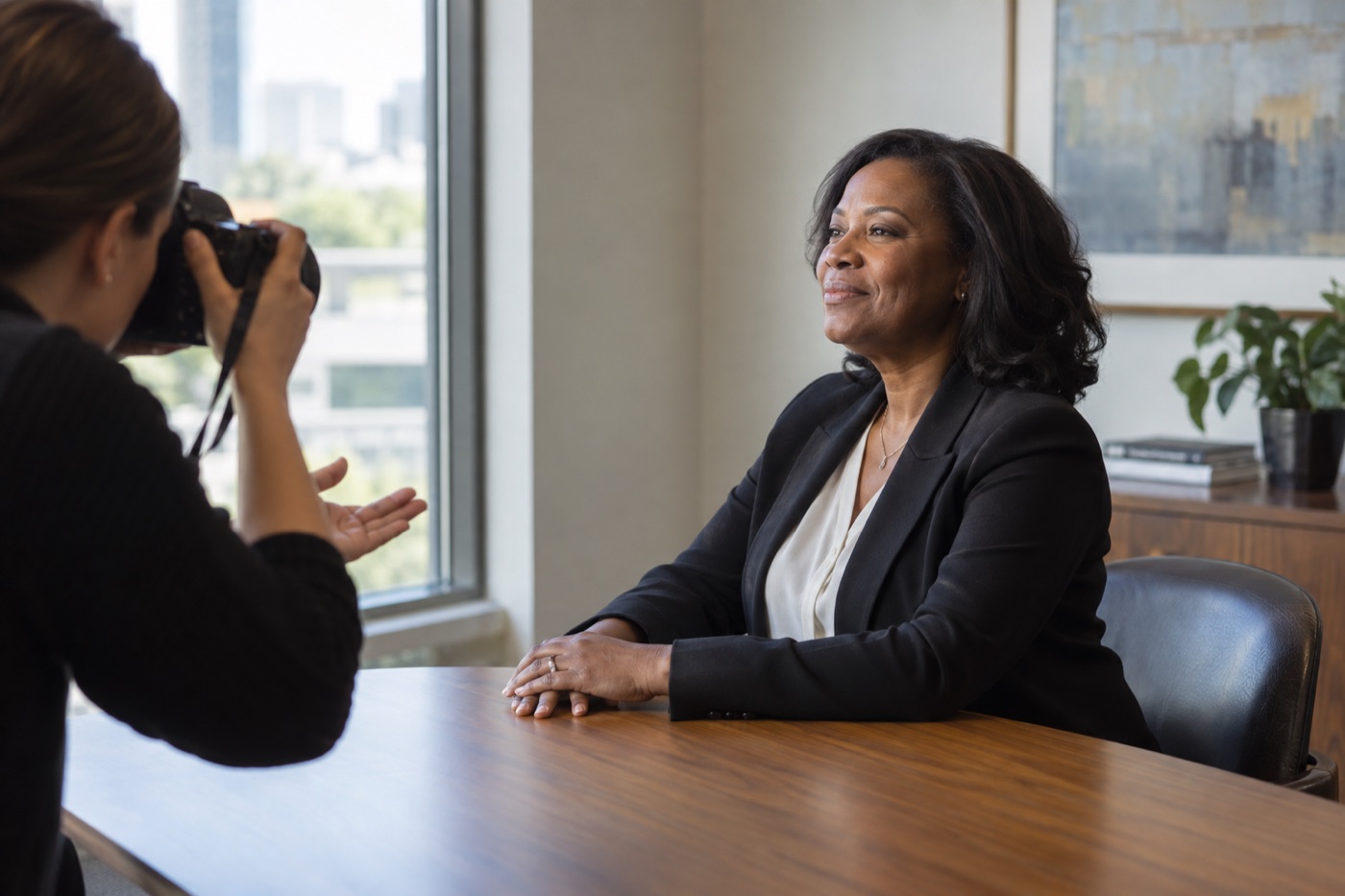
Illustration: a comfortable hand position can help the shoulders settle before a frame.
An executive photo still has to look like you. LinkedIn's photo guidance says a profile image helps connections recognize you and lets you change its crop after upload. 2 That is a useful test for any leadership portrait: would a colleague identify this person in a meeting?
Pick the image in its real context
Do not choose only from large files on a laptop. Put the finalists into a small circle and a wider company-bio card. In the circle, the face needs to remain clear. In the wider card, the pose can include a little more torso or workplace. The standing-versus-seated headshot guide helps if the chair itself is changing your posture.

Illustration: check whether the face still reads clearly at profile-photo size.
Choose the image that feels alert without looking rehearsed. If one frame has a livelier expression but the eyes are soft, keep shooting. A flattering expression cannot repair missed focus.
For more setting and wardrobe directions, the existing executive bio headshot ideas page handles inspiration rather than this pose correction.
Thirty-second review: shoulders, jaw, eyes, small crop, recognizable face.


