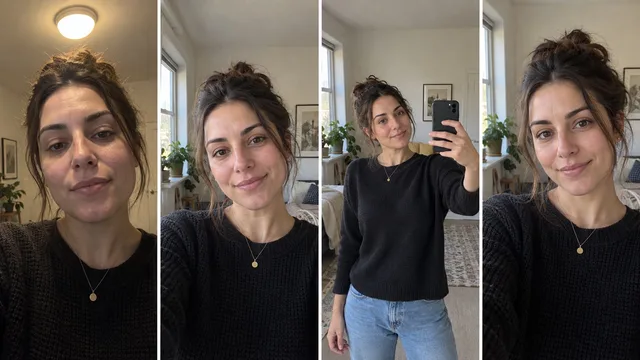
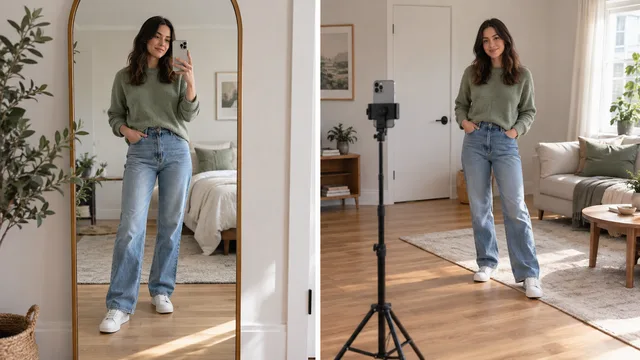
A good thirst trap looks less like a performance and more like a confident moment someone happened to catch. The quickest route is not a more dramatic pose. It is a simple setup, a short movement sequence, and a clear decision about what you are comfortable sharing.
This guide is for adults. Decide your coverage, audience, and privacy boundary before the camera comes out. Then build the image inside those limits.
The finished result and what makes it feel natural
The strongest frame usually has four things:
- A clear focal point: your face, posture, or one deliberate detail leads the eye.
- A relaxed body: shoulders are down, hands have a job, and the spine is long without looking rigid.
- A believable setting: the background feels tidy but lived in.
- Restraint: the pose suggests confidence without trying to show everything at once.
Social media creator interviews consistently return to natural light, a clean lens, an uncluttered background, movement, and a hands-free setup. 1
If you want a broader foundation before making the frame more flirtatious, start with our guide to taking a good selfie. This page focuses on the more specific combination of confidence, styling, crop, and posting judgment.
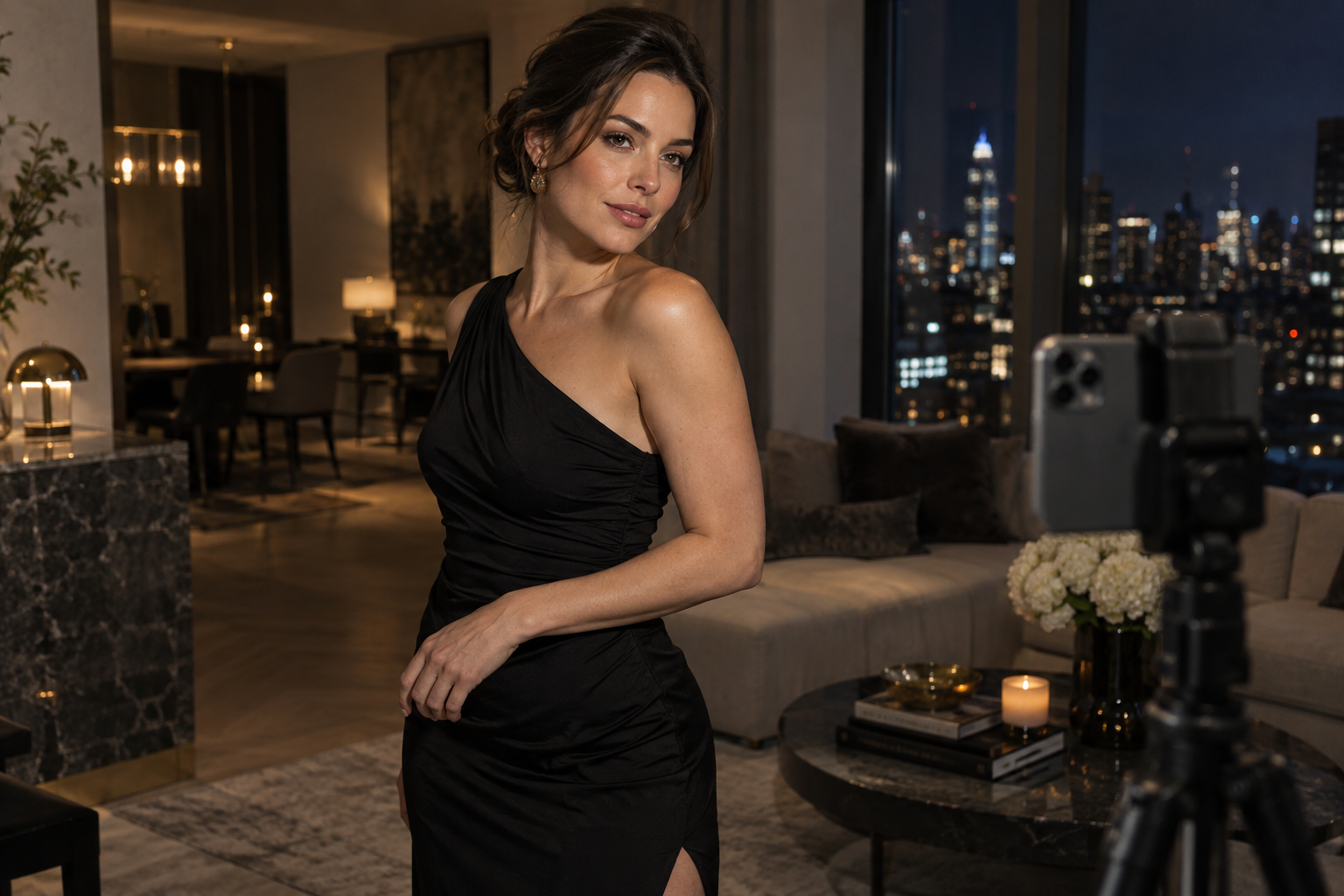
Set the light, camera height, background, and privacy boundary
1. Use one large, soft light source
Stand beside a window rather than directly in front of it. Turn until the light shapes one side of your face and body while the other side falls gently into shadow. Switch off overhead lights if they add dark eye sockets or mixed color.
2. Move the phone away from your face
Start two to eight feet from the camera, then test the 2x or 3x lens if your phone has one. Adobe's phone portrait guide explains how more camera distance and a longer focal length can reduce the stretched look of a close phone portrait. 2
That matters because close cameras exaggerate whatever is nearest. Adobe Research also demonstrates that short camera distance can distort facial proportions, even when the person and expression have not changed. 3
3. Begin near chest height
Place the lens near upper-chest or shoulder height for a three-quarter portrait. Raise it slightly if you want more face and less torso. Lower it slightly only when the upward angle is intentional. Keep the phone level so walls and doorframes do not lean.
4. Remove accidental information
Check mirrors, windows, mail, work badges, family photos, and location clues. If someone else is in the room or appears in a reflection, get their agreement before keeping or sharing the frame.
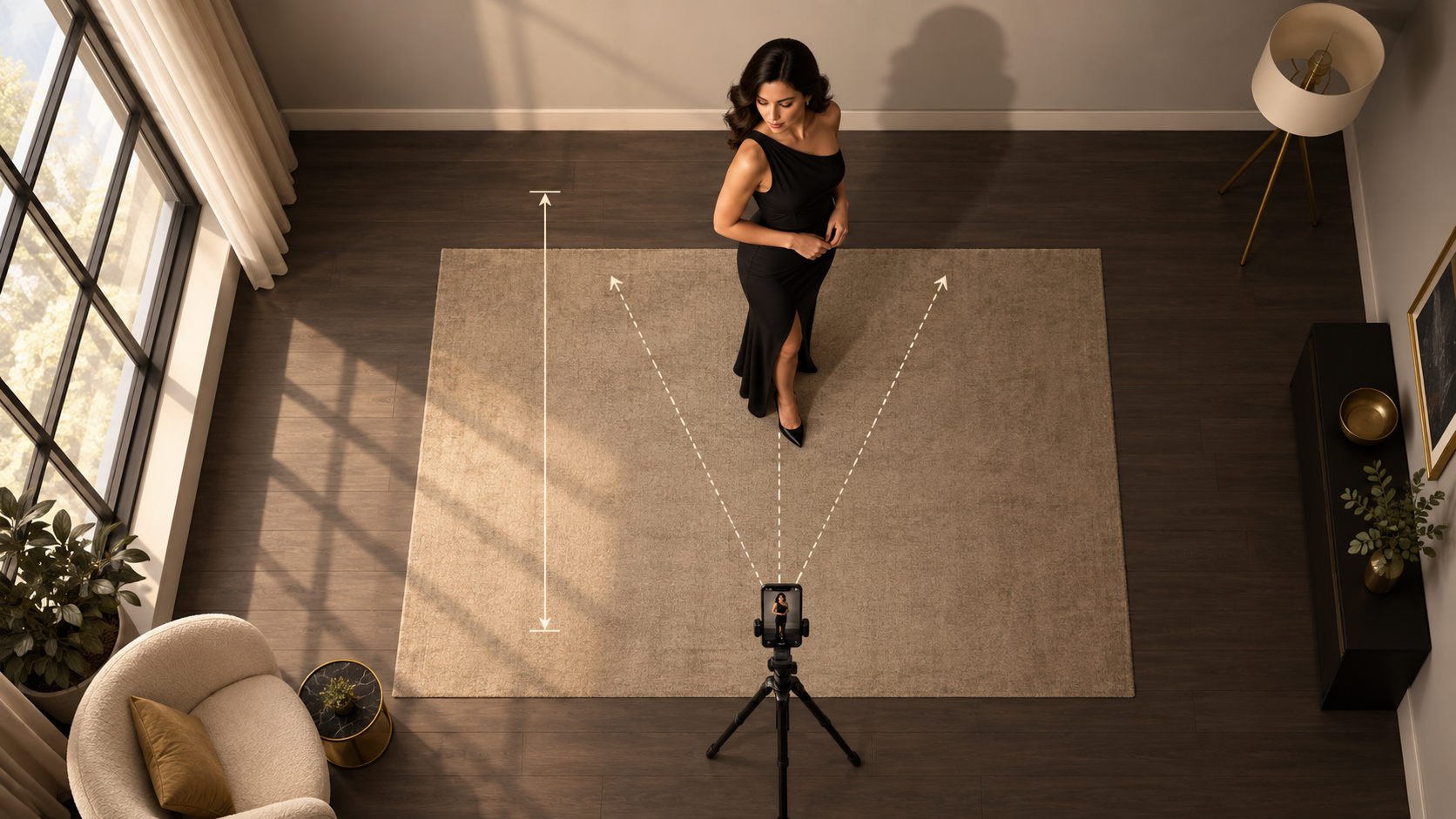
Build a relaxed pose and expression sequence
Do not freeze into one pose and take 40 copies. Record a sequence.
- Stand at a 30 to 45 degree angle from the camera.
- Put most of your weight on the back foot.
- Drop the shoulder closest to the camera.
- Give each hand a natural task: pocket, hair, jacket edge, chair back, or resting lightly at the waist.
- Take one slow breath out before the shutter.
- Turn your eyes away, then back to the lens.
- Shift the chin a few millimeters, not several centimeters.
- Repeat while changing only one variable.
Canon's portrait guidance recommends small pose adjustments, movement, a body angle around 45 degrees, and keeping arms slightly away from the torso. 4
Use a three-second timer when you are already in position and a ten-second timer when you need to cross the room. Apple documents both timer lengths and burst capture in its iPhone camera timing and framing controls. 5
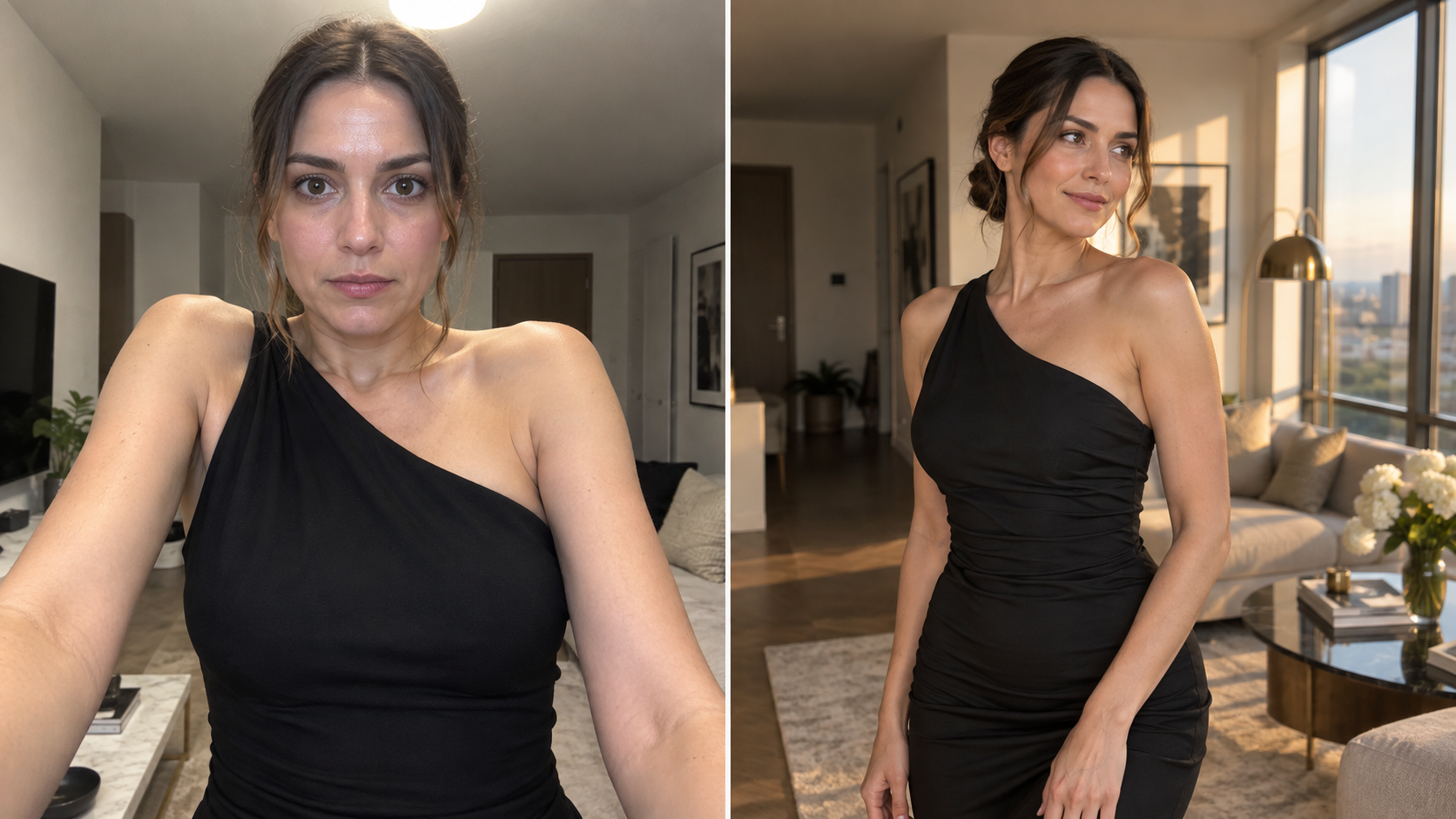
Choose the strongest crop without over-editing
Select before you retouch. Make a first pass for expression, a second for posture, and a third for background details.
A good crop should:
- keep the eyes or body line away from a dead center unless symmetry is the point
- avoid cutting directly through elbows, wrists, knees, or ankles
- leave visible context for the pose
- preserve the coverage boundary you intended
- survive both a vertical feed crop and a square profile preview
Once you have a short list, correct exposure and color lightly. Avoid reshaping features or smoothing skin until it stops looking like you. If you want a stylized alternative without turning the session into a long shoot, a tasteful photo-generation workflow can help you explore wardrobe and setting variations from photos you control. For a closer match to this exact mood, open the After-Dark Thirst Trap look, then choose it explicitly in the catalogue before you upload your photos.
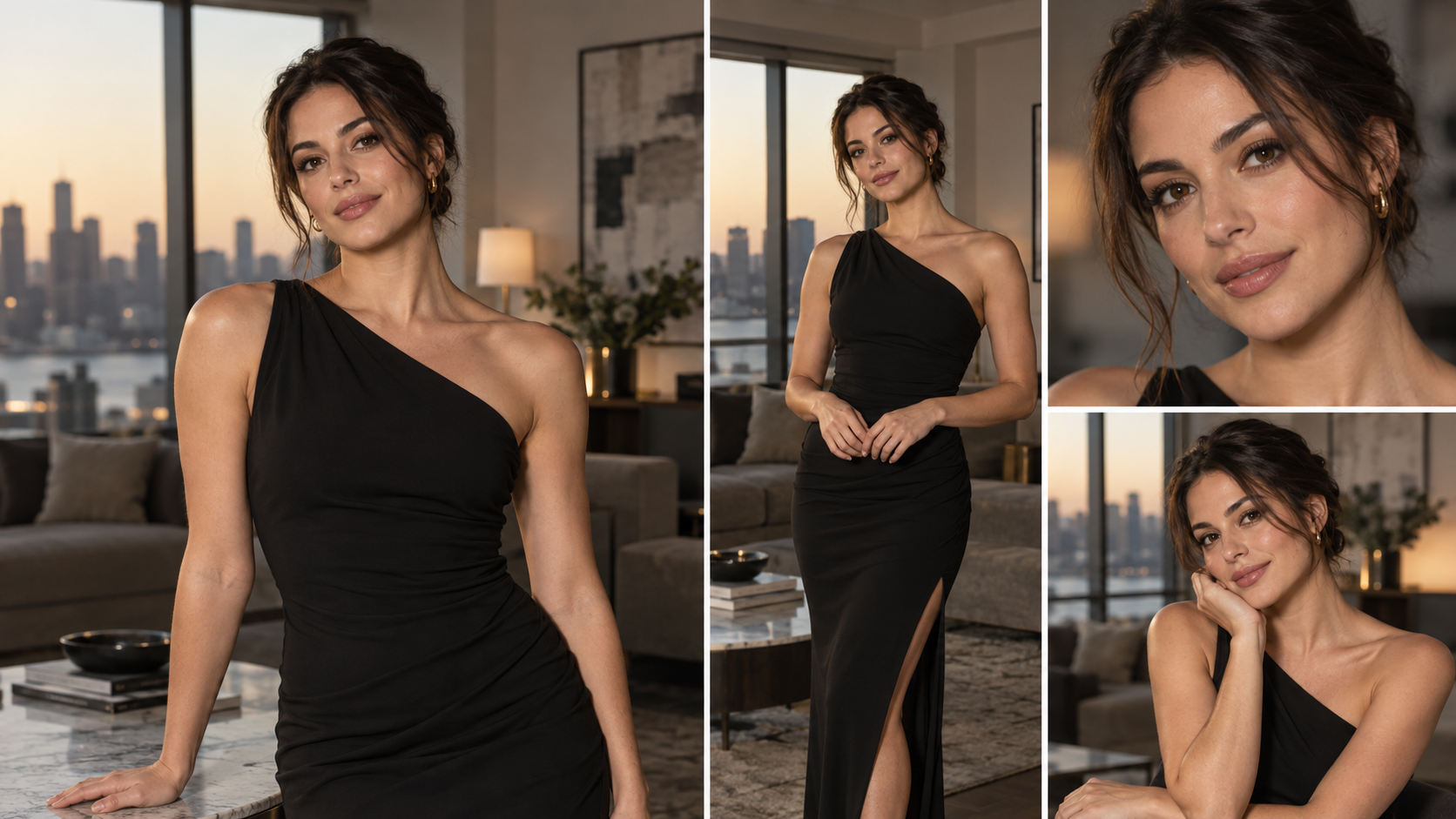
Posting, consent, and audience checklist
Before posting, ask:
- Am I comfortable with this image being saved or reshared?
- Is every visible person an adult who agreed to appear?
- Does the frame reveal my home, workplace, location, or routine?
- Does the crop still look intentional on a small phone screen?
- Would I be comfortable if the image reached a wider audience than expected?
- Have I removed any version I do not want synced or backed up?
The goal is not to look casual by accident. It is to build a controlled setup that lets you look relaxed. One window, one clean background, one short movement sequence, and one careful crop are enough.