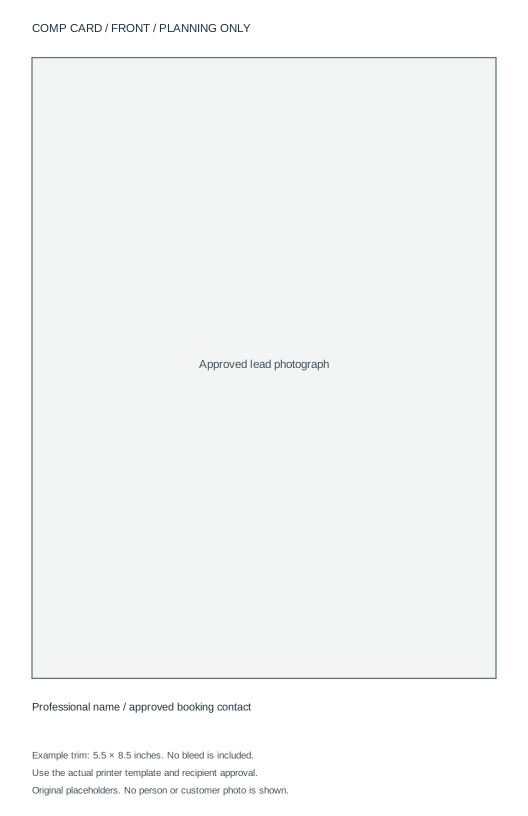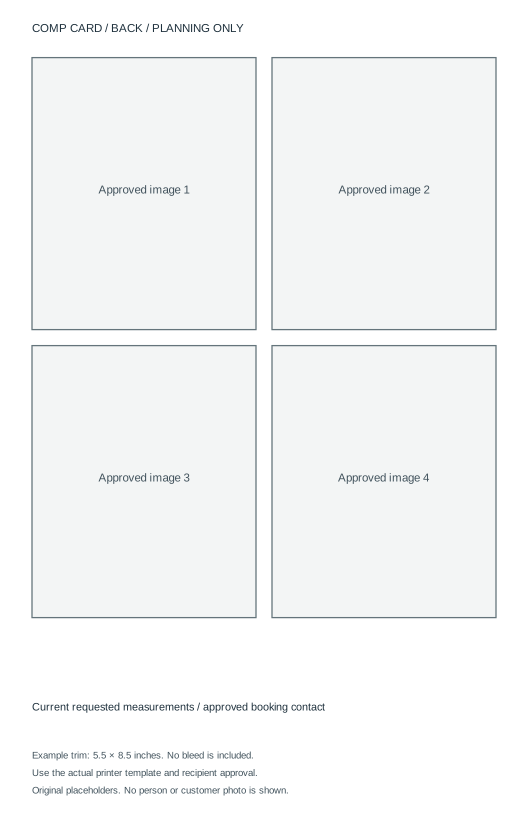
A comp card is a compact selection of photos and booking information. Treat it as a specific printed or digital deliverable, not a reason to buy a large photo session before an agency has told you what it needs. Confirm the recipient, layout and approved images first.
A useful planning structure is one lead image and your professional name on the front, with a small selection of different images and requested details on the back. CompCard.com's overview describes that front-and-back format and a commonly used 5.5 by 8.5 inch card.1 The actual agency or printer specification still controls your order.
Establish which material is being requested
| Requested material | What to confirm before buying |
|---|---|
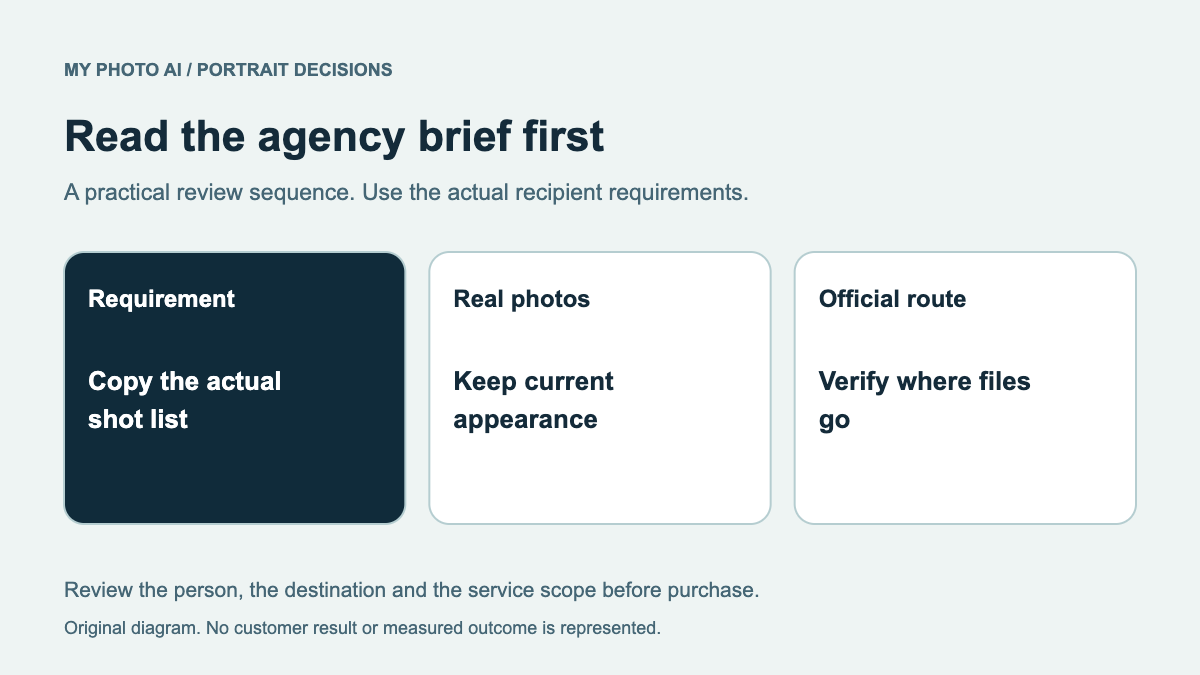
| Agency application digitals | Real current snapshots and the agency's shot list |
| Printed comp card | Approved images, layout, trim size and print quantity |
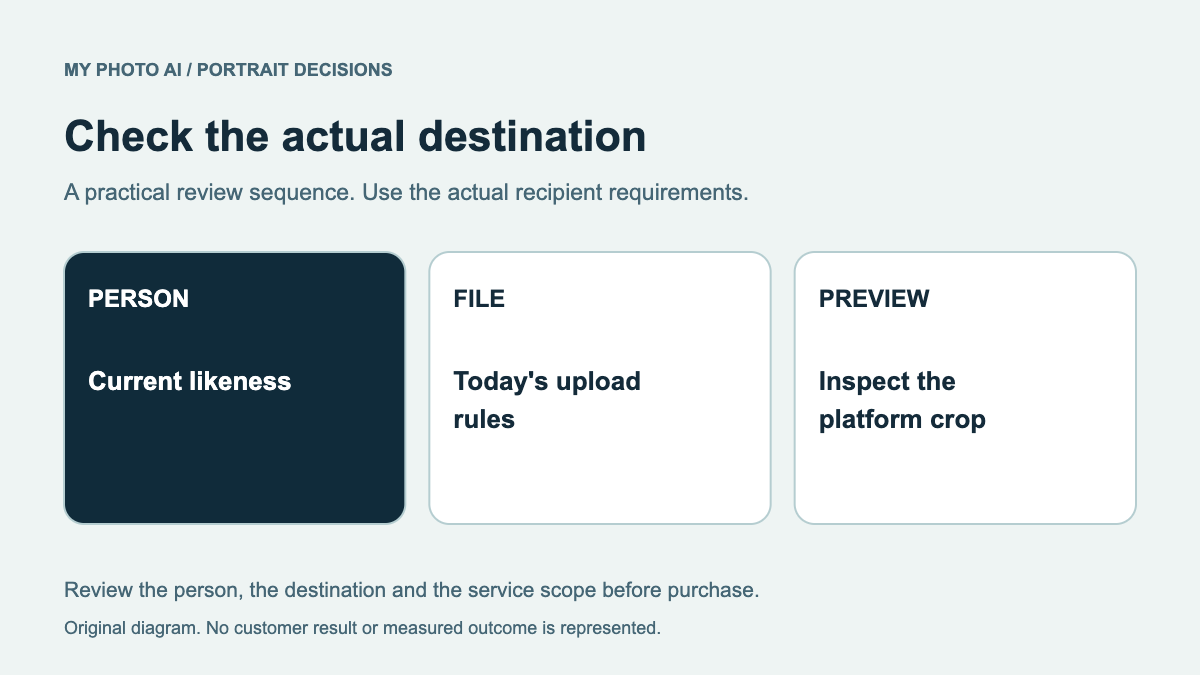
| Digital card | File type, dimensions and size limit |
| Portfolio shoot | Which missing images the session must deliver |
A comp card and agency digitals answer different needs. A polished card does not replace an application that specifically asks for natural snapshots. A generated image should not be presented as a record of an actual photo assignment or as an unaltered agency digital.
Select the photos before the layout
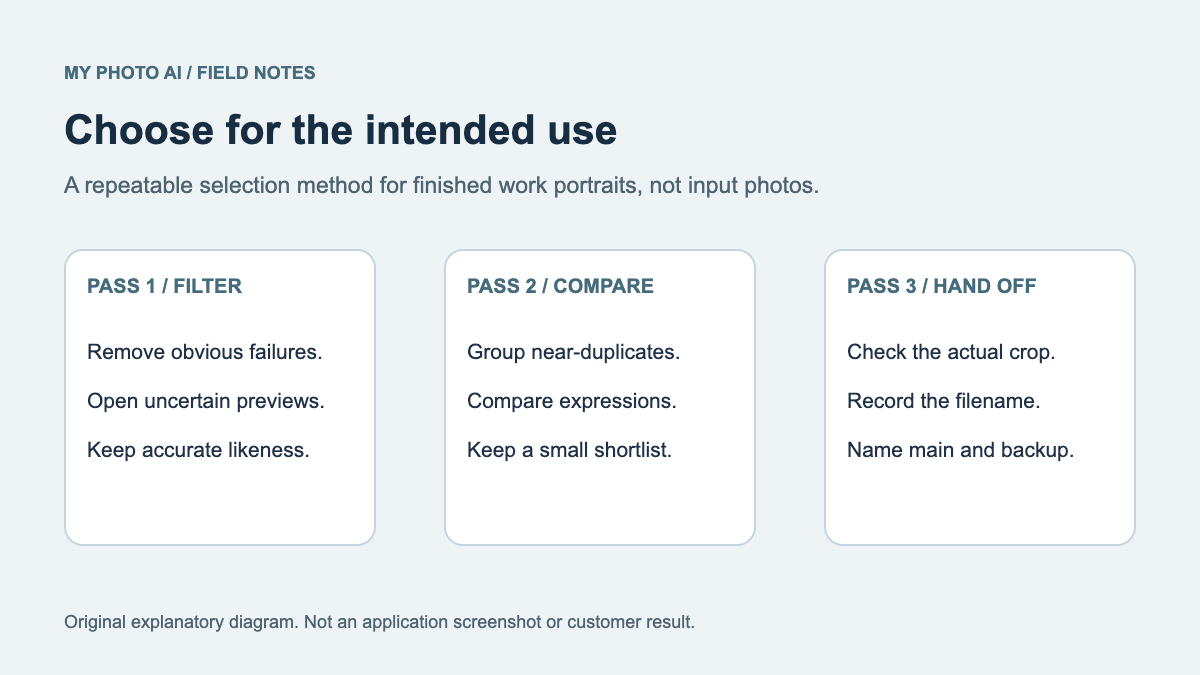
Ask the representative or recipient which images are approved. Choose a lead portrait that represents your current appearance, then select supporting images that add a useful difference. Several crops of the same pose may fill boxes without adding range.
Record what is missing. You might already have a suitable front image but need a current full-length photograph. Commissioning that specific gap can be a clearer purchase than booking a broad portfolio package without an agreed shot list.
Keep permission and credit information with the source files. Being pictured does not automatically settle every use of a photographer's work. Confirm that the actual agreement covers the planned card and distribution before sending files to a printer.
Turn the trim size into a working document
For an illustrative 5.5 by 8.5 inch card at 300 pixels per inch, the trim area is 1,650 by 2,550 pixels. That is the arithmetic of this example, not a universal agency or printer requirement: 5.5 × 300 and 8.5 × 300.
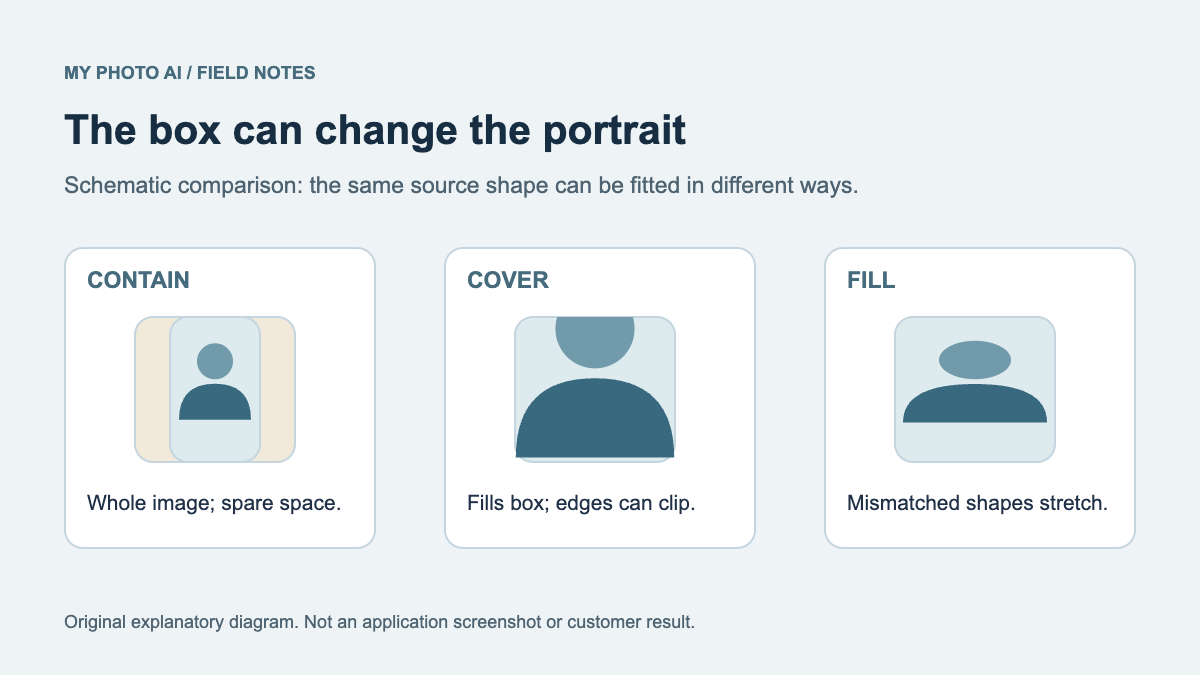
Bleed, safe areas, color handling and export format must come from the selected printer. Do not stretch a small source portrait to the calculated dimensions and assume detail has been restored. Ask whether the printer supplies a template and proof before creating the final file.
The original front layout SVG and back layout SVG demonstrate placement at that example trim ratio. They contain placeholders, no photos and no bleed. They are planning files, not a printer-approved production template.
Keep the contact block current
Use the measurements, units and booking route the recipient requests. If you are represented, obtain approval before adding agency branding or substituting personal contact details. Proofread the information as carefully as the images: a beautifully printed card with an obsolete contact route does not do its job.
For an adult making a self-managed card, keep the public information limited to the professional purpose. A template's empty line is not a requirement to print a private home address. For a minor, the guardian and representative should control the contact and approval process.
Separate photography and print spending
Get a quote that states the missing photos, session scope, included finished files and usage. Then obtain a separate print quote for the approved size, stock, quantity, sides and delivery. Ask what happens if a proof needs correcting before the full run.
One approved physical proof can reveal unreadable measurements, awkward crops or trimming risk before you order a stack. Keep an editable master so an image or measurement update does not require rebuilding the whole card.
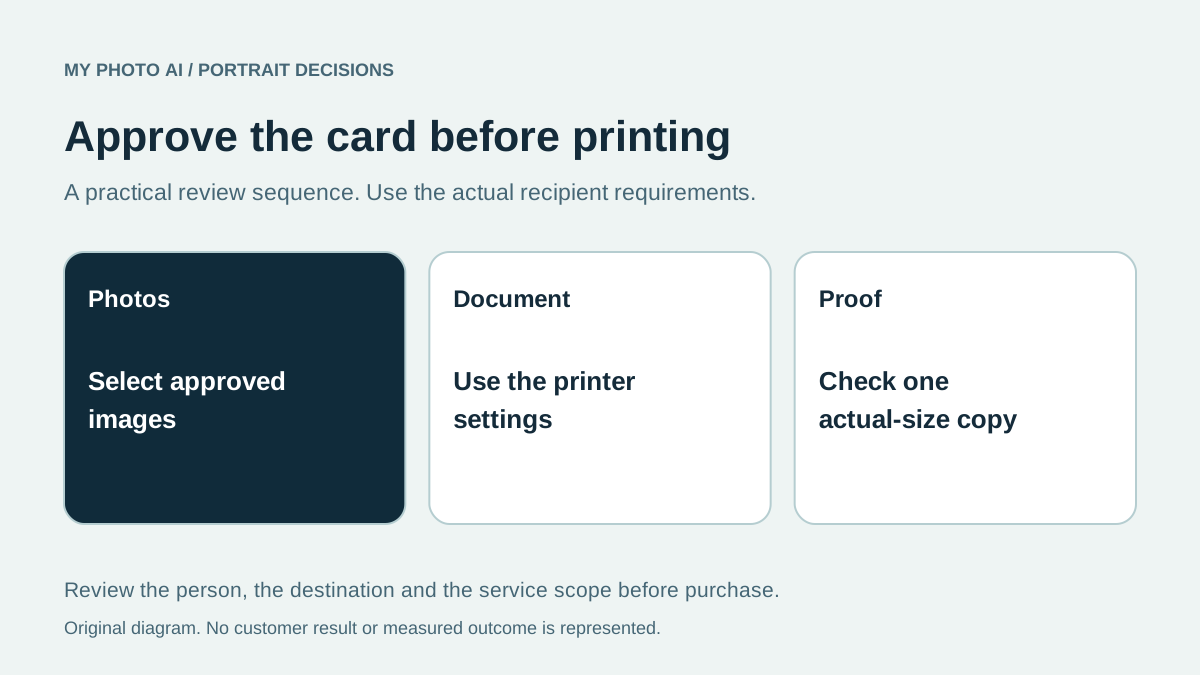
Approve the deliverable before ordering
Download the comp-card purchase worksheet. Confirm approved images, current facts, permissions, printer settings and the final proof. If you are considering generated creative images for a separate permitted use, browse MyPhotoAI sample looks with that distinction clear. A paid generated shoot is not an assurance of agency approval.