VModel's AI portrait model lists a per-use rate, while its funding page sells a prepaid balance. MyPhotoAI's compared offer states the photos included from one shoot. Those are different purchase units, so the smallest displayed model rate is not the complete entry cost of a portrait project.
We publish MyPhotoAI. We checked VModel's official model card, input schema and pricing page on October 19, 2026. We did not fund an account, call its API or generate an image. Its example output and timing are vendor demonstrations, not our test results.
Separate an action rate from funding
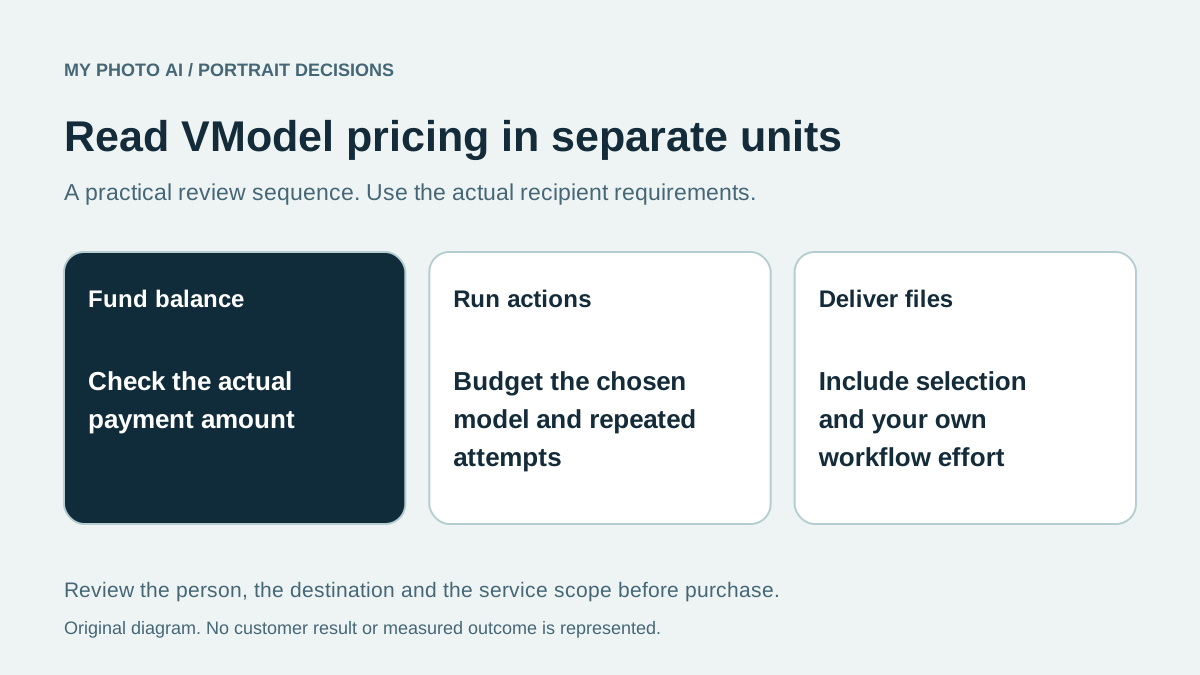
VModel's portrait card displayed US$0.06 per use and an approximate sixteen uses per US$1. Its pricing page listed funding options beginning at US$10 and said purchased credits do not expire.12 Read those figures together before budgeting a one-picture purchase.
| Budget line | What to record | What not to assume |
|---|---|---|
| Funding | The actual selected payment amount | That the per-use rate is the checkout minimum |
| Model action | Current rate and chosen output settings | That every model uses the same rate |
| Repeated attempts | How many actions the budget permits | That every attempt is a usable headshot |
| Final files | Crop, dimensions and delivery need | That the model's example is your entitlement |
Do not silently round approximate use counts into a guaranteed number of approved files. Also confirm how the charge applies when requesting multiple outputs. A parameter allowing several outputs does not establish the billing rule for every request.
Decide whether you want to manage model settings
The official portrait schema exposes a required face image, optional additional reference images, a prompt, style choice, output dimensions and other controls. The same page documents an authenticated HTTP API.1 These are useful details when you want to manage a model workflow or integrate image creation into another application.
They are a different responsibility from selecting a ready-to-use portrait package. Record who will prepare the inputs, choose the settings, review errors and deliver the finished files. If you only need a profile photograph, decide whether that additional workflow is part of the project you want to undertake.
For an integration, the per-use amount is only one budget line. Your own implementation, operation and support effort are separate. This guide does not supply a production integration, and no API key or user photograph was entered during the comparison.
Treat examples as examples
A model-card portrait shows one published demonstration, not how your own face will render. Likewise, a sample response's time and dimensions are not a guaranteed service deadline or a universal output specification.
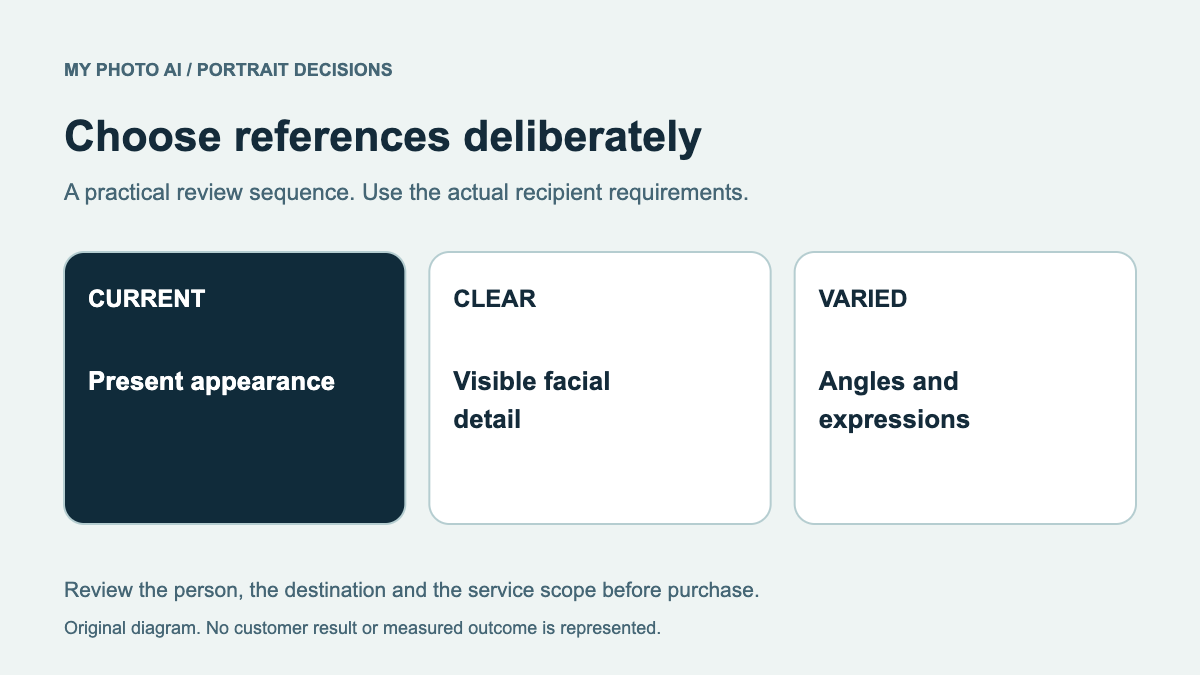
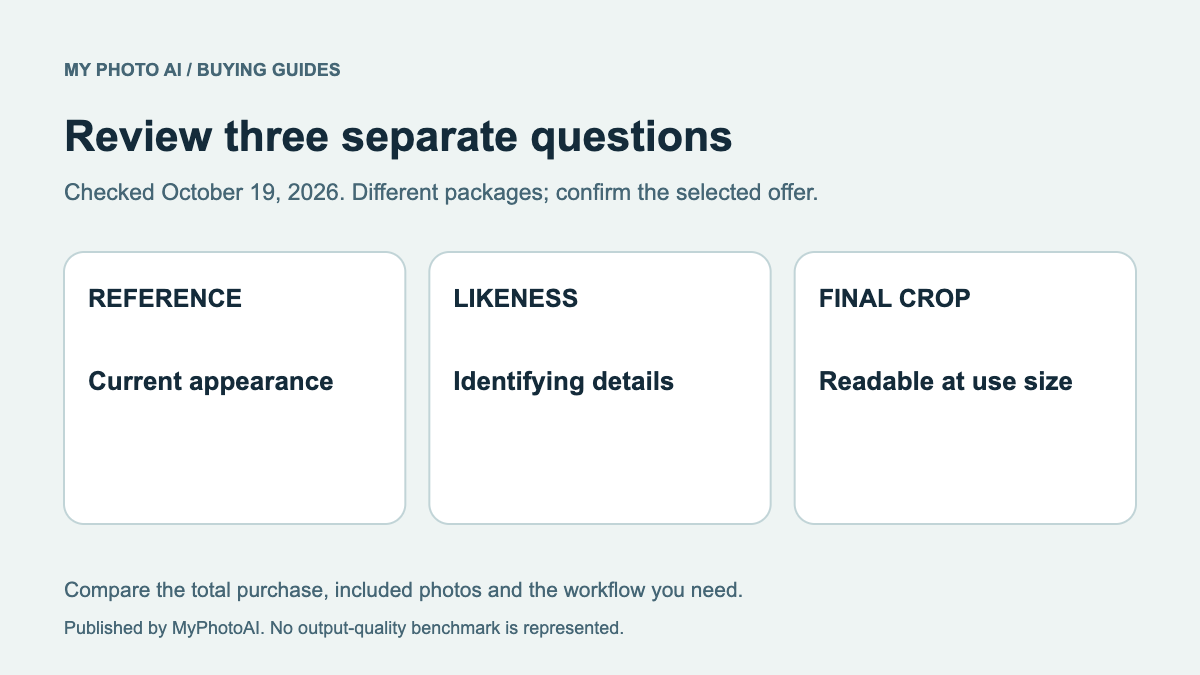
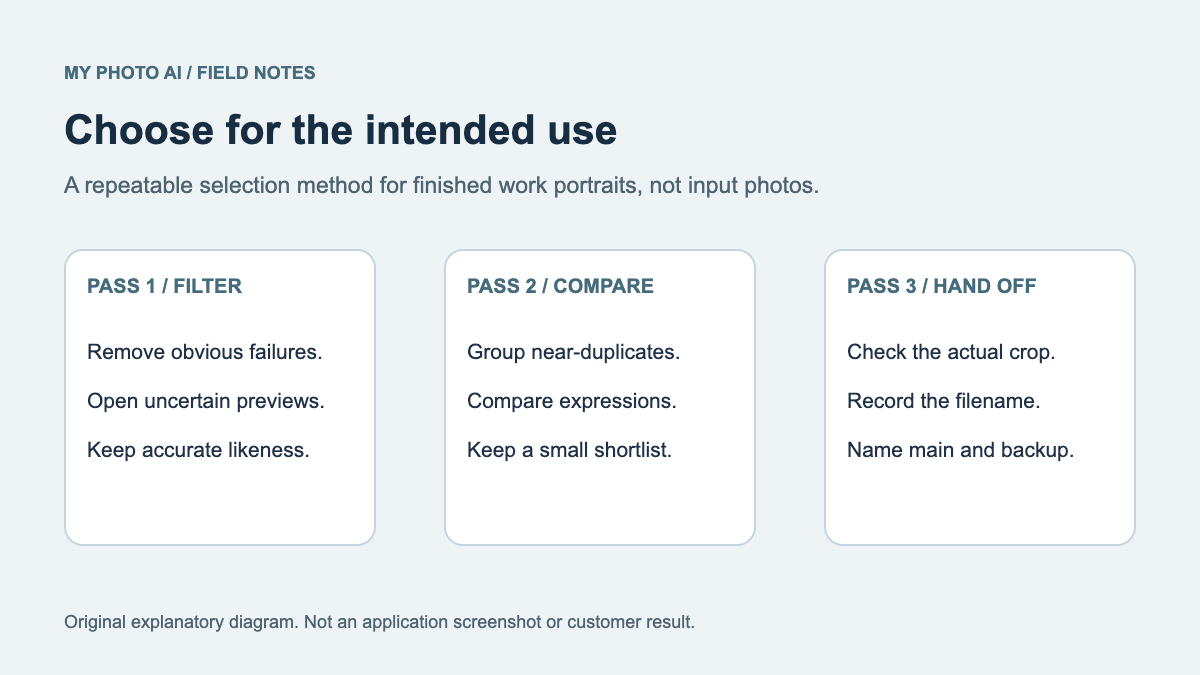
Use recent, permission-cleared references and inspect the resulting identity before evaluating style. The input selection guide helps prepare the source. The likeness rubric provides a consistent review order.
Keep an appropriate existing photograph if a deadline cannot accommodate experimentation. Do not assume another action or a larger prepaid balance will necessarily solve a changed face.
Compare the complete task with MyPhotoAI
MyPhotoAI's current US Starter offer includes 3 HD photos for US$5. Plus includes 10 for US$10; Everything includes all photos from one shoot for US$10.3 Personalized generation starts after payment. There is no subscription in that offer, and another shoot requires another purchase.
A credit-funded model workflow can make sense when you want its controls or integration route. A shoot allowance can fit a defined portrait task. Neither purchase structure establishes superior likeness or recipient acceptance.
Download the action-versus-shoot budget. Compare funding, action charges, your workflow effort and the actual deliverable before deciding.