A Spotify artist avatar, header and gallery image are separate deliverables. Spotify's current artist-image guidance gives them different minimum dimensions, and its management instructions place the images on different surfaces.12 Decide which asset is missing before buying a portrait package or commissioning a larger shoot.
This guide concerns Spotify for Artists, where the image-management instructions are for Admins and Editors.2 Buying an image does not give you artist-team access or establish an artist identity. Resolve the account and permission question separately.
We publish MyPhotoAI. Official guidance was checked October 19, 2026, without changing an artist profile or testing a generated portrait upload.
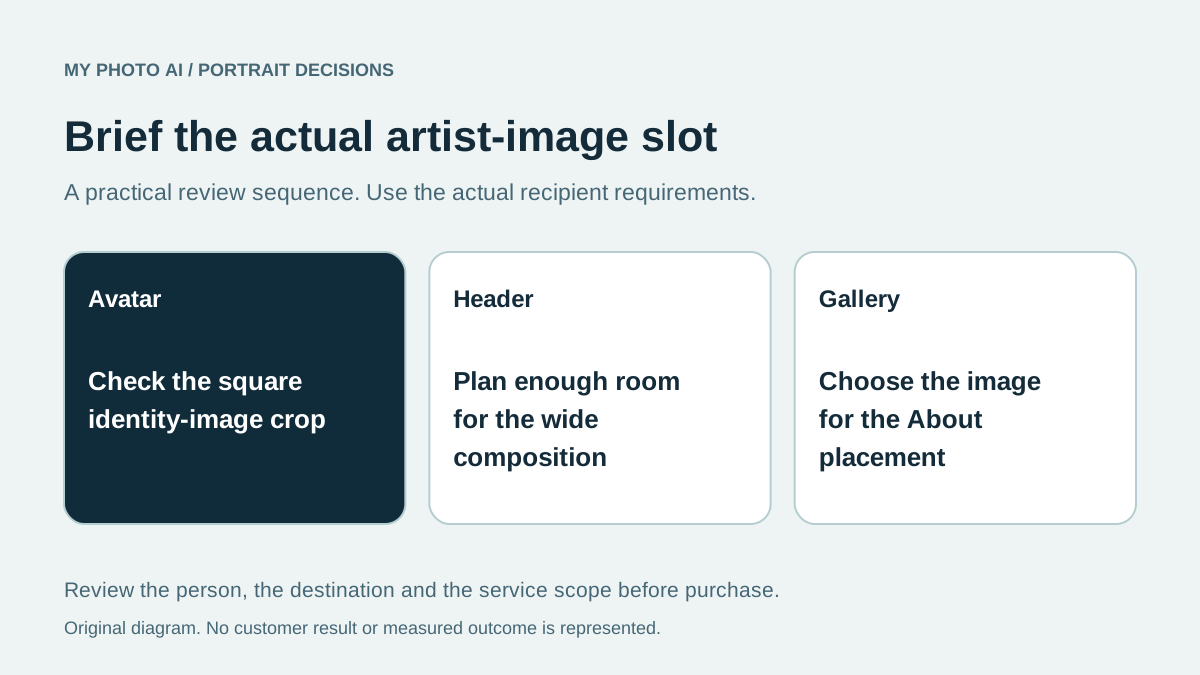
Brief the three placements separately
| Artist asset | Current published minimum | What the composition needs to address |
|---|---|---|
| Avatar | 750 by 750 pixels | A suitable identity image that survives its displayed crop |
| Header | 2660 by 1140 pixels | A wider composition with enough usable surrounding space |
| Gallery image | 690 by 500 pixels | The intended individual image in the artist's About section |
Spotify lists JPEG, PNG or GIF, a maximum of 20 MB, and separate content requirements.1 These are minimum file dimensions, not a guarantee that a small crop can be enlarged into a clean header.
Its placement guide says the avatar appears on the mobile artist profile and beside the artist name in search, while the header appears on desktop and web and in the smart-TV Now Playing view.2 Test the intended placements rather than treating one preview as the whole artist page.
Keep publicity artwork out of the wrong field
Spotify's artist-image rules prohibit text, advertising, busy backgrounds and promotion of an upcoming tour or album release in these images.1 A designed announcement poster may therefore be the wrong asset for this upload, even if it contains a good portrait.
Keep the current artist-image brief separate from a release cover or promotional design. Do not assume that the file rules for one apply to the other. Name the exact destination when commissioning an image, and review the finished asset against its own rules.
Use only images and likenesses you have permission to publish. A provider's output or commercial-use statement does not remove the need to check the source material and any visible marks.
Check whether a portrait can support the wider crop
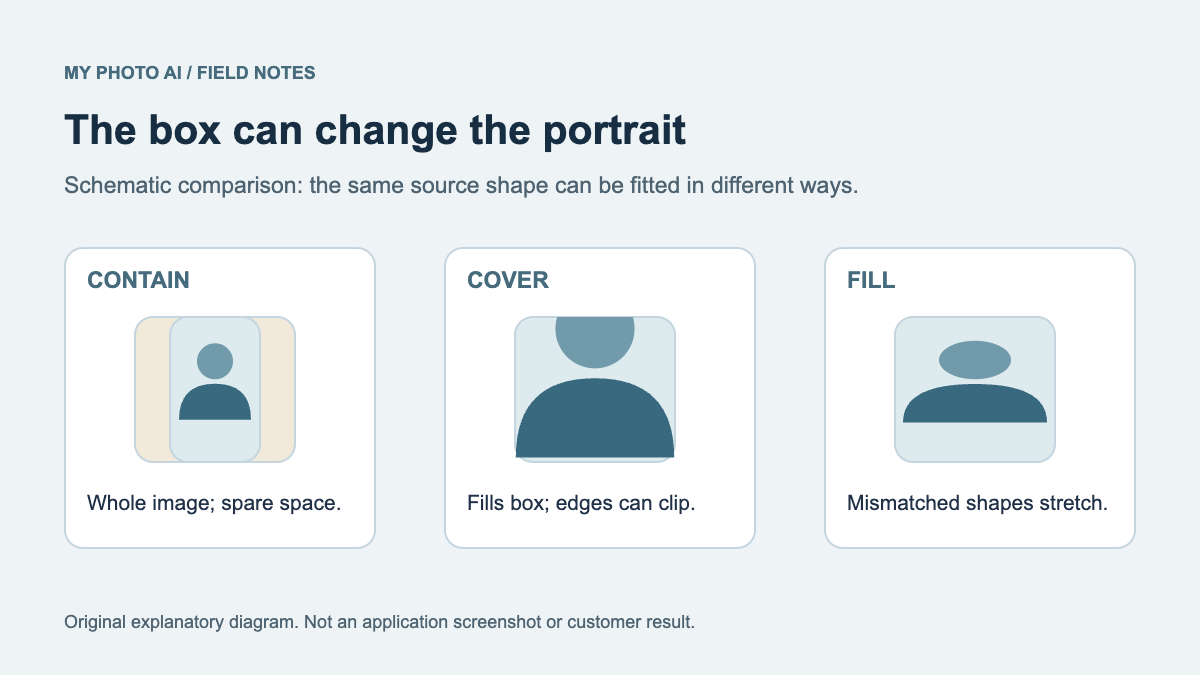
An avatar can sometimes be made from an existing suitable portrait. The header may require more room around the subject or a separate composition. Inspect the remaining pixels and the intended crop before buying more candidates.
If the brief needs a real performance, actual venue or a group photograph, arrange an appropriate capture. A generated scene is not documentation that the event occurred. The compared MyPhotoAI purchase is for individual portrait photos, so do not assume it supplies a genuine band session or complete publicity campaign.
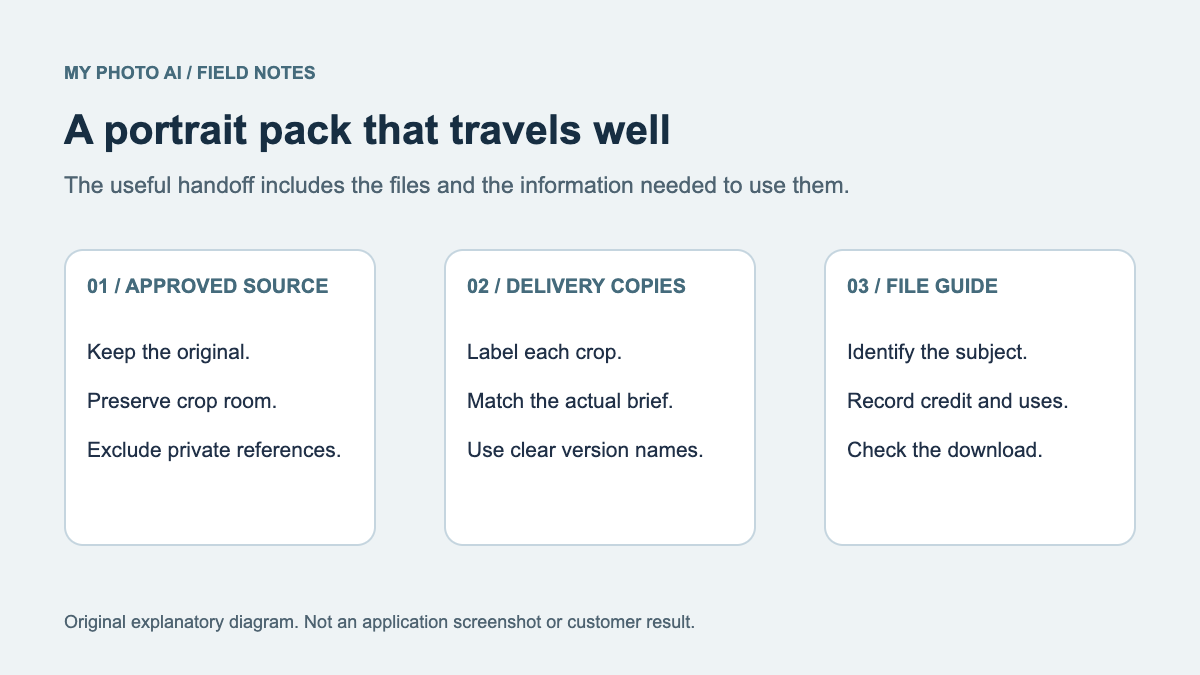
The press-kit guide helps record file destinations. The crop guide separates a new export from creating new surrounding content.
Choose the purchase around the missing file
MyPhotoAI's current US offer includes 3 HD photos for US$5, 10 for US$10, or all photos from one shoot for US$10.3 Personalized generation starts after payment. There is no subscription in this offer, and another shoot requires another purchase.
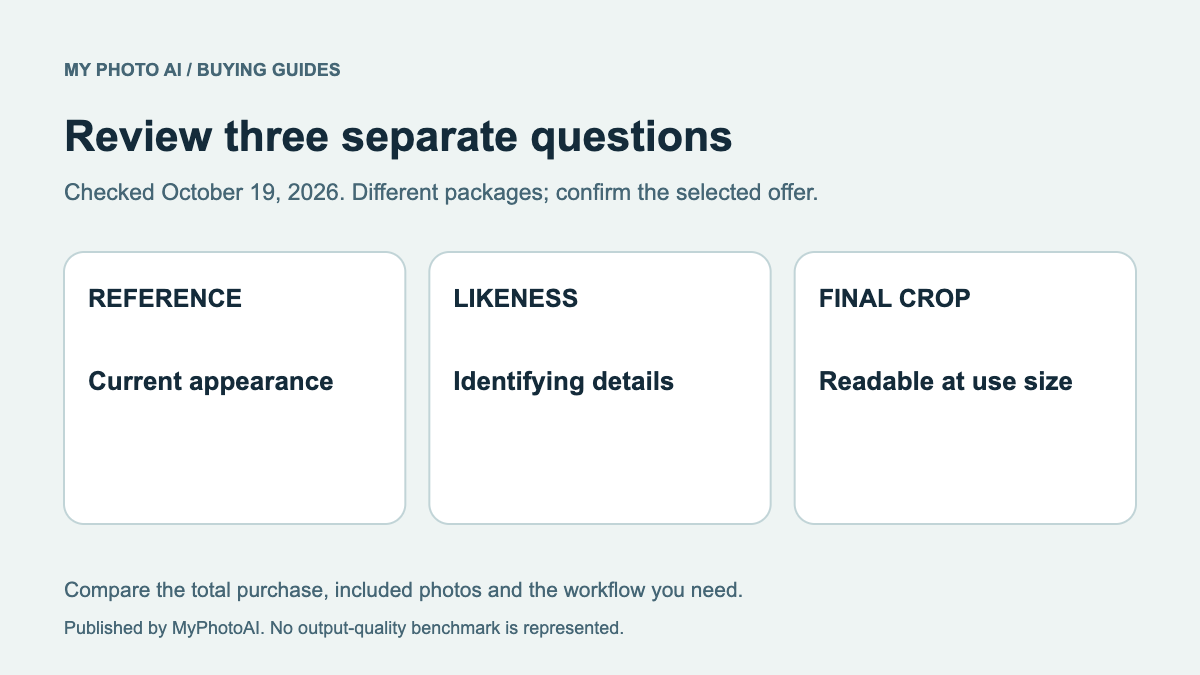
Inspect the actual saved dimensions and recognizable details before relying on a candidate. A plan's HD label does not establish that every selected crop meets the header minimum or that Spotify will accept the image.
Download the artist-image brief. Resolve access, destination, composition and file requirements first. Reuse a suitable source when it fits, and buy or commission only the missing portrait or wider image work.
Sources
- 1Artist image formats, dimensions and content rulesSpotify for Artists
- 2Image placements, access roles and managementSpotify for Artists
- 3MyPhotoAI pricingMyPhotoAI