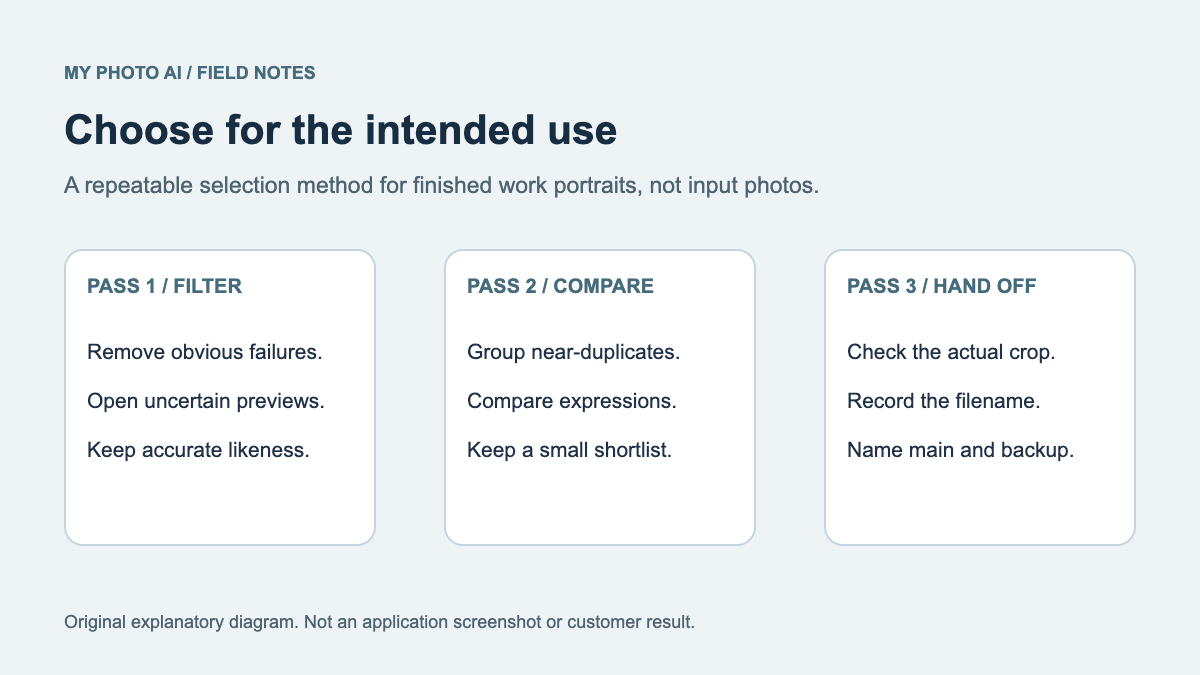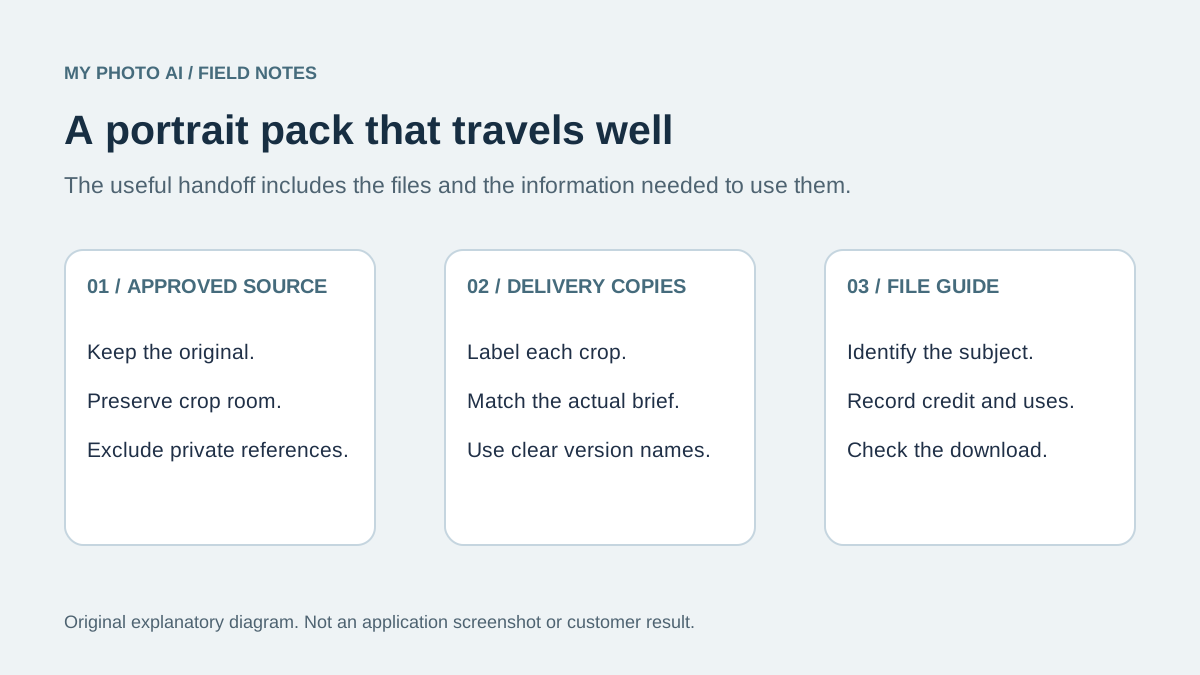
A useful press-photo pack gives an editor a clear choice, a working download and the information needed to use the image. Keep one approved original, a few clearly named delivery copies and a short file guide. Send the recipient's requested export when their instructions differ from your usual pack.
This guide is about maintaining that reusable pack across requests. For choosing the portrait itself, start with author headshots or speaker portraits.
Start with the recipient's brief
Before exporting, ask where the photo will appear, which crop they need, whether print is involved, and what credit or permission information they require. A website card and a printed program do not necessarily need the same file.
Requirements really do vary. BYU Women's Conference accepts JPG and PNG headshots and describes several uses for the submitted photo.1 Penn State News asks for caption information and a credit and specifies baseline rather than progressive JPEG.2 These are examples of recipient instructions, not a universal press-kit standard.
Separate the original from delivery copies
Keep the best approved source outside the folder you casually share. Build the public or recipient-facing pack from deliberate exports. That reduces the risk of handing over an old draft, a private reference photo or a file with an ambiguous name.
| File or record | Purpose | Example name |
|---|---|---|
| Approved source | Makes future crops possible | Keep privately as the master |
| General portrait | Useful starting choice for the recipient | alex-rivera-portrait-2026-01.jpg |
| Square crop | An option for cards and small placements | alex-rivera-square-2026-01.jpg |
| Wider option | Leaves layout room around the subject | alex-rivera-wide-2026-01.jpg |
| File guide | Identifies files, credit and contact | portrait-file-guide.txt |
The filenames above are fictional examples. Use your real public name and a version you can recognize. Avoid names such as final-final-new.jpg: they give an editor no reliable way to distinguish a replacement from an older file.
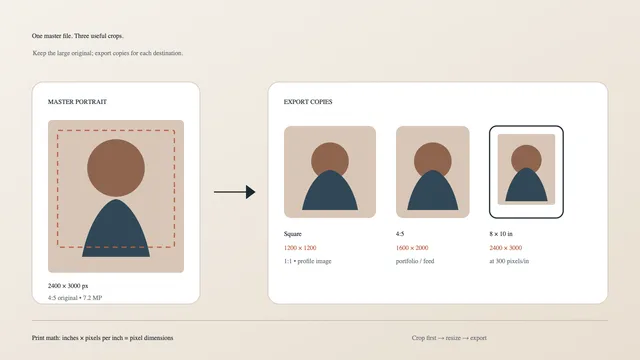
Do not enlarge a compressed social avatar and call it the original. If a recipient specifies inches and pixels per inch, calculate the needed pixels from that request. The dimensions guide explains the arithmetic.
Write a file guide that travels with the images
The useful unit is the photo plus its context. A separate text file is easy to copy into a content system, forward to a designer and update without editing the image itself.
Include the subject's public name, a short identifying caption, the exact credit agreed with the creator, the approved uses you can actually authorize, and a contact route for questions. Add the date or version and the intended crop for each export.
A credit line is not proof of permission. Confirm what you are allowed to distribute before writing a usage note. If you do not know, ask the creator or rights holder instead of making a blanket claim. If an image is AI-generated, label it accurately in the guide so the recipient can apply their own editorial policy. An AI portrait may not meet a publication's requirement for a photograph.
Make the download understandable
Whether you use a shared folder or a page on your website, name the link clearly. A reader should know whether they are opening a preview or downloading a full file. Check the link in a signed-out browser or private window so you do not mistake your owner access for public access.
Keep thumbnails distinct from delivery files. A small preview is useful for choosing a photo, but the editor should not have to guess whether saving that preview gives them the best available copy. When a ZIP is supplied, include the file guide inside it.
Replace a pack without losing track
When the portrait changes, update the public link and the file guide together. Keep a private record of which version you sent for important uses. If someone is already preparing a publication, tell them directly that a replacement is available rather than assuming they will revisit the folder.
For each update, check these four things:
- The selected portrait still represents your current appearance.
- Every download opens and matches its filename.
- The credit and permission notes apply to the actual files.
- Old previews and current downloads do not contradict one another.
A reusable handoff note
Download the press-photo file-guide template. It includes a file manifest, credit fields and a recipient checklist. The permission field is a place to record an existing agreement, not a ready-made legal license.
You can send a short message such as: Here is the current portrait pack. The file guide identifies the crops and credit. Please send your required dimensions if these exports do not fit the layout.
This pack does not need dozens of near-identical images. A small, maintained set is easier to use than a large folder of uncertain versions. The next improvement may be better naming or a clearer credit note, not another photo session.