You do not need to buy a studio session simply to have an Upwork freelancer profile picture. Upwork's own guidance says a professional studio headshot is not required, and asks for a close-up showing your head and shoulders with your face clearly visible.1
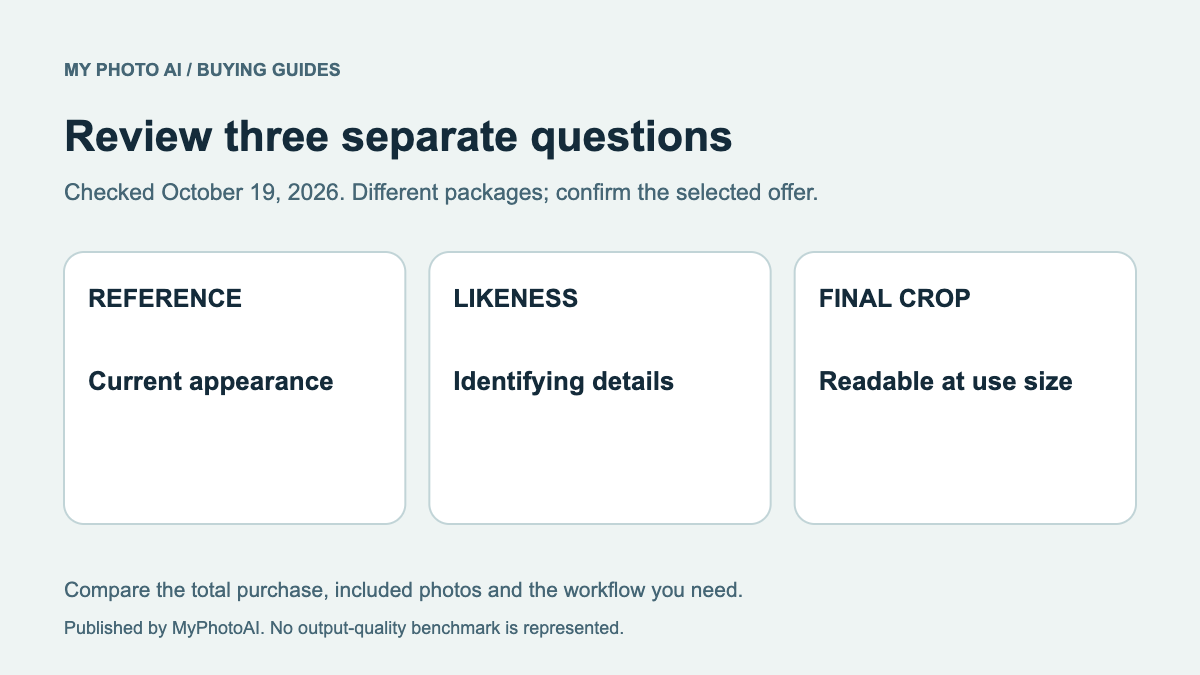
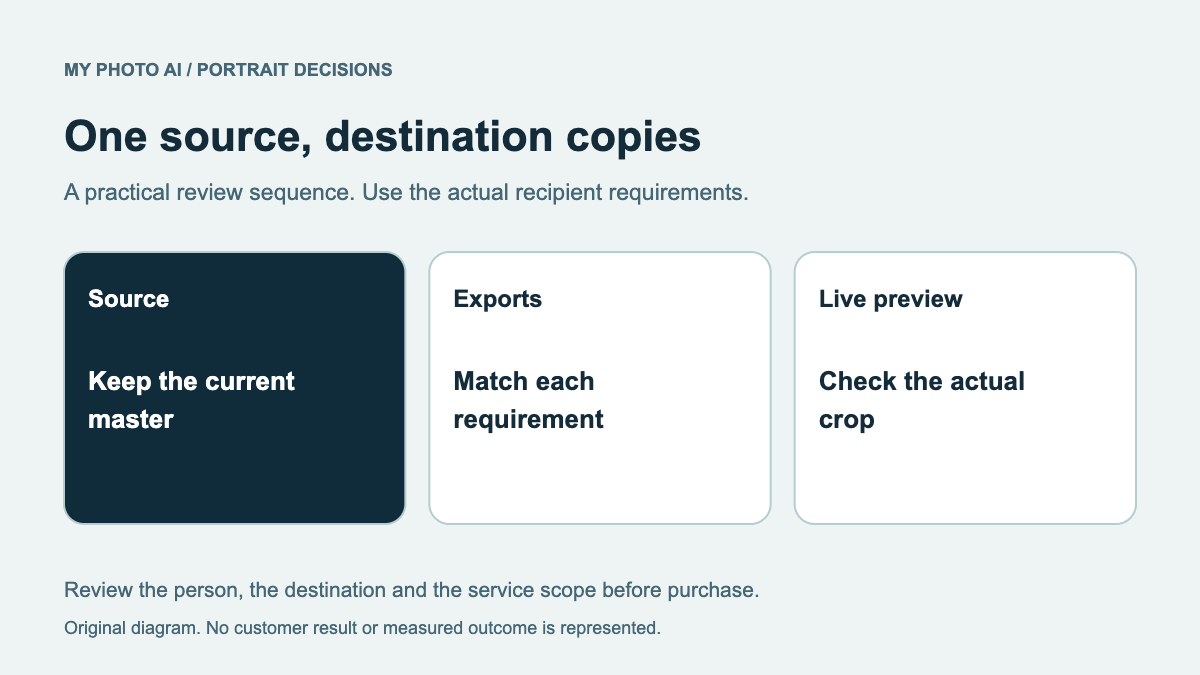
Start with a suitable current photograph. Test its crop before paying for a new portrait. If it cannot meet the requirements, use those requirements to brief the replacement rather than buying around a generic professional-photo label.
This guide reviews Upwork's published instructions checked October 19, 2026. It does not report a completed account upload or claim that Upwork approves a particular AI service.
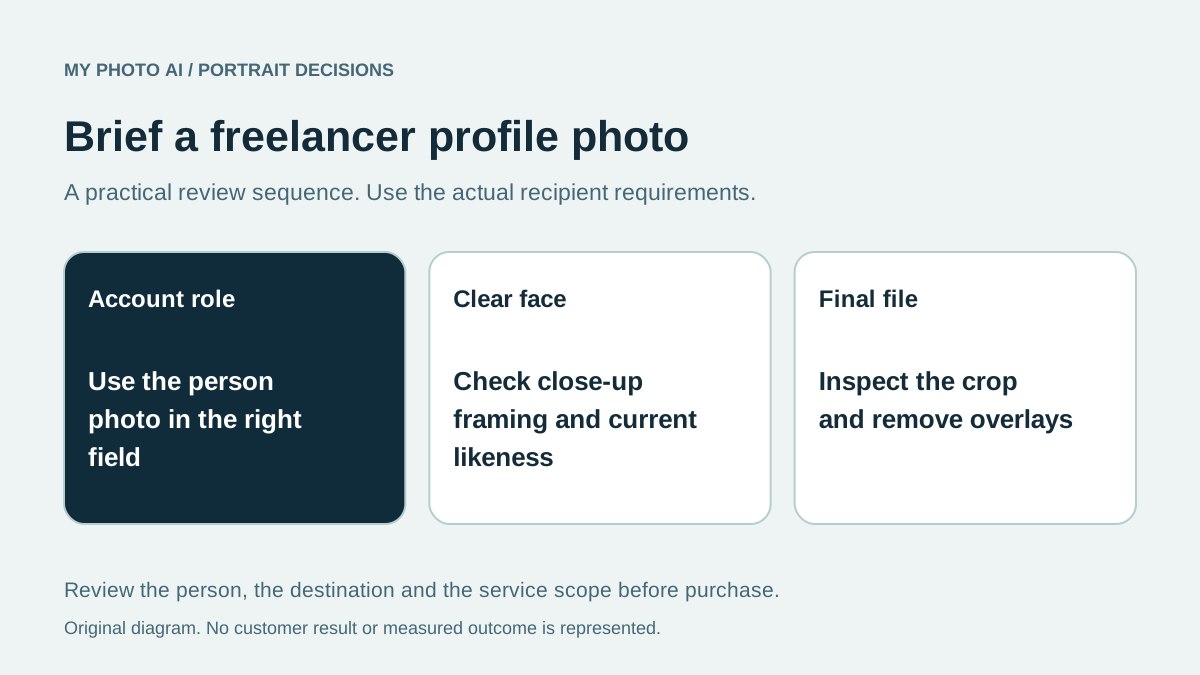
Check the account role first
Upwork distinguishes freelancer and client profile pictures. Its guidance permits a client to use the client's company logo, while a freelancer's profile picture needs to show the person.1 Do not transfer the logo option from one role to the other.
A personal headshot purchase cannot fix a misunderstanding about which account field is being edited. Confirm the role and field before commissioning any artwork or portrait.
Turn the rules into a buying brief
| Check from Upwork's guidance | What to inspect in an existing image | What to ask of a replacement |
|---|---|---|
| Close-up head and shoulders | Does the crop leave the face clear? | A composition with enough room for the intended profile crop |
| Face visible and looking toward the camera | Is the face distant, turned away or obscured? | A suitable current view without relying on a dramatic side pose |
| No text or watermark | Are labels or marks embedded in the image? | A permitted final file without those overlays |
| No visual effects that make the face unclear | Is a filter hiding recognizable details? | A candidate that can be inspected clearly |
Upwork also identifies other unsuitable content, including barcodes or QR codes and freelancer logos.1 Use its full current checklist before upload. A visually polished picture can still fail the intended use if it includes an impermissible overlay.
Do not turn silence about AI into approval
The cited picture guide does not establish blanket approval or a blanket ban for every generated portrait. Follow the current platform rules and any account-specific request. Do not assume that buying from a headshot provider completes identity verification.
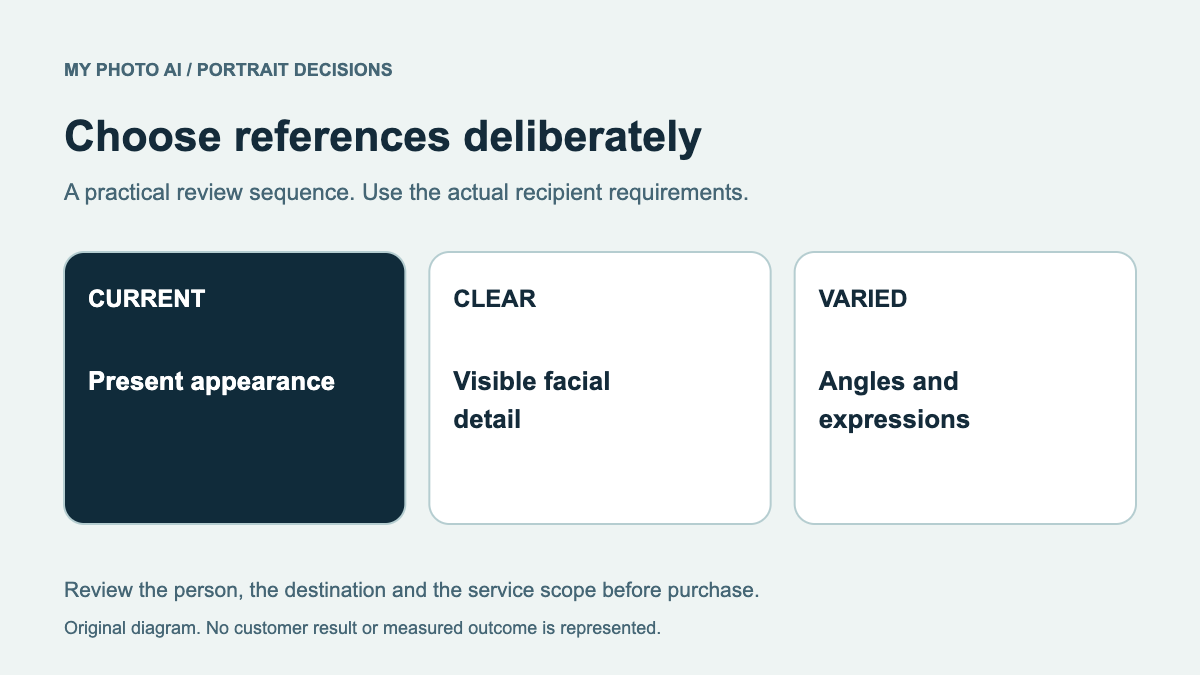
Inspect the selected candidate against a recent photograph of yourself. Check eyes, nose, jaw, hair and glasses before comparing background and clothing. Our likeness review helps make that review repeatable. A small display can hide an error that appears clearly in the full file.
If the only issue is framing, try a crop of the original first. If the file is old, unclear or does not show your current appearance, taking a new straightforward photograph may be the simplest next step. The input-photo guide explains why poor reference material is not fixed simply by ordering more outputs.
Compare the cost only after the brief is clear
An existing usable photograph has no new portrait purchase cost. A photographed session offers direct capture of your actual expression and clothing. An AI shoot supplies candidates you must review, with an allowance and payment timing that depend on the provider.
MyPhotoAI's current US offer has Starter at US$5 for 3 HD photos, Plus at US$10 for 10, and Everything at US$10 for all photos from one shoot.2 Personalized generation starts after payment. There is no subscription in this offer, and a later shoot requires another purchase. We do not promise Upwork acceptance or account-verification success.
Leave time to inspect the actual saved file. Generation can take over an hour, so a currently usable photograph is a useful fallback for an urgent profile update.
Download the Upwork photo brief. Decide whether you need a new portrait only after the role, crop, visibility and overlay checks are complete.
Sources
- 1How to choose a good profile pictureUpwork
- 2MyPhotoAI pricingMyPhotoAI