YouTube Profile Picture Maker: Built for the 24px Circle
A YouTube profile picture maker here means training a personal AI model on your own selfies and generating a new portrait, not applying a YouTube-branded template. There's no dedicated YouTube look; you pick from the headshots category's studio and office styles, then crop the square yourself for your channel icon.
Preview every look free and watermarked; pay once, only for the one crop you'll actually use.


What you get
- Trains a personal AI model on 5 to 15 of your own uploaded selfies, then generates new portraits carrying your face across every look, rather than compositing a YouTube-branded frame or badge onto your existing photo
- Draws from the headshots category's full range, 48 studio, office, and close-up looks, any of which works as a square channel icon once you crop it, since no dedicated per-platform YouTube look exists
- Generates every look as a free, watermarked preview first, so you can judge whether a face still reads clearly at a small size before paying to unlock anything
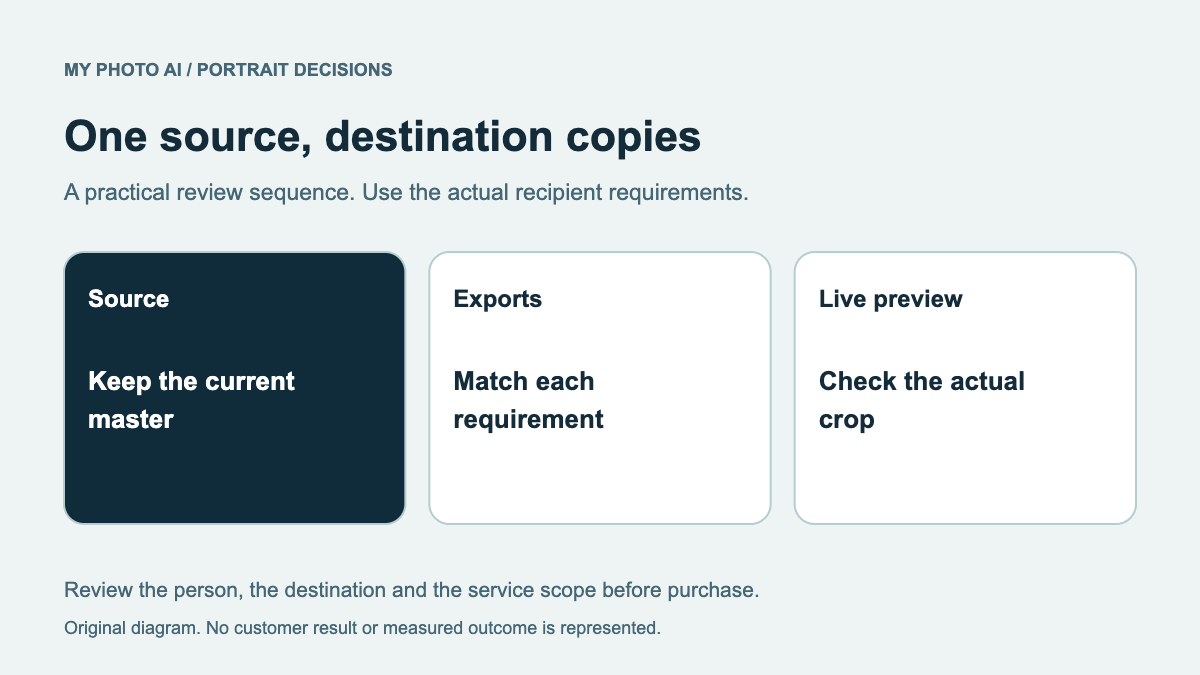
- Unlocked downloads include a Brand Kit zip with a pre-cut square file (built for Instagram, and a channel icon takes the same 1:1 shape), so the crop is already done for you
What a channel icon actually has to survive
A YouTube avatar shows up in more places, at more sizes, than almost any other profile photo you own. It sits at roughly 24px next to every comment and reply you post, larger in subscription lists and the home feed, and larger still on your channel's About tab and the corner of your banner. Across that whole range, the job never changes: let someone recognize you in a fraction of a second, without reading your name.
- 24 to 88px: the sizes most viewers actually see, where fine detail has already collapsed into a colored shape with a rough outline
- Banner corner and About tab: the few spots where the same image is shown large enough that detail briefly matters again
- Search results and channel lists: where your icon competes for attention against dozens of others stacked in the same row
None of that asks for a flattering photo. It asks for a shape and a contrast pattern that survives every one of those sizes without turning into mush.
One face across the avatar, the banner, and the watermark
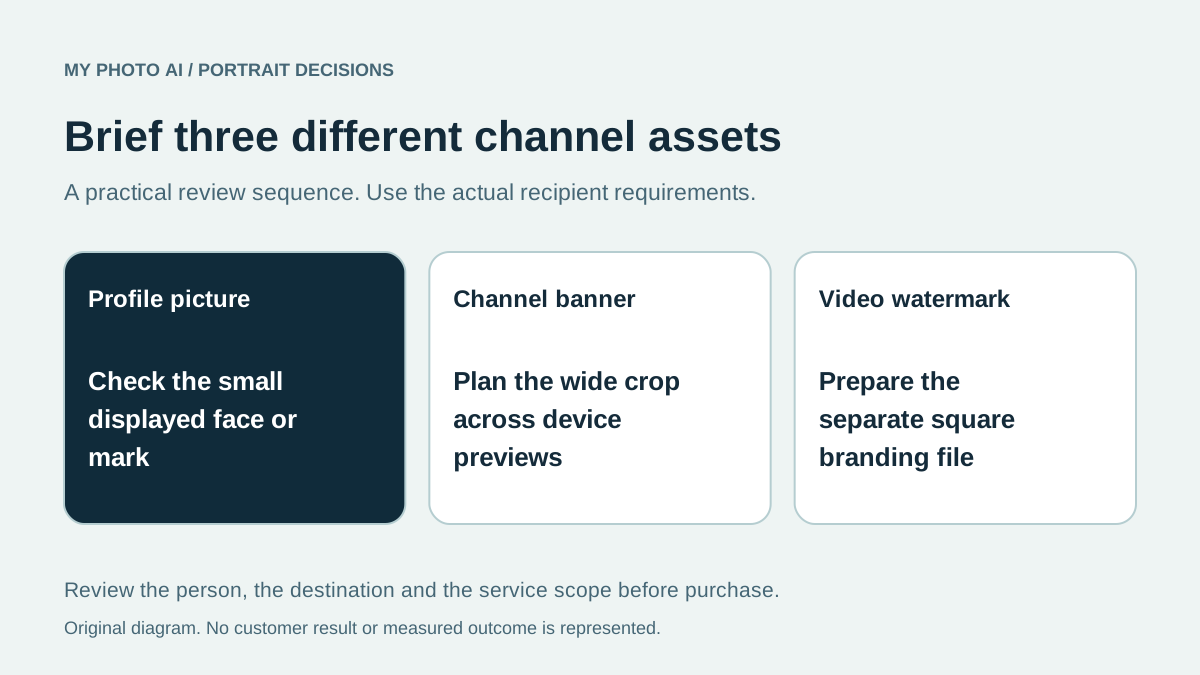
A channel icon rarely works alone. Most creators reuse the same face, sometimes the same crop, across the round avatar, a corner of the banner image, and the small watermark that appears in the bottom right of every video during the subscribe prompt. Swap the photo every few months and the one thing that made any of it recognizable breaks with it: a subscriber's ability to glance at a thumbnail and know it is your channel before reading a word of the title.
That argues for picking one look and staying with it for a long stretch, not for rotating through whichever portrait looks best this month. A look you would still be comfortable using two years from now beats one that looks marginally better today but that you will want to replace by spring.
Where a generated portrait actually helps, and where it stops
There is no YouTube-specific look sitting in this product's style list, the way there is a LinkedIn-branded headshot look for that platform. What exists instead is the headshots category: 48 studio, office, and close-up looks generated from your own uploaded selfies, any one of which is a legitimate square channel icon once it exists. Starting the tool from this page drops you straight into that category, not into a YouTube-branded picker that does not exist.
What it will not do is add text, a subscribe button, a play-button badge, or any other YouTube chrome onto the photo for you. It generates the portrait; cropping it to the roughly 800x800 square YouTube asks for at upload, and adding any graphic overlay, is still a step you handle yourself afterward.
And if 48 options sounds like a real decision, it mostly isn't. Cut every look you would hesitate to still be using two years from now, then cut every look that needs full size to work, and the one left standing is your icon.
A channel icon is not asked to be a good photo. It is asked to survive being shrunk to a roughly 24-pixel circle next to a comment, a larger one in subscription lists and the home feed, and a bigger one again on the About tab and banner corner, then to still read as the same face a subscriber half-remembers from six months ago. YouTube's low end is unusually brutal: 24px is smaller than most platforms ever shrink an avatar to. Detail dies first at that size; eyebrows, jaw texture, and background clutter blur into noise before the crop even gets resized again for a phone notification. What survives is contrast, how sharply the face separates from whatever sits behind it. Pick your look on that separation alone; most of what else this tool can generate has already stopped being visible at 24px. A photorealistic portrait with a plain, evenly lit background and a face pointed straight at the camera holds its shape at 24px in a way a busy, softly lit one never will, no matter how good either one looks at full size.
FAQ
Autocomplete offers both "free youtube profile picture maker" and "free profile picture maker for youtube". What is actually free here?
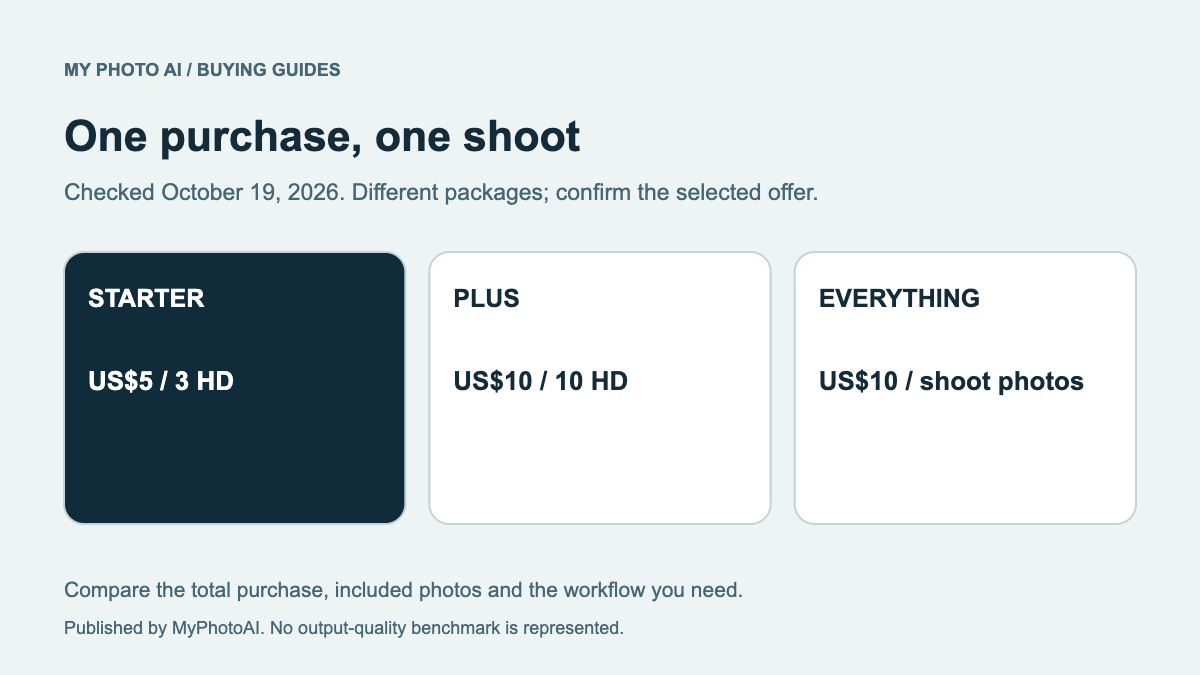
Two phrasings, one honest answer: generating and previewing every headshot-category look is free and watermarked, so you can judge whether the face still reads at icon size before spending anything. The paid step is the file you would actually upload: removing the watermark and getting the full resolution costs $15 for a 5-photo pack, $35 for 20, or $65 for 50, each a single one-time payment rather than a subscription. Most people only unlock the one photo they end up using as the icon.
Are "profile picture maker youtube", "profile picture youtube maker", and "youtuber profile picture maker" different tools?
No. Those are word-order shuffles of the same search, all pointing at the same want, so this page answers every version of it at once. Whichever phrasing you typed, what sits behind it here is one tool: a portrait generator that trains on your own selfies and outputs a photo you crop square for a channel icon, not three differently named products.
Is this an official YouTube tool, or connected to my channel somehow?
Neither. It is not a YouTube product and does not connect to your channel or Google account at all. It is a general portrait generator: you upload your own selfies, generate a look from the headshots category, download the square crop, and upload that file into YouTube's channel settings yourself, the same way you would upload any other photo.
Do I need studio-quality photos to start, or do ordinary selfies work?
Ordinary phone selfies work. The model trains on 5 to 15 of your own uploaded photos, mixing angles and lighting rather than needing one perfect shot, and produces a new studio-lit portrait rather than editing whichever selfie you liked most. Whatever background or lighting shows up in the photos you upload does not carry into the result, since nothing about the original photo survives into the generated one.
Can one generated look cover the icon, the banner corner, and the video watermark?
Not automatically; there is no single click that applies one look everywhere at once. What you can do is generate a set from the same headshots look, then crop different pieces of that same set for the round icon, the banner corner, and the watermark yourself, so the face stays visually consistent even though each spot needs a different crop shape.
How is this different from running my photo through an editor?
An editor adjusts the photo you already have; this generates new ones. A photo editor keeps your original background, pose, and framing and pushes pixels around inside them; this trains a personal model on your face and produces entirely new portraits in whichever headshots look you pick, which is why the result does not look like a filtered version of your selfie.