Do not keep re-uploading the same file. First decide whether the blur is in the source, the crop, the connection or only the temporary preview. Then change one variable and retest. That is faster than cycling through random export settings.
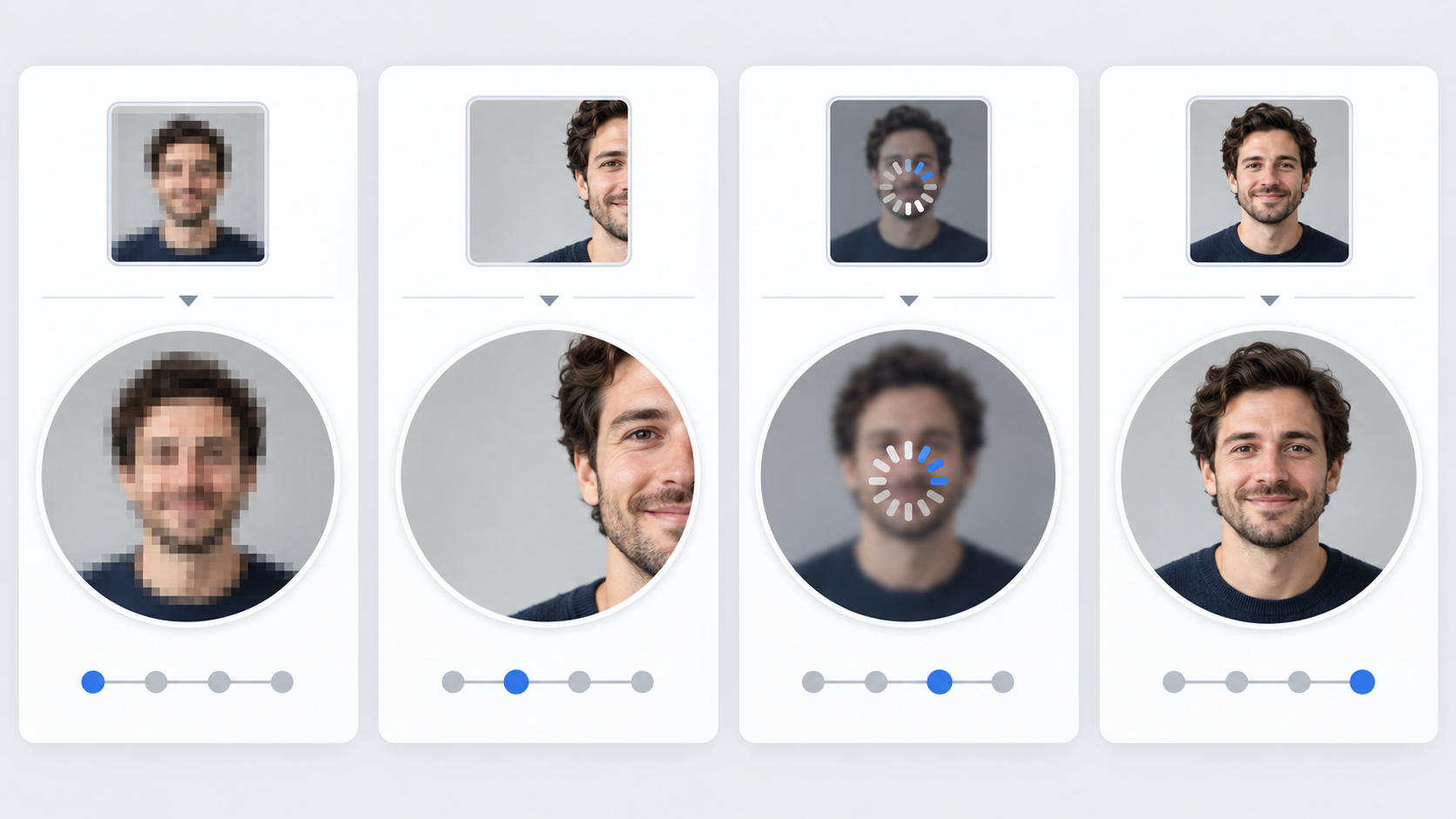
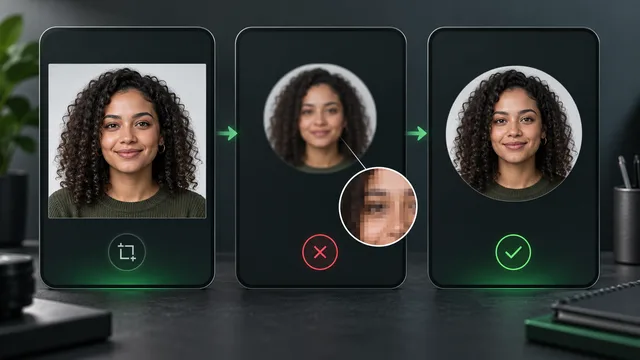
The upload matrix isolates four different failure states while keeping the portrait itself consistent.
Name the symptom
Open the original file outside Facebook and compare it with the live profile picture.
| Symptom | Likely cause | First test |
|---|---|---|
| Original is soft before upload | Focus, motion or an old copy | Return to the camera original |
| Result is blocky | Source is too small or repeatedly compressed | Export a fresh square from the original |
| Face is cut off | Crop placement | Reposition with more safe space |
| Preview is blurry with a spinner | Connection or processing delay | Wait, refresh and retest on stable Wi-Fi |
| Large view looks fine but comments look unclear | Subject is too small for the thumbnail | Crop tighter around the face |
That diagnosis determines what to fix. Sharpening a tiny screenshot will not solve a source problem, and resizing a sharp file will not solve a poor crop.
Test 1: inspect the source at full size
Zoom to the eyes, hair edges and clothing texture. If those details are already soft, use a different photograph. Look for:
- motion blur from a slow shutter;
- missed focus;
- a screenshot instead of the original;
- a copy downloaded from a message or website;
- heavy noise reduction that smears detail;
- repeated JPEG exports.
Start again from the highest-quality local file. Keep that original untouched and make a duplicate for the profile crop.
Test 2: prepare a square with enough pixels
Facebook's profile-photo guidance says the source should be at least 320 by 320 pixels for best quality.1
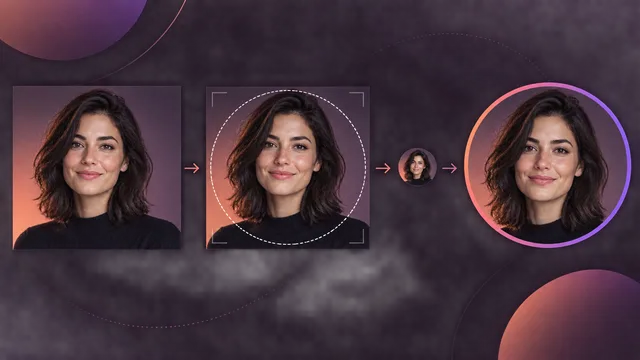
Use a clean square comfortably above that floor. Center the face and leave modest space around the hair and chin so the circular display does not feel cramped. A larger source cannot repair missed focus, but it prevents the platform from having to enlarge a tiny file.
For a logo, simplify before uploading. Thin lettering, delicate outlines and corner details may disappear in the small circular version.
Test 3: check the thumbnail, not only the crop screen
Facebook explains that a profile photo also appears as a small thumbnail beside your name in posts and comments.2
That tiny use is the real stress test. Shrink your prepared square until the face is about the size it will appear beside a comment. If you cannot recognize it immediately, crop tighter or choose an image with clearer face-to-background separation.
MyPhotoAI's Facebook profile-picture page can help you explore a different direction. The broader profile picture maker is useful when you need a clean square source for several platforms.
Test 4: upload on a stable connection
Facebook's photo-upload guidance says uploads are optimized for visual quality and that network conditions can still affect the result.3
Before repeating the upload:
- Save the prepared square locally.
- Confirm it opens sharply from the device.
- Connect to stable Wi-Fi or a strong mobile signal.
- Update the Facebook app if an update is available.
- Upload once and allow the profile to finish processing.
- Close and reopen the profile before judging another copy.
Do not change the source, crop and network at the same time. You want to know which variable fixed the result.
Test 5: compare app and browser paths
If the same prepared file stays blurry in one route, try the other official route available to you, such as the current app or desktop website. This is a diagnostic, not a secret quality hack.
Keep the source file identical. If one route consistently produces a clearer final profile image, use that route and note the app or browser version. Interface labels change, so record the date of your test rather than presenting a temporary menu path as permanent.
A four-file upload matrix
Create these versions from one original:
File A: current file
Your baseline. Do not modify it.
File B: fresh square
Export a new square from the original, comfortably above the minimum dimensions.
File C: tighter crop
Use the same export settings as B, but make the face larger inside the circle.
File D: alternate format
If you started with a photograph in PNG, try a fresh high-quality JPEG. For a flat logo, a clean PNG may preserve edges better.
Upload B first. Use C only if the issue is readability at small size. Use D only if B remains unexpectedly soft. This order keeps the test understandable.
Common causes that look like compression
The portrait is too dark
Dark hair against a dark wall can merge at thumbnail size. That may feel blurry even when edges are technically sharp. Choose a lighter or more separated background.
The crop is too wide
A full-body or environmental photograph may look excellent as a post and unclear as a profile image. Use a dedicated head-and-shoulders crop.
The preview is temporary
Some views can show an intermediate or cached version. Check the profile after a short wait and from one other device before producing another file.
The source was downloaded from Facebook
That copy has already passed through platform processing. Return to the camera original or a clean master export.
What not to do
- Do not upload a screenshot of the blurry avatar.
- Do not repeatedly sharpen the same compressed file.
- Do not put important details in the square corners.
- Do not judge only from the large crop editor.
- Do not run ten variations without naming them.
- Do not assume a missing picture is an image-quality problem.
If you need a better source portrait
Use soft frontal light, clean the lens, focus on the nearer eye and keep the camera steady. A simple head-and-shoulders frame survives the thumbnail better than a distant subject in a busy scene. The professional headshot guide covers that setup in more depth, and the business headshot page offers a more formal direction.
Final retest checklist
- Original inspected at full size.
- Fresh square exported from the master file.
- At least 320 by 320 pixels, with room to crop.
- Face or logo recognizable at tiny size.
- Stable connection used for upload.
- App or browser refreshed after processing.
- Final result checked in the profile and beside a comment.
- Only one variable changed between tests.
Once the source, crop and upload path are controlled, the remaining platform processing becomes much easier to judge honestly.