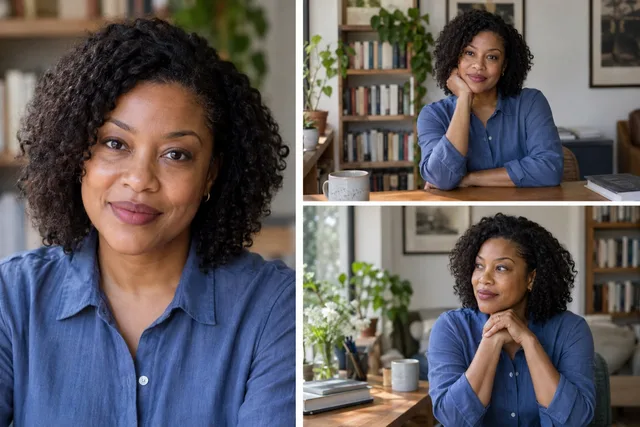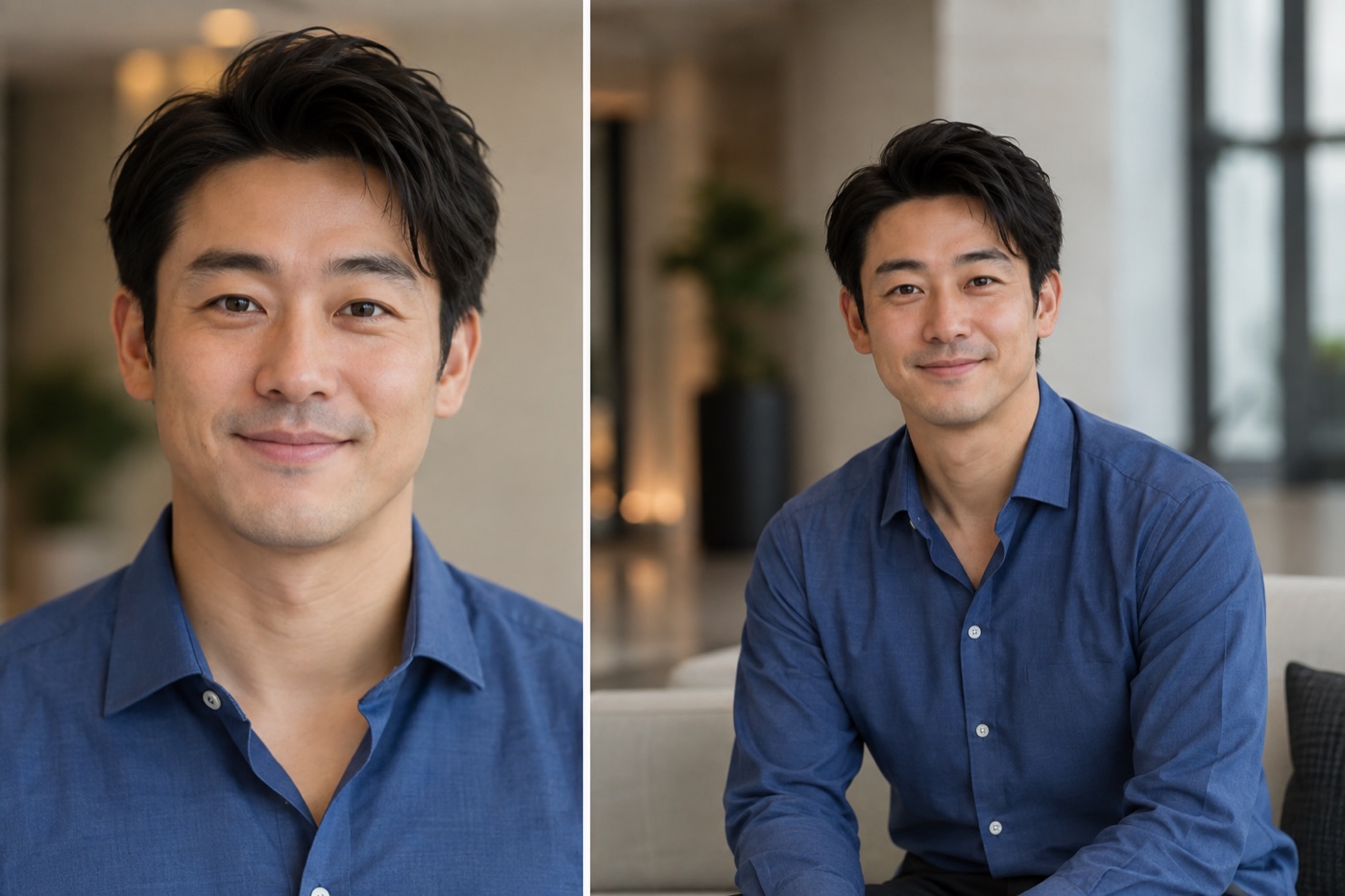
An event organizer emails for your headshot. You send the profile photo that looks excellent as a circle. A week later it appears in a wide program card with your chin nearly cut off. The issue was not your face. The file gave the designer nowhere to crop.
Send a speaker-photo pair: a clear vertical head-and-shoulders portrait and a slightly wider version with room on every side. Include your preferred credit and ask for the event's actual file instructions. The illustration above shows why both crops are useful.
Build a tiny speaker packet
Put two photos in one folder with unambiguous filenames. Add a short and a longer bio in a text file. If you have a photo credit requirement, write it beside the file, not only in an email chain. Do not place your name or talk title inside the image; the organizer may need to put it in different layouts.
| Asset | Why the organizer needs it |
|---|---|
| Tight portrait | Small agenda cards and speaker lists |
| Wider portrait | Website hero, social tile and press crop |
| Credit and usage note | Correct attribution and fewer follow-up emails |
| Current bio | Keeps the photo and introduction paired |
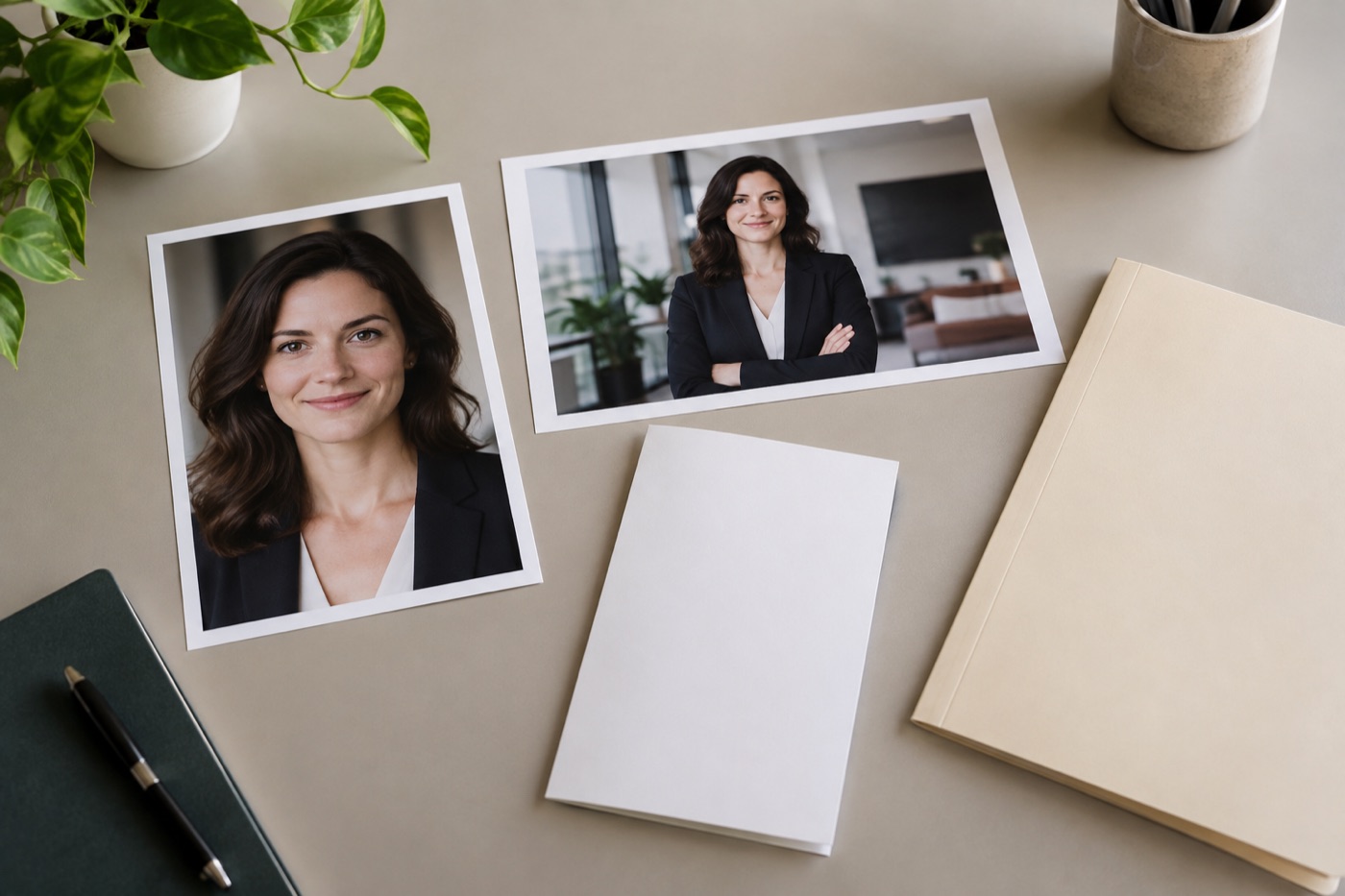
Illustration: the tight image suits a list; the wider frame leaves options for event layouts.
The exact size is event-specific. Some organizers request a square, others a portrait or horizontal file. The right response is to ask, then export from a high-quality original. Penguin Random House's author-photo guidance is useful here too: one official portrait often gets reused across appearances, so keeping multiple crops from the same session avoids last-minute quality loss. 1
A 2026 SHRM speaker proposal packet asks for a separate JPG or PNG speaker photograph for promotional use. 2 That is one organizer's requirement, not a universal format rule.
Check the photo where attendees will see it
Shrink the tight option to a small card on your phone. Can you still tell who it is? Does the background compete with the face? For a panel with several speakers, a very dramatic, heavily retouched portrait may look out of place next to the others. A simple, recognizable photo is easier for an organizer to place.
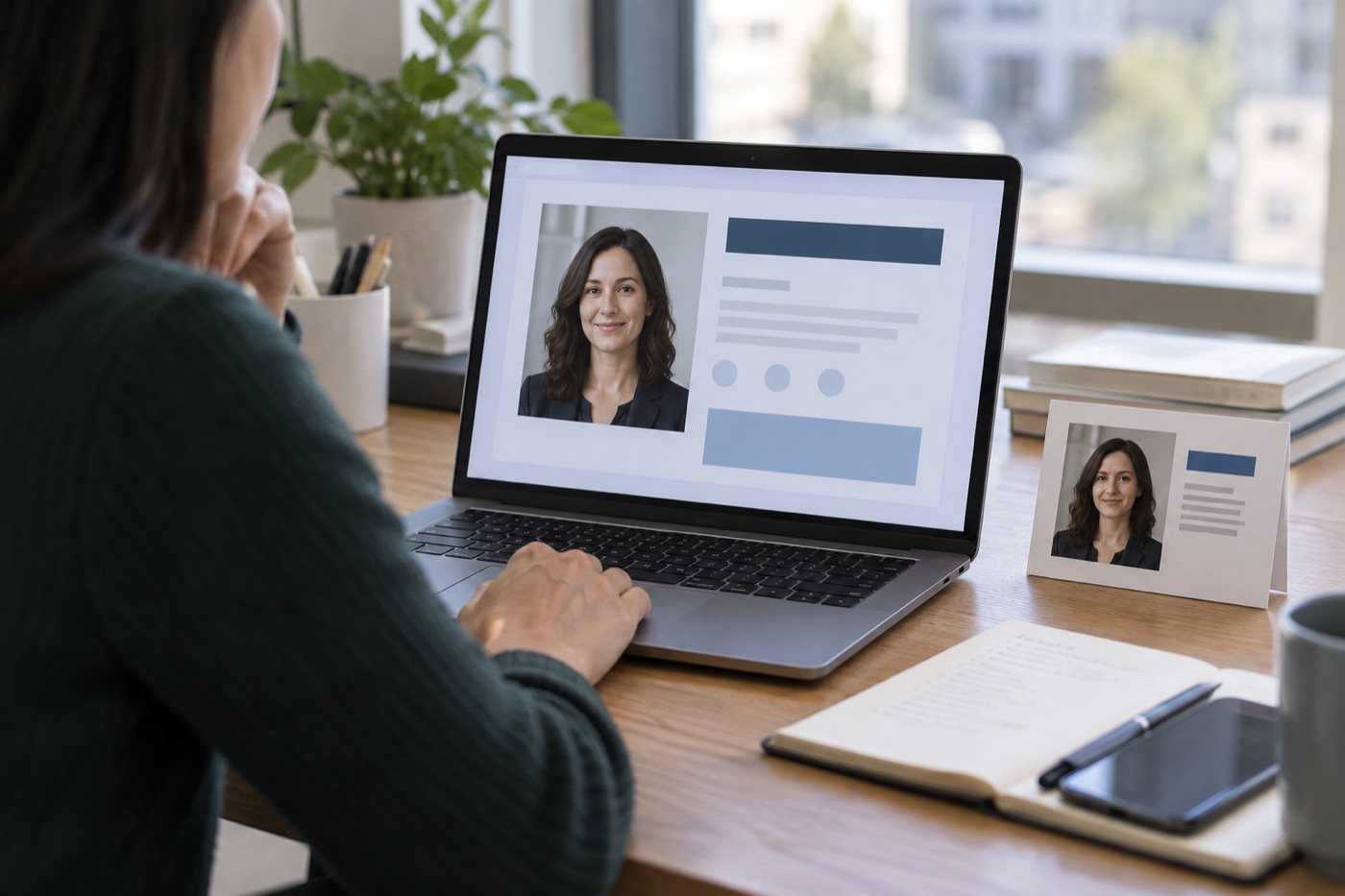
Illustration: the same face needs to work on an event page and in a small program crop.
If you are choosing an expression or setting before the shoot, browse speaker headshot ideas. This guide is for the handoff after the shot is made.
The headshot dimensions guide helps when an organizer's brief mixes crop ratios with print-resolution language.
Send tonight: two crops, one original, your photo credit, and a bio. Ask for the event's exact specs before treating any dimensions as final.