
We reduced six MyPhotoAI portrait examples to 96 and 64 pixels square. One office portrait looked spacious at full size but left little room for the face in a profile icon. We made a second crop from the same image to see what changed. These are illustrative product images, with no identified customers or job claims behind them.
The quick result
At 96 pixels, the faces in the studio portraits took up more of the frame than the face in the wider office portrait. A closer crop of the office image made its face easier to inspect. If you want the room visible on a website biography, keep that version and export a separate profile crop.

In our September 25 crop check, we compared a full 1024 by 1024 pixel source with a 520 by 520 pixel crop starting 290 pixels from the left and 165 from the top. We also compared both at 96 by 96 pixels. The panels were made from the source image, without uploading it to LinkedIn.
Three useful LinkedIn photo examples
A quiet studio frame
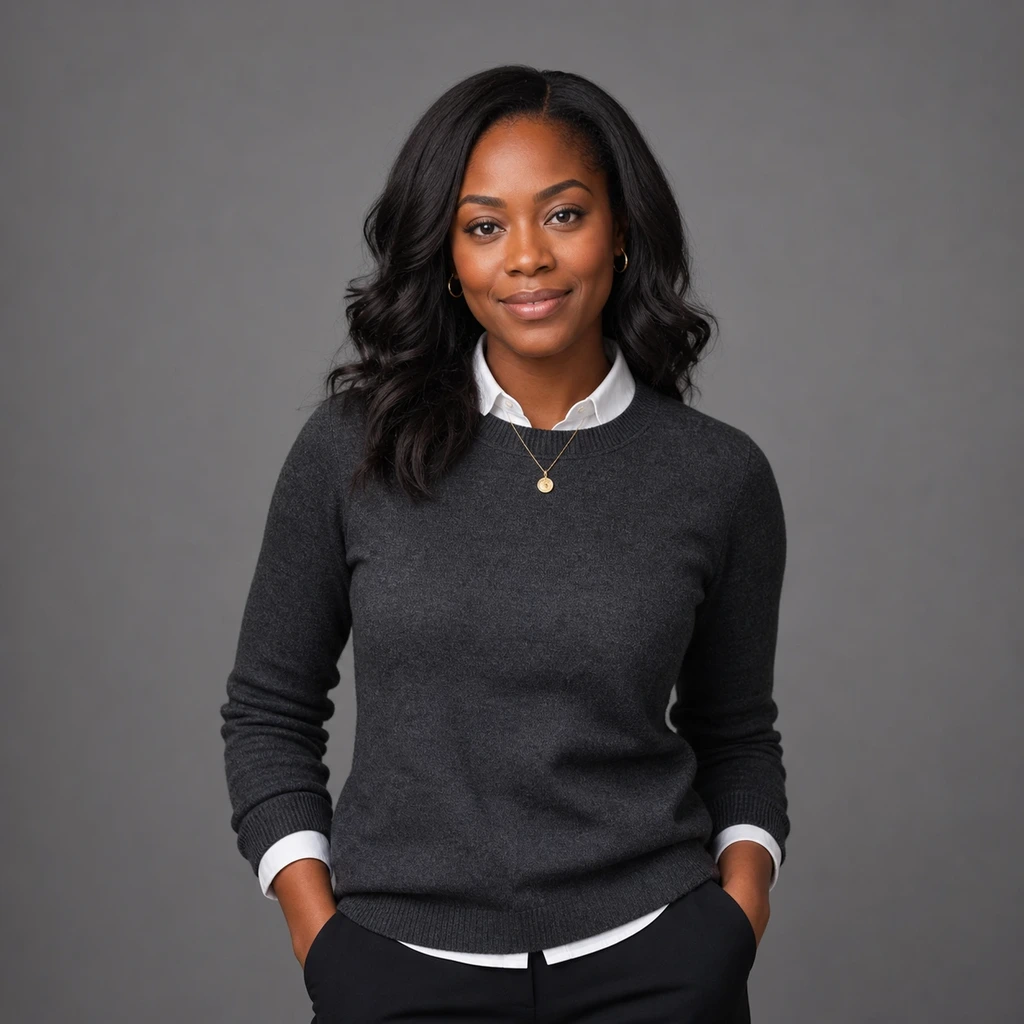
The face sits near the middle with little behind it. The white collar breaks up the dark sweater near the neck. In your final profile preview, check whether the shoulders keep a clear outline inside the circle.
A light background and dark clothing
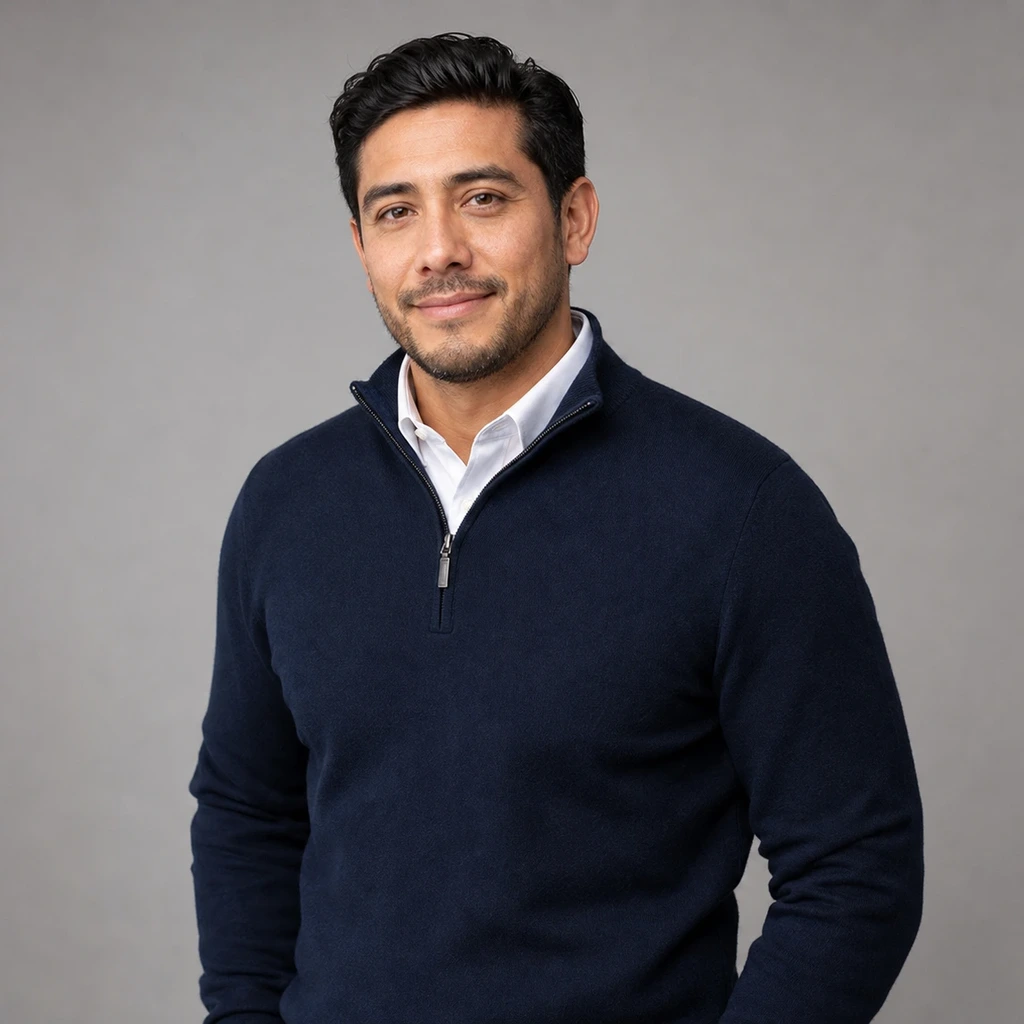
The light wall separates the navy clothing from the frame. This may fit if a quarter zip reflects how you dress for work. Check the collar, hair, and headroom in the final crop.
A wider office portrait

The room gives this photo context on a full page. In our 96 and 64 pixel previews, it also took up more space around the face than the studio settings did. The closer crop above keeps part of the office while giving the face more of the square.
What LinkedIn currently requires
LinkedIn says a profile image must reflect your likeness, even if you use an artistic rendering. Its upload help page lists a maximum file size of 8 MB, PNG or JPG format, and pixel dimensions from 400 by 400 up to 7680 by 4320. LinkedIn also recommends an image that will not need much cropping because you can adjust the photo after upload.1
A 1024 by 1024 source meets LinkedIn's stated minimum. Check the final crop and visible face after upload. Our headshot dimensions guide explains the difference between pixels, print size, and shape.
Try the same check on your photo
- Open your proposed image at full size. Confirm that it still looks like you and that no generated feature or role cue is false.
- Make a square copy. Keep the original file untouched.
- Preview the square at 96 by 96 and 64 by 64 pixels. Check the eyes, expression, and edge of the hair against the background.
- If the face looks small, make a second crop from the same source. Compare the two at the same preview size.
- Upload the version you prefer, inspect LinkedIn's own preview, and adjust there if the circular display cuts anything important.
Compare the finished image with a current photo of yourself to check likeness. Our crop test did not measure how other people would interpret the portrait. For more wardrobe ideas, see our business casual headshots guide.




 Profile Picture: Real Specs, Nitro Limits, and the 128px Display Size](https://myphotoai-images.duaranet.com/pseo/ai-discord-profile-picture-generator/ai-discord-profile-picture-generator-1.webp)